
Best OpenClaw Hosting Service in 2026 | OpenClawHQ
Best OpenClaw Hosting Service in 2026: Managed vs. VPS Compared
Finding the best OpenClaw hosting service means choosing between two fundamentally different models — and picking the wrong one costs you either money or months of your team's time. OpenClaw gives you an autonomous AI agent inside your messaging apps, but where you run it changes everything about cost, control, and complexity.
Key Takeaways
- OpenClaw offers two hosting models: fully managed cloud services (lower upfront effort, ongoing costs) and self-hosted VPS options (higher control, infrastructure responsibility)
- Managed hosting is ideal for teams prioritizing speed-to-deployment and support; self-hosted VPS is better for those needing maximum customization and cost control at scale
- Key evaluation criteria include uptime SLA guarantees, token pricing model (flat vs. variable), dedicated instance isolation, and whether LLM access is included
- Budget-conscious teams should model 3-year TCO — upfront savings of self-hosting often reverse after accounting for DevOps time and token fees at scale
- Migration between hosting services is possible but carries operational risk; choose based on your 12-month roadmap, not just today's needs
Contents
- What Is the Best OpenClaw Hosting Service for Your Team?
- How Do Managed vs. Self-Hosted OpenClaw Compare?
- Which OpenClaw Hosting Option Is Most Cost-Effective?
- What Features Should You Look For in an OpenClaw Hosting Service?
- What's the Difference Between Shared and Dedicated OpenClaw Hosting?
- How Do I Choose the Best OpenClaw Hosting Service?
- How to Get Started with Your Hosting Selection
- Can I Switch OpenClaw Hosting Services Later?
- Frequently Asked Questions
 The hosting model you choose for OpenClaw determines your setup time, ongoing costs, and maintenance burden for the long run.
What Is the Best OpenClaw Hosting Service for Your Team?
The best OpenClaw hosting service depends entirely on your team's technical capacity and billing preference. Fully managed services give non-technical teams a running instance in minutes for a flat monthly fee. VPS providers like Hostinger or DigitalOcean cost less per month but require Node.js setup, daemon management, and your own LLM API keys.
There is no universally "best" option. The right choice maps to three variables: how much DevOps time your team can spare, whether you need predictable or variable billing, and how quickly you need to be operational.
If you're still evaluating what OpenClaw actually does before committing to a hosting model — start there. The hosting decision only matters once you're sold on the platform.
The Two Hosting Categories
Every OpenClaw hosting option falls into one of two buckets:
- Fully managed hosting — the vendor runs everything. You get a configured, running instance without touching a server or command line. Examples: OpenClawHQ, KiloClaw, MyClaw.
- Self-hosted VPS — you rent a server and install OpenClaw yourself. Full control, but you own the maintenance. Examples: Hostinger, DigitalOcean, Contabo.
Most top search results only review VPS providers — which creates a real gap for non-technical teams who need a managed solution that just works.
How Do Managed vs. Self-Hosted OpenClaw Compare?
Managed OpenClaw hosting means zero setup friction: the vendor configures Node.js, messaging channel authentication, process monitoring, and LLM access. Self-hosted VPS gives you full server control and lower base fees — but requires technical expertise to configure channels, manage the OpenClaw daemon, and handle ongoing updates independently.
Here's the structural breakdown:
| Factor | Managed Hosting | Self-Hosted VPS |
|---|---|---|
| Setup time | 3–7 minutes | 30–120+ minutes |
| Technical skill required | None | Intermediate–Advanced |
| Node.js configuration | Vendor-handled | Manual |
| LLM API keys | Usually included | BYOK (bring your own) |
| Monthly cost | $45–$49/mo flat | $4–$15/mo + API costs |
| Uptime responsibility | Vendor | You |
| Custom configurations | Limited | Full control |
| Best for | Non-technical teams, fast deployment | Developers, cost optimization at scale |
Key insight: The "cheaper" self-hosted option often isn't cheaper at all. Once you factor in token costs and DevOps hours, managed hosting breaks even — or wins — at 6–12 months of active business usage.
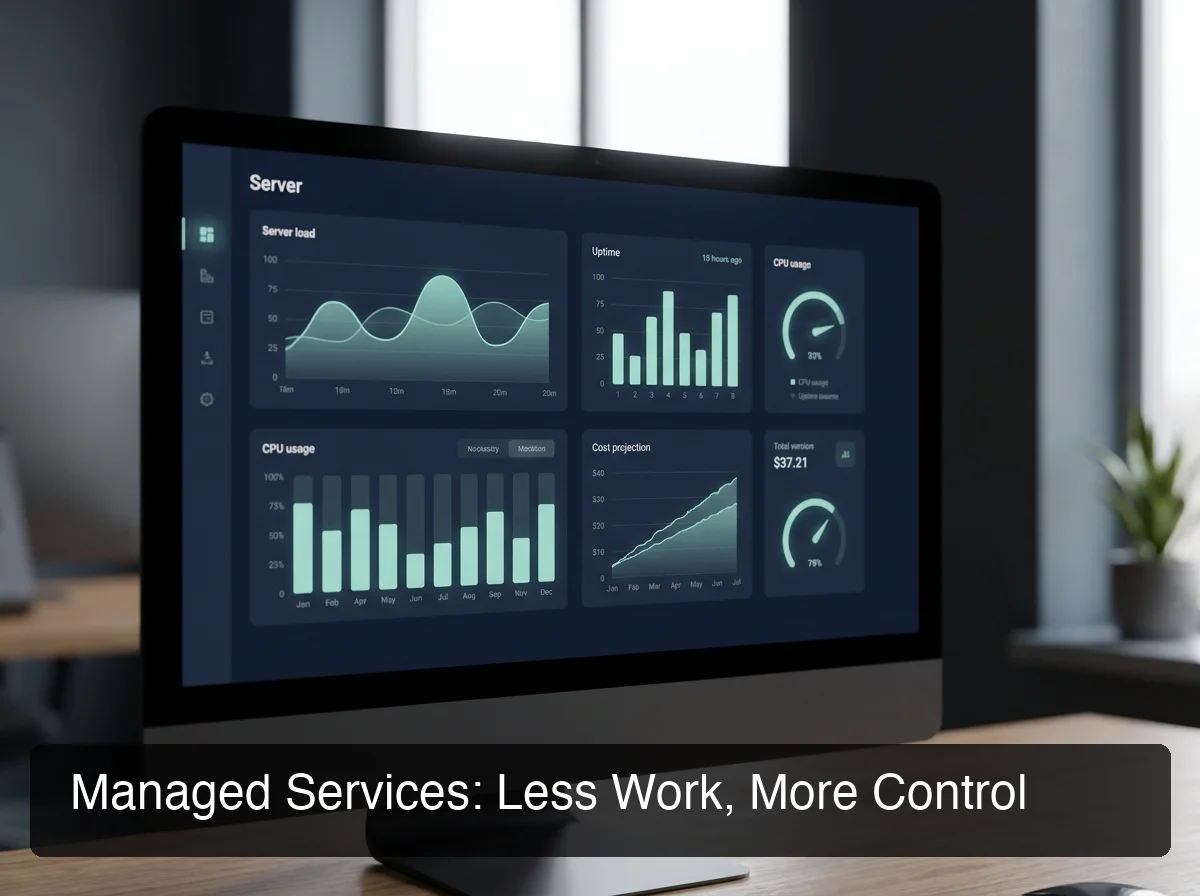 Managed services absorb the infrastructure complexity that stops most non-technical teams from ever getting OpenClaw operational.
Which OpenClaw Hosting Option Is Most Cost-Effective?
For active teams using OpenClaw daily, managed flat-rate pricing beats VPS + token fees at the 3-year TCO mark. For light personal use, a $4–$9/month VPS with BYOK can stay cheaper — but only if you're technically capable of maintaining it and your usage stays low.
Here's how the major best openclaw hosting service options compare on real monthly cost:
| Service | Hosting Fee | Token Fee | Typical Monthly Total |
|---|---|---|---|
| KiloClaw | $9/mo | Variable (Kilo Gateway) | $9–$30+ depending on usage |
| xCloud / MyClaw | $16/mo | BYOK (your OpenAI/Anthropic bill) | $16 + your full API costs |
| Blink Claw | $45/mo | Included but usage-capped | $45 for limited usage |
| Hostinger VPS | $3.99–$9.99/mo | BYOK | VPS fee + full API bills + your setup time |
| OpenClawHQ | $49/mo flat | Included, unlimited | $49 always |
For a complete breakdown of how these costs compound over 12 and 36 months, see the OpenClaw pricing comparison guide — it models the total cost of ownership for every major option.
Why Token Fees Matter More Than the Base Price
Most VPS and BYOK services advertise their base hosting fee prominently — $9, $16, or even $4.99/month. But the hosting fee is only half the real cost.
Every query OpenClaw processes involves an LLM call. For a business using OpenClaw to handle customer messages, automate workflows, or run daily tasks, those token fees compound fast.
By the numbers: An active business sending 500+ AI-assisted messages per month on KiloClaw pays $9 hosting + roughly $25–40 in token fees. That's $34–$49/month unpredictably — identical to OpenClawHQ's flat rate, but with monthly billing anxiety on top.
OpenClawHQ's $49/month flat rate includes unlimited LLM usage. No per-token billing, no API key required, no usage monitoring needed.
What Features Should You Look For in an OpenClaw Hosting Service?
When evaluating OpenClaw hosting services, prioritize five criteria: uptime SLA (99.9% minimum), pricing model transparency (flat vs. token-based), dedicated vs. shared instances, included LLM access, and supported messaging channels. These determine operational reliability and your true monthly cost.
Use this checklist when comparing openclaw hosting options:
- Uptime SLA: Is there a guaranteed uptime commitment? What's the incident response time?
- Dedicated instance: Is your OpenClaw instance isolated from other customers, or on shared infrastructure?
- LLM included: Does the service cover AI inference costs, or do you need your own API keys?
- Messaging channel support: Does the service support your platform — WhatsApp, Telegram, Discord, Slack?
- Non-technical onboarding: Web dashboard setup, or CLI-only? Non-technical users need a visual flow.
- Migration support: Can you export configurations if you switch providers?
Bottom line: Dedicated instance isolation and included LLM inference are the two features that separate truly managed services from "managed VPS" products that still leave significant setup work to you.
What's the Difference Between Shared and Dedicated OpenClaw Hosting?
Shared OpenClaw hosting runs multiple customers' instances on the same server — cheaper, but with resource contention and weaker data isolation. Dedicated hosting gives your instance its own isolated compute environment, separate data storage, and separate messaging credentials. For any business use, dedicated is the only viable option.
Shared hosting risks include:
- A noisy neighbor (another customer's heavy usage) slowing your instance's response times
- Potential data exposure in misconfigured multi-tenant environments
- Inability to customize instance settings without affecting others
OpenClawHQ runs every customer on a dedicated, isolated instance. Your conversations, credentials, and configurations are completely separate from every other customer on the platform. This is the baseline standard for any business-grade OpenClaw service — verify it before signing up with any provider.
How Do I Choose the Best OpenClaw Hosting Service?
Choose based on five questions: How much technical capacity does your team have? How predictable does your billing need to be? How quickly must you be operational? What messaging platform are you connecting? And what's your 12-month usage forecast? The provider that aligns with your honest answers to these five is your best option.
Use this decision matrix:
| If you... | Choose... |
|---|---|
| Need to be running today, non-technical | Managed hosting (OpenClawHQ) |
| Have a DevOps engineer and want full control | Self-hosted VPS (Hostinger, DigitalOcean) |
| Want lowest possible base cost, can handle setup | VPS with BYOK (Contabo, Hostinger) |
| Need predictable billing for business budgets | Flat-rate managed (OpenClawHQ) |
| Run a small business team | Managed hosting — setup time alone kills VPS savings |
| Want to experiment / test OpenClaw first | KiloClaw's $9/mo entry tier |
OpenClaw's hosting flexibility is a real differentiator vs. proprietary AI agent platforms — you can migrate between managed services and self-hosted infrastructure without vendor lock-in. Future detailed hosting platform comparisons will review specific provider performance benchmarks once more data is available.
 Answering these five questions takes five minutes — and it will save you from a painful provider migration six months in.
 For most business teams, the right hosting path becomes obvious once you match it against real team constraints — not hypothetical ones.
How to Get Started with Your Hosting Selection
Once you know your model — managed or VPS — the path is clear. For non-technical teams and businesses, OpenClawHQ is the fastest path to a running OpenClaw instance: sign up at openclawhq.io, choose your messaging channel, complete a 3–7 minute guided setup, and your OpenClaw instance is live.
No server provisioning, no CLI, no API key setup required.
For teams choosing self-hosted VPS, Hostinger's one-click OpenClaw deploy is the smoothest VPS entry point — though you'll still handle channel authentication, daemon management, and LLM costs yourself.
Think 12 Months Ahead
Start with a usage forecast question: will your team's OpenClaw usage grow over the next year?
Teams that start on a $9/month VPS and scale to heavy business usage often end up paying more in total — especially after token fees — than they would have on a flat-rate managed plan from day one. The cost crossover typically happens around month 4–6 of active usage.
Key insight: OpenClawHQ handles daemon restarts, security updates, and channel reconnections automatically — exactly the ongoing maintenance work that most VPS-hosted teams severely underestimate before they start.
If you're evaluating OpenClaw for a specific business context, the OpenClaw for small business guide covers deployment philosophy for teams that can't afford downtime during transitions.
Can I Switch OpenClaw Hosting Services Later?
Yes, you can migrate between OpenClaw hosting services — but it carries real operational risk. Your skill configurations, custom prompts, and messaging channel credentials must be reconfigured from scratch on the new host. There's no portable export format. Budget 1–3 hours for migration and expect a brief service interruption window.
The practical migration path:
- Document your current skill configurations and any custom instructions
- Set up your new hosting environment or managed service account
- Re-authenticate messaging channels (new QR scan for WhatsApp, new bot token for Telegram)
- Reactivate skills on the new instance
- Test thoroughly before switching customer-facing channels over
This migration complexity is exactly why choosing based on a 12-month roadmap matters more than optimizing for today's lowest base price.
Get Started with OpenClawHQ
If you need OpenClaw running for your business without the technical overhead, OpenClawHQ is built specifically for that. One flat price, unlimited usage, private dedicated instance, and a guided setup that takes minutes — not hours.
Not ready yet? Run through the five-question decision matrix above — the right hosting path usually becomes obvious by question three.
Frequently Asked Questions
What is the best managed OpenClaw hosting service? OpenClawHQ is the best managed OpenClaw hosting service for non-technical teams and businesses. It provides a dedicated private OpenClaw instance, fully configured and running in minutes, for $49/month flat with unlimited usage. No server setup, no API keys, no token fees — everything is included and managed entirely for you.
Is OpenClawHQ better than KiloClaw? Both offer managed OpenClaw hosting, but OpenClawHQ has one key difference: flat unlimited pricing. KiloClaw charges $9/month for hosting plus variable inference fees through their token gateway — the more you use, the more you pay. OpenClawHQ charges $49/month flat with no token fees and no usage limits. For active businesses, OpenClawHQ is almost always cheaper and more predictable.
What is the cheapest OpenClaw hosting option? The cheapest base price is Contabo or Hostinger VPS at €4.50–$9.99/month. However, this is self-managed hosting — you configure Node.js, manage the daemon, and pay separate LLM API costs on top. For technical users with light usage, it's cost-effective. For business teams or non-technical users, total cost including setup time and token fees makes managed hosting more economical.
How much RAM does OpenClaw need to run? OpenClaw requires a minimum of 1–2 GB RAM for basic operation, with 4 GB recommended for smooth performance under regular business usage. VPS providers like Hostinger and DigitalOcean offer plans in this RAM range. With managed services like OpenClawHQ, hardware provisioning is handled by the vendor — customers never select or manage server specs.
What is OpenClawHQ? OpenClawHQ is a fully managed hosting service for OpenClaw — the viral open-source AI agent. It gives non-technical users and business owners their own private OpenClaw instance, fully configured and running in minutes, with unlimited usage for $49/month flat. No server setup, no coding, and no separate token fees required.
Can I run OpenClaw on shared hosting? No. OpenClaw requires a persistent daemon process — a background program that runs continuously 24/7. Standard shared hosting environments do not support persistent processes. You need either a VPS (dedicated virtual server) or a managed hosting service like OpenClawHQ that provides per-customer dedicated infrastructure.
What is the difference between OpenClaw, Clawdbot, and Moltbot? They are all the same tool at different points in time. The project launched as "Clawdbot" in November 2025, was briefly renamed "Moltbot" in January 2026 after a trademark dispute, and then renamed "OpenClaw" three days later — the name it carries today. OpenClawHQ provides managed hosting for OpenClaw (all three names refer to the same underlying software).