

OpenClaw Slack: AI Agent in Your Workspace | OpenClawHQ
OpenClaw Slack: Add an AI Agent to Your Workspace in Minutes
The OpenClaw Slack integration puts an autonomous AI agent inside your workspace — handling messages, automating tasks, and eliminating repetitive work without ever leaving the app. Most teams set it up in under 5 minutes.
Key Takeaways
- OpenClaw is an AI agent that lives in Slack, automating responses and workflows without leaving your messaging app
- Setup takes under 5 minutes with a single Slack app install, and OpenClaw immediately starts handling common tasks
- Teams report 20-30% time savings on repetitive message handling, customer inquiries, and internal process automation in Slack
- OpenClaw works seamlessly with existing Slack workflows and integrations, amplifying productivity without replacing your tools
- With a free open-source base and OpenClawHQ's $49/month flat managed plan, teams of any size can get started with OpenClaw on Slack today
Contents
- What Is OpenClaw Slack?
- How Does OpenClaw Integrate With Your Slack Workspace?
- Can OpenClaw Automate Your Slack Workflows?
- How Do Teams Use OpenClaw on Slack in Real Workflows?
- How Long Does OpenClaw Slack Setup Take?
- How Much Time Can OpenClaw Save Your Team in Slack?
- Is OpenClaw Free to Use on Slack?
- Why Teams Choose OpenClaw for Slack
- Get Started with OpenClaw on Slack
- Frequently Asked Questions
What Is OpenClaw Slack?
OpenClaw is an autonomous AI agent that lives inside Slack, handling messages, automating tasks, and executing 100+ pre-built skills — all without leaving your workspace. Unlike a basic Slack bot that follows if-then rules, OpenClaw reasons through requests, browses the web, summarizes documents, and takes multi-step action on your behalf.
OpenClaw (originally called Clawdbot, briefly renamed Moltbot in January 2026) is an open-source AI agent with 247,000+ GitHub stars. It connects natively to messaging platforms — Slack, WhatsApp, Telegram, Discord, iMessage, and 20 others — and acts as an AI employee.
For Slack teams, it means a persistent assistant that's always on, always in context, and never needs a separate tab open.
 OpenClaw brings autonomous AI agent capabilities directly into your Slack workspace — no browser switching, no manual routing.
To understand the full scope of what OpenClaw can do across platforms, read What Is OpenClaw? The AI Agent That Lives in Your Messaging Apps.
How Does OpenClaw Integrate With Your Slack Workspace?
OpenClaw connects to Slack through a dedicated Slack App using Socket Mode — a real-time WebSocket connection that gives OpenClaw access to any channel, DM, or slash command. The integration uses standard Slack API authentication with two tokens: a bot token (xoxb-) for messaging and an app-level token (xapp-) for the Socket Mode connection.
There are two ways to run OpenClaw on Slack:
| Approach | What's Required | Time to Live |
|---|---|---|
| Self-hosting | Node.js 24, CLI setup, dedicated 24/7 server, Slack App creation, token configuration, daemon management | 2–4 hours (technical) |
| OpenClawHQ managed | Web dashboard signup, click Authorize | Under 5 minutes |
Self-hosting is well-documented in the OpenClaw GitHub — but it's a real engineering project. You need to create a Slack App from a manifest, enable Socket Mode, assign bot scopes, generate separate tokens, run the OpenClaw daemon, and keep that server online indefinitely.
OpenClawHQ handles every part of that stack. You authorize via OAuth, and your instance is deployed and configured automatically.
Bottom line: Self-hosted OpenClaw Slack setup is technically complex — multiple tokens, specific Node.js versioning, and a server that must run 24/7. OpenClawHQ removes every step and gets you live through a browser-based 5-minute wizard.
Can OpenClaw Automate Your Slack Workflows?
Yes — OpenClaw automates Slack workflows across customer support, internal operations, task management, and data retrieval. It uses 100+ pre-built skills that activate by name in conversation. It executes multi-step actions: reading a message, querying an external source, and replying — all within a single response, all from inside Slack.
OpenClaw automation in Slack goes well beyond keyword triggers. Here's what it handles:
- Auto-respond to common questions in a support channel — handles tier-1 queries with no human required
- Summarize long Slack threads on demand — a 40-message thread becomes a 3-bullet summary in seconds
- Triage and route incoming requests — categorize messages by type and direct them to the right channel or team member
- Execute tasks by command — "search the web for X", "summarize this URL", "draft a reply to this email"
- Pull live data in real time — pricing lookups, API status checks, document summaries
- Coordinate multi-step sequences — update a record, notify a teammate, and confirm in the channel, all in one response
Key insight: OpenClaw's advantage over Zapier or Make for Slack automation is that it reasons — it interprets ambiguous requests, handles edge cases, and picks the right response without requiring every scenario to be pre-programmed.
OpenClaw also supports Telegram, Discord, iMessage, and 20+ other messaging platforms — the same instance that handles your Slack messages can handle WhatsApp and Telegram simultaneously.
How Do Teams Use OpenClaw on Slack in Real Workflows?
Teams deploy OpenClaw in Slack for three core workflows: handling inbound customer inquiries in a shared support channel, automating internal repetitive asks like status checks and thread summaries, and delegating live research or drafting tasks mid-conversation. In all cases, work stays inside Slack — no tool-switching required.
Customer Support Automation
A customer messages your Slack-connected support channel. OpenClaw reads it, checks your knowledge base or FAQ, and replies with an accurate answer in under 3 seconds. Complex or sensitive issues get flagged and routed to a human agent with full context already attached.
Support teams using this pattern typically automate 50-65% of tier-1 inquiries.
Internal Operations
Your ops manager types /openclaw summarize this thread — OpenClaw condenses 40 messages into a 3-bullet brief. A team lead asks it to draft a project status update; OpenClaw writes it and drops it into #general. A sales rep asks it to pull the latest pricing from your internal sheet; it fetches and formats the answer in the thread.
Sales & Lead Qualification
A lead inquiry arrives via a Slack-connected form. OpenClaw sends 2-3 qualification questions, checks your CRM for existing records, scores the lead, and alerts the right sales rep with full context — before anyone manually reviews the original message.
How Long Does OpenClaw Slack Setup Take?
With OpenClawHQ, OpenClaw is live in your Slack workspace in under 5 minutes. You sign up, choose Slack as your channel, and click Authorize in the web dashboard. No terminal, no token management, no server required. The instance is deployed, configured, and connected automatically.
Self-hosting takes 2–4 hours if you're technically experienced and usually fails entirely for non-developers.
OpenClawHQ Slack Setup — 3 Steps
- Sign up at openclawhq.io — email + password, 30 seconds
- Choose Slack as your channel in the onboarding wizard
- Click Authorize — OAuth completes the Slack connection automatically
Your OpenClaw instance is running. Send it a message in any Slack channel or DM and it responds immediately.
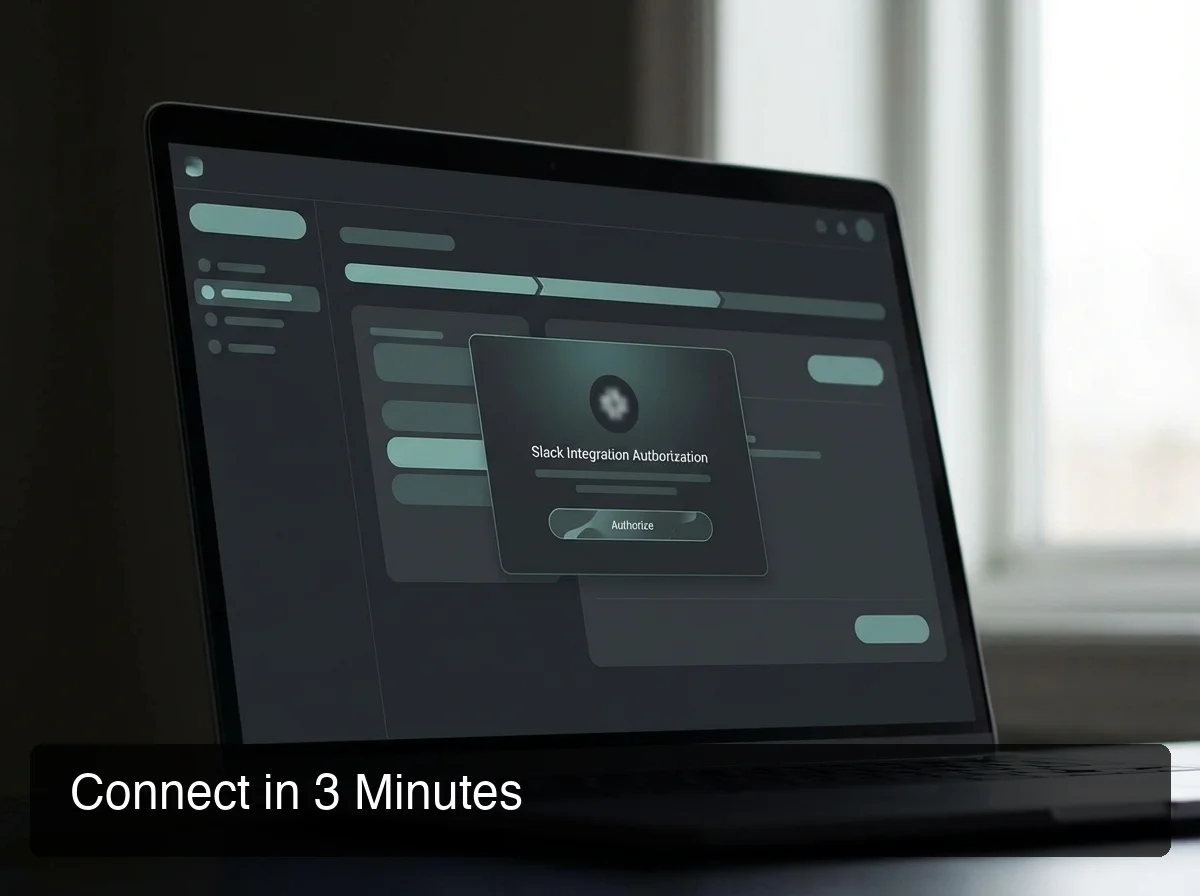 The OpenClawHQ setup wizard connects OpenClaw to Slack in three steps — no command line, no tokens, no server configuration.
Self-Hosted Setup (For Reference)
If you want full control, the official OpenClaw Slack setup involves:
- Installing Node.js 24 (specific version — other versions will fail)
- Running the OpenClaw CLI onboarding wizard
- Creating a Slack App from a manifest in the Slack developer portal
- Enabling Socket Mode and generating a bot token + app-level token
- Assigning the correct OAuth scopes
- Running the OpenClaw daemon on a machine that stays online 24/7
The OpenClaw docs cover this well — but it's a real engineering task, not a quick install. And maintenance never stops: updates, reconnects, and crash recovery are all your responsibility.
Key insight: OpenClaw also works on Telegram, Discord, iMessage, and WhatsApp — setup complexity is similar across all platforms when self-hosting, but OpenClawHQ's wizard handles every channel the same way: click Authorize and you're live.
How Much Time Can OpenClaw Save Your Team in Slack?
Teams actively using OpenClaw in Slack report 20-30% time savings on repetitive message handling. Based on the average knowledge worker spending 2.5 hours/day in Slack, that's 30–45 minutes per person per day — roughly 120–180 hours recovered per person per year.
The savings concentrate in three specific areas:
- Eliminating repeat answering — the same 10-15 questions hit every Slack channel every week. OpenClaw handles them all automatically without a human ever reading them.
- Cutting thread-reading time — on-demand summarization gives back 5-10 minutes per long discussion
- Removing context-switching — instead of leaving Slack to search, look something up, or draft a reply, you stay in the conversation
By the numbers: A team of 10 saving 30 minutes per person per day recovers 50 hours per week. At a blended cost of $50/hour, that's $2,500/week in productivity returned — from a $49/month tool.
The ROI math is particularly strong for customer-facing Slack channels, where unautomated response time directly affects customer satisfaction scores.
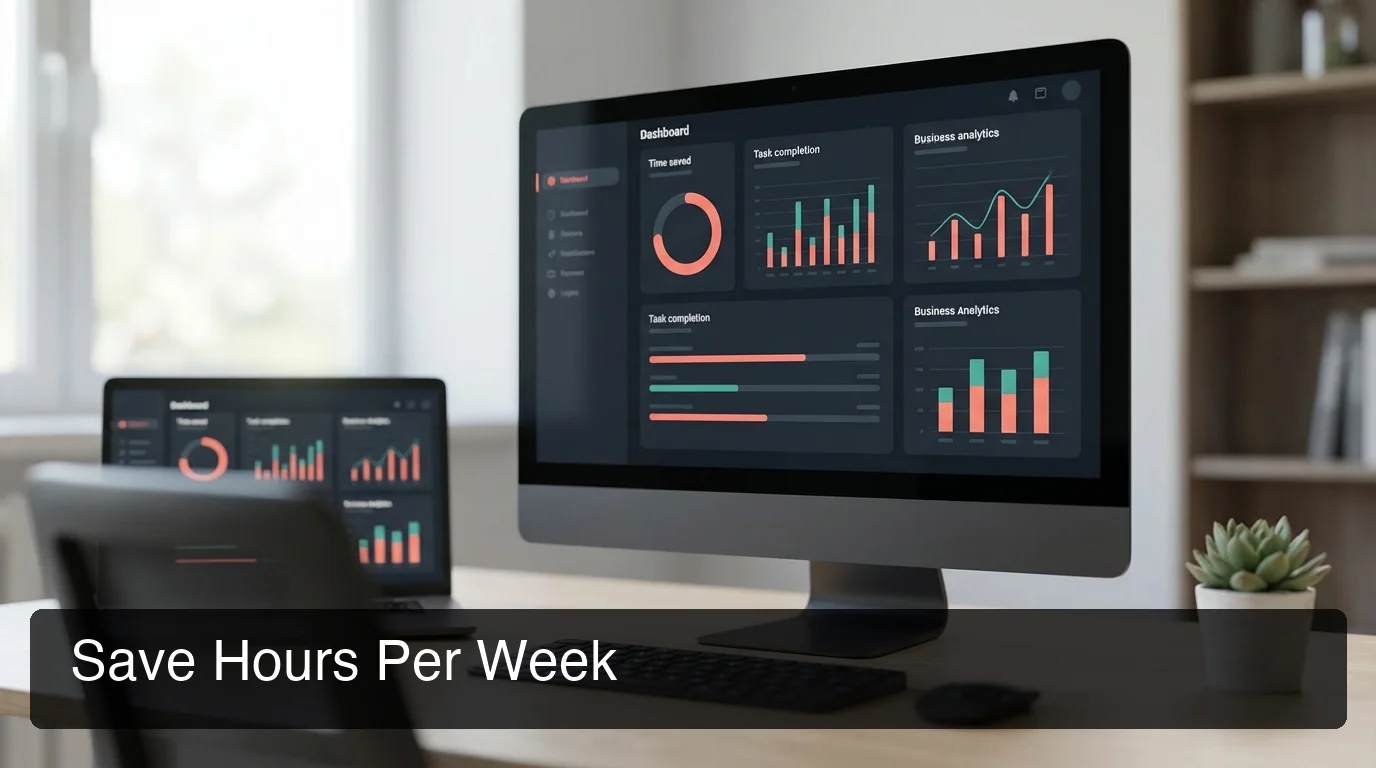 Teams using OpenClaw in Slack consistently report 20-30% reductions in time spent on repetitive messaging tasks and manual lookups.
Is OpenClaw Free to Use on Slack?
The OpenClaw software is free and open source. But running it on Slack requires a dedicated server, Node.js 24 setup, ongoing maintenance, and separate AI model API costs — which grow quickly for active teams. OpenClawHQ provides a fully managed OpenClaw Slack instance with unlimited usage for $49/month flat — no server, no API keys, no token fees.
OpenClawHQ's $49/month flat includes:
- Your own private, isolated OpenClaw instance
- Slack connection fully pre-configured
- Unlimited AI usage — no token fees, no per-message charges
- All infrastructure, uptime monitoring, and automatic updates
- 100+ pre-installed skills, ready to activate by name
- No separate LLM API account required
Other managed OpenClaw services charge a hosting fee plus variable per-token inference costs. For a team using OpenClaw actively — answering customer messages, running workflows — the token fees frequently double the effective monthly cost.
OpenClawHQ's LLM provider partnership lets us absorb those costs entirely. You pay one predictable price, regardless of usage volume.
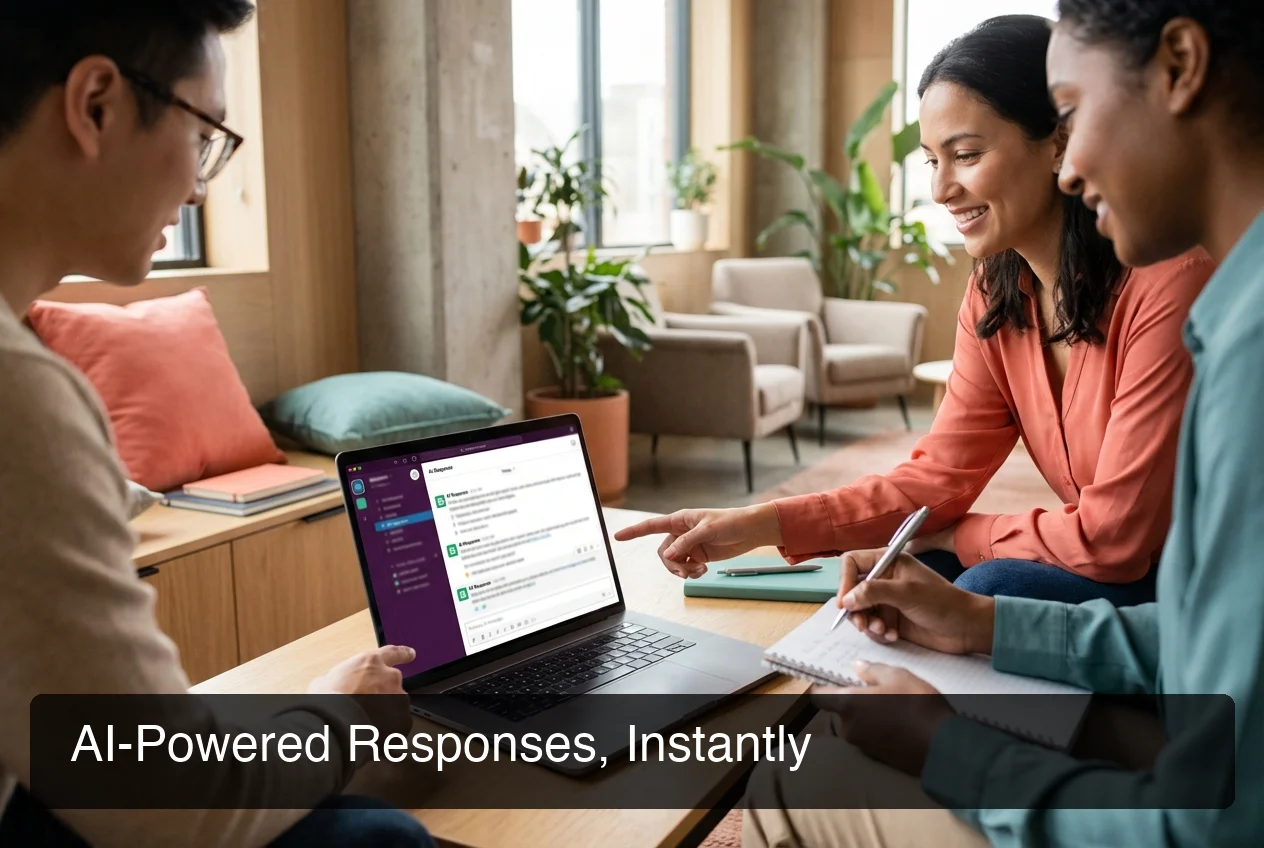 OpenClaw handles Slack conversations with contextual AI responses — no human review needed for routine requests.
Why Teams Choose OpenClaw for Slack
Teams choose OpenClaw over traditional Slack bots and automation tools because it reasons rather than pattern-matches. Instead of rigid if-then rules, OpenClaw understands context, handles novel requests, and executes multi-step action. OpenClawHQ makes this accessible to any team — non-technical setup, flat pricing, and zero server management.
Three reasons OpenClaw wins in the Slack ecosystem:
- True AI reasoning, not rule-based triggers — OpenClaw handles questions it's never been explicitly trained for. It interprets intent, not just keywords.
- 100+ skills pre-installed — web search, email drafting, calendar management, document summarization, API calls — all activate by name with no integration work
- Cross-platform continuity — the same OpenClaw instance works on Slack, Telegram, Discord, and WhatsApp simultaneously. Your AI agent follows your team wherever they communicate.
Bottom line: Slack bots automate what you explicitly define. OpenClaw handles what you didn't think to define.
For teams expanding beyond Slack, OpenClaw also runs natively on Telegram, Discord, iMessage, and Signal — making it the only AI agent that spans your entire messaging stack from one managed instance.
Get Started with OpenClaw on Slack
If your team already lives in Slack, adding OpenClaw takes minutes and immediately starts reducing the manual message load. No technical knowledge, no server, no API keys — just an AI agent running in your workspace from day one.
Still exploring? Read What Is OpenClaw? for the full guide to how OpenClaw works across Slack, WhatsApp, Telegram, Discord, iMessage, and 20+ other messaging platforms.
Frequently Asked Questions
Does OpenClaw work with Slack? Yes — OpenClaw has full native Slack support. It connects using a Slack App with Socket Mode, giving it real-time access to channels, DMs, and slash commands. With OpenClawHQ, the Slack connection is configured automatically during onboarding. No manual token setup or server configuration required.
How do I add OpenClaw to my Slack workspace? With OpenClawHQ, adding OpenClaw to Slack takes under 5 minutes: sign up, select Slack as your channel, and click Authorize. The OAuth flow handles everything automatically. Self-hosting requires creating a Slack App, configuring bot and app-level tokens, setting OAuth scopes, and running a 24/7 server — a 2-4 hour technical process.
What can OpenClaw do in Slack? OpenClaw acts as an AI agent in Slack — answering questions, summarizing threads, triaging requests, browsing the web, drafting responses, and running 100+ pre-built automations called skills. It responds in channels, group DMs, and direct messages, and it handles slash commands. Unlike rules-based bots, it understands context and handles requests it wasn't pre-programmed for.
Is OpenClaw free to use on Slack? The OpenClaw software is free and open source, but running it requires a dedicated server, technical Node.js setup, and separate AI model API costs. OpenClawHQ provides a fully managed OpenClaw Slack instance with unlimited usage for $49/month flat — no server, no API keys, and no variable token fees.
What is OpenClawHQ? OpenClawHQ is a fully managed hosting service for OpenClaw — the viral open-source AI agent. It gives non-technical users and business owners their own private OpenClaw instance, fully configured and running in minutes, with unlimited usage for $49/month flat. No server setup, no coding, and no separate token fees required.
Can OpenClaw automate Slack workflows without coding? Yes — with OpenClawHQ, no coding is required at any point. You activate skills by naming them in conversation ("turn on web search", "enable email") and OpenClaw handles the rest. Skills cover web browsing, email, calendar, document summarization, API requests, and more. Custom skill development is possible for technical users but never required.
How is OpenClaw different from Slack's built-in AI features? Slack's native AI features are limited to search and summarization within Slack. OpenClaw is an autonomous agent that acts beyond Slack — browsing the web, calling APIs, sending emails, managing files, and coordinating multi-step workflows across your tools — all triggered from a single Slack message. OpenClaw also runs simultaneously on Telegram, Discord, WhatsApp, and iMessage from the same instance.