
OpenClaw Cloud Hosting: $49/Mo Flat, No Server Setup
OpenClaw Cloud: What You Get for $49 Flat, No Server Required
Type "openclaw cloud" into Google right now and you'll land on at least five different products before you understand what any of them cost. There's the project's own hosted sandbox, one-click VPS installs from three separate cloud providers, and a handful of "managed" services with two-line pricing pages that skip the token fees until checkout.
OpenClawHQ is one more name in that list — but it's built to remove the guessing part entirely. One flat price, one dashboard, and a private OpenClaw instance running in minutes.
What "OpenClaw Cloud Hosting" Actually Covers
OpenClaw cloud hosting means running the open-source OpenClaw AI agent on infrastructure someone else manages, instead of a server you set up yourself. It ranges from bare VM installs you configure by hand to fully managed services like OpenClawHQ, where the provider handles the server, updates, and channel connections for you.
Search results for "openclaw cloud" actually split into three distinct categories, and conflating them is where most people get confused:
- The project's own hosted sandbox — a way to try OpenClaw in a browser-based environment without installing anything locally
- One-click VPS installs — Tencent Cloud, GCP, and Oracle all publish guides for spinning up a virtual machine with OpenClaw pre-installed
- Fully managed services — companies like OpenClawHQ that handle the server, the daemon, the updates, and the messaging app connections so you never touch a terminal
Only the third category removes technical work entirely. The first two still leave you configuring channels, monitoring uptime, and paying your own AI model API bills.
The Real Difference Between Self-Hosting and a Managed Instance
Running OpenClaw yourself — even on a "free" cloud VM — means installing Node.js 24, working through a CLI onboarding wizard, and authenticating each messaging channel by hand. Most non-technical users hit a wall in the first fifteen minutes and never get past it.
The VPS one-click installs help with the server part, but they don't solve the rest. You still connect WhatsApp or Telegram yourself, still watch for crashes, and still pay your AI provider directly for every token the agent uses.
Worth knowing: A "one-click install" only removes the install step. Channel setup, daemon monitoring, and your AI usage bill are still entirely on you.
That gap between "the server exists" and "the agent actually works reliably for your business" is exactly what a managed service closes — the core reason for choosing a managed option over stitching one together yourself.
There's also the maintenance side nobody mentions in the install guides. OpenClaw ships updates regularly, and a self-managed instance needs someone watching for them, applying them, and restarting the daemon if a crash happens overnight. With a managed instance, that work moves to the provider — OpenClawHQ handles process monitoring, auto-restart, and security patches without any action from the customer.
How Long Does It Take to Get OpenClaw Cloud Running?
With OpenClawHQ, setup takes 3 to 7 minutes through a web dashboard — no command line, no server configuration, and no waiting in a setup queue. You sign up, pick your messaging channel, and follow a guided flow built for that specific platform.
For WhatsApp, that means scanning a QR code. For Telegram, entering a bot token the dashboard helps you generate. For Discord or Slack, clicking a single Authorize button.
 A guided web dashboard replaces the CLI wizard entirely — pick a channel, connect it, and the instance is live.
Once the channel connects, the instance is already running. There's no separate "deploy" step and no wait for provisioning — you send a message to your connected app and OpenClaw responds.
How Much Does OpenClaw Cloud Cost?
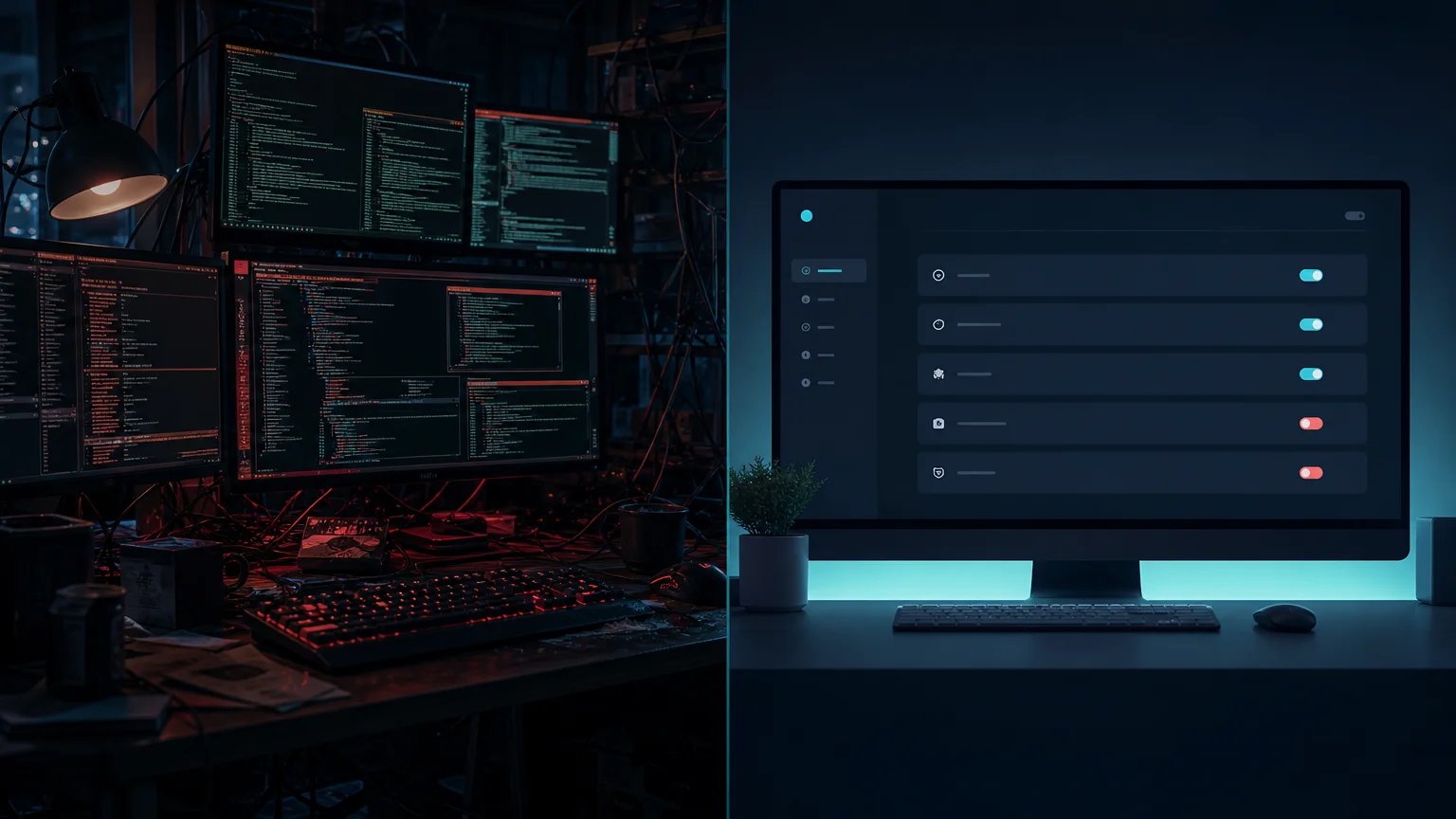 Managed cloud hosting trades server management for a single predictable line item.
Every other managed OpenClaw service splits the bill into two parts: a hosting fee and a separate charge for AI model usage. For a business actually using the agent — answering customer messages, running automations all day — that second number is the one that gets out of hand.
OpenClawHQ charges $49/month flat, with unlimited usage included. No token meter, no per-message math, no invoice surprise at the end of the month.
| Service | Hosting Fee | Token Fee | Typical Monthly Total |
|---|---|---|---|
| KiloClaw | $9/mo | Per-inference via gateway | Can exceed $30+ |
| xCloud / MyClaw | $16/mo | BYOK — your own API costs | $16 + your API bills |
| Blink Claw | $45/mo | Included but capped | $45 for limited usage |
| Hostinger / VPS install | $3.99–$9.99/mo | BYOK | VPS cost + full API bills + your time |
| OpenClawHQ | $49/mo flat | Included, unlimited | $49 always |
The flat rate is possible because OpenClawHQ partners directly with an LLM provider for high-volume inference at a fixed cost, so customers never see a per-token line item. For a full breakdown of when that flat structure pays off versus lighter usage, our pricing FAQ walks through both sides.
Why OpenClawHQ Stands Apart From Other Cloud OpenClaw Services
KiloClaw's $9/month hosting fee looks cheaper on the surface, but its inference runs through a token gateway — the more your business uses OpenClaw, the higher that second bill climbs. xCloud and MyClaw charge $16/month and hand you the bill for your own API keys on top, which still means tracking usage yourself.
Blink Claw comes closest on price at $45/month, but usage caps on certain features mean heavy users hit a ceiling anyway. None of the three remove the token-anxiety problem; they just move where it shows up.
A closer look at how these stack up feature-by-feature is in our OpenClaw competitors comparison — useful reading if flat pricing alone isn't enough to decide.
The VPS one-click installs from Tencent, GCP, and Oracle sit in a different category entirely. They're a legitimate way to get a server with OpenClaw pre-installed for a few dollars a month, but "pre-installed" stops at the software. You still connect every channel by hand, still watch for downtime, and still cover your own AI provider bill — the exact setup work a managed cloud service exists to remove.
Can You Set Up OpenClaw Cloud Without Technical Knowledge?
Yes — OpenClawHQ's setup never requires a command line, a server, or any coding. Everything happens through a browser-based dashboard: choosing a channel, authenticating it, and turning on the skills you want active.
That matters most for the people who tried the self-hosted route first. A plumber managing WhatsApp leads, a real estate agent triaging client texts, or a solo consultant who read about what OpenClaw actually does and wants it running without learning Node.js — none of them need to touch a terminal to get there.
If coding was ever the blocker, it's worth reading how OpenClaw no code setups work once the instance is live — activating skills is still just clicking, not scripting.
For teams that already tried a different managed option and found the billing model confusing, OpenClaw hosted covers the general managed-hosting landscape in more depth, alongside the specific cloud angle covered here.
Quick recap
- "OpenClaw cloud" covers three different things: a hosted sandbox, VPS one-click installs, and fully managed services — only the last removes technical work entirely.
- OpenClawHQ setup takes 3–7 minutes through a web dashboard, with no command line involved.
- $49/month flat includes unlimited usage — no separate token fees, unlike KiloClaw, xCloud, or Blink Claw.
- Each customer gets an isolated private instance with pre-configured messaging app support.
Get Your OpenClaw Instance Running
If the pricing math above is the part that's been holding you back, that's the exact problem OpenClawHQ was built to remove — one flat number instead of a usage bill you can't predict. Get Your OpenClaw Instance and connect your first messaging channel in the time it takes to read the rest of this page.
FAQ
Is OpenClaw free to use in the cloud? The OpenClaw software itself is free and open source. Running it — cloud sandbox, VPS, or otherwise — still requires infrastructure and your own AI model API usage unless a provider includes it. OpenClawHQ covers both for $49/month flat, with unlimited usage included.
How much does OpenClaw cloud hosting cost with OpenClawHQ? OpenClawHQ charges $49/month flat, covering your private instance, all infrastructure, and unlimited AI usage. There's no separate token fee. Other managed cloud options charge $9–$45/month for hosting alone, then bill AI usage on top of that.
How long does it take to set up OpenClaw cloud hosting? Setup takes 3 to 7 minutes through OpenClawHQ's web dashboard, depending on which messaging channel you connect first. WhatsApp requires a QR scan, Telegram needs a bot token, and Discord or Slack use a one-click authorization — no server or command line involved.
Do I still need my own cloud VM or API keys? No. OpenClawHQ replaces the VM, the Node.js setup, and your own LLM API key entirely. Your instance runs on OpenClawHQ's dedicated infrastructure, and AI inference is included in the $49/month price — nothing to configure separately.
Which messaging apps work with OpenClaw cloud hosting? OpenClawHQ supports WhatsApp, Telegram, Discord, Slack, and 20+ other platforms including iMessage and Signal. You choose your primary channel during setup, then can add more from the dashboard once your instance is running.