
OpenClaw Hosted: How It Works & What It Costs
OpenClaw Hosted: How Managed Hosting Works and What It Costs
OpenClaw is free to download. Running it reliably is a separate problem entirely — someone has to keep a server online, install the right Node.js version, and restart a background process the moment it crashes at 3 a.m.
Openclaw hosted through OpenClawHQ skips that job completely. You pay $49 a month flat, and a fully configured instance runs itself — no server to babysit, no token meter to watch, no command line, ever.
Key Takeaways
- OpenClaw is free, open-source software, but self-hosting it requires a dedicated server, Node.js 24, and ongoing maintenance.
- Hosted OpenClaw through OpenClawHQ deploys a private instance in minutes with zero server setup and unlimited usage for $49/month flat.
- Every competing managed service charges a hosting fee ($9–$45/month) plus separate, variable token fees — OpenClawHQ's flat rate includes both.
- Setup takes 5–7 minutes: sign up, pick a messaging channel, complete a short connection step, and the instance is live.
- Hosted OpenClaw suits non-technical business owners, agencies, and service providers who want the agent's power without managing infrastructure.
Contents
- What Is OpenClaw Hosted and How Does It Differ from Self-Hosting?
- Why Do Most People Struggle to Self-Host OpenClaw?
- Can You Use OpenClaw Without a Server?
- How Much Does Managed OpenClaw Hosting Really Cost?
- What Is Included in the $49/Month OpenClawHQ Plan?
- Why Is Hosted OpenClaw Better Than Self-Hosted Alternatives?
- Is Hosted OpenClaw Right for My Business?
- How Long Does It Take to Get OpenClaw Hosted Running?
- Getting Started with Hosted OpenClaw
- FAQ
What Is OpenClaw Hosted and How Does It Differ from Self-Hosting?
Hosted OpenClaw is a fully managed version of the open-source OpenClaw AI agent, where a provider runs the server, configures the software, and maintains it on your behalf — instead of you installing Node.js, provisioning a machine, and keeping it online yourself. You connect a messaging app and start talking to your agent; someone else handles the infrastructure underneath it.
Self-hosting means owning every layer of that stack personally. Hosting through a managed provider means none of it touches you.
The distinction matters because OpenClaw the software costs nothing either way. What separates "free" from "actually running" is:
- A dedicated server or virtual machine that stays online 24/7
- Node.js 24 installed and configured correctly
- A CLI onboarding wizard and channel authentication for each messaging app
- Your own AI model API key, billed separately by usage
- Ongoing updates and maintenance as the project ships new releases
Hosted OpenClaw absorbs all five of those. If you've read our breakdown of OpenClaw managed hosting, this is the deeper look at what "hosted" specifically buys you on the infrastructure and pricing side.
Why Do Most People Struggle to Self-Host OpenClaw?
Most people trying to self-host OpenClaw get stuck on the surrounding infrastructure, not the AI itself: installing the exact Node.js version required, running the CLI onboarding wizard, authenticating each messaging channel by hand, and keeping the process alive without a background in server administration. The agent works fine once it's running — getting it running is where people quit.
A few specific failure points show up again and again in community threads:
- Wrong Node.js version installed, breaking the install before it starts
- The background process crashing overnight with no auto-restart configured
- WhatsApp or Telegram authentication expiring and never getting reconnected
- No idea what the monthly AI API bill will actually be until it arrives
Pro tip: If you've already lost an evening to a failed self-hosting attempt, that's the exact signal to switch to a managed instance — the software isn't the problem, the plumbing is.
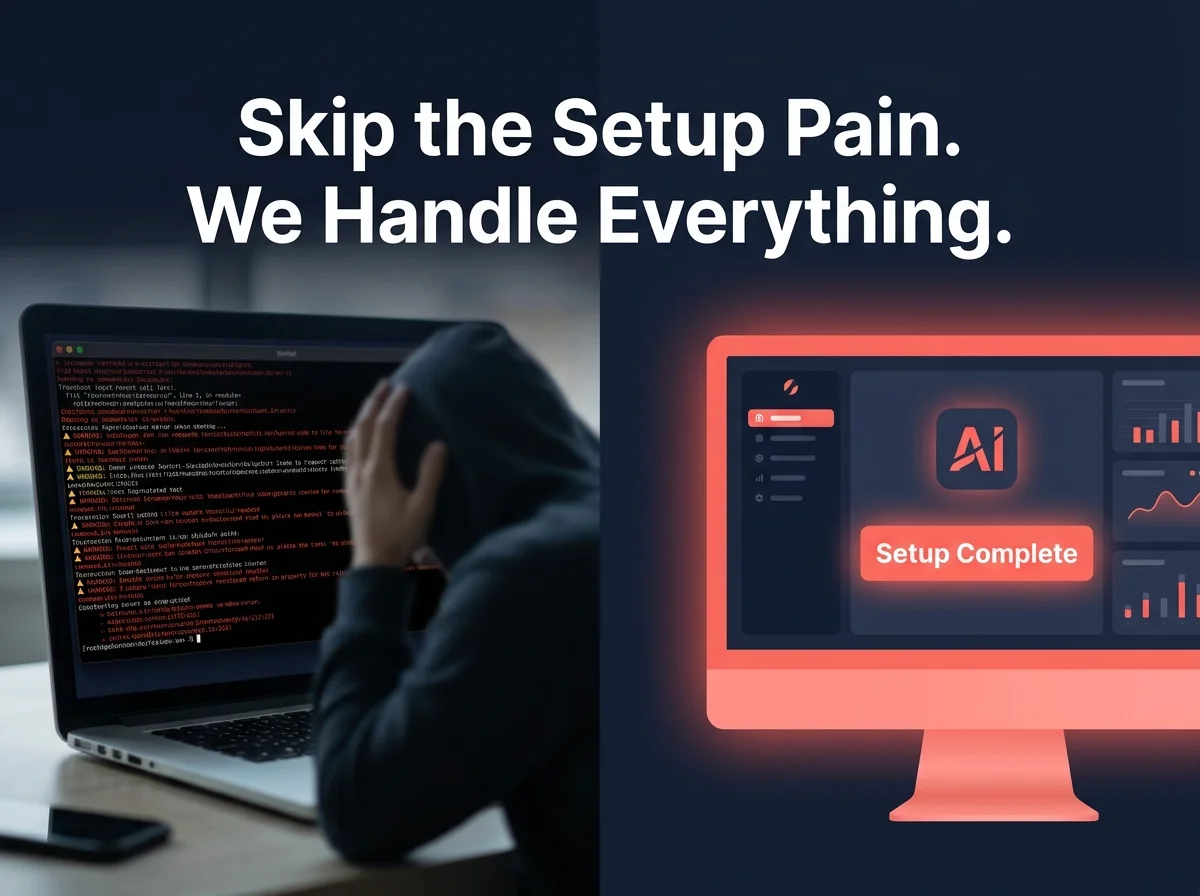 Self-hosting fails on infrastructure, not on the agent's capabilities.
This is exactly the wall our guide to OpenClaw for beginners documents in more detail — and it's the reason managed hosting exists as a category at all.
Can You Use OpenClaw Without a Server?
Yes — a hosted OpenClaw instance removes the server requirement entirely. The provider runs the daemon, applies updates, and keeps your instance online; you interact with a web dashboard and your messaging app, never a terminal, a VPS control panel, or a CLI command.
That's a meaningfully different experience than a "one-click installer" from a VPS provider, which still hands you a server to configure. It's covered in more depth in our piece on getting OpenClaw running without coding.
With OpenClawHQ specifically, there's no server to see at any point in the process — signup goes straight to channel setup.
How Much Does Managed OpenClaw Hosting Really Cost?
Managed OpenClaw hosting ranges from about $9/month plus variable token fees up to $49/month flat with unlimited usage. The number that matters isn't the advertised starting price — it's whether AI inference is bundled in or billed separately, since token costs on an actively used agent can quietly double the total.
The OpenClaw software itself is free and open source. But running it requires a dedicated server, technical setup, and ongoing maintenance — plus your own AI model API usage. OpenClawHQ gives you a fully managed instance with everything included for $49/month flat — no server, no API keys, no token fees.
 One line item, no separate usage bill to track.
Here's how the flat-rate model stacks up against the other managed options and the VPS route:
| Service | Hosting Fee | Token/Inference Fee | Typical Monthly Total |
|---|---|---|---|
| KiloClaw | $9/mo | Per-inference via gateway | Varies — can exceed $30+ |
| xCloud / MyClaw | $16/mo | You pay your own API costs | $16 + your API bills |
| Blink Claw | $45/mo | Included but capped | $45, usage-limited |
| Hostinger VPS | $3.99–$9.99/mo | You pay your own API costs | VPS cost + full API bills + your setup time |
| OpenClawHQ | $49/mo flat | Included, unlimited | $49, always |
Key insight: A $9 starting price looks cheaper until you add the token bill — for a business messaging customers all day, the flat $49 rate frequently comes out ahead.
What Is Included in the $49/Month OpenClawHQ Plan?
The $49/month OpenClawHQ plan includes a private OpenClaw instance, unlimited usage with no token metering, a pre-configured connection to your chosen messaging channel, 100+ pre-built skills, and all AI inference costs — you never need your own API key.
In practical terms, that one price covers:
- Dedicated infrastructure isolated from other customers
- Deployment within minutes of signup, no setup queue
- Automatic uptime, security patches, and software updates
- Non-technical onboarding through a web dashboard, not a terminal
If you're still weighing whether a subscription is worth it at all, our breakdown of whether you need a subscription for OpenClaw walks through the free-software-versus-paid-hosting math in more detail.
Why Is Hosted OpenClaw Better Than Self-Hosted Alternatives?
Hosted OpenClaw removes every point of technical failure — server uptime, dependency versions, channel reconnection — that self-hosting concentrates onto one person with no backup. When something breaks on a self-hosted box at midnight, you're the on-call engineer. On a hosted instance, that's the provider's job.
It's also a fairer comparison than it first looks. Self-hosting isn't "free" in any real sense once you account for the hours spent configuring and maintaining it, plus your own API bill running in parallel.
For a side-by-side on how the managed model compares beyond just this article, see OpenClaw managed hosting for the broader case, or OpenClaw for beginners if the setup itself is your main concern.
Is Hosted OpenClaw Right for My Business?
Hosted OpenClaw fits best for non-technical business owners, trade and service businesses, agencies, and professional-services teams who want an always-on AI agent without hiring someone to maintain a server. It's a poor fit for developers who specifically want to control their own infrastructure or write custom skills from scratch.
A few groups get outsized value from it:
- A plumber or contractor who wants WhatsApp leads answered at midnight, not Monday morning — the exact scenario in our OpenClaw for small business guide
- An agency managing several client conversations who can't justify a DevOps hire for each one
- A real estate agent or consultant who needs replies to sound professional every single time, not just when they're at their desk
If none of that describes you — say, you're a developer who wants to fork the code and run custom skills — self-hosting still makes sense.
How Long Does It Take to Get OpenClaw Hosted Running?
Setting up a hosted OpenClaw instance takes about 5 to 7 minutes end to end: sign up, choose your messaging channel, complete a short guided connection step, and the instance goes live immediately after. There's no waiting period and no setup queue.
Compare that to self-hosting, where the Node.js install and channel authentication alone can eat an evening before you've sent a single message.
Getting Started with Hosted OpenClaw
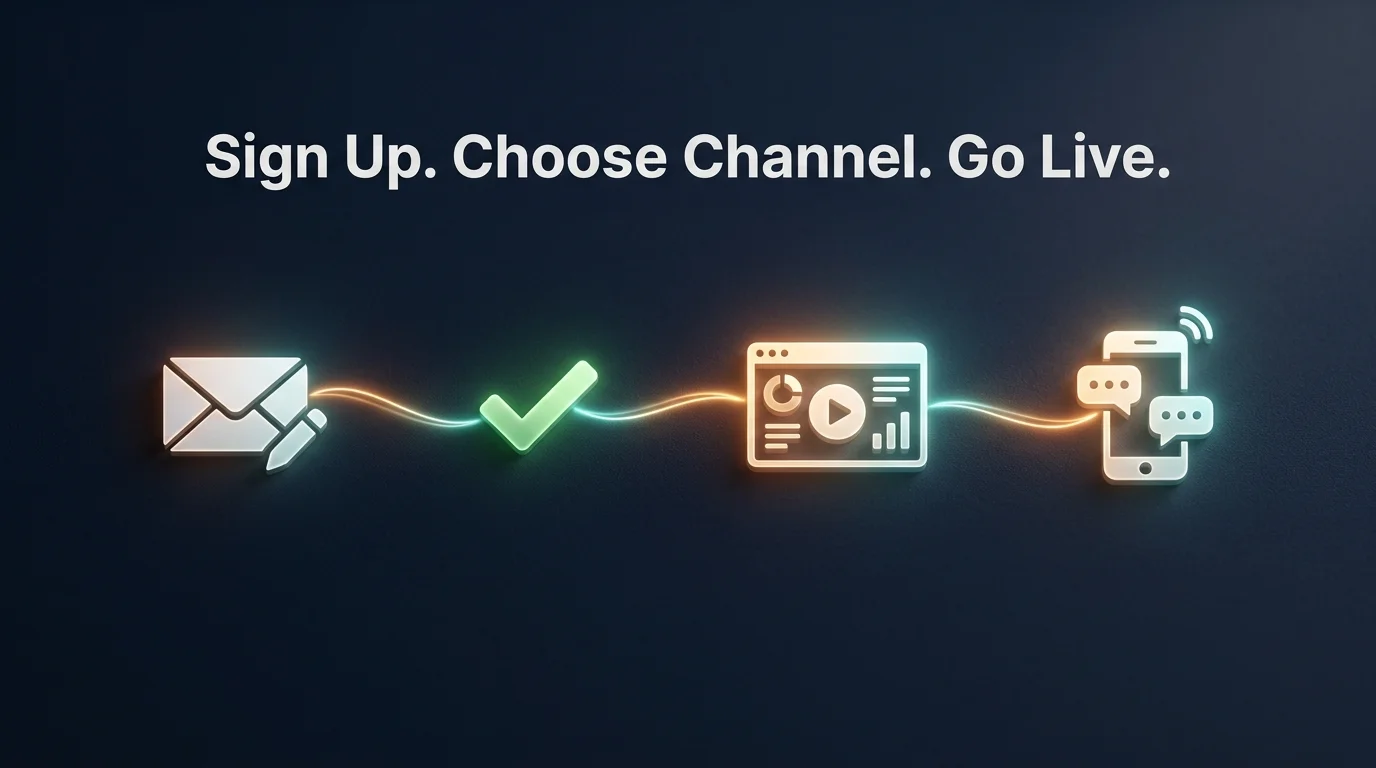 Sign up, choose a channel, connect, and the instance is live.
Getting a hosted instance running with OpenClawHQ follows the same short sequence regardless of which messaging app you pick:
- Sign up at openclawhq.io — email and password, about 30 seconds
- Choose your channel — WhatsApp, Telegram, Discord, Slack, or another supported app
- Complete the guided connection — scan a QR code for WhatsApp, authorize a bot for Telegram, or click Authorize for Discord and Slack
- Your instance goes live — send a message to the connected channel and the agent responds
- Activate skills from the dashboard — web search, email, calendar, and dozens more
None of these steps touch a command line, which is the whole point covered in our guide to using OpenClaw without coding. If you've bounced off a self-hosting attempt before, this is the version built for that exact frustration.
Get Your OpenClaw Instance
If the infrastructure side of self-hosting is what's stopped you so far, hosted OpenClaw through OpenClawHQ is built to remove that specific obstacle — a private instance, live in minutes, for one flat monthly price.
Not ready to commit yet? Start for $49/month — No Setup Required once you've had a chance to review the setup steps above.
FAQ
Is hosted OpenClaw the same as self-hosted OpenClaw?
No. Self-hosted OpenClaw runs on infrastructure you set up and maintain yourself, including your own AI API key. Hosted OpenClaw runs on infrastructure managed by a provider like OpenClawHQ, which handles the server, updates, and AI inference for a flat monthly fee.
Is OpenClaw free to use?
OpenClaw the software is free and open source. Running it, though, requires a dedicated server, Node.js setup, and ongoing maintenance, plus your own AI model API usage billed separately. OpenClawHQ manages all of that for $49/month flat, including unlimited AI usage.
How much does hosted OpenClaw cost per month?
OpenClawHQ's hosted plan costs $49/month flat, covering your private instance, all infrastructure, and unlimited AI usage with no token fees. Other managed services charge $9–$45/month for hosting alone, then bill AI usage separately — often pushing the real total higher.
Do I need my own AI API key with a hosted OpenClaw instance?
Not with OpenClawHQ. The $49/month plan includes AI inference through a partner LLM provider, so you never create or manage your own API key. Some competing managed services still require you to bring your own key and pay that bill separately.
Which messaging apps can I connect to hosted OpenClaw?
OpenClawHQ supports WhatsApp, Telegram, Discord, Slack, and 20+ other platforms including iMessage and Signal. You choose one primary channel during setup and can request additional channel connections afterward through the dashboard.
Is hosted OpenClaw safe for business use?
Yes. Each hosted instance is isolated, so conversations and configurations aren't shared between customers. The provider applies security updates automatically, and messages are processed through the AI provider's standard API security — customer conversation data isn't sold or shared.