
OpenClaw Managed Hosting: Live in Minutes | OpenClawHQ
OpenClaw Managed Hosting: Get Your Instance Running in Minutes
OpenClaw's setup guide starts with "Install Node.js 24." For most business owners, that's also where it ends. OpenClaw managed hosting removes that entire first chapter — and replaces it with a 7-minute web wizard.
Key Takeaways
- Managed hosting for OpenClaw means a provider runs the server so you never install Node.js, manage a daemon, or log into a VPS
- OpenClawHQ charges $49/month flat with unlimited AI usage included — no token fees, no separate API accounts, no variable bills
- Your private OpenClaw instance is live within 3–7 minutes using a guided web wizard; no command line, no coding, no server required
- Each customer gets an isolated, always-online instance with automatic updates and 24/7 infrastructure management included
Contents
- What Is OpenClaw Managed Hosting?
- Why Is OpenClaw Self-Hosting So Hard?
- Is Managed OpenClaw Better Than Self-Hosting?
- How Does OpenClawHQ's Managed Service Work?
- What's Included in Managed OpenClaw Hosting?
- Why Choose OpenClawHQ for Managed Hosting?
- How Much Does It Cost to Run OpenClaw Managed?
- How Long Does It Take to Get OpenClaw Running?
- Can I Run OpenClaw Without a Server or Coding?
- Get Your OpenClaw Instance
- Frequently Asked Questions
What Is OpenClaw Managed Hosting?
Managed hosting for OpenClaw means a third-party provider runs the server infrastructure for you. You never install Node.js, manage a daemon process, or configure a VPS. The provider handles uptime, software updates, and messaging channel connections — you connect your app and start using your AI agent.
OpenClaw is open-source software anyone can download for free. But "free" refers to the code, not the cost of running it. Operating OpenClaw requires a dedicated machine that stays on 24/7, a specific software environment (Node.js 24), channel authentication for each messaging app, and ongoing maintenance every time the project releases updates.
Managed hosting offloads all of that. You pay a monthly fee; the infrastructure runs in the cloud. Your instance is private — not shared with other customers — but you never touch a terminal or write a single config line.
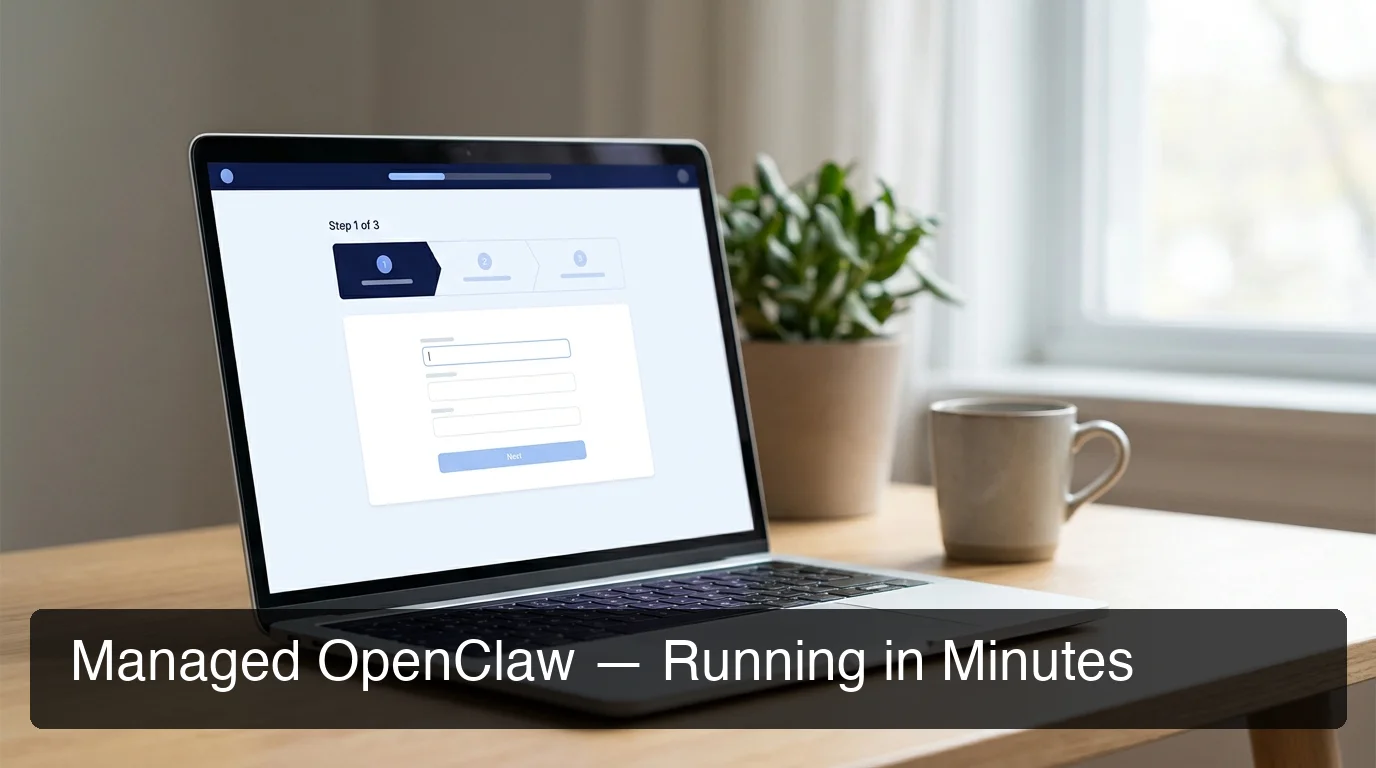 OpenClawHQ's web-based wizard walks through channel connection step by step — no command line at any stage.
Why Is OpenClaw Self-Hosting So Hard?
Self-hosting OpenClaw requires Node.js 24 specifically, a server running continuously, CLI onboarding via openclaw onboard --install-daemon, channel-by-channel authentication (QR codes, bot tokens, OAuth flows), and manual updates for every new release. Most non-technical users fail within the first 15 minutes.
The failure points appear consistently in OpenClaw community threads: Node version conflicts between system Node and required Node.js 24, daemon crashes after server restarts without auto-recovery configured, WhatsApp sessions expiring because QR re-authentication wasn't automated, and API key limits hit mid-conversation.
Even technically capable users report 3–6 hours of setup time on a fresh VPS when everything goes right. For a business owner whose job isn't DevOps, this investment has no reasonable return.
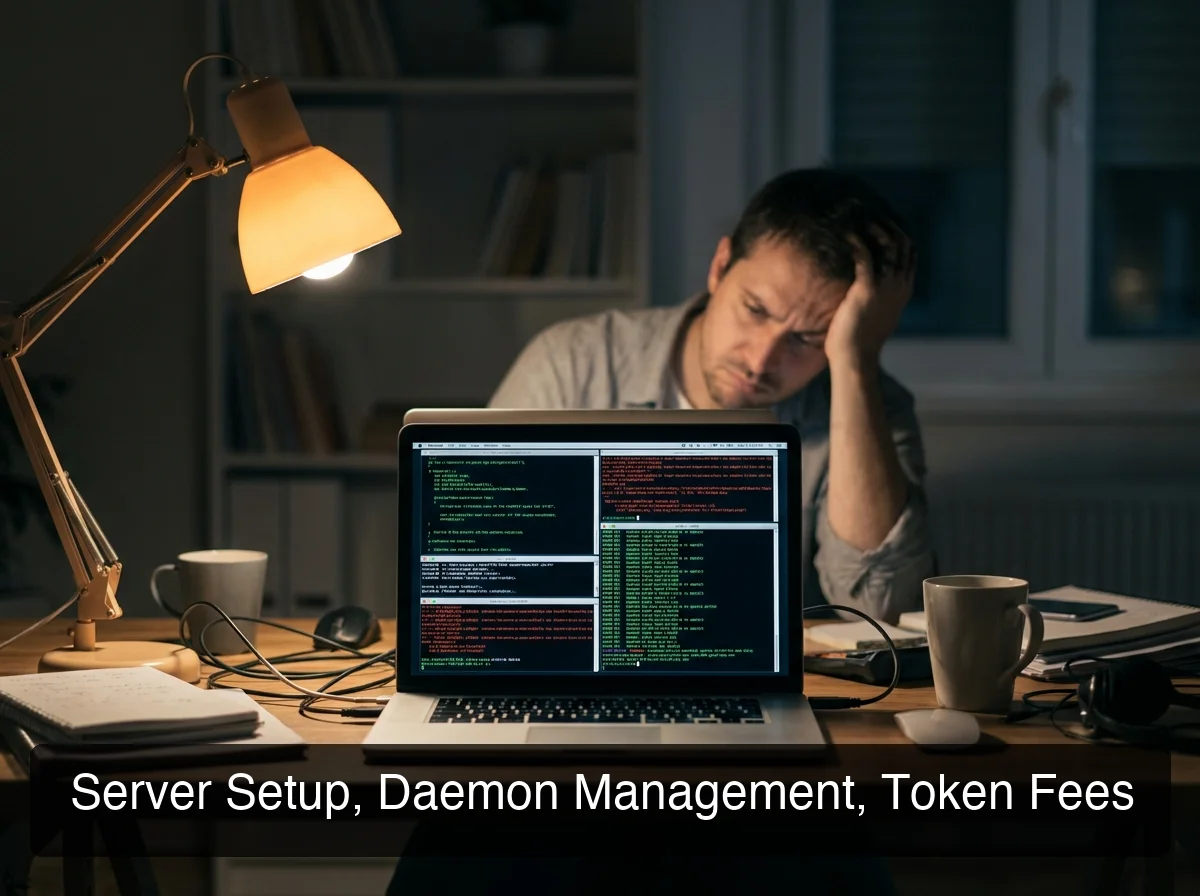 Self-hosting OpenClaw involves Node.js configuration, daemon setup, and ongoing channel maintenance — all before your first working conversation.
Reality check: OpenClaw's getting started documentation lists 12 separate steps for a standard setup. Step 7 involves configuring a process manager for the daemon; Step 9 requires authenticating each messaging channel individually. A managed service skips all 12.
Is Managed OpenClaw Better Than Self-Hosting?
For non-technical users and most businesses, managed OpenClaw is the practical choice. You trade server control for setup speed, predictable billing, and zero maintenance. Self-hosting only makes sense if you need custom infrastructure, have specific compliance requirements, or actively develop custom OpenClaw skills.
The comparison is clearest in a side-by-side view:
| Factor | Self-Hosting | Managed — OpenClawHQ |
|---|---|---|
| Setup time | 3–6 hours | 3–7 minutes |
| Technical skill required | Node.js, CLI, VPS admin | None |
| Server cost | $5–$20/month | Included |
| LLM API cost | Your own account + usage fees | Included, unlimited |
| Uptime management | Manual | Automatic |
| Software updates | Manual | Automatic |
| Channel reconnection | Manual if session drops | Automatic |
| Typical monthly total | $30–$70+ for active use | $49 always |
The "self-hosting is cheaper" assumption falls apart quickly for businesses with real usage volume. Active customer communication through WhatsApp or Telegram generates significant inference costs. Add those to VPS fees and the total frequently exceeds $49 — without any of the reliability benefits.
Worth knowing: OpenClaw has 47,700+ GitHub forks. The majority are developers running local instances for testing or personal use. For production customer communication, self-hosting requires operational infrastructure that most business owners simply don't have.
How Does OpenClawHQ's Managed Service Work?
OpenClawHQ provisions a private OpenClaw instance on dedicated infrastructure, installs and runs the Node.js daemon, connects your chosen messaging channel through a web wizard, and delivers a live AI agent — typically within 3–7 minutes of signup completion.
The process from the customer's side is straightforward:
- Sign up at openclawhq.io — email and password, under 30 seconds
- Choose your channel — WhatsApp, Telegram, Discord, Slack, or one of 20+ others
- Complete guided authentication — scan a QR code for WhatsApp, enter a bot token for Telegram, click Authorize for Discord or Slack
- Your instance is live — message your connected channel and OpenClaw responds immediately
- Activate skills from the dashboard — web search, email, calendar, document summarization, and 100+ more
Under the hood, OpenClawHQ manages process monitoring, auto-restart on crash, channel reconnection if sessions drop, and all software updates as OpenClaw releases new versions. LLM inference runs through an included provider partnership — no OpenAI or Anthropic account required.
What's Included in Managed OpenClaw Hosting?
OpenClawHQ's $49/month includes a private server instance, LLM inference with no usage caps, 100+ pre-installed skills, your chosen messaging channel connection, always-on uptime management, automatic software updates, and non-technical web-based onboarding. Nothing is sold separately.
The "unlimited" framing reflects a real structural difference. OpenClawHQ runs LLM inference through a direct provider partnership at a fixed platform cost. There's no token counter in the background. Whether you send 50 messages or 5,000 messages in a month, the bill stays at $49.
The included skills cover the core business automation use cases:
- Web browsing and research — reads pages, pulls live data, summarizes web content
- Email management — draft, send, and organize email from a messaging app command
- Calendar and scheduling — create events, check availability, set reminders
- Document handling — summarize PDFs, extract key points, compare files
- Custom workflows — chain multiple skills into repeatable, automatable sequences
 Your managed OpenClaw instance connects to any supported messaging app — no separate apps, no local software needed.
For a complete rundown of what the managed instance can do, the OpenClaw features guide covers every skill category with real-world examples.
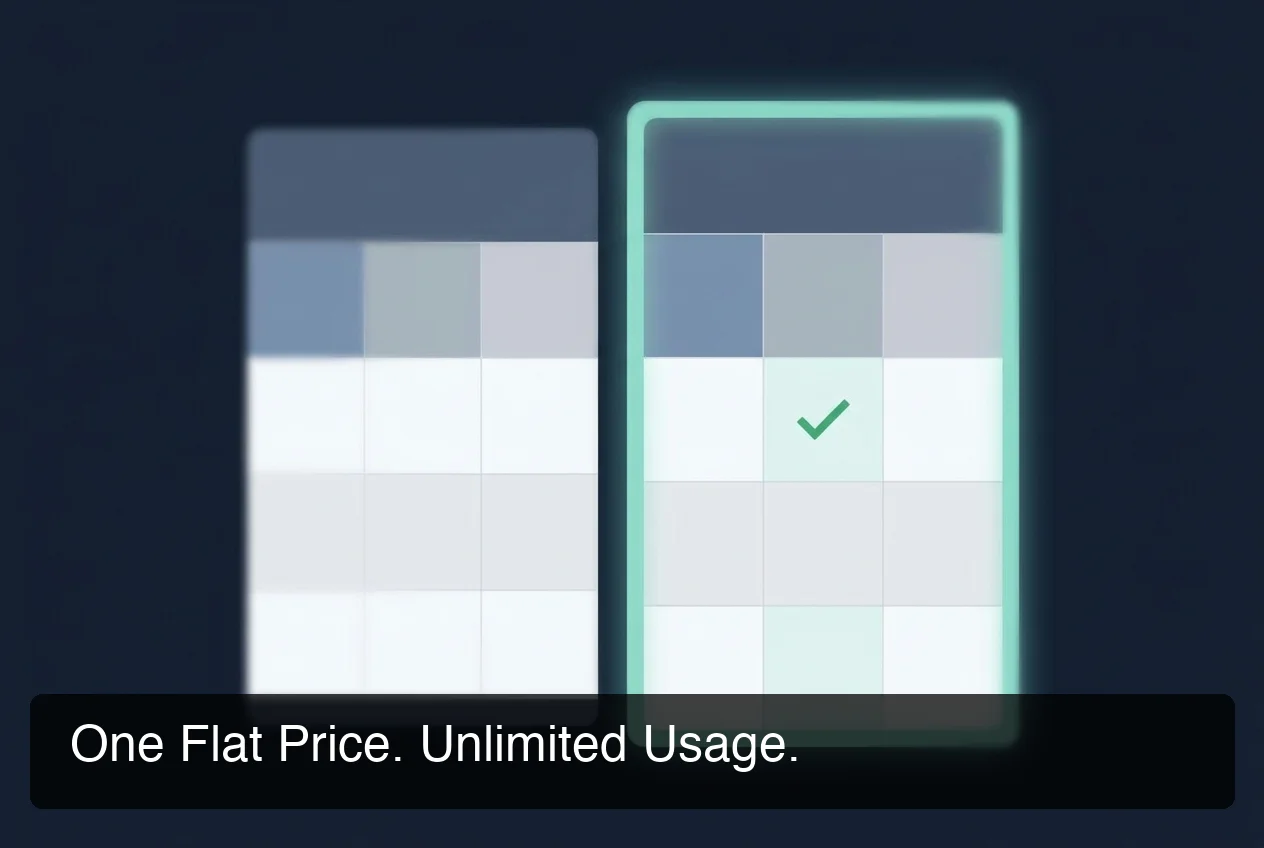 OpenClawHQ's flat-rate model compared to competitors: one price with no per-token surprises.
Why Choose OpenClawHQ for Managed Hosting?
The managed OpenClaw market has one consistent problem: almost every service charges two separate bills — a hosting fee for the server and an inference fee for the AI model. The two compound unpredictably.
KiloClaw charges $9/month for hosting, then bills per token through their inference gateway — the more you use, the more you pay. xCloud and MyClaw charge $16/month for the server, then require a separate OpenAI or Anthropic API account to fund yourself. Blink Claw charges $45/month but caps certain usage tiers, limiting heavy users.
OpenClawHQ's single $49/month covers both the infrastructure and the inference, through a direct LLM provider partnership that absorbs token costs at the platform level. The math matters most for businesses with real usage: a restaurant handling WhatsApp order inquiries, a coach managing client check-ins, an agency running automations for multiple clients. Volume usage doesn't change the price.
Customers comparing managed services in detail should see the openclaw hosting comparison for the full side-by-side breakdown. And if you've already read the openclaw review, the managed hosting question tends to be the next natural decision.
How Much Does It Cost to Run OpenClaw Managed?
OpenClawHQ costs $49/month flat — server, skills, and unlimited AI inference included. Competitor services charge $9–$45/month for hosting, then bill separately for AI usage. For active business users generating 100+ messages per day, the all-in cost of competing services regularly exceeds $49.
Here's a realistic cost model for a business processing roughly 200 messages per day through OpenClaw:
| Service | Hosting Fee | Inference (est.) | Real Monthly Total |
|---|---|---|---|
| KiloClaw | $9/mo | ~$18–25 via gateway | ~$27–34 |
| xCloud / MyClaw | $16/mo | ~$20–40 (your API) | ~$36–56 |
| Blink Claw | $45/mo | Included (capped) | $45 (usage limited) |
| Hostinger VPS | $7/mo | ~$25–50 (your API) | ~$32–57 + setup time |
| OpenClawHQ | $49/mo | Included, unlimited | $49 always |
By the numbers: KiloClaw's $9/month base price looks attractive until inference is factored in. A business sending 6,000 messages per month (200/day) at typical token rates would add $18–25 on top — bringing the real cost to $27–34/month, closing the gap with OpenClawHQ's flat rate while still leaving token-cost uncertainty each billing cycle.
How Long Does It Take to Get OpenClaw Running?
With OpenClawHQ, the typical time from signup to a working OpenClaw instance is 3–7 minutes. The guided wizard handles every channel authentication step — a QR code scan for WhatsApp, a bot token entry for Telegram, a single Authorize click for Discord and Slack. No terminal, no configuration files.
The 3-minute floor covers single-channel setups on straightforward channels like Telegram. The 7-minute ceiling covers WhatsApp (QR authentication is slightly more involved) or multi-channel configurations.
For comparison: self-hosting on a fresh VPS takes 3–6 hours with no complications, and longer if Node.js version conflicts or daemon setup issues surface. Managed hosting compresses that gap from hours to minutes — not through shortcuts, but by removing the setup work entirely.
Can I Run OpenClaw Without a Server or Coding?
Yes. OpenClawHQ requires nothing technical on your end — no server, no Node.js, no API keys, no command line. The entire setup happens in a web browser. You need a messaging app account and a payment method. That's the full requirement list.
This distinction matters when evaluating one-click VPS options from providers like Hostinger or DigitalOcean. Their "one-click OpenClaw" deployments provision a pre-installed server — but not a pre-configured one. You still need to configure channels, authenticate messaging apps, manage the daemon, and pay for your own AI API usage separately.
OpenClawHQ is the only option where the onboarding wizard ends with a live, working messaging channel — not a live server waiting for configuration. For first-time OpenClaw users or anyone who attempted self-hosting and stopped at step 3, this is the direct path to a working AI agent.
The openclaw without coding guide covers the full non-technical setup process in detail. If you're evaluating all no-code OpenClaw options, the openclaw no code overview compares the full range of approaches.
Get Your OpenClaw Instance
Managed OpenClaw hosting removes every technical barrier between you and a working AI agent. No server to manage, no token bills to track, no Node.js version to troubleshoot — just OpenClaw running in your messaging app for $49/month flat.
Frequently Asked Questions
Is OpenClaw free to use?
The OpenClaw software is free and open-source — you can download it at no cost. Running it, however, requires a dedicated server, Node.js technical setup, ongoing maintenance, and separate payment for AI model API usage. OpenClawHQ provides a fully managed instance with unlimited AI usage included for $49/month flat, eliminating the need to fund your own API account or manage infrastructure.
What is OpenClawHQ?
OpenClawHQ is a managed hosting service that gives non-technical users and business owners their own private OpenClaw instance, fully configured and running within minutes. For $49/month flat, customers get dedicated server infrastructure, 100+ pre-installed skills, unlimited AI usage, and connection to any supported messaging app — no server setup, no coding, and no token billing.
Is managed OpenClaw safe?
Each OpenClawHQ customer gets an isolated private instance — conversations and configurations are never shared with other customers. Security patches and OpenClaw updates apply automatically; LLM inference runs through standard API security practices. Customer conversation data is never sold or shared.
Is OpenClawHQ better than KiloClaw?
Both provide managed OpenClaw hosting, but the pricing model differs fundamentally. KiloClaw charges $9/month for hosting plus variable token fees that grow with usage; OpenClawHQ charges $49/month flat with all inference included and no usage limits. For active businesses, OpenClawHQ is typically cheaper and always more predictable.
Can OpenClaw access my browser?
OpenClaw includes a managed browser tool — a dedicated Chrome profile the agent controls separately from your personal browser. This enables web research, form completion, and page interaction. On OpenClawHQ, browser access is handled server-side within your private instance, so it runs even when your own computer is off.
What are people using OpenClaw for?
Common business uses include automated customer reply management on WhatsApp and Telegram, lead follow-up sequences, document summarization, meeting scheduling, web research, and email drafting. OpenClaw's 100+ pre-built skills cover most routine business communication and information tasks. OpenClawHQ delivers these capabilities fully configured, without requiring any technical setup.