
OpenClaw Without Coding: No-Code Setup Guide
Can You Use OpenClaw Without Coding? Yes — Here's How
Getting OpenClaw without coding seems impossible at first — the GitHub page shows Node.js install instructions, CLI commands, and server setup steps. It looks like a developer tool. It's not, if you know where to look.
Key Takeaways
- OpenClaw is designed for non-technical users — no coding required to build, deploy, and manage AI agents via the right platform.
- OpenClawHQ provides a fully managed, no-code path to running your own OpenClaw instance in minutes — no server, no command line, no API keys.
- The visual dashboard, guided channel setup, and 100+ pre-built skills mean non-technical founders, marketers, and support teams can be live within 24 hours.
- Hundreds of no-code integrations connect OpenClaw to WhatsApp, Slack, email, CRM, and 20+ messaging platforms instantly.
- You don't need a developer — just sign up, pick your messaging channel, and follow the guided setup.
Contents
- Does OpenClaw Require Coding Skills?
- How Can I Use OpenClaw Without Coding?
- What No-Code Tools Does OpenClaw Provide?
- Can Non-Technical Users Set Up OpenClaw?
- Which Teams Benefit Most from No-Code OpenClaw?
- How Long Does It Take to Set Up OpenClaw Without Coding?
- What Are the Limitations of Using OpenClaw Without Code?
- Get Started with OpenClaw — No Coding Required
- Frequently Asked Questions
Does OpenClaw Require Coding Skills?
The raw OpenClaw software does require technical setup — Node.js 24 installation, CLI configuration, server management, and API key setup. But OpenClawHQ eliminates every one of those requirements. Non-technical users get their own private OpenClaw instance fully configured and running within minutes through a web browser dashboard, with zero command-line access needed.
OpenClaw itself is free and open-source. The project launched in November 2025 (originally called Clawdbot), exploded to 247,000+ GitHub stars, and became one of the fastest-growing AI projects ever — precisely because it lets your existing messaging apps (WhatsApp, Telegram, Slack, and 20+ others) act as your AI assistant interface.
The catch: self-hosting requires installing specific software, running terminal commands, and keeping a server online 24/7. For most business owners, that's a wall they hit within the first 15 minutes. OpenClawHQ was built specifically to tear that wall down.
 Run your own OpenClaw AI agent without writing a single line of code.
Key insight: The question isn't whether OpenClaw requires coding — it's whether you need to do any of that setup yourself. With managed hosting, you don't.
How Can I Use OpenClaw Without Coding?
You can use OpenClaw without any coding by signing up for OpenClawHQ, which deploys your own private OpenClaw instance in minutes. The entire process happens in a web dashboard — choose your messaging channel, follow the guided connection wizard, and your AI agent is live. No Node.js, no servers, no API keys required.
Here's what the no-code path looks like step by step:
- Sign up at openclawhq.io — 30 seconds, email and password
- Pick your channel — WhatsApp, Telegram, Slack, Discord, or any of 20+ options
- Follow the setup wizard — for WhatsApp, scan a QR code; for Slack or Discord, click Authorize; for Telegram, paste a bot token we help you create
- Start chatting — your OpenClaw instance responds immediately
- Activate skills — tell OpenClaw which automations to enable via the dashboard
The entire connection process takes 3–7 minutes depending on your chosen platform.
For context on what OpenClaw can do once it's running, the What Is OpenClaw? guide covers its full capabilities — from web browsing to email automation to multi-step task execution.
Bottom line: You don't need a developer. You don't need a server. You need a browser, a messaging app, and 10 minutes.
What No-Code Tools Does OpenClaw Provide?
OpenClaw's no-code interface includes a visual dashboard for managing your instance, a skills library with 100+ pre-built automations you activate by name, and one-click channel integrations for WhatsApp, Slack, Discord, Telegram, and 20+ messaging platforms. Everything is point-and-click — no terminal windows, no config files, no code.
The Dashboard
The OpenClaw dashboard is your command center. From here you can view your active instance status, manage which skills are enabled, review recent agent activity, and adjust your channel connections — all without leaving the browser.
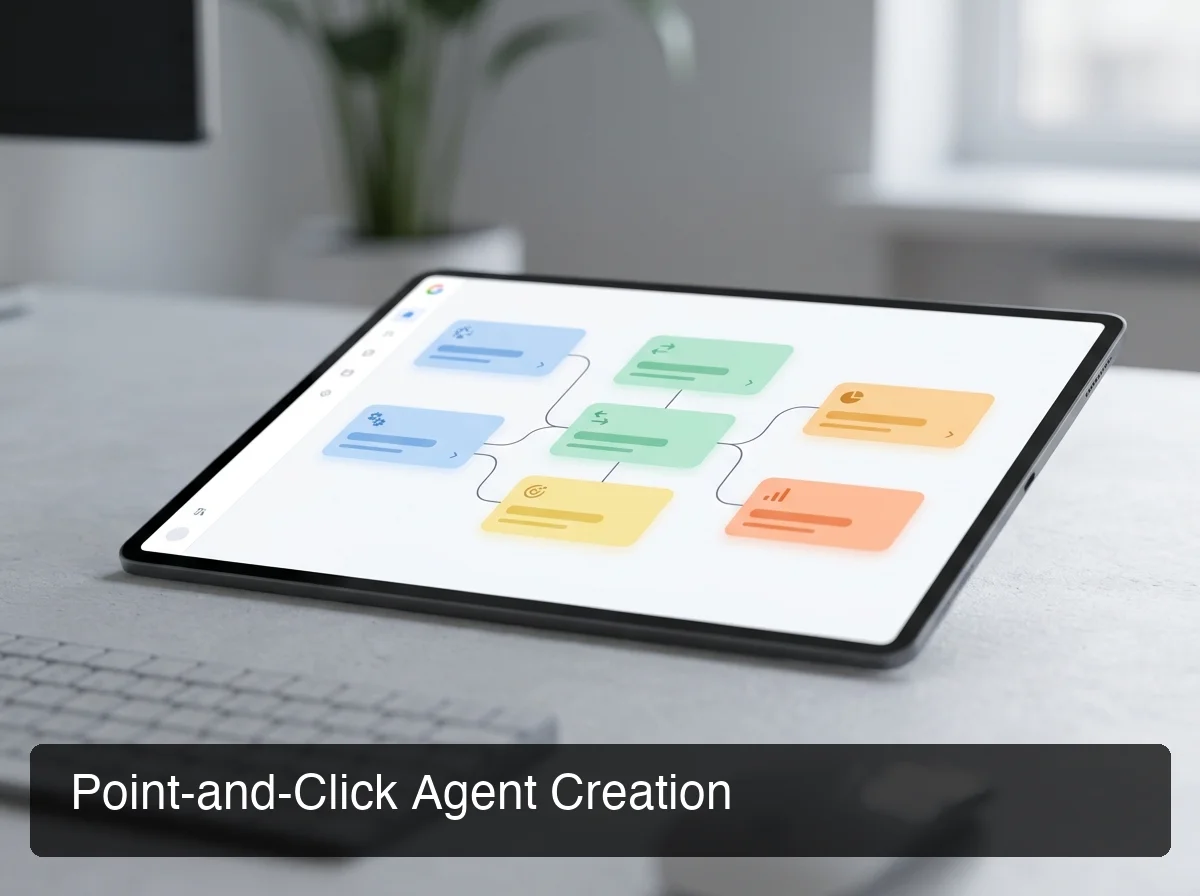 The OpenClaw no-code dashboard: activate skills and manage integrations without touching a command line.
Skills Library
OpenClaw skills are pre-built automations — browse the web, summarize a document, set a reminder, send an email, check the weather, manage calendar events. With 100+ skills pre-installed, non-technical users activate them simply by name in conversation: "Hey OpenClaw, summarize this article and add a follow-up reminder for Thursday."
Channel Integrations
OpenClaw connects to WhatsApp, Telegram, Discord, Slack, iMessage, Signal, and 20+ other platforms. Each integration has a guided setup flow — OpenClaw's Slack integration, for example, takes under 3 minutes with no developer required. For teams looking beyond Slack and WhatsApp, Signal and other platforms connect just as easily.
Can Non-Technical Users Set Up OpenClaw?
Yes — non-technical users are OpenClaw's primary use case via managed hosting. The self-hosted path requires developer knowledge, but OpenClawHQ was designed from day one for business owners, marketers, and support teams who have never touched a command line. The setup wizard handles authentication, instance configuration, and channel connection automatically.
This is what separates OpenClawHQ from options like Hostinger VPS or DigitalOcean OpenClaw installations — those give you a server with OpenClaw pre-installed, but you still configure channels, manage the daemon, and handle updates. OpenClawHQ manages all of that.
What Counts as "No-Code" Setup
| Task | Self-Hosted | OpenClawHQ |
|---|---|---|
| Install Node.js 24 | Required | Not needed |
| Run CLI commands | Required | Not needed |
| Configure a VPS/server | Required | Not needed |
| Set up LLM API keys | Required | Included |
| Connect messaging channel | Manual (technical) | Web wizard (3 min) |
| Handle software updates | Manual | Automatic |
The full pricing breakdown — including why the $49/month flat model exists — is explained in Do I Need a Subscription for OpenClaw?.
By the numbers: OpenClawHQ users complete their first channel connection in 3–7 minutes. Self-hosted users typically spend 2–4 hours on setup — and that's if everything goes right.
Which Teams Benefit Most from No-Code OpenClaw?
Non-technical founders, marketing managers, customer support leads, and small business owners benefit most from no-code OpenClaw. These teams need AI automation at the speed of a funded startup with an engineering team — but without the engineering team. OpenClaw via managed hosting gives them that leverage at $49/month flat.
The clearest use cases by role:
- Customer support teams — automate FAQ replies on WhatsApp or Slack, instantly, without adding headcount
- Founders and solopreneurs — handle lead follow-up, email summaries, and meeting scheduling while focusing on growth
- Marketing managers — activate web search and content summarization skills for research, competitive tracking, and brief creation
- Local and trade businesses — restaurants, contractors, and cleaning services booking leads through WhatsApp 24/7 without manual response
 Non-technical teams across industries use OpenClaw to automate workflows that previously required developer support.
The OpenClaw for Small Business guide covers these use cases with specific workflow examples for each persona and industry.
How Long Does It Take to Set Up OpenClaw Without Coding?
Setting up OpenClaw without coding through OpenClawHQ takes 3–7 minutes for the initial channel connection. Most users have their first meaningful automated workflow running within 24 hours. Compare that to 2–4 hours of technical setup for self-hosting — if you have the skills to attempt it at all.
The speed difference comes from what OpenClawHQ pre-configures before you ever log in:
- Infrastructure: your dedicated instance is already provisioned and running
- LLM provider: included — no OpenAI or Anthropic API key needed
- Channel authentication: handled by the web wizard step-by-step
- Skills: 100+ pre-installed and ready to activate in a single sentence
The only time you invest is choosing which skills to enable and sending OpenClaw your first instructions. Most users spend 10–15 minutes experimenting on day one, then have automations running hands-off by end of week.
Key insight: Speed-to-launch is the real advantage of managed hosting. You go from "I heard about OpenClaw" to "it's answering my WhatsApp messages" in an afternoon — not a week. And if you're wondering whether the OpenClawHQ hub is the right starting point for your business, it's built precisely for this moment.
What Are the Limitations of Using OpenClaw Without Code?
The main limitation of no-code OpenClaw is custom skill development: building a skill from scratch requires JavaScript. However, with 100+ pre-built skills covering most business automation needs, most non-technical users never need to write a single line of code. The no-code path covers approximately 90–95% of real-world use cases.
Here's a clear breakdown:
What you CAN do without any coding:
- Activate all 100+ pre-built skills by name in conversation
- Connect any supported messaging platform through the web wizard
- Configure agent behavior and preferences through natural language
- Set up scheduled tasks, reminders, and recurring automations
- Integrate with email, calendar, web search, and document tools
What requires coding (for custom needs):
- Building a skill that connects to a proprietary internal system via custom API
- Modifying skill behavior at the source code level
- Advanced webhook integrations not covered by pre-built connectors
For the vast majority of small business owners, marketers, and support teams, the 100+ included skills are more than sufficient. And if the free tier question is on your mind — the answer matters for no-code users especially, since starting without upfront payment lowers the barrier further.
Get Started with OpenClaw — No Coding Required
OpenClaw is one of the most powerful AI agents available — but the technical setup barrier has stopped countless business owners before they sent their first message. OpenClawHQ removes that barrier completely.
 Most OpenClawHQ users launch their first automated workflow within 24 hours of signing up — no technical background needed.
Your private OpenClaw instance is ready to configure right now, with $49/month flat pricing — no token fees, no server bills, no hidden costs. Unlimited usage, 100+ skills pre-installed, and dedicated infrastructure from day one.
Not sure about cost? Read Do I Need a Subscription for OpenClaw? — the free tier and pricing options are explained clearly.
Frequently Asked Questions
Does OpenClaw work without coding?
Yes — via managed hosting. The raw OpenClaw software requires Node.js, CLI configuration, and server management. OpenClawHQ eliminates all of that: sign up, pick a messaging channel, follow the guided setup, and your AI agent is live — no technical background required.
Can I set up OpenClaw on WhatsApp without coding?
With OpenClawHQ, WhatsApp connection takes about 5 minutes: sign up, select WhatsApp, and scan a QR code in the web dashboard. No server configuration, no API keys, no command line — OpenClawHQ manages the entire backend automatically and reconnects the channel if it ever drops.
Is there a free version of OpenClaw for non-coders?
The OpenClaw software itself is free and open source, but running it requires a server and technical setup. OpenClawHQ provides a fully managed, no-code experience for $49/month flat — includes unlimited usage, all 100+ skills, and LLM inference with no surprise token fees.
What is OpenClawHQ?
OpenClawHQ is a fully managed hosting service for OpenClaw — the viral open-source AI agent. It gives non-technical users and business owners their own private OpenClaw instance, fully configured and running in minutes, with unlimited usage for $49/month flat. No server setup, no coding, and no separate token fees required.
How is OpenClaw different from Zapier or Make.com for non-technical users?
OpenClaw is an autonomous AI agent — it reasons, browses the web, handles multi-step tasks, and responds in natural language. Zapier and Make.com are rule-based workflow tools: when X happens, do Y. OpenClaw understands intent and adapts — and for $49/month flat, you get agent-level intelligence at automation-tool pricing.
Can I use Signal with OpenClaw without coding?
OpenClaw supports Signal along with WhatsApp, Telegram, Slack, Discord, iMessage, and 20+ other messaging platforms — all connectable without any coding. With OpenClawHQ's guided setup, each channel takes under 7 minutes and OpenClawHQ handles reconnection automatically.
Can non-technical users build AI agents with OpenClaw?
Yes — non-technical users are OpenClawHQ's core audience. The 100+ pre-built skills function as building blocks for an AI agent customized through conversation, not code. Activating web search, email, and scheduling capabilities takes seconds — and for most business automation needs, no custom development is required.