
OpenClaw Skills: What They Are & How to Use | OpenClawHQ
OpenClaw Skills Explained: What They Are and How to Use Them
Every OpenClaw user hits the same question within their first hour: what can this thing actually do? The answer is skills — the modular automations that transform OpenClaw from a smart chatbot into a genuine AI employee that handles real business tasks.
Key Takeaways
- OpenClaw skills are modular, reusable automations that let your agent perform specific tasks — from web browsing to email management — without requiring code.
- Skills enable OpenClaw to connect across 50+ platforms and services, including Slack, WhatsApp, Discord, Google Calendar, and more.
- The OpenClaw skill marketplace includes hundreds of pre-built templates and community-created workflows ready to activate immediately.
- Custom skills can be created in minutes using OpenClaw's no-code skill builder — no programming experience required.
- OpenClawHQ comes with 100+ skills pre-installed, ready to activate from your dashboard on day one.
Contents
- What Is an OpenClaw Skill?
- How Do OpenClaw Skills Work?
- How Many OpenClaw Skills Are Available?
- Which OpenClaw Skills Are Most Popular?
- How Do I Use OpenClaw Skills in My Workflow?
- How Do I Create Custom OpenClaw Skills?
- How Much Does It Cost to Use OpenClaw Skills?
- FAQ: OpenClaw Skills
What Is an OpenClaw Skill?
An OpenClaw skill is a modular, pre-built automation that teaches your agent how to perform a specific task. Skills range from simple single-step actions — like checking the weather or setting a reminder — to complex multi-step workflows that connect multiple services. They are the building blocks of everything OpenClaw can do beyond basic conversation.
Skills are what separate OpenClaw from a standard AI chatbot. A chatbot answers questions. An OpenClaw agent with the right skills can browse the web, send emails, update a calendar, summarize a document, and follow up on a customer lead — all in a single conversation thread.
Think of skills as individual job descriptions for your AI employee. Each skill tells OpenClaw: "Here's what this tool does, here's how to invoke it, and here's what to do with the result." Non-technical users activate skills by name in conversation — no configuration required.
OpenClaw is part of the same open-source ecosystem covered in What Is OpenClaw, which has amassed 247,000+ GitHub stars. Skills were designed as the extensibility layer that lets any user customize OpenClaw's behavior without writing code.
 The OpenClaw skill marketplace gives you instant access to hundreds of pre-built automations — all available with a single toggle.
How Do OpenClaw Skills Work?
OpenClaw skills work by providing the agent with a structured instruction set that defines what a tool does, when to use it, and how to interact with it. When you activate a skill, OpenClaw reads this definition and knows how to invoke the right integration or action whenever your instructions match that capability.
Under the hood, each skill is a small package: a description of the tool, its parameters, and its expected outputs. When you send a message like "schedule a follow-up email for Thursday," OpenClaw checks its active skills, finds the email scheduling skill, and executes the appropriate sequence of actions automatically.
How Does Skill Activation Work?
Activating a skill requires no commands or code. In a managed environment like OpenClawHQ, you activate skills directly from your web dashboard — toggle them on, and they're immediately available in your next conversation.
The agent automatically selects the right skill based on context. You don't need to know which skill handles which task — OpenClaw figures it out from what you ask and chains together the relevant tools to complete the job.
Key insight: OpenClaw skills are context-aware. The agent selects and executes the right skill automatically based on what you ask — you never have to know which skill handles which task.
How Many OpenClaw Skills Are Available?
Hundreds of OpenClaw skills exist across the official marketplace, the community ClawHub, and GitHub repositories. The ecosystem includes 100+ official pre-built skills covering web research, communication, productivity, and automation — plus a growing library of community-created skills that expands every week.
The skill catalog spans several categories:
- Productivity: Google Calendar, reminders, task management, note-taking
- Communication: Email drafting and sending, WhatsApp messaging, Slack notifications
- Research: Web browsing, content summarization, news aggregation, document analysis
- Business automation: CRM updates, lead follow-up, invoice generation, form filling
- Developer tools: Code interpreter, API caller, webhook triggers, n8n workflow integration
- Data: Spreadsheet manipulation, database queries, data formatting
The community-maintained awesome-openclaw-skills repository on GitHub tracks hundreds of additional skills contributed by developers worldwide. As OpenClaw's community continues building — now 247,000+ GitHub stars strong — new skills are added every week.
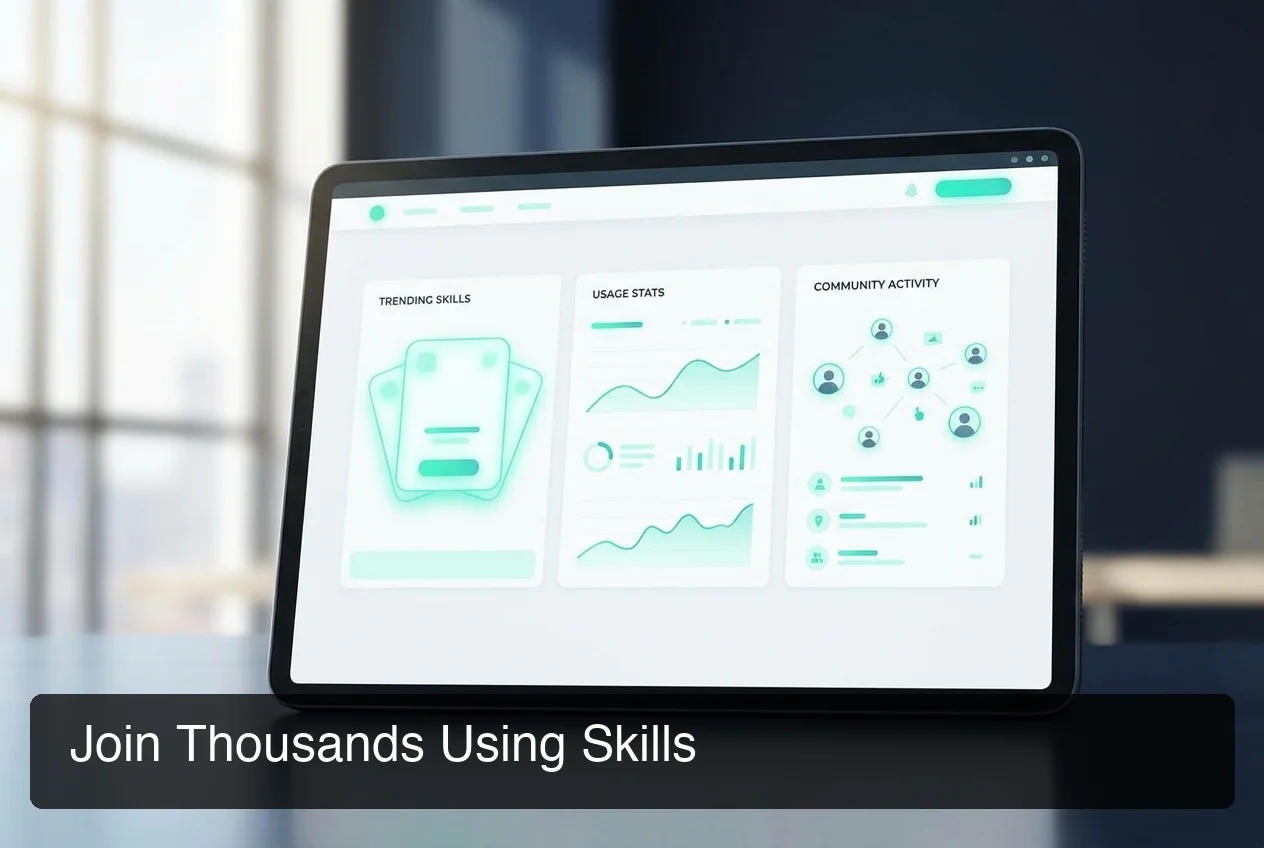 The OpenClaw skills ecosystem is community-driven and growing — new integrations ship weekly.
By the numbers: The OpenClaw skill ecosystem spans 100+ pre-built automations, with community repositories adding new integrations weekly. Active businesses typically use 8–15 skills in daily operation.
Which OpenClaw Skills Are Most Popular?
The most-used OpenClaw skills are web search, email management, calendar scheduling, and document summarization. For business users, the WhatsApp auto-reply, lead follow-up, and Slack notification skills are consistently among the top activations — because they automate the highest-volume, most time-consuming parts of a business day.
Based on community data from Reddit and ClawHub:
- Web Search — Browses the web and returns summarized answers with sources
- Email — Drafts, sends, and organizes emails on your behalf
- Calendar Management — Schedules appointments, sets reminders, checks availability
- Document Summarizer — Condenses long PDFs, reports, or web pages into key points
- Knowledge Base — Stores and retrieves custom business information (FAQs, product details)
- WhatsApp Auto-Reply — Responds to incoming messages automatically based on your rules
- Slack Notifications — Posts alerts, updates, or summaries to Slack channels
- Code Interpreter — Executes and debugs code snippets, useful for data processing
- Lead Follow-Up — Sends personalized follow-up messages to leads on a schedule
- n8n Workflow — Triggers complex multi-step automations via n8n integration
For example, if you're running OpenClaw on Slack, the Slack Notifications skill becomes essential — it lets your agent proactively push summaries, alerts, or customer updates into any Slack channel without you having to ask.
How Do I Use OpenClaw Skills in My Workflow?
To use OpenClaw skills in your workflow, activate the ones you need from your dashboard, then describe the task in natural conversation. OpenClaw handles the rest — no additional configuration required. Skills can also be chained together, letting a single instruction trigger a multi-step automated sequence.
Here's a practical example. A real estate agent might use three skills in one morning:
- Ask OpenClaw to summarize incoming inquiry emails (Document Summarizer skill)
- Tell OpenClaw to follow up with each lead via WhatsApp (WhatsApp Auto-Reply skill)
- Ask it to schedule calls with interested leads (Calendar Management skill)
That's three skills working in sequence, triggered by natural conversation — no automation builder, no Zapier rules, no coding.
How Do Skills and Mission Control Work Together?
Skills become even more powerful when combined with OpenClaw Mission Control, which lets you orchestrate multi-agent workflows. Mission Control acts as the conductor — directing multiple OpenClaw instances, each with specialized skills, to collaborate on complex business processes.
Small businesses especially benefit from this combination. As covered in the guide on OpenClaw for small business, skills are the automation stack that lets small teams compete with enterprise-level operations — activating intelligent workflows at a fraction of the cost.
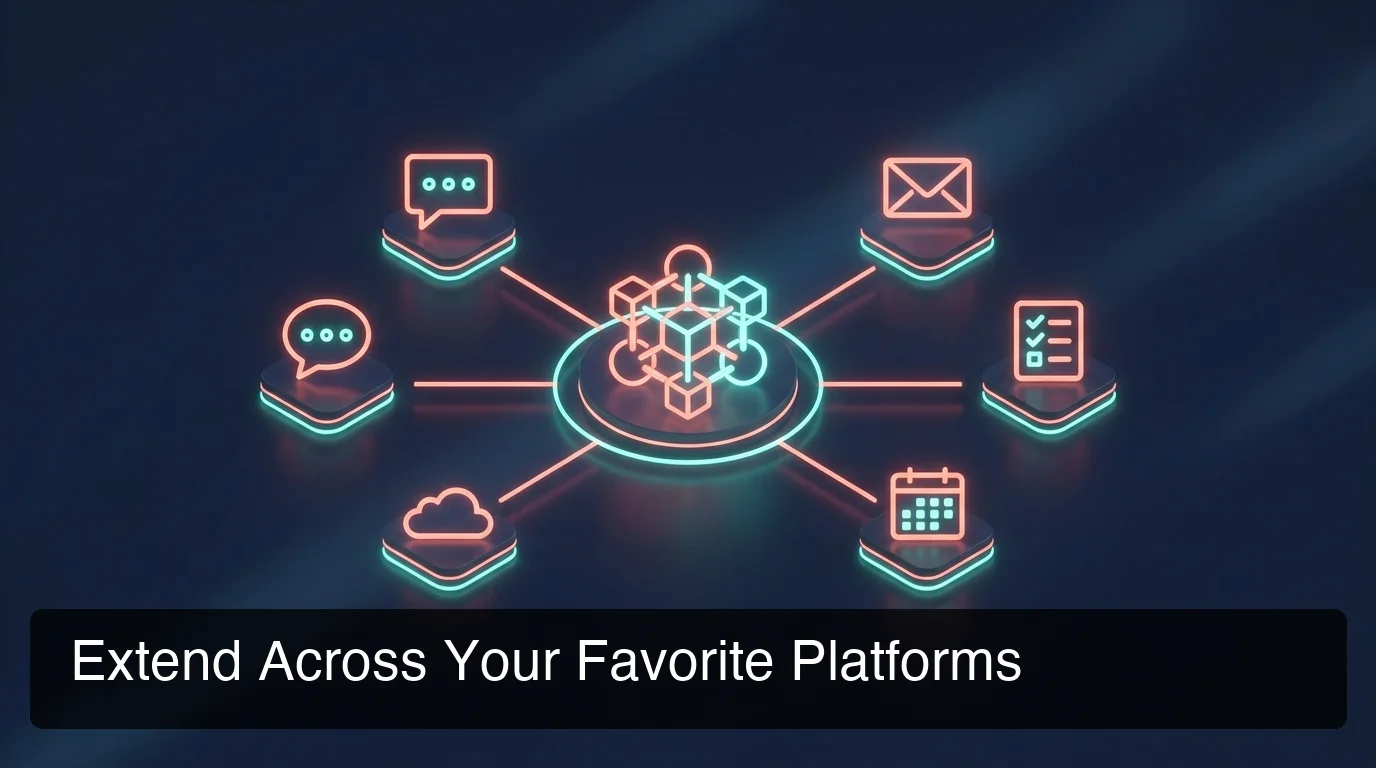 OpenClaw skills extend your agent's reach across every platform your business uses — from WhatsApp to Slack to email.
You can also manage all your skills from the OpenClawHQ dashboard — see which skills you've configured, toggle integrations on or off, and monitor skill usage in real time. This central hub makes it easy to keep your automation stack organized as your business grows and you add more popular platform integrations.
Bottom line: Skills turn OpenClaw from a conversational AI into a workflow engine. The more skills you activate, the more of your business runs on autopilot — without adding headcount or complexity.
How Do I Create Custom OpenClaw Skills?
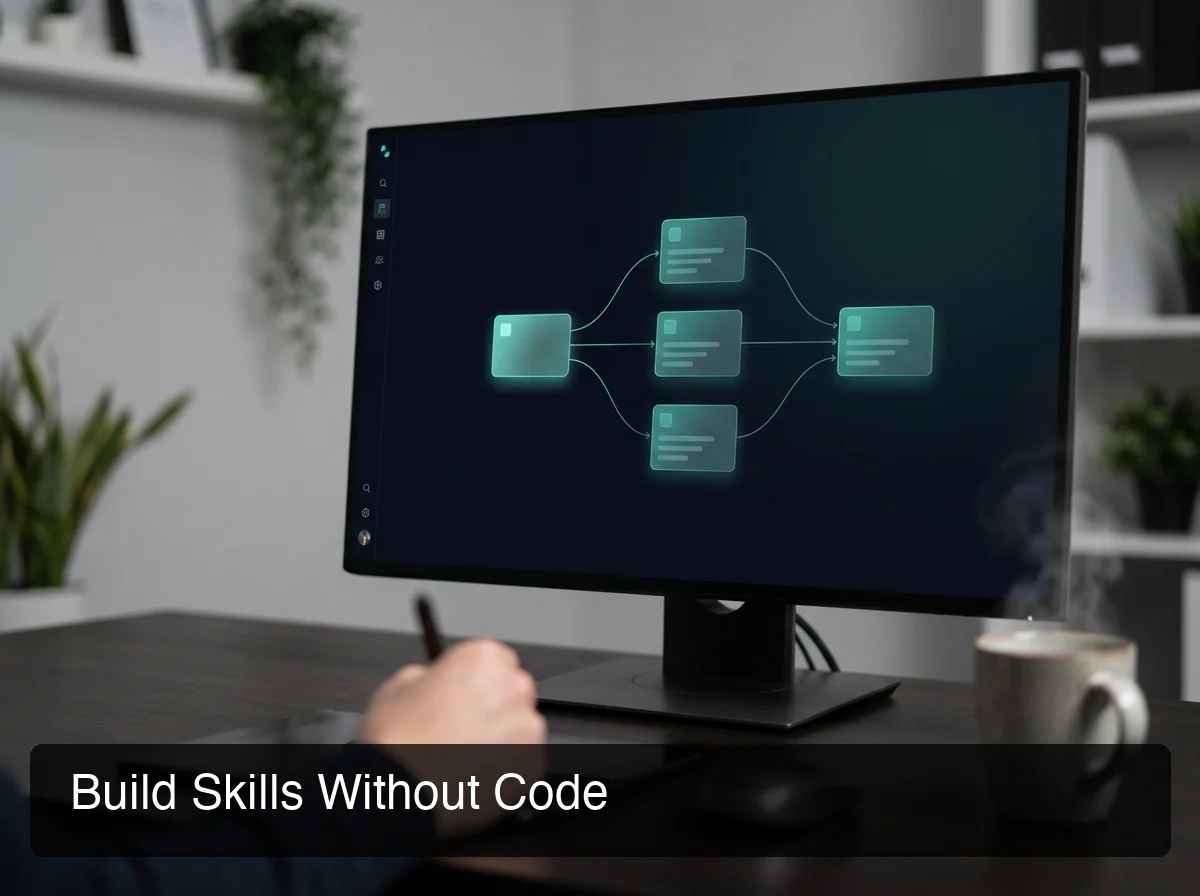 Build custom OpenClaw skills in minutes — OpenClawHQ's no-code skill builder puts skill creation within reach of any business owner.
Custom OpenClaw skills can be created using a visual no-code skill builder — a drag-and-drop interface that lets you define what a skill does, what inputs it needs, and what actions it should take, without writing a single line of code. Most custom skills take 5–10 minutes to configure and are live in your agent immediately.
For non-technical users, the no-code approach is the game-changer. Instead of editing raw configuration files (the developer approach), you simply:
- Name your skill — give it a clear, descriptive label
- Define its trigger — what phrase or request activates it
- Set its action — which integration, API, or workflow it should run
- Test it — send a test message in your connected channel to confirm it works
For developers who want full control, writing SKILL.md files gives access to complex parameter schemas, multi-step tool chains, and custom error handling.
What Are the Best Use Cases for Custom Skills?
Custom skills shine when you have a business-specific workflow that no pre-built skill covers exactly. Common examples:
- A restaurant building a reservation handling skill that checks availability and confirms via WhatsApp
- An agency building a client reporting skill that pulls data from their project management tool
- A coach building a session follow-up skill that sends personalized notes after each call
Popular platform integrations like connecting OpenClaw to WhatsApp are frequently the foundation for custom business skills — where you define exactly what your agent says, when, and to whom. That's also why what sets OpenClaw apart: the skill marketplace is the primary reason users cite when choosing managed hosting over self-hosting.
Key insight: Custom skills bridge the gap between what OpenClaw does out-of-the-box and what your specific business needs. Most business owners create their first custom skill within a week of signing up.
How Much Does It Cost to Use OpenClaw Skills?
OpenClaw skills themselves are free — they're open-source and available at no cost through ClawHub, GitHub, and the official skill marketplace. What you pay for is the infrastructure to run OpenClaw with those skills active: either a self-managed server plus AI API costs, or a managed service like OpenClawHQ at $49/month flat.
The hidden cost of self-hosting is time: configuring skills, maintaining the Node.js daemon, managing API keys for each integration, and debugging when things break. For non-technical users, this setup wall is where most people abandon OpenClaw before seeing any value.
OpenClawHQ removes that wall entirely. Your instance comes with 100+ skills pre-installed, unlimited AI usage included, and no separate token fees — ever.
| Setup | Infrastructure Cost | AI Usage Cost | Skills Setup |
|---|---|---|---|
| Self-hosted VPS | $4–10/month | $10–50+/month (BYOK) | Manual config per skill |
| KiloClaw | $9/month | Variable token fees | Partial skill support |
| OpenClawHQ | $49/month flat | Included, unlimited | Pre-installed, toggle-on |
By the numbers: Self-hosting OpenClaw requires a VPS ($4–10/month), LLM API keys ($10–50+/month depending on usage), and significant setup time. OpenClawHQ bundles everything for $49/month flat — often cheaper and always simpler.
Get Started with OpenClaw
OpenClaw skills are how you move from "interesting demo" to "this actually runs part of my business." Whether you're activating pre-built skills for web research and email, or building a custom reservation workflow for your restaurant — skills are the mechanism that makes it happen.
OpenClawHQ gives you 100+ skills pre-installed, a no-code skill builder, and unlimited AI usage — all for $49/month flat with no server setup or API keys required.
Not ready yet? Browse the community skill marketplace at ClawHub before you commit — it's free to explore.
FAQ: OpenClaw Skills
What skills should I give OpenClaw first? Start with the high-frequency, high-impact skills: Web Search, Email, and Calendar Management. These three cover the majority of daily business tasks. Once running smoothly, add platform-specific skills based on where your customers communicate — WhatsApp, Slack, or Discord are the most popular next steps for business users.
Where can I find OpenClaw skills to install? The primary sources are ClawHub (the community skill marketplace), the official OpenClaw documentation at docs.openclaw.ai, and the awesome-openclaw-skills GitHub repository. OpenClawHQ users find their pre-installed skill library directly in the web dashboard — no GitHub browsing or manual installation required.
How do I write a custom skill for OpenClaw? Custom skills use a SKILL.md file defining the skill's name, description, capabilities, and tool invocation logic. For non-technical users, OpenClawHQ's no-code skill builder provides a visual interface to create custom skills without editing files directly. Most custom skills take under 10 minutes to configure and activate.
What is OpenClawHQ? OpenClawHQ is a fully managed hosting service for OpenClaw — the viral open-source AI agent. It gives non-technical users and business owners their own private OpenClaw instance, fully configured and running in minutes, with unlimited usage for $49/month flat. No server setup, no coding, and no separate token fees required.
What can I do with OpenClaw for my business? OpenClaw acts as an AI employee inside your messaging apps (WhatsApp, Telegram, Discord, Slack, and 20+ others). It can answer customer questions automatically, follow up on leads, summarize documents, browse the web, send emails, and execute 100+ pre-built automations called "skills." OpenClawHQ delivers this fully configured for $49/month — no technical setup required.
Can OpenClaw skills connect to my existing business tools? Yes. OpenClaw skills integrate with most major business tools — Google Calendar, Gmail, Slack, WhatsApp, Notion, Airtable, and more. For tools without a pre-built skill, you can create a custom skill using webhooks or API connections. OpenClawHQ's skill builder makes it possible to connect almost any tool with a web API, without writing code.
Are OpenClaw skills safe to use? Yes. Each skill runs within your private OpenClaw instance, isolated from other users. Skills access only the services you authorize — OpenClaw requests explicit permissions for each integration. OpenClawHQ customers get additional protection: we manage security updates, monitor for anomalies, and ensure each instance is isolated with no cross-customer data sharing.