
OpenClaw Features: What Your AI Agent Can Do | OpenClawHQ
OpenClaw Features: Everything Your AI Agent Can Do
OpenClaw features go far beyond a basic chatbot. This autonomous AI agent browses the web, manages email, executes 100+ automations, and runs 24/7 inside the messaging apps you already use — and their depth surprises most first-time users.
Key Takeaways
- OpenClaw's Hub is the central control center where you manage all your AI agents, skills, and integrations in one place.
- Skills are pre-built automation modules that let you add functionality without writing code — the foundation of OpenClaw's flexibility.
- The visual builder and no-code interface make it possible for non-technical users to create production-ready AI agents.
- OpenClaw integrates with 200+ third-party tools including Slack, Discord, WhatsApp, and Zapier — expanding what your agents can do.
- Free plan covers basic automation; paid plans unlock advanced features, priority support, and custom skill development.
Contents
- What Are the Core Features of OpenClaw?
- What Is the OpenClaw Hub and How Does It Work?
- How Do OpenClaw Skills Help You Automate Faster?
- Can I Build AI Agents Without Coding in OpenClaw?
- What Integrations Does OpenClaw Support?
- How Do OpenClaw Features Compare to Competitors?
- Which OpenClaw Features Are Available on the Free Plan?
- Get Started with OpenClaw
- Frequently Asked Questions
What Are the Core Features of OpenClaw?
OpenClaw features a multi-channel AI agent that browses the web, manages email and calendars, executes 100+ pre-built automations called "skills," and runs 24/7 across 20+ messaging platforms. Unlike a rules-based chatbot, it reasons through multi-step tasks — receiving instructions in WhatsApp or Telegram and carrying them out end-to-end without constant supervision.
This isn't a chatbot that gives canned answers. OpenClaw is an autonomous agent that takes action. You message "follow up on the three leads who didn't reply this week" and it drafts messages, checks context, and sends them.
Here's what OpenClaw does out of the box:
- Browse the web and retrieve up-to-date information
- Read, write, and summarize emails
- Manage calendar events, reminders, and scheduling
- Fill web forms and complete multi-step online tasks
- Summarize documents, PDFs, and long-form content
- Manage files and run shell commands
- Answer customer messages automatically, 24/7
- Execute any of 100+ pre-built skill automations
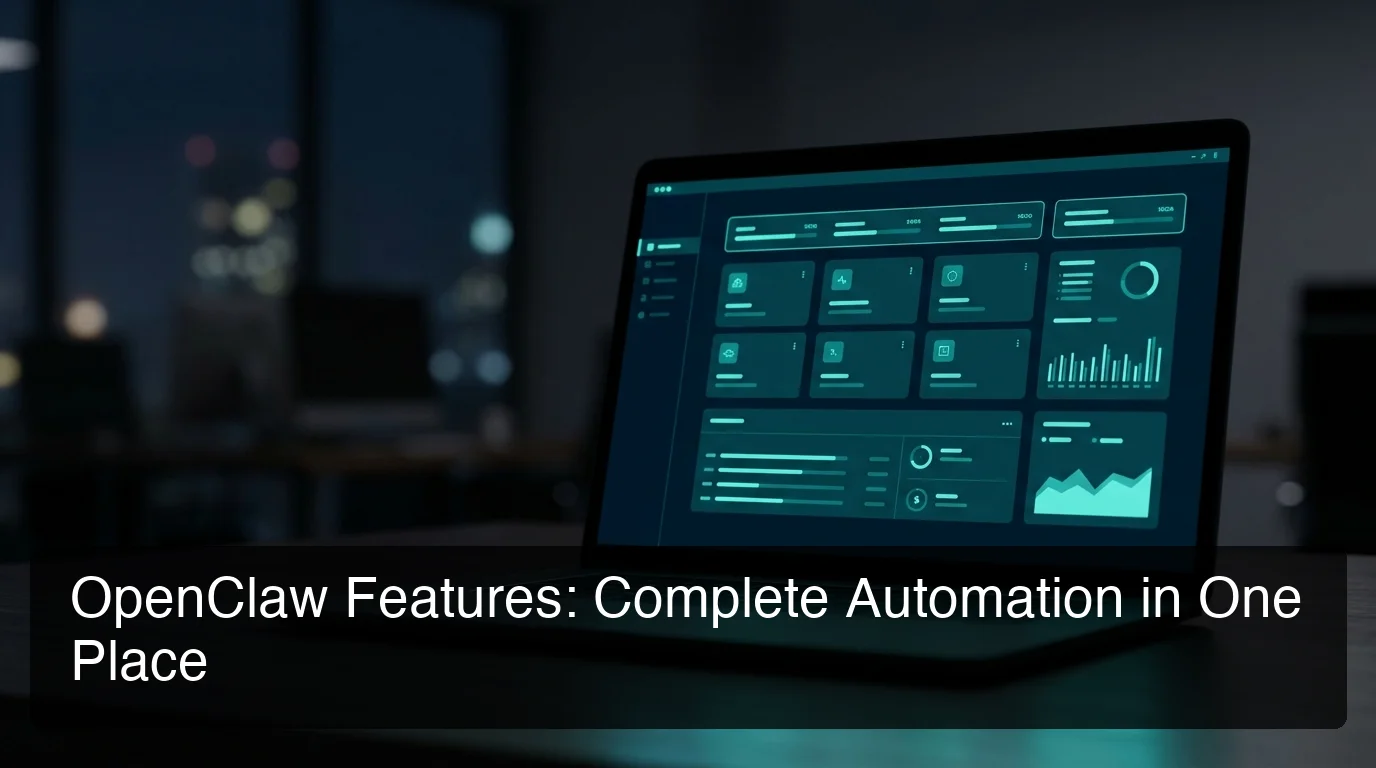 OpenClaw's dashboard overview — active channels, running skills, and agent status visible at a glance.
By the numbers: OpenClaw has accumulated 247,000+ GitHub stars and 47,700+ forks as of March 2026, making it one of the fastest-growing open-source AI projects ever.
The key phrase is "autonomous execution." OpenClaw doesn't wait to be micro-managed — it handles multi-step workflows the way a capable employee would.
What Is the OpenClaw Hub and How Does It Work?
The OpenClaw Hub is the central control panel for your entire agent setup — one interface where you activate skills, connect messaging channels, monitor agent activity, and configure behaviors. Instead of editing configuration files or using a CLI, every OpenClaw feature is managed visually from one screen.
Think of it as mission control. Every skill, every channel connection, every behavior rule your agent follows — it's all set from the Hub.
Key Hub capabilities:
- Agent status: See which channels are live, pause or restart your agent instantly
- Skill management: Browse, activate, and deactivate skills with a single click
- Channel connections: Add WhatsApp, Telegram, Discord, Slack, or any of 20+ platforms from one screen
- Usage and logs: Monitor what your agent is doing, review task history, and debug if needed
For a detailed walkthrough of every Hub feature, see What Is the OpenClaw Hub? Skills, Controls & Management Explained.
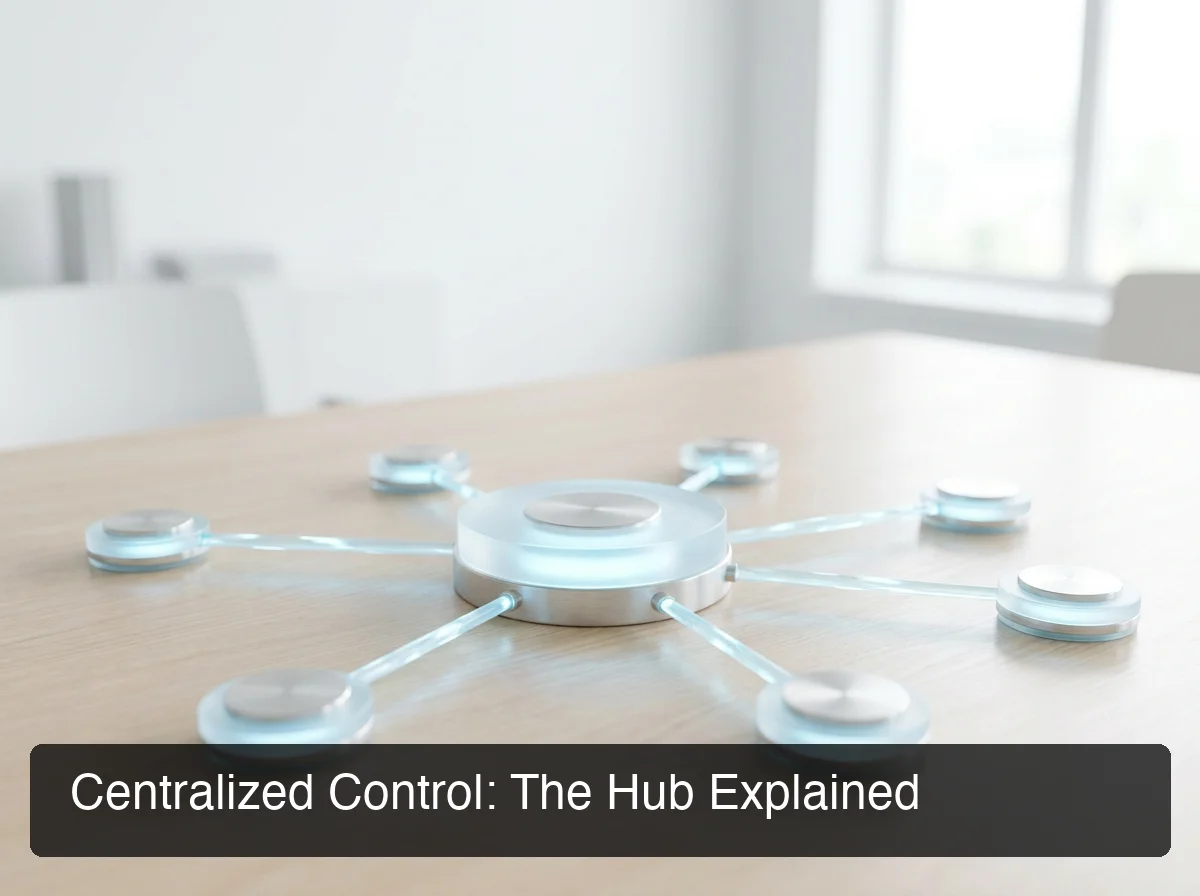 The OpenClaw Hub connects agents, skills, and channels from a single centralized interface.
Key insight: The biggest pain in self-hosting OpenClaw is managing each component via the CLI separately. The Hub collapses all of that into one visual interface — which is why OpenClawHQ delivers it as the core of its managed product.
How Do OpenClaw Skills Help You Automate Faster?
OpenClaw skills are pre-packaged automation modules that give your agent specific capabilities — web search, email management, calendar handling, document summarization, CRM updates, and more. Activating a skill in the Hub immediately extends what your agent can do, with no coding required. Each skill is self-contained and ready to use.
Skills are the reason OpenClaw can handle diverse, real-world business tasks without custom programming for every use case. The architecture separates core agent behavior from capabilities — meaning you can expand what your agent does just by toggling a skill on.
What's included in the 100+ pre-built skill library?
| Category | Example Skills |
|---|---|
| Web & Research | Web search, URL scraping, news monitoring, Wikipedia lookup |
| Communication | Email send/read/summarize, calendar events, reminders |
| Files & Documents | PDF summarization, file management, document drafting |
| Business Automation | Lead follow-up, form filling, CRM data entry |
| System & Utility | Weather, calculations, time zones, unit conversions |
Most business users run on 5–10 skills daily. A plumber might activate web search, email reply, and calendar scheduling. A real estate agent might add document summarization and a CRM connector.
Technical users can extend the library by writing custom skills in JavaScript. But the pre-built catalog covers the majority of real-world business workflows without writing a single line of code.
For a complete breakdown, see OpenClaw Skills Explained: What They Are and How to Use Them.
Can I Build AI Agents Without Coding in OpenClaw?
Yes — OpenClaw's visual builder lets you construct custom agent workflows using drag-and-drop blocks on a canvas. You connect pre-built skill modules, define triggers, set branching conditions, and publish a live agent — all without writing code, configuring servers, or editing configuration files. This is one of the most significant openclaw features for non-technical users.
Before the visual builder, automating complex workflows required either developer skills or a separate tool like Zapier. OpenClaw's builder makes multi-step automation accessible to anyone who can map out a workflow on paper.
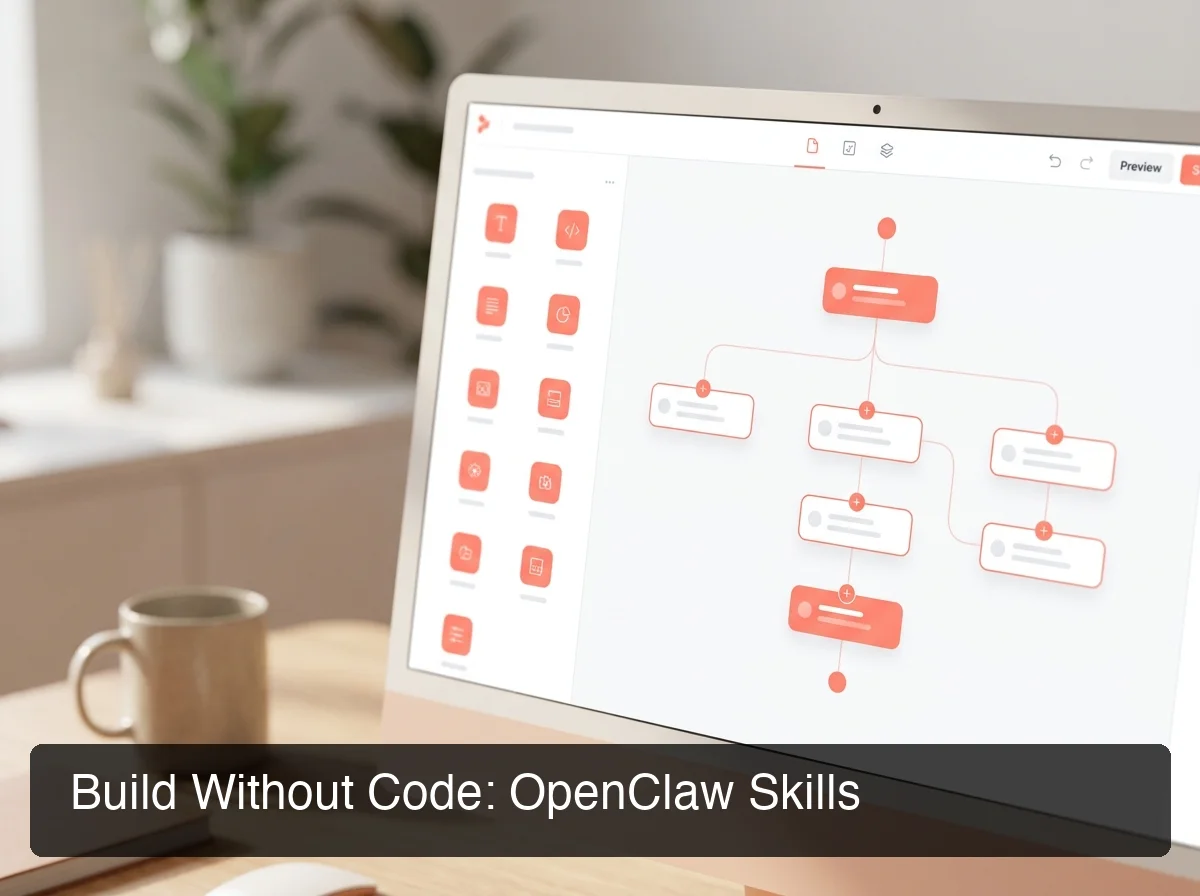 The no-code builder: connect skill blocks, set triggers, add branch logic — then publish a live agent in minutes.
How the build process works
- Choose a trigger — a new WhatsApp message, a scheduled time, or an incoming email
- Add skill blocks — web search, email reply, document summarize, CRM update
- Set conditions — branch logic routes tasks based on message content or context
- Publish — your agent handles the workflow automatically from that point on
OpenClawHQ runs your built agents on dedicated infrastructure 24/7. You build once — it runs without you maintaining anything.
For step-by-step guides, see Can You Use OpenClaw Without Coding? Yes — Here's How and OpenClaw No Code: Build Powerful AI Automation Without Writing a Line.
Bottom line: The visual builder turns OpenClaw from a developer-facing tool into a business-first platform. If you can describe a workflow in plain English, you can build it.
What Integrations Does OpenClaw Support?
OpenClaw integrates with 200+ tools across messaging platforms, productivity apps, and business software. Built-in channels include WhatsApp, Telegram, Discord, Slack, iMessage, Signal, and 15+ more. External integrations extend to Zapier, email providers, calendar apps, CRMs, and popular web services — all connectable through the openclaw hub without coding.
This depth of integration is what makes OpenClaw practical for real businesses. Your agent doesn't live in a separate tool — it operates inside the apps your team and customers already use.
Supported messaging channels
| Type | Platforms |
|---|---|
| Built-in channels | WhatsApp, Telegram, Discord, Slack, iMessage, Signal, Google Chat, IRC, Microsoft Teams, Matrix |
| Plugin channels | Feishu, LINE, Mattermost, Nextcloud Talk, WeChat, Zalo, Twitch, BlueBubbles, and more |
Business tool connections
Beyond messaging, OpenClaw connects to:
- Email: Gmail, Outlook, any IMAP/SMTP-compatible service
- Calendars: Google Calendar, Outlook Calendar
- Automation platforms: Zapier webhooks, Make.com, custom REST API calls
- Web browsing: Built-in browser relay for form filling and data extraction
- CRMs and databases: Via API connector skills
The integration list expands continuously through OpenClaw's open-source community — new channels and connectors are added with each major release.
How Do OpenClaw Features Compare to Competitors?
OpenClawHQ delivers the full OpenClaw feature set — Hub, Skills, visual builder, persistent memory, and 200+ integrations — in a single $49/month flat package with unlimited usage. Most competing services give you the same underlying OpenClaw software but charge separately for hosting and AI token usage, making costs unpredictable at scale.
Here's a direct feature comparison:
| Feature | OpenClawHQ | KiloClaw | xCloud / MyClaw | Self-hosted VPS |
|---|---|---|---|---|
| Fully managed setup | Yes | Yes | Partial | No |
| Unlimited AI usage | Yes | No (per-token) | No (BYOK) | No (BYOK) |
| No-code onboarding | Yes | Partial | No | No |
| 100+ pre-built skills | Yes | Yes | Yes | Yes |
| Visual builder access | Yes | Limited | Limited | Yes (self-config) |
| LLM provider included | Yes | Via gateway | No | No |
| Predictable monthly cost | $49 flat | $9 + variable | $16 + API costs | $4–10 + API |
The pattern is consistent: alternatives give you the server but not the full experience. OpenClawHQ is the only managed service where every OpenClaw feature works out of the box — no additional configuration, no billing surprises.
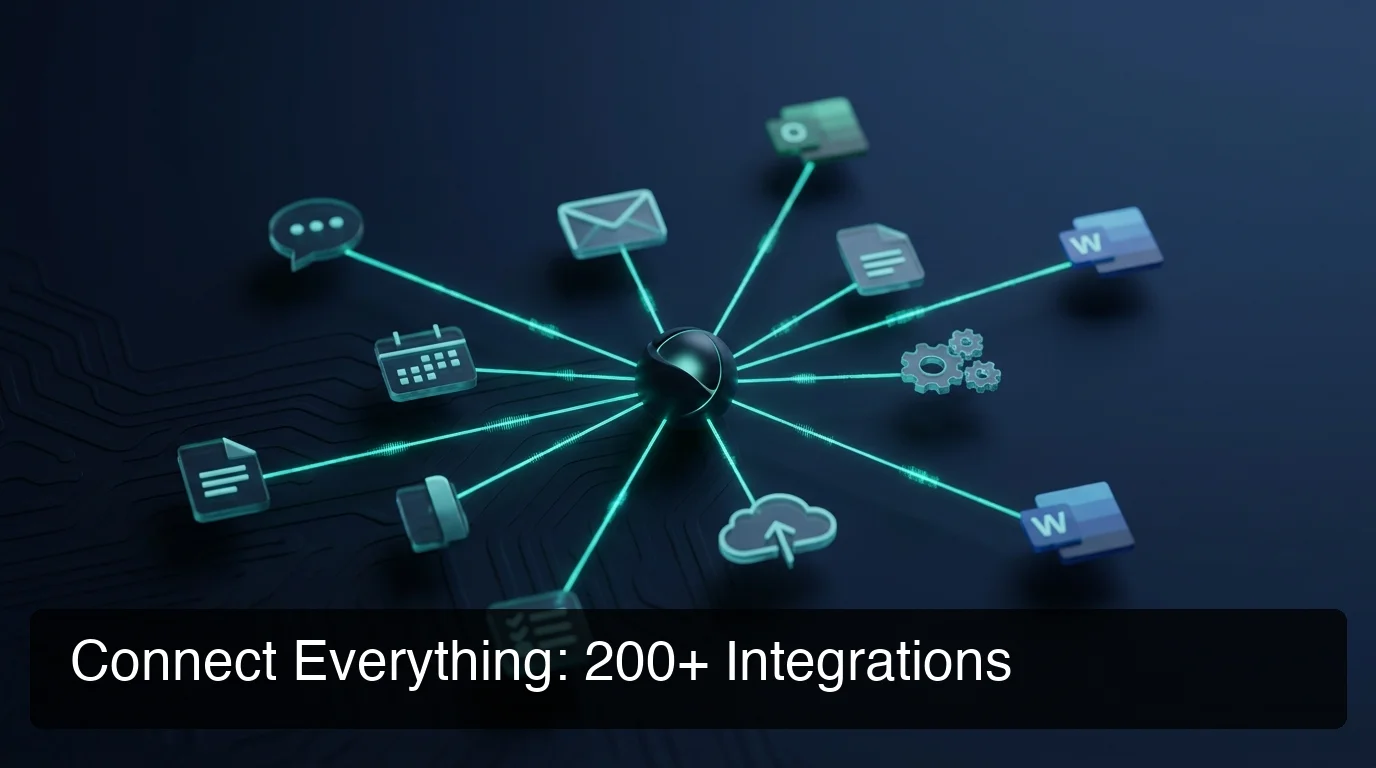 OpenClaw's 200+ integration network — all channels and business tools managed from one Hub.
Which OpenClaw Features Are Available on the Free Plan?
OpenClaw the software is free and open source — but running it requires a server, technical configuration, and ongoing maintenance you pay for separately. OpenClawHQ's $49/month plan is the managed version: it includes all OpenClaw features, unlimited AI usage, 100+ pre-built skills, the no-code builder, and 200+ integrations with zero setup required.
Here's an honest breakdown of what "free" really means:
| What's Included | Open-Source (Self-Hosted) | OpenClawHQ ($49/month) |
|---|---|---|
| Core OpenClaw agent | Yes (free software) | Yes |
| 100+ pre-built skills | Yes | Yes |
| Visual builder | Yes (self-configured) | Yes (fully managed) |
| Hub dashboard | Yes (self-configured) | Yes (managed UI) |
| Messaging channel connections | Yes (you configure) | Yes (we configure) |
| Server / infrastructure | No (you pay for VPS) | Yes, included |
| AI model (LLM) | No (you pay API costs) | Yes, unlimited |
| Updates and maintenance | No (you handle it) | Yes, automatic |
| Non-technical setup | No (CLI required) | Yes, guided dashboard |
The open-source version is technically "free" but realistically costs $4–10/month for a VPS plus full AI API costs that scale with usage. For an active business, that adds up fast and unpredictably.
OpenClawHQ absorbs all of that into one flat price. Every openclaw feature, fully functional, from day one.
Get Started with OpenClaw
Every OpenClaw feature — the Hub, Skills, visual builder, and 200+ integrations — is ready to use in minutes when you skip the self-hosting complexity.
OpenClawHQ gives you a private, managed OpenClaw instance with unlimited usage included. No server, no Node.js, no API keys, no surprises.
Already on the self-hosted path and hit a wall? That's the most common route to OpenClawHQ — and setup takes under 10 minutes.
Frequently Asked Questions
What are the main OpenClaw features? OpenClaw's core features include a multi-channel AI agent across WhatsApp, Telegram, Discord, Slack, and 20+ platforms; 100+ pre-built skills for web browsing, email, calendar, and document tasks; a no-code visual builder for custom workflows; and a central Hub dashboard that manages all agents and integrations from one interface.
What is the OpenClaw Hub? The OpenClaw Hub is the central dashboard for managing your AI agent setup. From the Hub, you activate and deactivate skills, connect messaging channels, monitor agent activity, and configure automation behaviors — all without touching a command line or configuration file. It is the primary interface for non-technical OpenClaw users.
Can I use OpenClaw without coding? Yes. OpenClaw's visual builder lets you build custom agent workflows using drag-and-drop skill blocks. You set triggers, connect skill modules, define conditions, and publish — no JavaScript or CLI required. OpenClawHQ additionally removes all server-side configuration, so you never interact with the technical layer at all.
What is OpenClawHQ? OpenClawHQ is a fully managed hosting service for OpenClaw — the viral open-source AI agent. It gives non-technical users and business owners their own private OpenClaw instance, fully configured and running in minutes, with unlimited usage for $49/month flat. No server setup, no coding, and no separate token fees required.
How many integrations does OpenClaw support? OpenClaw supports 200+ integrations including built-in messaging channels (WhatsApp, Telegram, Discord, Slack, iMessage, Signal) and business tool connections through email providers, calendar apps, Zapier, Make.com, and custom API connectors. The community adds new channels and connectors with each major release.
Why is OpenClaw so popular? OpenClaw went viral because it combines real autonomous AI capability with the apps people already use. Instead of a standalone tool, it lives in WhatsApp, Telegram, or Slack and actually executes tasks. Its 247,000+ GitHub stars in just months reflect users sharing real results — automated follow-ups, instant document summaries, and 24/7 customer responses without extra staff.
What is the difference between OpenClaw, Clawdbot, and Moltbot? They are all the same tool at different points in time. The project launched as "Clawdbot" in November 2025, was briefly renamed "Moltbot" in January 2026 after a trademark dispute, and then renamed "OpenClaw" three days later — the name it carries today. OpenClawHQ provides managed hosting for OpenClaw (all names refer to the same underlying software).