
OpenClaw Hub: Dashboard, Skills & Setup | OpenClawHQ
What Is the OpenClaw Hub? Skills, Controls & Management Explained
When people search "openclaw hub," they're usually looking for one of two things: ClawHub, the public skill registry where developers publish OpenClaw automations, or the management hub built into OpenClawHQ — your unified control panel for running, monitoring, and scaling your AI agent. This guide covers both, with a focus on how OpenClawHQ's Hub puts everything in one place.
 OpenClawHQ's management hub — your unified control center for agents, skills, and automations.
Key Takeaways
- The OpenClaw Hub is a unified dashboard for managing all your OpenClaw automations, agents, and integrations in one place — no technical background required.
- You can access the Hub from any browser where your OpenClawHQ account is logged in, with real-time visibility into your running automations and performance metrics.
- The Hub includes built-in analytics, agent management, workflow creation, and integration controls — everything you need to scale your automation strategy without leaving the platform.
- Unlike fragmented tools, OpenClaw Hub centralizes control and reduces the learning curve for non-technical users wanting to deploy enterprise-grade automation.
- Whether you're a solo founder or a growing agency, the Hub scales with you and adapts to your workflow — no coding required.
Contents
- What Is the OpenClaw Hub?
- How Do You Access the OpenClaw Hub?
- What Key Features Does the OpenClaw Hub Include?
- Can You Use the OpenClaw Hub Without Technical Skills?
- How Much Does the OpenClaw Hub Cost?
- How Does the OpenClaw Hub Compare to Other Management Platforms?
- Who Should Use the OpenClaw Hub?
- How Do You Get Started With the OpenClaw Hub?
- Get Your OpenClaw Instance
- Frequently Asked Questions
What Is the OpenClaw Hub?
The OpenClaw Hub refers to two related but distinct things. ClawHub (clawhub.ai) is the public skill directory — a community registry where developers publish over 1,700 reusable OpenClaw automations. The OpenClawHQ management hub is the web-based control panel you get with your managed instance: a single dashboard for agents, integrations, analytics, and skill activation — no command line required.
Understanding the distinction matters because they serve different purposes. ClawHub is where you browse and discover skills. OpenClawHQ's management hub is where you run, configure, and control your entire OpenClaw setup — including skills you install from ClawHub.
If you're new to OpenClaw entirely, the what OpenClaw actually does and why businesses use it guide is worth reading first. It explains the agent, skills, and messaging platform integrations in plain English.
Key insight: ClawHub is the skill store. OpenClawHQ's Hub is the management cockpit. You use both — ClawHub to find automations, OpenClawHQ's Hub to deploy and manage them.
ClawHub at clawhub.ai is the official public registry — 1,700+ community-built automations published as SKILL.md files. OpenClawHQ comes with 100+ pre-installed skills, and your hub's skill panel connects directly to ClawHub for discovering and installing more.
The OpenClawHQ management hub is your browser-based control panel for your private instance. Everything you'd configure in a terminal — agent settings, platform connections, skill activation, analytics — lives in a clean interface accessible from any browser. For a look at the base interface layer, see the OpenClaw Dashboard guide; the Hub goes further, covering automation workflows, multi-agent controls, and performance reporting.
How Do You Access the OpenClaw Hub?
You access the OpenClaw Hub by logging into your OpenClawHQ account at openclawhq.io. The hub loads in any browser immediately after login — no app installation, no port configuration, no authentication tokens. Your agent management controls, analytics, and integration settings are all accessible from the same dashboard interface on any device.
The access flow takes under 30 seconds:
- Go to openclawhq.io and sign in with your registered email
- Your hub loads automatically — agents, connection status, and controls visible immediately
- Navigate between sections using the left sidebar: Agents, Skills, Integrations, Analytics, Settings
Bottom line: Unlike self-hosted OpenClaw — where you find your local IP, port number, and a gateway token just to open the dashboard — OpenClawHQ's hub is cloud-hosted. One login, any browser, anywhere.
Can You Access the Hub From a Mobile Browser?
Yes. The openclaw control panel is responsive and works on any mobile browser — no app required. Monitoring and basic configuration work well on mobile; full workflow creation is easier on desktop.
What Key Features Does the OpenClaw Hub Include?
The OpenClaw Hub includes five core management areas: agent controls, skill management, integration setup, analytics and performance reporting, and workflow automation. Together they give you complete visibility and control over your OpenClaw instance — from monitoring live agent activity to activating new skills and connecting additional messaging platforms.
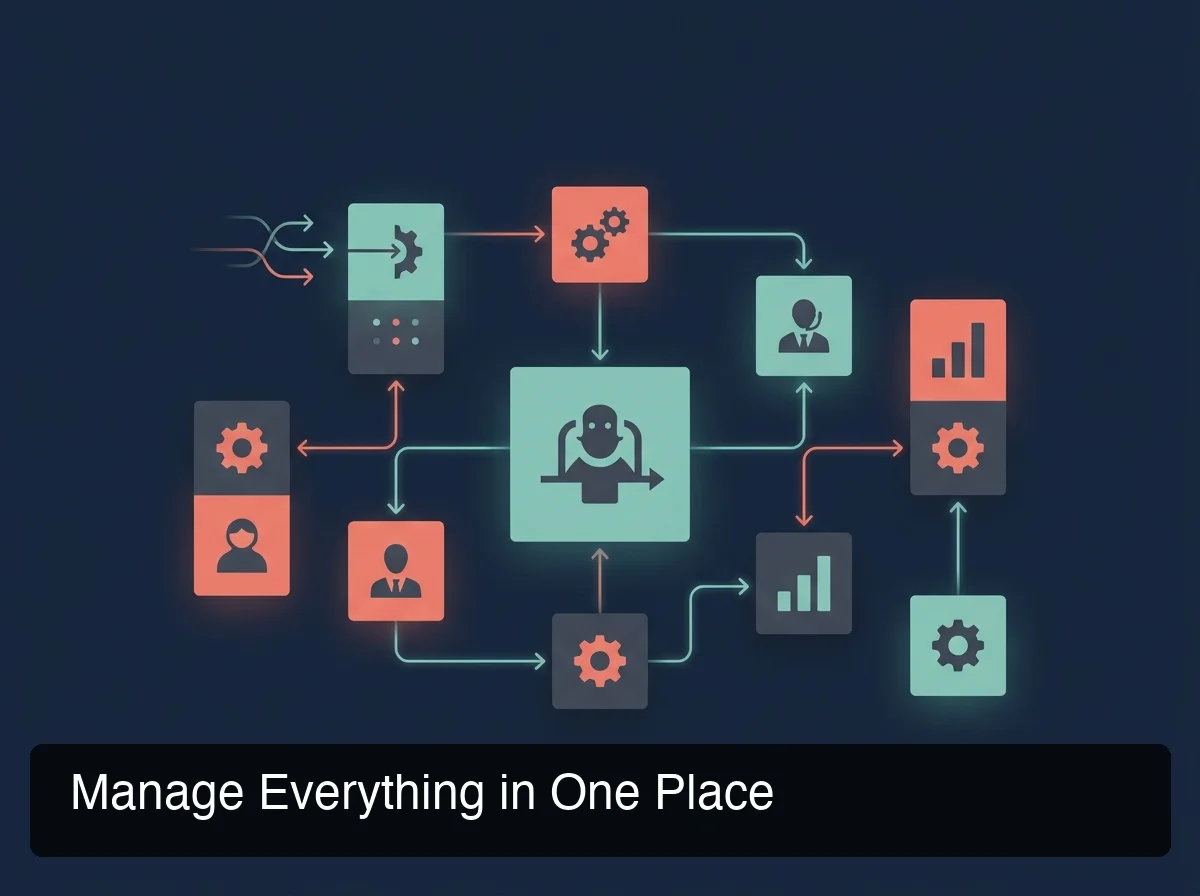 OpenClawHQ's hub organizes agent controls, skills, integrations, and analytics into a single unified management panel.
Here's what each area covers:
Agent Controls
The agent panel shows all connected OpenClaw agents, their live status, task queue, and last-active timestamps. Pause, restart, or reconfigure agents without a command line. Each agent can be named and labeled — useful for agencies managing multiple clients.
Skill Management & ClawHub Integration
All 100+ pre-installed skills appear as toggles — activate by name, no code required. The hub's browse mode connects to ClawHub's registry to search and install 1,700+ community skills directly from the interface.
Integration Controls & Analytics
Manage messaging channels from one screen — WhatsApp, Telegram, Discord, Slack, Signal, iMessage. Reconnect dropped channels or add new platforms without CLI commands. The built-in analytics panel tracks messages handled, response times, skill usage, and engagement trends per agent, filterable by date range.
| Feature | OpenClawHQ Hub | Self-Hosted Gateway | KiloClaw |
|---|---|---|---|
| Browser-based dashboard | Yes — cloud, any device | Local only (your machine) | Yes |
| No-code skill management | Yes | Partial — some CLI required | Limited |
| Multi-platform connections | Yes — all channels in one panel | Manual per channel | Yes |
| Real-time analytics | Yes — built-in | No (third-party required) | Basic |
| Mobile accessible | Yes | No | Partial |
| Token/usage billing | None — flat $49/month | BYOK (your API costs) | Per-inference fees |
Can You Use the OpenClaw Hub Without Technical Skills?
Yes. The OpenClaw Hub is designed for non-technical users — every option is a toggle, dropdown, or form, not a command. You never need to know what a Node.js daemon is, how to configure a port, or what an API key looks like.
OpenClawHQ's managed infrastructure handles everything technical in the background.
The open-source OpenClaw project requires Node.js 24, CLI configuration, daemon management, channel authentication, and ongoing server maintenance — most non-technical users hit a wall within 15 minutes of self-hosting. OpenClawHQ setup takes 3–7 minutes.
The hub's guided onboarding walks you through channel authentication step by step: WhatsApp is a QR code scan, Telegram is a bot token we help you generate, Discord and Slack are single-click Authorize buttons. You see a prompt that says "Scan this code" — not terminal documentation.
For a deeper look at everything you can do without writing a line of code, the OpenClaw without coding guide walks through the full no-code feature set.
How Much Does the OpenClaw Hub Cost?
Access to the OpenClawHQ management hub is included in the base plan: $49/month flat. There are no extra dashboard fees, no per-agent charges, and no token fees for hub usage. Every feature — analytics, skill management, integration controls, multi-agent oversight — is included in that single flat-rate price with unlimited usage.
Most managed OpenClaw services split costs into a hosting fee plus variable inference charges — the more you use, the higher your bill. OpenClawHQ's $49 flat rate is possible through a direct partnership with an LLM provider that absorbs inference costs.
For a full breakdown across all managed services, see the OpenClaw pricing comparison.
Key insight: Unlike KiloClaw ($9/month hosting + per-token inference fees) or xCloud ($16/month BYOK — you still pay your own API costs), OpenClawHQ's hub access is truly unlimited at one flat price.
How Does the OpenClaw Hub Compare to Other Management Platforms?
OpenClawHQ's hub is the only managed OpenClaw control panel that combines no-code management, real-time analytics, and unlimited usage under a single flat price. Competitors either charge variable inference fees that make costs unpredictable, or cap usage at certain thresholds.
| Platform | Dashboard Type | Skill Management | Pricing Model | Analytics |
|---|---|---|---|---|
| OpenClawHQ Hub | Cloud, no-code, any device | 100+ included + ClawHub browse | $49/month flat, unlimited | Built-in, real-time |
| KiloClaw | Cloud dashboard | Limited pre-installed | $9/mo + inference per token | Basic |
| xCloud / MyClaw | Basic hosting panel | BYOK — configure manually | $16/mo + your API costs | None built-in |
| Blink Claw | Cloud | Included but capped | $45/mo with usage limits | Limited |
| Self-hosted (Hostinger VPS) | Local CLI/gateway | Manual install per skill | VPS cost + full API bills | None |
Bottom line: If you want an openclaw management hub that works out of the box, on any device, with no token anxiety — OpenClawHQ is the only option built with that experience as the default.
Who Should Use the OpenClaw Hub?
The OpenClaw Hub is built for business owners, agencies, and professionals who want to deploy AI automation across their messaging platforms without managing infrastructure. If you're running OpenClaw to handle customer conversations, automate follow-ups, or manage workflows across WhatsApp, Telegram, or Slack — the Hub is how you control all of it from one place.
 OpenClawHQ users scale their automations across multiple platforms — all managed from a single hub interface.
The Hub is particularly valuable for these use cases:
- Small business owners managing customer inquiries across WhatsApp and Telegram — one screen showing every agent and its performance. See how small businesses leverage the Hub to scale automation without enterprise overhead.
- Professional services — real estate agents, mortgage brokers, coaches — who need AI follow-up to run reliably across multiple channels without technical babysitting.
- AI resellers and agencies managing automation services for clients. The Hub's multi-agent management and labeled workspace features make it practical to oversee several client instances from one account.
- Non-coder AI enthusiasts who tried self-hosting and hit the setup wall. The Hub is the managed alternative — same powerful agent, zero server work.
How Do You Get Started With the OpenClaw Hub?
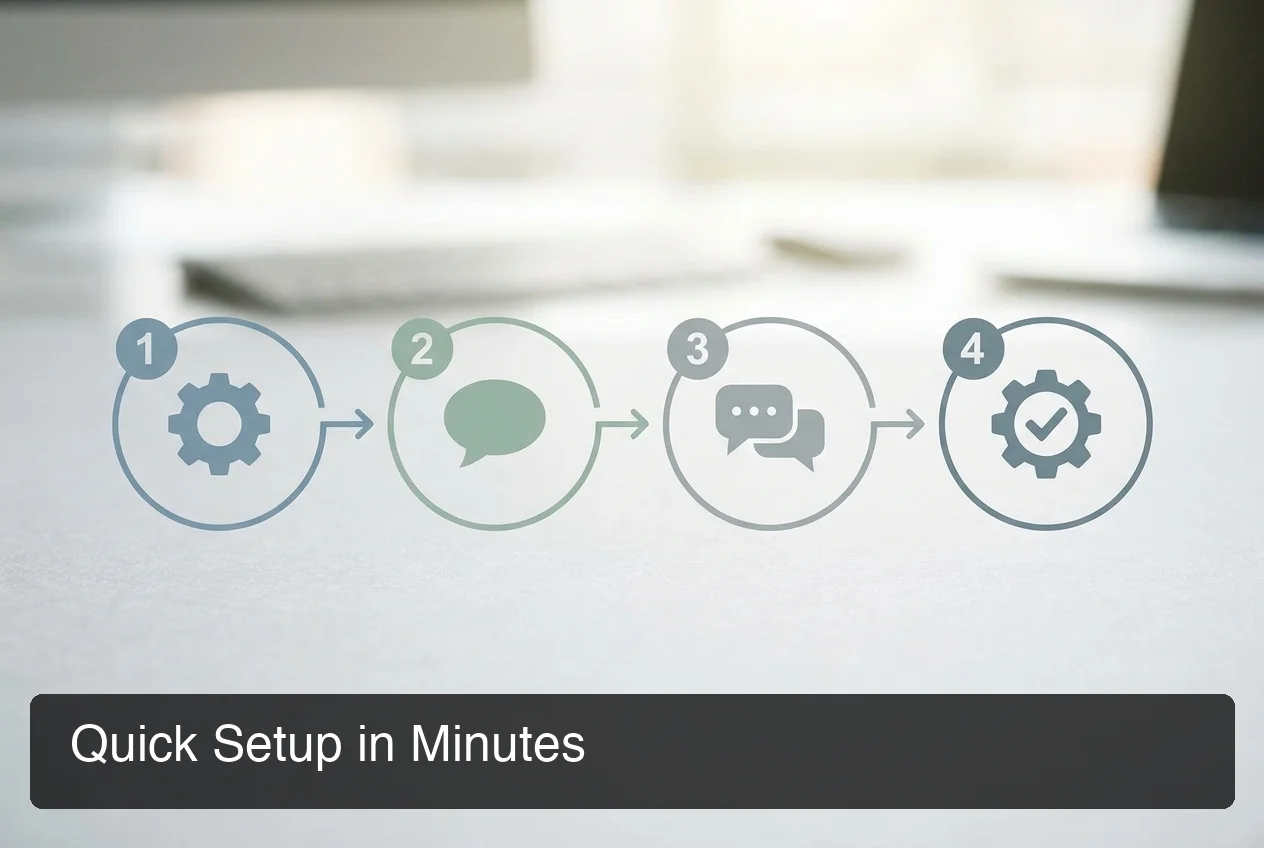 OpenClawHQ's guided setup takes 3–7 minutes — no server configuration, no command line.
Getting started with the OpenClaw Hub takes under 10 minutes. Sign up at openclawhq.io, choose your messaging platform, complete the guided channel setup, and your Hub loads with your agent live and skills pre-installed — no technical knowledge required.
- Sign up — Email and password at openclawhq.io. Takes 30 seconds.
- Choose your channel — Pick which messaging app to connect first: WhatsApp, Telegram, Discord, Slack, Signal, or another supported platform.
- Complete guided setup — Channel authentication in the Hub: WhatsApp (QR scan), Telegram (bot token via BotFather), Discord/Slack (single Authorize click)
- Your agent goes live — Send a message to your channel. OpenClaw responds immediately.
- Activate skills — Open the Skills panel and toggle on what you want: web search, email, calendar, and 95+ more.
- Monitor from the Hub — Analytics show messages handled, response times, and skill activity in real time.
Pro tip: Start with one platform. Adding a second takes under 2 minutes once the first is running.
For a complete breakdown of the no-code feature set, see the full guide to using OpenClaw without coding.
Get Your OpenClaw Instance
If you want an openclaw management hub that runs your AI agent across messaging platforms — with analytics, skill management, and full controls built in — OpenClawHQ gives you a private instance running in minutes for $49/month flat.
Frequently Asked Questions
What is the OpenClaw Hub?
The OpenClaw Hub refers to two things: ClawHub (clawhub.ai), the public skill registry with 1,700+ community automations, and OpenClawHQ's management hub — the web-based control panel for your private OpenClaw instance. OpenClawHQ's hub covers agent management, skill activation, platform integrations, and real-time analytics from one no-code interface.
What is OpenClawHQ?
OpenClawHQ is a fully managed hosting service for OpenClaw — the viral open-source AI agent. It gives non-technical users and business owners their own private OpenClaw instance, fully configured and running in minutes, with unlimited usage for $49/month flat. No server setup, no coding, and no separate token fees required.
Is the OpenClaw Hub free to use?
The OpenClaw software is free and open source, but running it requires a server, Node.js setup, and API key costs for AI inference. OpenClawHQ's management hub is included with your $49/month plan — no extra fee for dashboard access, analytics, or skill management. There is no free tier of OpenClawHQ currently.
How do I install skills from the OpenClaw Hub?
In your OpenClawHQ hub, open the Skills panel. Pre-installed skills appear there as toggles — activate any of the 100+ included skills by name. To browse ClawHub's community registry, use the hub's browse mode to search 1,700+ skills and install them directly from the interface without any command-line steps.
How much does OpenClaw cost to use?
The OpenClaw software costs nothing, but running it requires infrastructure and AI model API access. OpenClawHQ makes this simple: $49/month flat covers your private instance, all infrastructure, and unlimited AI usage — no hidden token fees. Other managed services charge $9–$45/month for hosting PLUS variable token fees on top.
Is OpenClawHQ better than KiloClaw?
Both offer managed OpenClaw hosting, but OpenClawHQ has one key difference: flat unlimited pricing. KiloClaw charges $9/month for hosting plus variable inference fees through their token gateway — the more you use, the more you pay. OpenClawHQ charges $49/month flat with no token fees and no usage limits, making it almost always cheaper and more predictable for active businesses.
Can I manage multiple messaging platforms from the OpenClaw Hub?
Yes. The Hub's Integrations panel shows all connected channels — WhatsApp, Telegram, Discord, Slack, Signal, and more — in one place. Add new platforms, reconnect dropped channels, and manage authentication without leaving the dashboard. Each platform uses the same guided setup flow: QR scan for WhatsApp, bot token for Telegram, single Authorize click for Discord and Slack.