
OpenClaw for Restaurants: Automate Messaging | OpenClawHQ
OpenClaw for Restaurants: Automate Orders, Reservations & Customer Messages
A customer messages your restaurant on WhatsApp at 11pm: "Are you open tomorrow? Can I book a table for 4?" With OpenClaw for restaurants running in your messaging app, they get an accurate reply within seconds — without you or your staff needing to be awake.
Key Takeaways
- OpenClaw automates customer messages, reservation requests, and order follow-ups through WhatsApp, Telegram, and 20+ other messaging apps your restaurant already uses
- OpenClawHQ provides a fully managed OpenClaw instance for $49/month flat — no server setup, no coding, no technical knowledge required
- Restaurants get 24/7 instant responses to common questions, cutting after-hours inquiry handling time to near zero
- Flat $49/month pricing means no per-message charges and no billing surprises as your message volume grows
- OpenClaw connects to major POS platforms including Square, Lightspeed, and Toast via webhook integrations — set it up once, automate forever
Contents
- What Can OpenClaw for Restaurants Do?
- How Does OpenClaw Automate Restaurant Customer Messages?
- What Messaging Platforms Does OpenClaw Support for Restaurants?
- Can OpenClaw Integrate with My Restaurant's POS System?
- How Does OpenClaw for Restaurants Handle Reservations?
- How Much Time Does OpenClaw Save Restaurant Managers?
- Is OpenClaw Right for Small Independent Restaurants?
- How to Get OpenClaw for Your Restaurant
- Get Started with OpenClaw for Your Restaurant
- Frequently Asked Questions
 Most restaurant customers already message you on WhatsApp — OpenClaw turns that channel into a 24/7 automated assistant.
What Can OpenClaw for Restaurants Do?
OpenClaw acts as an AI employee inside your restaurant's messaging apps. It answers common customer questions automatically — hours, menus, reservation availability — confirms bookings via WhatsApp or Telegram, follows up on pending orders, and flags urgent issues to your staff. All without a human monitoring the conversation 24/7.
OpenClaw is not a simple chatbot with preset menu trees. It's an autonomous AI agent that reads incoming messages, understands context, and drafts appropriate replies based on the information you give it about your restaurant.
For a busy restaurant, that means:
- Answering "Are you open on Sunday?" at 2am without waking anyone up
- Confirming reservation details and sending automatic reminders before the booking
- Responding to "Where is my delivery?" with the last known order status
- Routing complaints and complex requests to your manager for follow-up
- Collecting customer feedback after a visit, entirely over WhatsApp
Restaurants using OpenClaw don't replace their staff. They remove the repetitive, low-stakes messages that pull people away from the floor during service.
Worth knowing: OpenClaw handles the 80% of messages that are routine inquiries. Your team stays focused on the 20% that genuinely needs a human.
How Does OpenClaw Automate Restaurant Customer Messages?
OpenClaw connects to your restaurant's WhatsApp or Telegram account and monitors incoming messages in real time. When a customer sends a question, OpenClaw reads it, checks the context you've provided — hours, menu, reservation policy, order update instructions — and sends an accurate, conversational reply within seconds.
The process runs 24/7 without manual intervention. Your staff only see messages that OpenClaw flags as needing human attention — complaints, unusual requests, or anything outside its configured scope.
Here's how a typical reservation confirmation flow works in practice:
- Customer messages your restaurant WhatsApp: "Can I book a table for 3 people on Saturday at 7pm?"
- OpenClaw reads the message and checks your configured availability rules
- It replies with confirmation details and collects the customer's name and phone number
- The booking is logged and a reminder is sent 24 hours before the reservation
- If the restaurant is fully booked, OpenClaw offers alternative times automatically
This same structure applies to order follow-ups, FAQ responses, and post-visit feedback collection.
Common mistake: Most restaurant owners assume this requires a developer. With OpenClawHQ, the entire setup takes under 10 minutes via a web dashboard — no command line, no technical knowledge needed. See exactly how OpenClaw without coding works in practice.
What Messaging Platforms Does OpenClaw Support for Restaurants?
OpenClaw works inside any messaging platform where your customers already contact you. For most restaurants that's WhatsApp, but OpenClaw also supports Telegram, Discord, Slack, iMessage, Signal, and 20+ other apps — so you're not locked into a single channel.
The platforms most relevant to restaurants:
| Platform | Best For | Setup Time |
|---|---|---|
| WhatsApp Business | Primary customer channel — booking, menus, FAQs | ~5 min (QR scan) |
| Telegram | Tech-forward customers, delivery updates, group orders | ~5 min (bot token) |
| Discord | Online communities, loyalty programs | ~3 min (Authorize button) |
| Slack | Internal staff coordination | ~3 min |
Most restaurants start with WhatsApp — that's where the majority of customer messages arrive. OpenClaw connects with just a QR code scan and is live within minutes.
For questions about handling customer data on these platforms, Is OpenClawHQ Safe? covers exactly how customer conversations are protected.
Can OpenClaw Integrate with My Restaurant's POS System?
OpenClaw integrates with restaurant POS systems via webhooks and APIs. Major platforms including Square, Toast, Lightspeed, and Clover support webhook-based order status updates — OpenClaw receives these and relays accurate status information to customers over WhatsApp or Telegram, no manual lookup required.
This integration is what makes OpenClaw genuinely useful for restaurants with delivery or pre-order workflows.
How it works:
- Your POS sends an order status update (e.g., "Order #142 — preparing")
- OpenClaw receives the webhook event
- When a customer messages "Is my order ready?", OpenClaw checks the latest status and replies accurately
OpenClawHQ handles the webhook configuration as part of your dashboard setup. No integration code required on your end.
For restaurants that don't need real-time POS integration today, OpenClaw still handles reservations and FAQ automation independently — the POS connection is optional, not a requirement to get started.
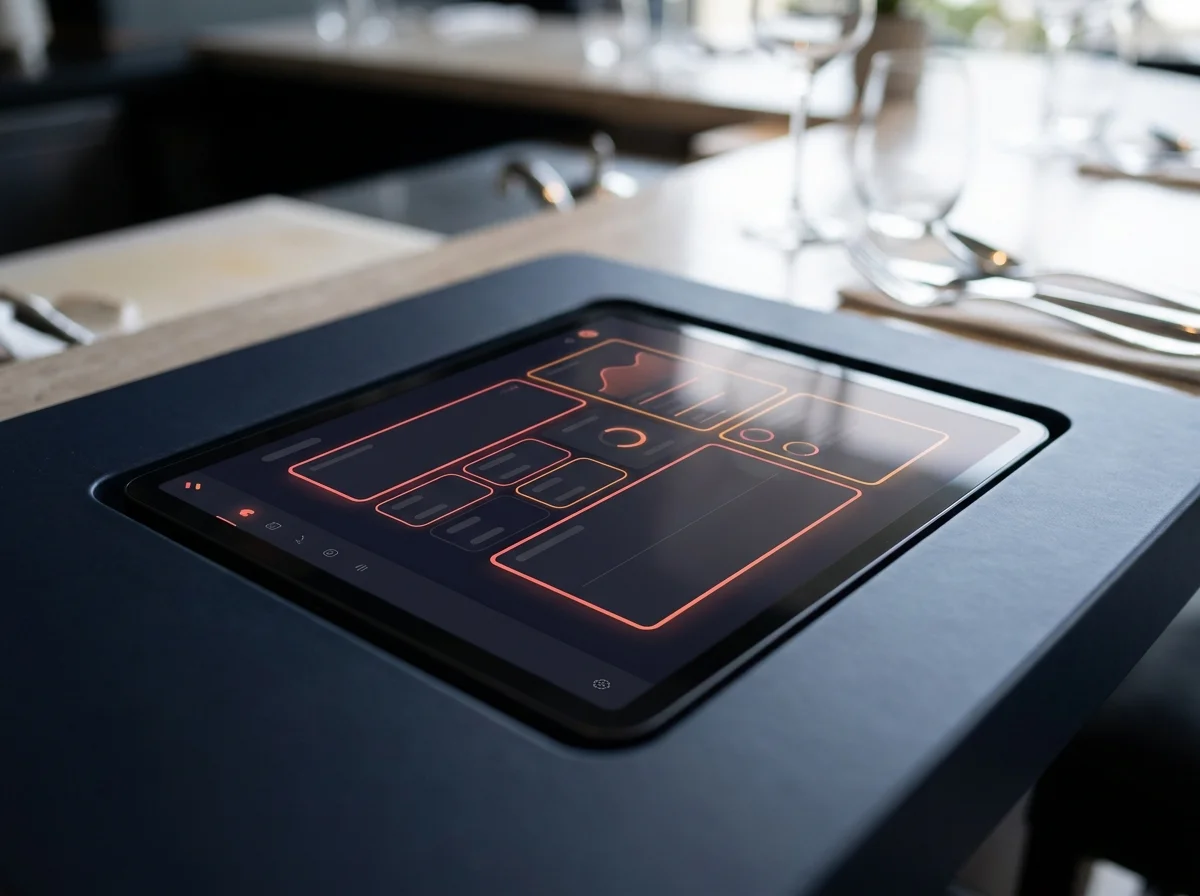 OpenClawHQ's dashboard shows your restaurant's messaging automations and connected integrations in one view.
How Does OpenClaw for Restaurants Handle Reservations?
OpenClaw manages reservation requests through a conversational flow — it collects the date, time, party size, and customer details over WhatsApp or Telegram, confirms availability based on rules you set, then sends a confirmation and reminder. Complex requests or fully-booked scenarios are handled gracefully, with OpenClaw offering alternatives or escalating to staff.
Unlike reservation apps that require customers to download a separate tool or click a booking link, OpenClaw handles everything within the messaging app the customer is already using. That friction reduction matters for capturing last-minute bookings.
The reservation workflow is configurable through your OpenClawHQ dashboard:
- Available time slots and party size limits
- Automatic confirmation and reminder timing (24h before, 2h before, or custom)
- Waitlist handling and cancellation policies
- Manual review triggers for large-party bookings
Other service businesses — coaches, consultants, home service contractors — use identical appointment workflows. Restaurant reservations are one of the most common and well-tested use cases.
The short version: OpenClaw doesn't replace dedicated reservation software like OpenTable. It replaces the manual back-and-forth that happens when a customer DMs your WhatsApp directly instead of using the booking link — which most customers do.
How Much Time Does OpenClaw Save Restaurant Managers?
Restaurant managers fielding customer messages manually spend 2–4 hours per day on routine inquiries — hours, directions, menu questions, reservation confirmations, and order status checks. OpenClaw handles all of these automatically, cutting that time to near zero while ensuring customers get a response within seconds regardless of when they ask.
The savings compound in specific ways:
- After-hours messages: Without automation, these sit unanswered until morning. OpenClaw replies instantly, preserving goodwill and reducing lost reservations from customers who gave up waiting.
- Peak-hour inquiries: Staff get flooded with "Is there a wait?" messages during Friday dinner service. OpenClaw handles all of them simultaneously, without pulling anyone off the floor.
- Multi-channel management: If your restaurant receives messages on both WhatsApp and Telegram, OpenClaw monitors both from one dashboard.
One restaurant instance on OpenClawHQ handles unlimited messages for $49/month. Heavier usage months — holiday weekends, special events — cost exactly the same as slow ones. There's no per-message billing.
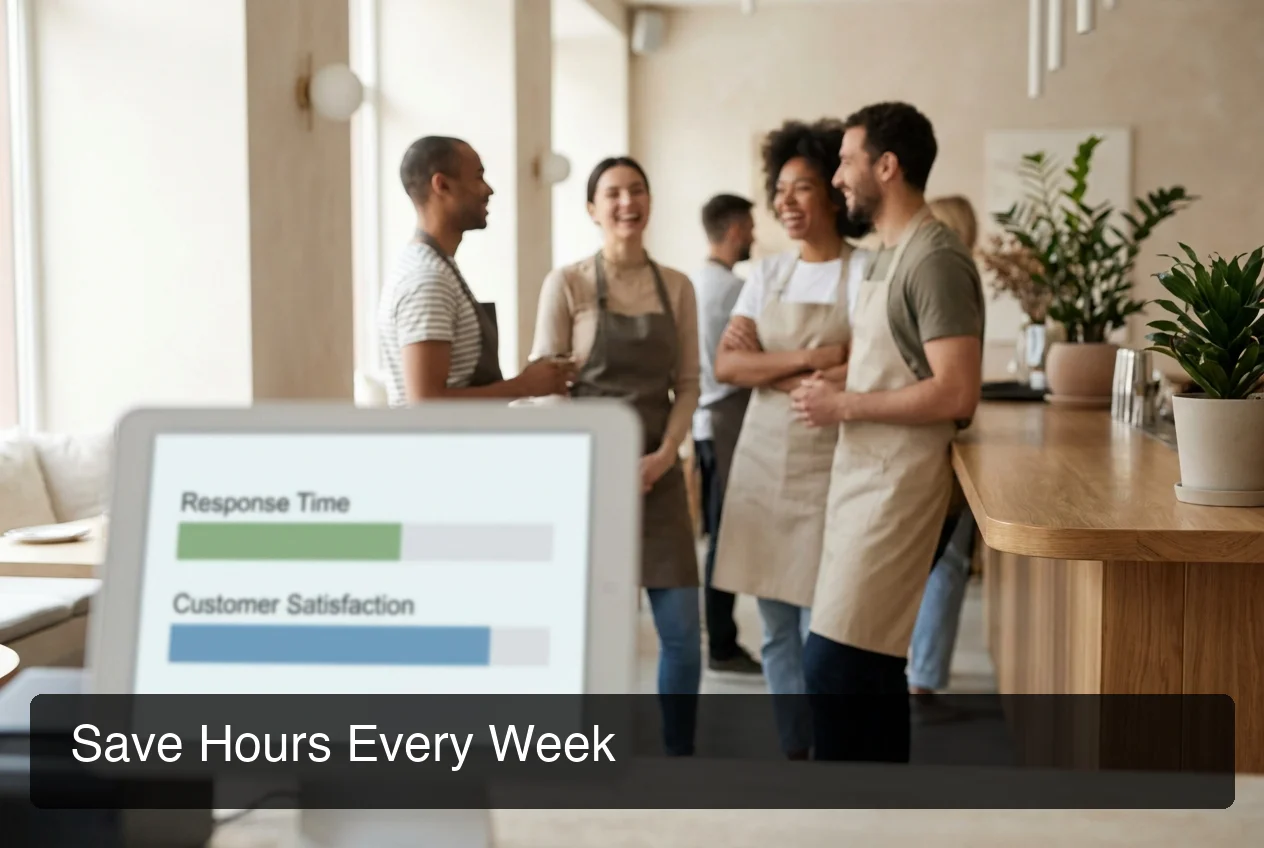 Automating routine customer messages frees restaurant staff to focus on in-person service rather than their phones.
Is OpenClaw Right for Small Independent Restaurants?
Yes. OpenClaw works especially well for small independent restaurants — they have fewer staff to monitor messaging apps, stronger reliance on personal customer relationships, and the most to gain from 24/7 automated responses. A single-location restaurant can deploy OpenClaw through OpenClawHQ in under 10 minutes with no technical background.
Large restaurant chains have dedicated marketing and operations teams managing digital communication. Independent restaurants typically don't. One owner or manager is handling reservations, responding to reviews, and running service — often at the same time.
OpenClaw addresses the specific gaps small restaurants face:
- No front-of-house staff available after hours to monitor WhatsApp
- Customer messages that go unanswered for hours, costing reservations and repeat visits
- Reservation no-shows from customers who were never reminded
- Staff time consumed daily by the same five questions
The $49/month flat pricing fits the budget model of independent restaurants better than per-message chatbot services. Startups and solopreneurs in other industries use the same setup to manage customer communication at scale — the restaurant use case is among the most proven.
How to Get OpenClaw for Your Restaurant
Getting OpenClaw running in your restaurant takes four steps and under 10 minutes with OpenClawHQ.
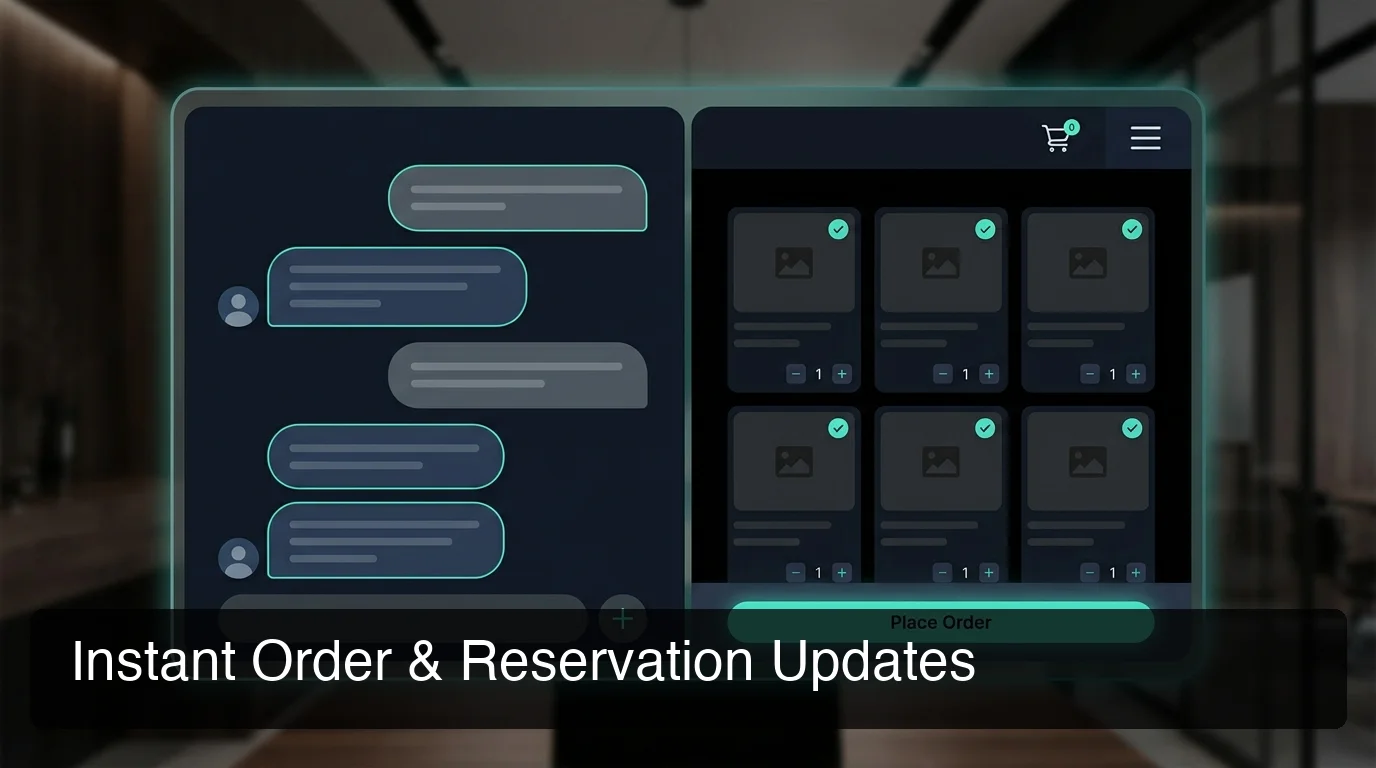 The customer experience: instant, accurate WhatsApp replies handled entirely by OpenClaw — visible to customers as normal conversation.
- Sign up at openclawhq.io — email and password, 30 seconds
- Choose your messaging platform — for most restaurants, select WhatsApp Business
- Connect your channel — scan a QR code shown in the dashboard (WhatsApp takes under 3 minutes)
- Configure your restaurant context — add your hours, menu summary, reservation rules, and the common FAQs your team currently handles manually
Your OpenClaw instance goes live immediately after setup. Send a test message to confirm it responds correctly, then share your WhatsApp number with customers as you normally would.
For pricing details and exactly what's included, see Do I Need a Subscription for OpenClaw?.
What About Ongoing Management?
OpenClawHQ handles all server maintenance, uptime monitoring, security patches, and OpenClaw updates automatically. You don't touch the backend. If your WhatsApp connection drops — which occasionally happens when WhatsApp sessions refresh — OpenClawHQ reconnects automatically.
Updating your restaurant's hours or menu is as simple as editing the context in your dashboard. Most restaurant owners check in once a week at most.
Get Started with OpenClaw for Your Restaurant
Restaurant owners who automate their WhatsApp and Telegram channels with OpenClaw free up hours of staff time weekly and stop losing customers to unanswered late-night messages. OpenClawHQ delivers that automation in a single $49/month package — no technical setup, no token billing, no surprises.
Compare plans and pricing first? The OpenClawHQ pricing breakdown shows exactly what's included and how it compares to alternatives.
Frequently Asked Questions
Can OpenClaw make restaurant reservations? OpenClaw can both process incoming reservation requests for your restaurant (when you run it as the owner) and help individual customers book tables through messaging apps. For restaurant owners, it automates the intake side — collecting party size, date, and contact details from customers over WhatsApp or Telegram and confirming bookings without staff involvement.
What software do most restaurants use for customer communication? Most restaurants rely on WhatsApp, phone calls, and platforms like OpenTable or Resy for formal reservations. OpenClaw complements these tools by automating the informal channel — the WhatsApp DMs and direct messages that fall outside formal booking systems. It handles the conversational back-and-forth that staff currently manage manually each day.
Is OpenClaw free to use for restaurant automation? OpenClaw the software is free and open source, but running it requires a dedicated server and AI model API access — which requires technical setup and ongoing costs. OpenClawHQ makes this straightforward: $49/month covers your private restaurant instance, all infrastructure, and unlimited AI usage with no token fees. The subscription breakdown explains the full cost comparison.
How does OpenClaw handle customer data from restaurant messages? Each OpenClawHQ instance is fully isolated — your restaurant's customer conversations are stored separately from other accounts and never shared. Security updates are applied automatically and no conversation data is sold or shared. Full details on data handling are in Is OpenClawHQ Safe?.
What messaging platforms can restaurants use with OpenClaw? OpenClaw supports WhatsApp, Telegram, Discord, Slack, iMessage, Signal, and 20+ additional platforms. For restaurants, WhatsApp Business is the most relevant — the majority of informal customer inquiries arrive there. Setup through OpenClawHQ takes under 5 minutes with no coding needed.
Can a non-technical restaurant owner set up OpenClaw? Yes — that's the core reason OpenClawHQ exists. The open-source OpenClaw requires Node.js installation, CLI configuration, and server management that most restaurant owners have no reason to learn. OpenClawHQ removes all of that. Setup takes under 10 minutes through a guided web dashboard with no command line, no API keys, and no developer experience required.