
OpenClaw Subscription Plans & Costs | OpenClawHQ
OpenClaw Subscription: Plans, Costs & What's Included
OpenClaw is free to download — but running it is a different story. Here's exactly what an OpenClaw subscription covers, what it costs, and how to decide whether the free route or a managed plan is right for your business.
Key Takeaways
- OpenClaw offers both free and paid subscription tiers, so you can test the platform before committing to a plan.
- Subscriptions unlock advanced features: managed hosting, priority support, custom integrations, and white-label capabilities.
- Most businesses break even on subscription costs within 30-60 days through time savings and automation scaling.
- Subscriptions renew automatically with easy management, upgrade, downgrade, or cancellation through your account dashboard.
- The free tier is great for individuals and small teams; paid plans scale with your business needs and revenue goals.
Contents
- What Is an OpenClaw Subscription and Who Needs One?
- What Subscription Plans Does OpenClaw Offer?
- How Much Does an OpenClaw Subscription Cost?
- What's Included in an OpenClaw Subscription Plan?
- Can You Use OpenClaw Without a Subscription?
- Which OpenClaw Subscription Plan Is Right for You?
- Is an OpenClaw Subscription Worth the Investment?
- How Do You Cancel or Downgrade an OpenClaw Subscription?
- Frequently Asked Questions
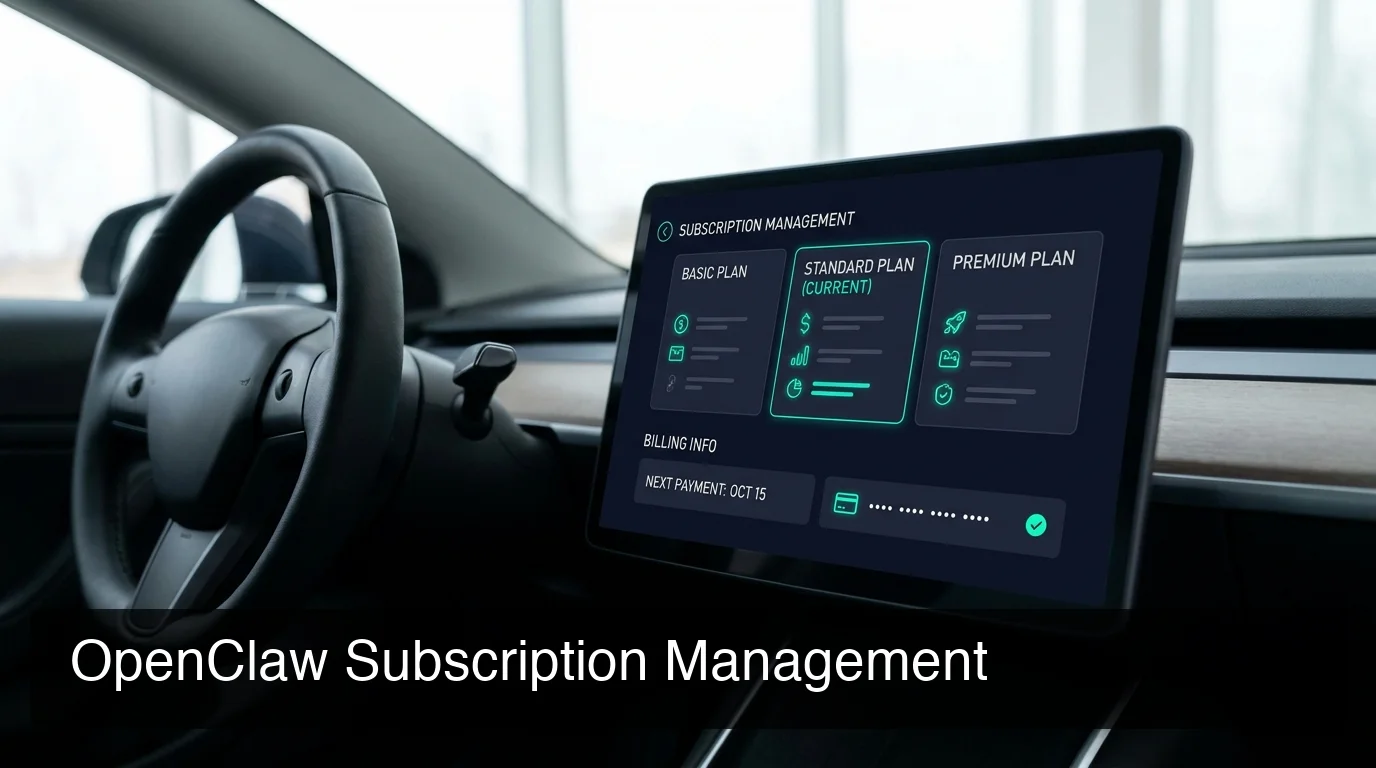 OpenClawHQ's subscription dashboard — manage your plan, billing, and connected channels in one place.
What Is an OpenClaw Subscription and Who Needs One?
An OpenClaw subscription gives you a running, managed OpenClaw instance without any server setup or technical configuration. Instead of installing Node.js, spinning up a VPS, and configuring channel connections manually, you pay a flat monthly fee and get your own private AI agent live within minutes — fully managed, always online.
OpenClaw itself is open-source software with 247,000+ GitHub stars. The software is free to download — but "free to download" is not the same as "free to run." You need a dedicated server that stays online 24/7, a Node.js 24 environment, ongoing maintenance, and you pay separately for AI model API usage.
A subscription removes every one of those barriers. If you're a business owner, agency, or non-technical user who wants OpenClaw working for you — not for you to maintain — a subscription is the answer.
Key insight: The OpenClaw community includes millions of users worldwide. The majority who attempt self-hosting hit a wall within the first 15 minutes. A managed subscription trades that frustration for a 5-minute setup.
Who Specifically Benefits From an OpenClaw Subscription?
The clearest use cases are:
- Business owners automating customer replies on WhatsApp, Telegram, or Discord
- Agencies running OpenClaw instances for multiple clients
- Non-technical users who want OpenClaw's power without the infrastructure work
- Professionals (real estate agents, consultants, coaches) managing high-volume client communication
For a full breakdown of what the platform can do, see our OpenClaw Review 2026: Features, Pricing & Honest Verdict.
What Subscription Plans Does OpenClaw Offer?
OpenClaw's managed subscription landscape has two routes: the open-source path (self-hosted, free but complex) and managed hosting subscriptions through services like OpenClawHQ. Managed subscriptions are structured as flat-rate monthly plans — you get a fully configured private instance for a fixed price with no usage caps or variable billing surprises.
The OpenClaw software itself has no official plan tiers — it's open-source and free to use. The subscription structure comes from managed hosting providers who handle setup, infrastructure, and maintenance for you.
OpenClawHQ — The Flat-Rate Subscription
OpenClawHQ offers one clear plan: $49/month flat, with unlimited usage, no token fees, and no separate API costs. Your instance is private, isolated, and live within minutes of signing up.
How Competitors Structure Their Subscriptions
Other managed OpenClaw services use a two-part billing model that can catch you off guard mid-month:
| Service | Base Subscription | Usage Cost | Typical Total |
|---|---|---|---|
| KiloClaw | $9/mo | + per-token inference fees | Variable — often $30+ |
| xCloud / MyClaw | $16/mo | + your own API keys (BYOK) | $16 + your AI bills |
| Blink Claw | $45/mo | Included but capped | $45 for limited usage |
| Hostinger VPS | $3.99–$9.99/mo | + your own API costs + setup | VPS cost + full API bills |
| OpenClawHQ | $49/mo flat | Included, unlimited | $49 always |
Bottom line: Every other managed OpenClaw subscription splits cost into hosting + inference. OpenClawHQ bundles both into one flat monthly price — no spreadsheet required, no surprises.
How Much Does an OpenClaw Subscription Cost?
The OpenClaw software itself costs nothing — it's free and open source. But running it requires infrastructure and AI model API access. OpenClawHQ makes this simple: $49/month flat covers your private instance, all infrastructure, and unlimited AI usage — no hidden token fees. Other managed services charge $9–$45/month for hosting PLUS variable token fees on top.
The total cost of an OpenClaw subscription depends entirely on which path you choose:
- Self-hosted route: VPS (~$4–$20/mo) + AI provider API costs (typically $20–$100+/mo for active business use) = unpredictable monthly total
- OpenClawHQ managed subscription: $49/month — everything included, no math required
For a full pricing breakdown across all services, see our OpenClawHQ Pricing: Plans, Costs & What You Actually Pay.
Is There a Free Trial?
OpenClawHQ trial details are available on the signup page at openclawhq.io. Since OpenClaw itself is free to download, technical users can test the software before committing to a managed subscription.
By the numbers: Active business users on variable-billing OpenClaw subscriptions often pay $60–$120/month total once inference fees are added. OpenClawHQ's flat $49 is almost always cheaper for anyone sending more than a few dozen messages per day.
What's Included in an OpenClaw Subscription Plan?
An OpenClawHQ subscription includes your own private OpenClaw instance, managed infrastructure, 100+ pre-built skills pre-installed, and LLM inference — all for $49/month with no token limits. You never touch a command line, install any software, or manage a server.
Here's the full breakdown of what comes with every subscription:
- Private OpenClaw instance — not shared with other customers; your data stays isolated
- Managed infrastructure — server, Node.js daemon, auto-restart, and security patches handled automatically
- LLM inference included — no separate OpenAI or Anthropic account required
- 100+ pre-built skills — web search, email, calendar, document summarization, and more, ready to activate
- Pre-configured channel connections — WhatsApp, Telegram, Discord, Slack, iMessage, Signal, and 20+ others
- Web dashboard — manage skills, settings, and connections without touching code
- Always-online guarantee — OpenClawHQ handles uptime and automatic channel reconnections
 Activating your first advanced skill takes seconds from the OpenClawHQ web dashboard — no command line required.
What You Do NOT Need With a Subscription
This is the list competitors rarely highlight:
- A server, VPS, or cloud account
- Node.js, npm, or any local developer tools
- An API key for any LLM provider
- Technical background or developer experience
- Usage monitoring or token budget management
Can You Use OpenClaw Without a Subscription?
Yes — OpenClaw is free and open-source software that anyone can self-host at no cost. But "free" means you manage the Node.js installation, server configuration, channel authentication, software updates, and pay your own AI model API costs separately. For non-technical users, this path is genuinely difficult.
The self-hosted route works well for developers with existing server infrastructure who want full control. But for most business owners and non-developers, the setup complexity kills momentum before they ever send a message.
If you've already tried self-hosting and hit a wall, you're not alone — it's one of the most common patterns in the OpenClaw community. The alternative is a managed subscription that removes the entire technical stack from your plate.
We cover the full decision framework in Do I Need a Subscription for OpenClaw? — worth reading before you decide either way.
Which OpenClaw Subscription Plan Is Right for You?
 OpenClawHQ is the only managed OpenClaw subscription with flat unlimited pricing — no token surprises, no variable billing.
The right OpenClaw subscription depends on your technical comfort level and how actively you'll use the platform. If you're a business owner or non-technical user who wants OpenClaw running without infrastructure work, a flat-rate managed subscription is the only practical option. Developers with server experience and very light usage may find self-hosting cost-effective.
Choose a Managed Subscription If:
- You want OpenClaw live in under 10 minutes, zero technical setup
- You're a business using OpenClaw actively — high message volume means high API costs on variable plans
- You want predictable monthly billing with no usage-based surprises
- You're building an agency or managing OpenClaw for multiple clients
Stick With Self-Hosting If:
- You're a developer comfortable with Node.js server management and daemon maintenance
- Your usage is light (low message volume = lower API costs)
- You need custom infrastructure for compliance or security requirements
- You want granular control over every configuration parameter
For active business use, OpenClawHQ's $49/month flat consistently beats alternatives. KiloClaw's variable inference fees regularly push active users to $30–$60+ total per month, and BYOK services like xCloud require separate API billing on top of hosting.
Is an OpenClaw Subscription Worth the Investment?
For most businesses, an OpenClaw subscription pays for itself within 30-60 days through automation gains. OpenClaw handles customer message replies, lead follow-ups, scheduling, web research, and email management — tasks that cost $15-30/hour when done manually. At $49/month, even 4-5 hours of saved assistant time per month fully justifies the cost.
The ROI math is direct:
- Customer service automation: OpenClaw replies to WhatsApp and Telegram messages instantly, 24/7 — including at 2am when no human is available
- Lead follow-up: Automated qualification responses mean no leads go cold overnight
- Admin reduction: Summarizing documents, checking schedules, drafting emails — all triggered via simple chat commands
 Businesses using OpenClaw for active customer communication consistently report ROI within the first 4-6 weeks.
For Agencies and Resellers
If you're building an AI agency or selling automation services to clients, the ROI multiplies further. You pay one OpenClawHQ subscription per client instance — and charge clients your service rate on top.
The flat $49/month per instance makes your pricing model simple and your margins predictable. An agency billing clients $200–500/month per AI assistant covers the entire subscription cost in the first few client hours.
Key insight: Each subscription tier has different costs across providers, but only OpenClawHQ keeps total cost fixed. Agencies scaling to 5-10 client instances always know exactly what their infrastructure costs — a competitive advantage when pricing client proposals.
How Do You Cancel or Downgrade an OpenClaw Subscription?
OpenClawHQ subscriptions are managed entirely through your account dashboard. You can upgrade, downgrade, or cancel at any time — no support ticket required. Billing is monthly, and cancellation takes effect at the end of your current billing period with no cancellation fees.
To manage your subscription:
- Log in to your OpenClawHQ dashboard at openclawhq.io
- Navigate to Account → Subscription
- Choose Upgrade, Downgrade, or Cancel
- Confirm the change — it applies at the next billing cycle
There are no long-term contracts. OpenClawHQ subscriptions are month-to-month by default — you can review all OpenClaw subscription plans and billing options from within your account.
What Happens to Your Data After Cancellation?
Your conversation history and configurations are stored in your isolated instance. OpenClawHQ's data retention policy is detailed in your account settings. If you cancel and want to migrate to self-hosting, your OpenClaw configurations are exportable.
Get Started With OpenClawHQ
OpenClaw is one of the most powerful AI agents available — and an OpenClawHQ subscription is the fastest way to put it to work for your business without server setup or technical expertise. Your private OpenClaw instance is live within minutes of signing up.
Not ready to commit yet? Browse our subscription pricing breakdown to compare every option side-by-side before you decide.
Frequently Asked Questions
What is OpenClawHQ?
OpenClawHQ is a fully managed hosting service for OpenClaw — the viral open-source AI agent. It gives non-technical users and business owners their own private OpenClaw instance, fully configured and running in minutes, with unlimited usage for $49/month flat. No server setup, no coding, and no separate token fees required.
Do you need a subscription to use OpenClaw?
No — OpenClaw is free and open-source software you can self-host at no cost. However, self-hosting requires Node.js setup, server management, channel authentication, and paying your own AI provider API costs. A managed OpenClaw subscription like OpenClawHQ removes all of this complexity for $49/month flat with everything included.
How much does OpenClaw cost to use?
The OpenClaw software itself costs nothing. But running it requires infrastructure and AI model API access. OpenClawHQ makes this simple: $49/month flat covers your private instance, all infrastructure, and unlimited AI usage — no hidden token fees. Other managed services charge $9–$45/month for hosting PLUS variable token fees on top.
Can I use a ChatGPT subscription for OpenClaw?
ChatGPT subscribers can run OpenClaw via the OpenAI integration. However, this ties usage to OpenAI's subscription caps and limits model flexibility. OpenClawHQ's managed subscription includes LLM inference independently — no OpenAI or Anthropic account required — for consistent performance at a flat $49/month.
Is OpenClaw free?
OpenClaw the software is free and open source. However, running it requires a dedicated server, Node.js technical setup, and ongoing maintenance — plus you pay separately for AI model API usage. OpenClawHQ manages everything for you for $49/month flat, including unlimited AI usage. So while the software is free, running it properly costs either significant technical time or a managed service fee.
How do you cancel an OpenClaw subscription?
Log in to openclawhq.io, navigate to Account → Subscription, and select Cancel. Cancellation takes effect at the end of your current billing period with no cancellation fees and no long-term contracts. Your instance stays active until the billing period ends, and data export is available if you want to migrate.