
OpenClawHQ vs BlinkClaw: $49 Flat or $45 Capped?
OpenClawHQ vs BlinkClaw: $49 Flat or $45 Capped?
BlinkClaw looks cheaper on the pricing page. Whether it stays cheaper on your bill depends on one thing: how hard your assistant actually works.
This OpenClawHQ vs BlinkClaw comparison is written for people who run a business and have no wish to run a server. We make OpenClawHQ, so we'll say where Blink Claw is the better pick too.
Key Takeaways
- OpenClawHQ costs $49/month flat with unlimited usage and no token fees. Blink Claw costs $45/month all-in, with caps on certain features.
- Both are fully managed. Neither asks you to rent a server, install Node.js or touch a command line.
- The sticker gap is $4 a month, or $48 a year. The real gap depends on whether you ever reach a cap.
- Blink Claw suits a small, light-use trial. OpenClawHQ suits an assistant that handles customer messages every day.
- Check Blink's current limits on its own site before you buy. Caps change, and we haven't verified exact figures.
Contents
- OpenClawHQ vs BlinkClaw: What Is the Main Difference?
- OpenClawHQ vs BlinkClaw Pricing: How Much Does Each Cost Per Month?
- What Do You Actually Get for $49 vs $45?
- How Long Does Setup Take?
- Is OpenClawHQ or BlinkClaw Better for High-Volume Users?
- Can You Switch Between the Two?
- Which Should You Choose?
- Get Started with OpenClawHQ
- FAQ
OpenClawHQ vs BlinkClaw: What Is the Main Difference?
The main difference is how usage is billed. OpenClawHQ charges $49 a month flat, with unlimited usage and the AI model included. Blink Claw charges $45 a month "all-in" for infrastructure, access to 200+ language models and monitoring, but caps certain features inside that price.
Everything else is closer than the marketing suggests. Both run OpenClaw, the open-source AI agent (our explainer on what OpenClawHQ is covers the basics), that answers you inside WhatsApp, Telegram, Slack and 20+ other messaging apps. Both host it for you, so there is no VPS to rent and no daemon to babysit.
So you're not choosing a technology. You're choosing a pricing model: a lower entry price with a ceiling, or a slightly higher price with none.
Blink Claw also puts a model-selection layer in front of you, with a long list of LLMs to pick from. That's a plus if you like tuning. It's friction if you simply want the assistant to answer customers.
OpenClawHQ vs BlinkClaw Pricing: How Much Does Each Cost Per Month?
OpenClawHQ costs $49 per month with no token fees and no usage limits. Blink Claw costs $45 per month with usage caps on certain features. On sticker price Blink Claw is $4 a month cheaper, which is $48 a year, but only if your usage stays under its caps.
Here is the side-by-side as we understand each plan:
| OpenClawHQ | Blink Claw | |
|---|---|---|
| Monthly price | $49 flat | $45 |
| LLM inference | Included, unlimited | Included, capped on certain features |
| Separate API keys needed | No | No |
| Model choice | Handled for you | 200+ models to choose from |
| Infrastructure | Private, isolated instance | Managed hosting and monitoring |
| Bill changes with usage | No | Possible, if you outgrow a cap |
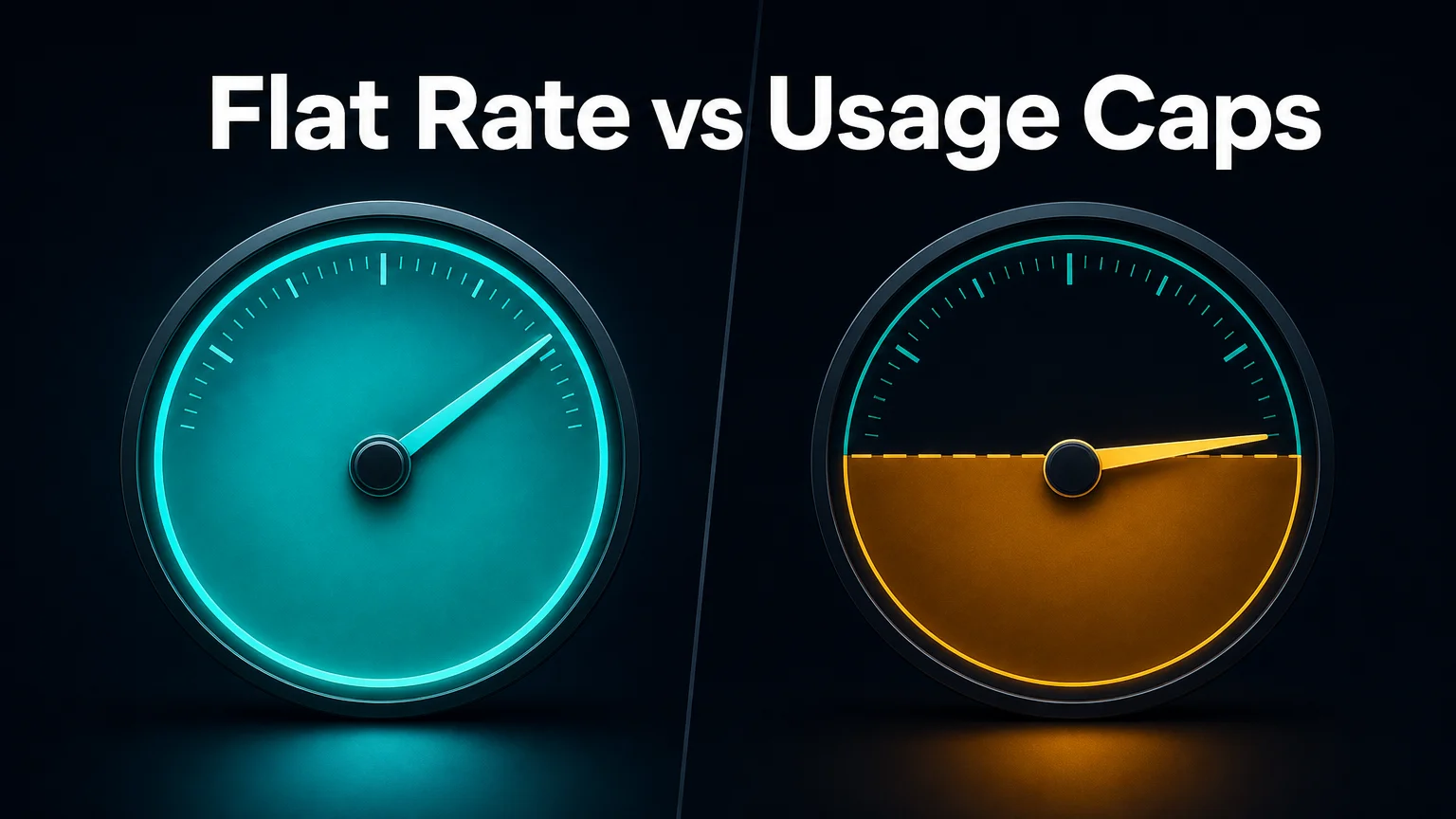 A flat rate has no ceiling to hit. A capped plan does, and the question is how close you run to it.
What a cap actually does to your bill
A cap is a ceiling on part of what the plan includes. Below it, you pay the listed price and never think about it. At it, one of three things happens: the feature slows, it stops until the next cycle, or you pay more to continue.
Reality check: a cheaper plan with a ceiling is only cheaper while you stay under the ceiling. If you reach it, the headline price stops being the number that matters.
We haven't verified Blink Claw's exact thresholds, so we won't invent them. What we can say is that a $4 monthly gap is small. It takes very little overage to erase it.
What Do You Actually Get for $49 vs $45?
For $49, OpenClawHQ gives you a private OpenClaw instance, 100+ pre-installed skills, unlimited AI usage, automatic updates and an always-online guarantee. For $45, Blink Claw bundles infrastructure, access to 200+ LLM models and monitoring, with caps on some features.
The OpenClawHQ plan is a single tier, so there is nothing to compare across plan levels. What's included:
- A private instance, not shared with other customers
- A pre-configured connection to WhatsApp, Telegram, Discord, Slack or another channel
- 100+ skills ready to switch on from the dashboard
- The language model included, so no OpenAI or Anthropic account is needed
- Uptime, updates and security patches handled on our side
Blink Claw's pitch is breadth. Its model catalog is larger, and the monitoring is part of the package. If you already know which model you want and why, that breadth has real value.
For a plumber, a real estate agent or a restaurant owner, though, a menu of 200 models is a decision with no obvious right answer. Our review of OpenClawHQ goes through what the dashboard looks like day to day.
How Long Does Setup Take?
OpenClawHQ setup takes roughly 3 to 7 minutes, depending on the channel. You sign up, pick a messaging app, follow a web wizard, and send a first message. Blink Claw is also managed, so neither service requires a server or command line.
The steps on OpenClawHQ look like this:
- Sign up with an email and password.
- Choose the channel you want to connect first.
- Follow the guided wizard. WhatsApp is a QR scan, Telegram is a bot token we help you create, and Discord or Slack is an Authorize button.
- Message your assistant and watch it reply.
- Switch on the skills you want from the dashboard.
We're not going to put a stopwatch figure on Blink Claw's onboarding, because we haven't timed it and a made-up number helps nobody. The honest summary is that both remove the hard part of OpenClaw, and the difference you'll feel is less in minutes than in how many choices you face before the first reply.
Worth knowing: the OpenClaw software is free and open source. Self-hosting it means Node.js 24, a machine that stays on, channel authentication and your own API bills. Both services exist to take all of that off your plate.
Is OpenClawHQ or BlinkClaw Better for High-Volume Users?
OpenClawHQ is the better fit for high-volume use, because unlimited usage means a busy month costs the same as a quiet one. Blink Claw's caps make it a better fit for light or experimental use, where you won't come close to a ceiling.
Think about what a heavy month looks like. A trade business gets a rush of enquiries after a storm. A real estate agent runs three open houses in a week. Your assistant answers all of them, at all hours.
 Busy weeks are exactly when a usage ceiling matters most.
Under a flat plan, that rush costs nothing extra. Under a capped plan, it is the moment you find the ceiling.
The reverse also holds. If you'll message your assistant a handful of times a week while you work out whether OpenClaw fits your business, the extra $4 buys you headroom you won't use. Our OpenClawHQ alternatives guide covers cheaper routes for that kind of trial, and the OpenClaw vs MyClaw comparison looks at a bring-your-own-keys option.
Can You Switch Between the Two?
Yes, you can switch, but treat it as a fresh start rather than a transfer. Each service runs its own instance, so your channel connections, skill settings and conversation history live separately. We don't document an import tool, so confirm with the provider before you commit.
In practice, switching means signing up on the new service, reconnecting your messaging channel, and re-enabling the skills you use. It's an afternoon of work, not a project.
That makes a low-risk test reasonable. Start where your expected usage points, watch a month or two of real traffic, and move if the numbers say you picked wrong.
Security is the other thing people check before moving anything. We cover isolation and data handling in Is OpenClawHQ safe?, and you should ask Blink the same questions.
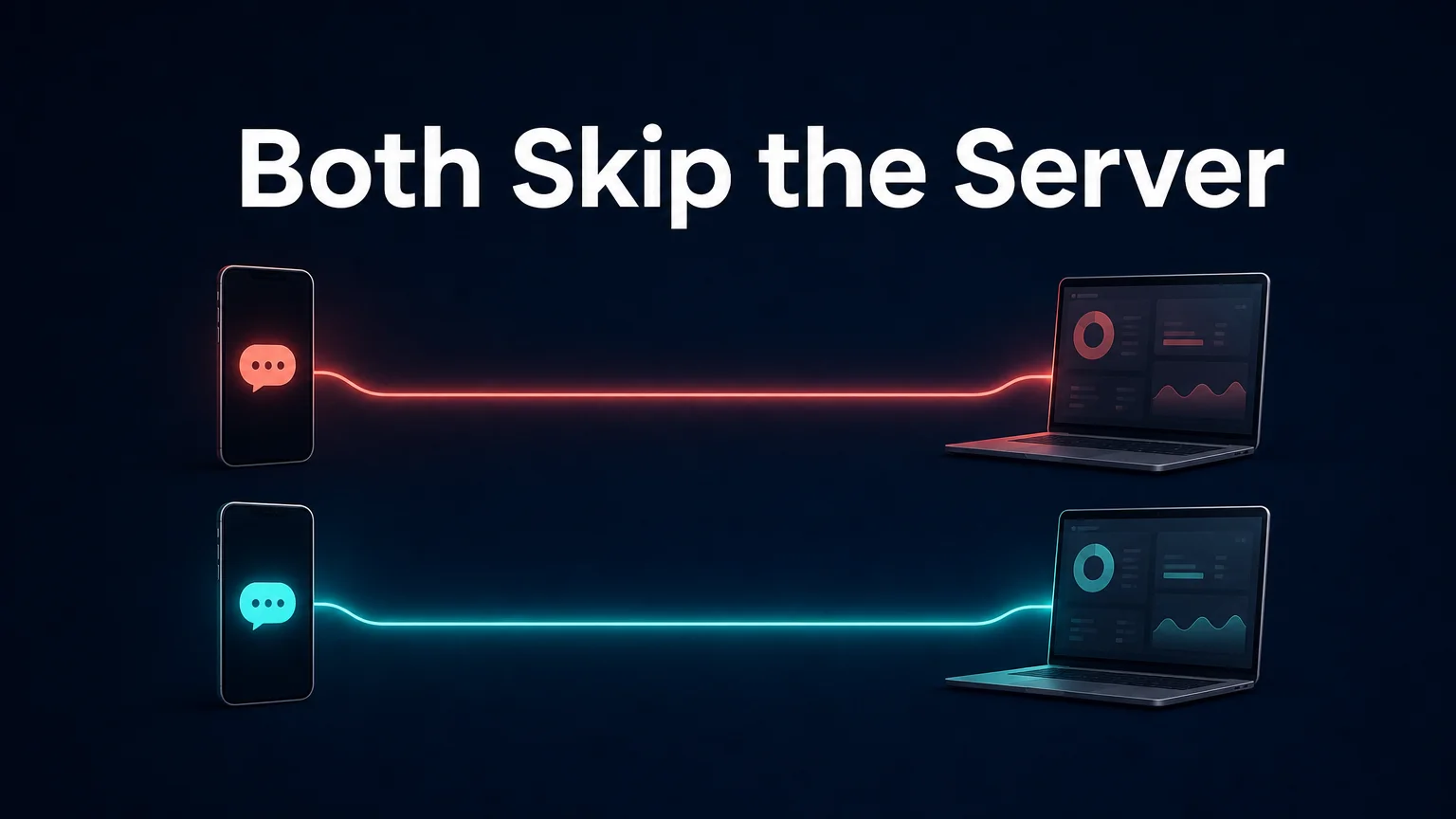 Both paths skip the server. The part left to decide is how you're billed once it's running.
Which Should You Choose?
Choose OpenClawHQ if you expect daily customer messages, want one predictable monthly bill and don't want to pick between models. Choose Blink Claw if you're testing OpenClaw at low volume, want the lowest entry price, or have a specific model in mind.
Use this as a quick filter:
- Choose OpenClawHQ if the assistant will answer real customers, if you hate variable bills, or if you're not technical and want decisions made for you.
- Choose Blink Claw if the first goal is a cheap experiment, if you'll use it lightly, or if you enjoy picking among 200+ models.
- Choose neither if you're a developer who wants full control of your own server. Self-hosting is the better route for you.
The short version: pick the pricing model that matches your volume. Busy business, flat rate. Low-volume trial, the lower sticker price.
Get Started with OpenClawHQ
If your assistant will be working every day, a flat rate removes the one variable you can't plan around. You get a private OpenClaw instance, unlimited usage and no token bills for $49 a month.
FAQ
Is OpenClawHQ cheaper than Blink Claw?
On sticker price, no. Blink Claw is $45 a month against OpenClawHQ's $49, a $4 difference. For heavier users the order can flip, because OpenClawHQ includes unlimited usage while Blink Claw caps certain features and your costs can rise past them.
Does OpenClawHQ have usage limits?
No. The $49 monthly plan includes unlimited usage, with no per-message billing and no token fees. The AI model is included, so you don't need your own OpenAI or Anthropic account, and your bill is the same whether you send ten messages or ten thousand.
What is OpenClawHQ?
OpenClawHQ is a managed hosting service for OpenClaw, the open-source AI agent. It gives you a private, fully configured instance that is live within minutes, with unlimited usage at $49 per month. You don't set up a server, write code or buy separate API access.
Do I need technical skills for either service?
No. Both are managed, so there's no server, Node.js install or command line to deal with. OpenClawHQ uses a guided web dashboard, and connecting WhatsApp is a QR scan. You'll mostly be deciding which skills to switch on.
Is OpenClaw itself free?
The software is free and open source. Running it isn't free, because it needs a machine that stays online, technical setup, ongoing maintenance and paid AI model usage. A managed service bundles those costs into one monthly fee.