
Which VPS Is Best for OpenClaw? | OpenClawHQ
Which VPS Is Best for OpenClaw? (And Whether You Should Use One at All)
Hetzner CX22 comes up in every OpenClaw forum thread. So does the follow-up, usually posted two hours later: "been at this all day, Node.js is installed, daemon won't start, WhatsApp QR keeps timing out." Which VPS is best for OpenClaw — and whether you should use one at all — depends entirely on your technical comfort level and what you're actually trying to accomplish.
This guide answers the VPS question directly, then explains why most non-technical users should be asking a fundamentally different question.
Key Takeaways
- Most VPS providers charge $3.99–$16/month for the server alone, plus separate AI API fees that can exceed $50/month for active users — OpenClawHQ's $49/month flat includes unlimited AI usage, eliminating surprise costs.
- Setting up OpenClaw on a VPS requires Node.js 24 installation, daemon configuration, channel authentication, and ongoing maintenance — OpenClawHQ handles everything in 3–7 minutes via a guided web setup.
- Non-technical users have a ~69% failure rate on VPS setup within the first 15 minutes — not from bad instructions, but from environment-specific issues that generic guides don't cover.
- A VPS is "managed server infrastructure"; OpenClawHQ is "managed OpenClaw instance" — they are different product classes with entirely different cost and complexity models.
Contents
- What Is a VPS and Why Do People Use It for OpenClaw?
- Which VPS Is Best for OpenClaw When Budget Matters?
- How Much Does It Actually Cost to Run OpenClaw on a VPS?
- Why Is Setting Up OpenClaw on a VPS So Complicated?
- Can You Really Run OpenClaw on a Budget VPS Without Technical Knowledge?
- What If You Don't Want to Manage a VPS?
- Why Managed Hosting Changes Everything
- Which VPS Is Best for OpenClaw vs. a Managed Service?
- Get Started with OpenClawHQ
- Frequently Asked Questions
What Is a VPS and Why Do People Use It for OpenClaw?
A VPS (Virtual Private Server) is a rented slice of a physical server — you get a fixed amount of RAM, CPU, and storage, root access, and full control over the operating system. People use VPS hosting for OpenClaw because the software needs a machine running 24/7, and a VPS is the cheapest way to get that without owning hardware.
OpenClaw is open-source and runs on any Linux server with Node.js 24 installed. Technical users gravitate toward VPS because it offers genuine control: choose your OS, your daemon manager, your LLM provider.
Costs start low. For a developer comfortable with the command line, that tradeoff makes sense.
The problem is that "runs on a VPS" is the starting line, not the finish line. Installing the software is only one step of a multi-step process — and it's the easiest one.
 VPS hosting gives developers full control — and full responsibility for everything that breaks.
Who the VPS Path Is Actually For
OpenClaw on a VPS makes sense for one specific profile: a developer or DevOps engineer who wants to build custom skills, control their own data, and doesn't mind spending an afternoon on setup. For everyone else, the time and complexity costs compound quickly.
Which VPS Is Best for OpenClaw When Budget Matters?
The cheapest VPS options for OpenClaw run $3.99–$7.40/month for the server alone. Hetzner CX22 is the top community pick — 4 GB RAM and fast provisioning at minimal cost. But server cost alone doesn't tell you which VPS is best for OpenClaw once AI API fees enter the picture.
Here's what the community consistently recommends for the server layer:
| VPS Provider | Entry Plan | RAM | Storage | Price/month |
|---|---|---|---|---|
| Hetzner | CX22 | 4 GB | 40 GB | ~$6.90 |
| Hostinger | KVM 2 | 8 GB | 100 GB NVMe | $4.99–$9.99 |
| Contabo | Cloud VPS 1 | 4 GB | 100 GB | ~$5.00 |
| DigitalOcean | Basic Droplet | 2 GB | 60 GB | $12.00 |
| Vultr | Cloud Compute | 2 GB | 55 GB | $12.00 |
Hetzner wins on price-to-performance for most users. Hostinger's "pre-installed" option reduces setup steps but doesn't eliminate them — you still configure channels, manage the daemon, and pay your own API costs. For a deeper breakdown of where each cost line lives, the OpenClaw pricing comparison guide shows the full math across providers.
Worth knowing: OpenClaw needs at least 2 GB RAM to run stably. The 1 GB tier on most VPS providers causes crashes during heavy AI inference calls. Budget for the 2–4 GB tier at minimum.
How Much Does It Actually Cost to Run OpenClaw on a VPS?
Running OpenClaw on a VPS costs the server fee PLUS your AI model API costs. For active business users, API costs frequently exceed the server cost within the first month. The true monthly total for business-grade usage runs $50–$80+, not the $3.99 advertised on the VPS pricing page.
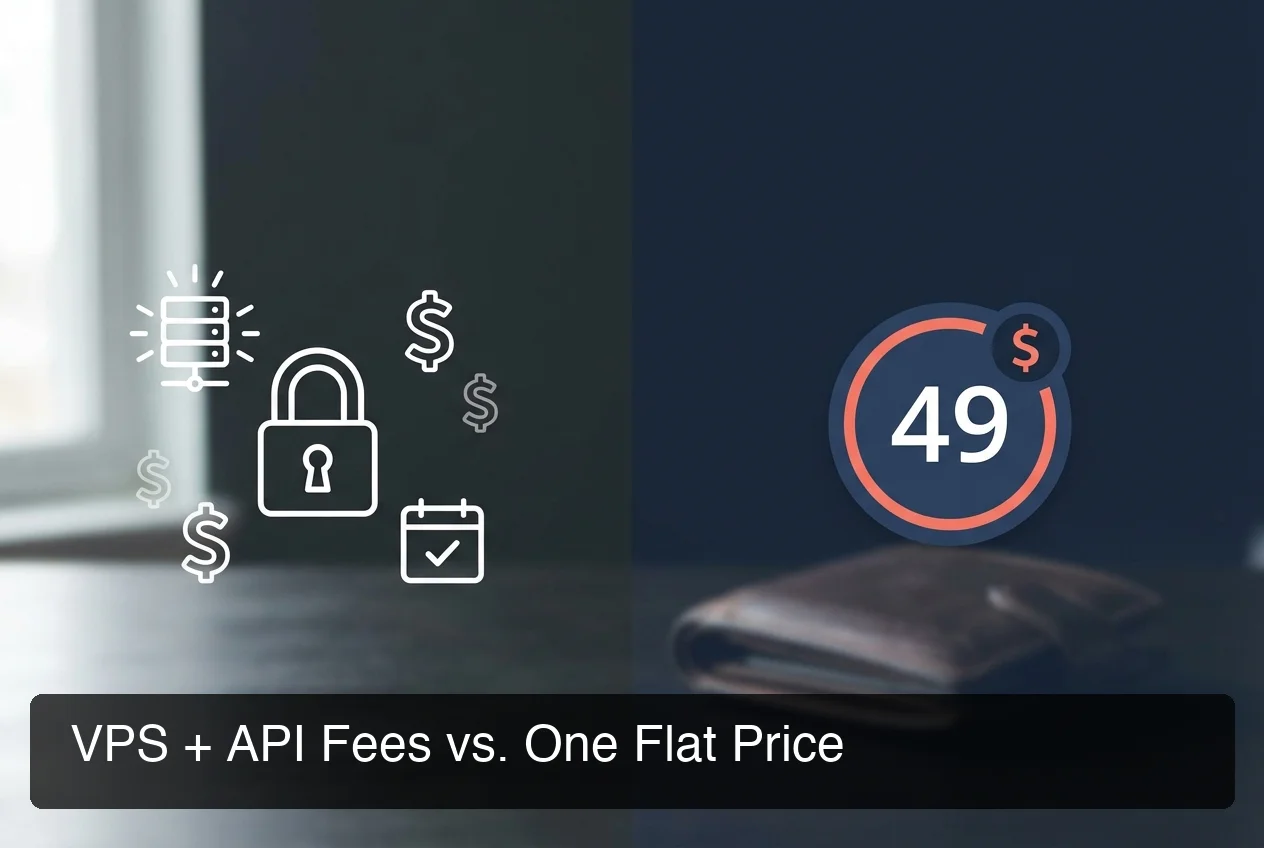 VPS server cost is just the entry ticket — AI API fees are where the real monthly bill accumulates.
Here's how the full cost builds for a business using OpenClaw to handle customer messages:
| Cost Layer | Monthly Cost |
|---|---|
| VPS server (Hetzner CX22) | ~$6.90 |
| OpenAI GPT-4o API (active business use) | $30–$60+ |
| Anthropic Claude API (if preferred) | $20–$80+ |
| Domain + SSL | $1–$5 |
| True monthly total | $38–$71+ |
This isn't a worst-case estimate. A business answering 200+ WhatsApp messages per month generates significant AI inference volume.
Token billing is variable — heavier usage months hit harder. The full breakdown of OpenClaw's actual running costs explains each fee layer without the marketing spin.
VPS pricing looks cheap because the server number is the only upfront figure. The API bill arrives at month-end and scales with usage. For a plain-English explanation of the "software is free but operation isn't" dynamic, Is OpenClaw Free? covers exactly that question.
Why Is Setting Up OpenClaw on a VPS So Complicated?
Setting up OpenClaw on a VPS requires Node.js 24 (the exact version — others fail), npm global install, running the CLI onboarding wizard, channel-specific authentication, and configuring a process daemon so OpenClaw restarts automatically after crashes. Each step has failure modes that generic setup guides don't prepare you for.
This isn't one step. It's five to eight sequential steps where any single failure means starting over or troubleshooting without clear error context.
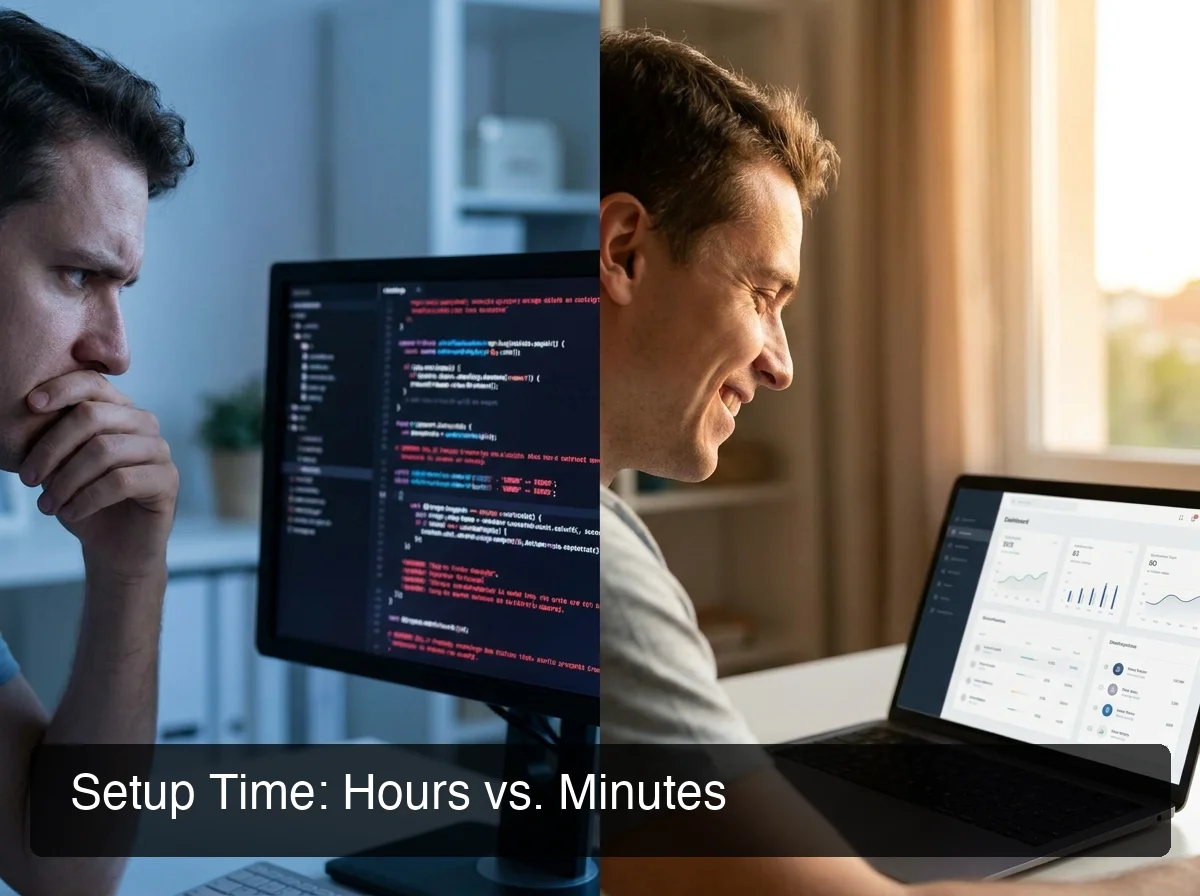 Setup time tells the real story — hours of terminal troubleshooting versus a 7-minute web wizard.
The Three Common Failure Points
Node.js 24 is a hard requirement, not a suggestion. VPS providers that pre-install Node.js often deploy version 18 or 20.
OpenClaw's CLI fails silently or throws a cryptic error. The fix requires NVM installation and manual version switching — something most non-technical users don't know to look for.
After installation, daemon configuration (openclaw onboard --install-daemon) generates a systemd service file. On some VPS distros, the path differs from what OpenClaw expects.
The service appears to register successfully but fails to start. Diagnosing this requires reading systemd logs via journalctl — again, not intuitive for first-timers.
Channel authentication is the third wall. WhatsApp QR codes expire in 60 seconds — any latency on the VPS means the scan fails and you start over.
Telegram requires creating a bot through BotFather, retrieving the token, and entering it correctly into the CLI. Discord authorization requires port accessibility that not every VPS configuration has by default.
Reality check: Community data from r/VPS and r/OpenClaw consistently shows non-technical users hit a ~69% failure rate in the first 15 minutes — not from bad tutorials, but from environment-specific issues that general-purpose guides assume away.
Can You Really Run OpenClaw on a Budget VPS Without Technical Knowledge?
No — not reliably. Budget VPS tiers (1–2 GB RAM) crash under AI inference load. The setup process requires command-line fluency. Ongoing maintenance — updates, crash recovery, channel reconnection after drops — requires knowing how to SSH in and diagnose. For non-technical users, VPS self-hosting is a high-effort, low-reliability path that rarely pays off.
The community tutorials are well-written. They assume the reader understands SSH, can edit a .env file, and can troubleshoot a background process that dies without output.
That's a fair assumption for developers. It's not for the restaurant owner who wants OpenClaw answering WhatsApp messages while they cook.
If you've tried the VPS path and stalled, you're not failing at technology. You're using a tool designed for a different user profile. The best OpenClaw hosting service comparison covers both VPS and managed options side by side, with clear guidance on which profile fits which.
What If You Don't Want to Manage a VPS?
Three alternatives exist: managed OpenClaw hosting services (a company runs your instance), cloud-managed VPS with support tiers (still partly yours to maintain), and desktop self-hosting (running OpenClaw on a personal machine 24/7). Managed hosting is the only option that eliminates both technical setup friction and variable API billing.
The distinction matters: a "managed VPS" like Hostinger's pre-installed option gives you a configured server — but you still own the maintenance. A managed OpenClaw hosting service runs the entire stack: server, daemon, updates, channel reconnections. Different products entirely.
For a full comparison of every managed service available — including KiloClaw, xCloud, MyClaw, and others — the OpenClawHQ alternatives comparison covers the complete market landscape.
Why Managed Hosting Changes Everything
 Your OpenClaw instance, connected to your messaging apps, live in under 30 minutes.
OpenClawHQ is a fully managed OpenClaw hosting service. You pay $49/month flat — no token fees, no API billing, no server work.
Sign up, choose your messaging app (WhatsApp, Telegram, Discord, Slack, or 20+ others), and follow a web-based setup that takes 3–7 minutes — no SSH, no Node.js, no daemon configuration.
The flat rate is possible because of a direct partnership with an LLM provider — OpenClawHQ absorbs all inference costs. Other managed services charge a hosting base fee plus variable token charges that scale with every AI interaction. For businesses doing 200+ messages per month, unpredictable billing compounds fast.
Each customer gets an isolated private instance on dedicated infrastructure. 100+ OpenClaw skills come pre-installed.
Updates, crash recovery, and channel reconnections happen automatically. For the full cost-versus-managed analysis, the OpenClaw pricing comparison runs those numbers in detail.
Which VPS Is Best for OpenClaw vs. a Managed Service?
OpenClawHQ costs $49/month flat with zero setup time and unlimited AI usage. VPS self-hosting costs $6–$15/month for the server plus $30–$60+ in API fees monthly, with 3–8 hours of initial setup and ongoing technical maintenance. For non-technical users, managed hosting is the lower total-cost, lower total-effort option.
| VPS Self-Hosting | OpenClawHQ Managed | |
|---|---|---|
| Monthly server cost | $4–$16 | Included |
| AI API cost | $30–$80+ extra | Included, unlimited |
| Setup time | 3–8+ hours | 3–7 minutes |
| Technical knowledge required | Intermediate | None |
| Ongoing maintenance | Your responsibility | Handled automatically |
| Uptime guarantee | Depends on your config | Always-online |
| Channel reconnection | Manual | Automatic |
| True monthly cost (active use) | $38–$100+ | $49 flat |
One group still belongs on VPS: developers who want to write custom OpenClaw skills, experiment with different LLM providers, or maintain full control over their infrastructure. That's exactly who VPS hosting was built for.
For small business owners, local service providers, and anyone who wants OpenClaw working without becoming a sysadmin — the complexity and cost math both point the same direction.
Get Started with OpenClawHQ
If the VPS path isn't the right fit — and for most people searching this question, it isn't — OpenClawHQ removes every step between you and a running OpenClaw instance. One price, no hidden fees, live in minutes.
Comparing all managed options first? The OpenClawHQ alternatives guide lists every managed service with pricing so you can decide with full information.
Frequently Asked Questions
What are the minimum VPS specs for running OpenClaw?
OpenClaw requires at least 2 GB RAM and 1 vCPU to run stably. The 1 GB tier on most VPS providers causes crashes during AI inference calls. Most community users recommend the Hetzner CX22 (4 GB RAM, 2 vCPU) as the reliable minimum for business-grade use with real message volume.
Is Hetzner the best VPS for OpenClaw?
Hetzner CX22 is the most-recommended VPS for OpenClaw based on price-to-performance — roughly $6–$7/month for 4 GB RAM with fast provisioning. Contabo and DigitalOcean are solid alternatives. No VPS plan includes AI API fees, which typically exceed the server cost for active business use — factor that into any VPS cost estimate.
What is OpenClawHQ?
OpenClawHQ is a fully managed hosting service for OpenClaw — the viral open-source AI agent with 247,000+ GitHub stars. Business owners and non-technical users get their own private OpenClaw instance, fully configured and running within minutes, with unlimited AI usage for $49/month flat. No server setup, no coding, and no separate API fees required.
Is OpenClawHQ better than self-hosting OpenClaw on a VPS?
For non-technical users, yes. OpenClawHQ eliminates Node.js configuration, daemon setup, channel authentication, and ongoing server maintenance.
The $49/month flat rate includes unlimited AI usage that costs $30–$80+ extra on a VPS. Developers who want full control and don't mind the technical setup should self-host — that's exactly who VPS is designed for.
What is the cheapest way to run OpenClaw?
The lowest entry price is a Hetzner CX11 or Contabo VPS at $3.99–$6/month — but this excludes AI API fees. Including API costs, active business use runs $40–$70+/month on a VPS. OpenClawHQ's $49/month flat is often the more affordable option for businesses using OpenClaw daily, because AI inference is already bundled in.
How do I set up OpenClaw on a VPS?
VPS setup requires: a Linux server (Ubuntu 22.04+), Node.js 24 installed via NVM (not apt — apt installs incompatible versions), npm install -g openclaw globally, the onboarding wizard openclaw onboard --install-daemon, and channel authentication for your messaging app. Estimated time: 2–8 hours. Common failure points: Node.js version conflicts and systemd daemon misconfiguration.
Why do most people fail at VPS OpenClaw setup?
Non-technical users stall at three predictable points: Node.js version conflicts (pre-installed VPS versions are usually incompatible), daemon misconfiguration (systemd service file paths vary across distros), and channel authentication timeouts (WhatsApp QR codes expire in 60 seconds; Telegram bot tokens require a separate multi-step flow). Each failure requires diagnostic knowledge that setup guides don't include.