
OpenClaw Discord: AI Agent for Your Server | OpenClawHQ
OpenClaw Discord: Add an AI Agent to Your Server in Minutes
Managing a Discord server means constantly putting out fires — unanswered questions, rule violations, repetitive FAQs — all pulling you away from actually building your community. OpenClaw Discord changes that equation by running a fully capable AI agent inside your server that moderates, responds, and automates 24/7 without touching a single line of code.
Key Takeaways
- OpenClaw Discord lets you add AI agents to your Discord server without writing code, automating moderation, support, and team workflows.
- Setup takes minutes: invite the bot, select pre-built skills, and your agent starts working immediately in any channel.
- Reduce manual moderation load by 40–60% and answer common questions in real-time, keeping your community engaged and moderated 24/7.
- OpenClawHQ's managed service means updates, scaling, and reliability are handled for you — focus on community growth instead of infrastructure.
- Unlike basic Discord bots, OpenClaw adapts to your community's culture and rules, learning from your channel history and context.
Contents
- What Is the OpenClaw Discord Integration?
- How Does OpenClaw Work Inside Your Discord Server?
- How Do You Set Up OpenClaw on Discord in Minutes?
- Which Discord Use Cases Does OpenClaw Best Solve?
- What Kinds of Skills Can OpenClaw Run on Discord?
- Why Choose OpenClawHQ's Discord Integration?
- How Does OpenClaw Discord Compare to Manual Moderation and Bots?
- Can You Customize OpenClaw Skills for Your Specific Discord Community?
- Get Started with OpenClaw on Discord
- Frequently Asked Questions
What Is the OpenClaw Discord Integration?
OpenClaw Discord is an AI agent that lives inside your Discord server, responding to member messages, enforcing rules, answering FAQs, and executing automated workflows — all without requiring a developer, a server, or any technical setup. It goes far beyond a basic bot by understanding context, reasoning across conversations, and running 100+ pre-built automations called "skills."
OpenClaw (formerly Clawdbot, briefly Moltbot) is an open-source AI agent with 247,000+ GitHub stars. Unlike a rules-based bot that triggers on keywords, OpenClaw understands nuance, handles multi-step tasks, and adapts to your server's culture.
 An OpenClaw agent active in Discord, handling member questions and moderation automatically 24/7.
Bottom line: OpenClaw Discord is not a chatbot — it's a full AI agent that reasons, responds, and executes tasks inside your Discord server, available to non-technical users for the first time through OpenClawHQ's managed setup.
How Does OpenClaw Work Inside Your Discord Server?
OpenClaw works in Discord by connecting your server to a private AI agent instance that monitors channels you designate, processes member messages with a large language model, and responds — or takes action — based on context. It operates on a mention-based or allowlisted model, so it only engages when appropriate, not on every message.
What OpenClaw Sees and Does
Once connected, your OpenClaw agent can:
- Read and reply to messages in assigned channels
- Recognize when a question matches an existing FAQ and answer immediately
- Flag messages that violate your server rules and notify moderators
- Summarize long threads for members who join mid-conversation
- Execute skills triggered by member commands (e.g.,
/summarize,/remind,/search)
Channel Permission Model
OpenClaw works within Discord's permission system — you decide which channels it monitors and whether it responds to all members or specific roles only. A support channel can have full coverage while staff channels stay private.
Key insight: OpenClaw's channel-scoped model means automation exactly where you need it, with zero risk of the agent interfering in channels you haven't authorized.
For more on what OpenClaw can do across all platforms, see What Is OpenClaw? The AI Agent That Lives in Your Messaging Apps.
How Do You Set Up OpenClaw on Discord in Minutes?
Setting up OpenClaw on Discord through OpenClawHQ takes 3–7 minutes and requires no technical knowledge. You sign up, select Discord as your channel, click Authorize to connect your server, and your agent is live. No bot token creation, no Developer Portal, no command line — OpenClawHQ handles all of that automatically.
Step-by-Step Setup
Follow these steps to get your OpenClaw Discord agent running:
- Sign up at openclawhq.io — Email and password, 30 seconds.
- Select your plan — $49/month flat, unlimited usage.
- Choose Discord as your channel — Click the Discord tile on the setup wizard.
- Click Authorize — You'll be redirected to Discord's standard OAuth screen. Select your server and confirm permissions.
- Configure channels — Choose which channels OpenClaw monitors and which roles can interact with it.
- Activate your first skill — Pick from 100+ pre-built skills in the dashboard (moderation, FAQ, web search, etc.).
- Test it — Send a message in your designated channel. OpenClaw replies.
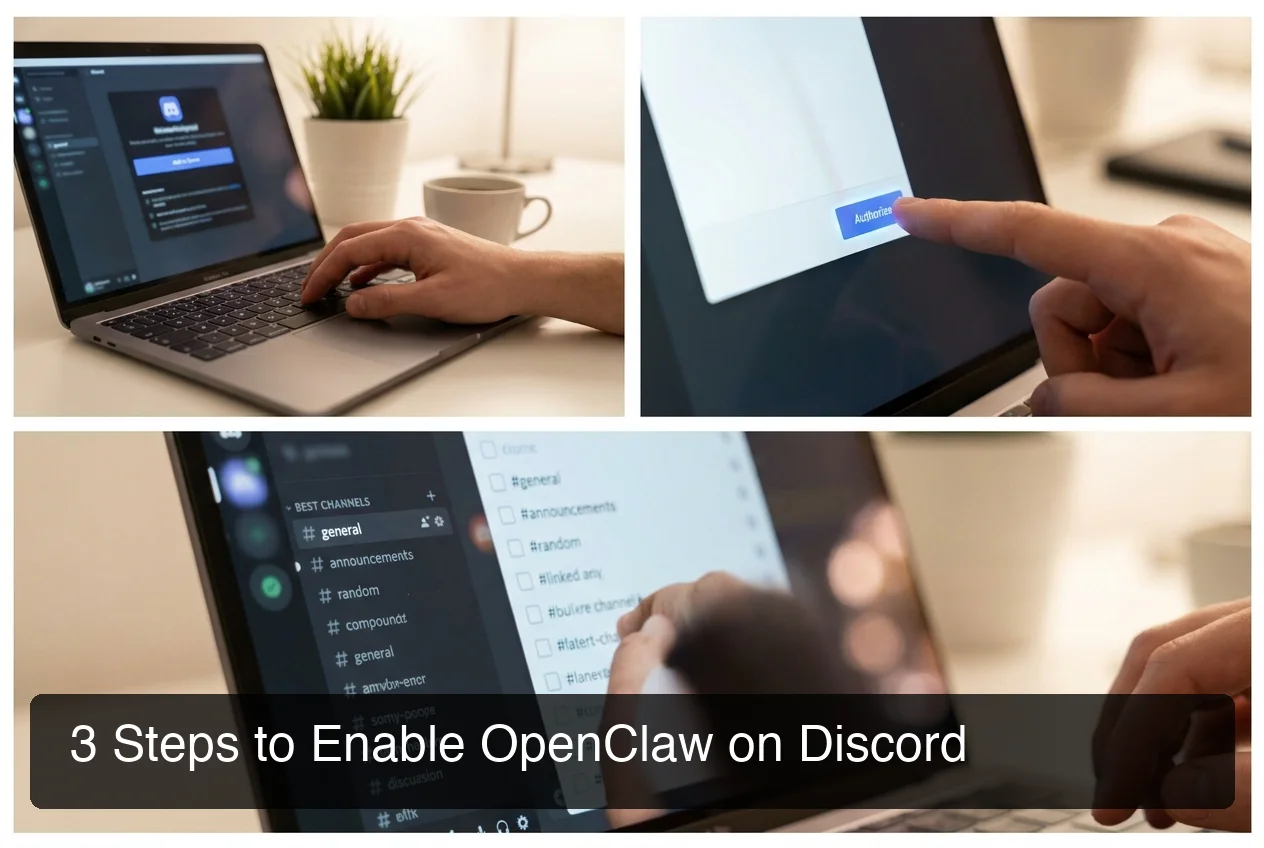 OpenClawHQ's guided setup connects your Discord server in minutes — no Discord Developer Portal required.
By the numbers: OpenClawHQ users get their Discord agent live in 3–7 minutes vs. 30–60+ minutes for self-hosted setups that require API key management and bot token configuration after.
Which Discord Use Cases Does OpenClaw Best Solve?
OpenClaw Discord is most valuable for community managers who need automated moderation, 24/7 member support, and FAQ deflection without hiring additional moderators. It's purpose-built for servers that are growing faster than their moderation team — typically communities of 500+ members where manual moderation becomes unsustainable.
Top Use Cases
Community moderation — OpenClaw monitors designated channels, identifies messages that violate server rules (spam, off-topic, harassment), and either removes them or flags them for human review. Unlike keyword-based bots, it understands context — it won't flag a message about "banning players" in your gaming strategy channel.
FAQ deflection — OpenClaw reads your FAQ knowledge base, recognizes matching questions, and answers instantly. Your moderators stop spending 80% of their time copy-pasting the same 10 answers over and over.
New member onboarding — When someone joins, OpenClaw sends a welcome message, explains server rules, and guides them to the right channels. First impressions automated.
Thread summarization — OpenClaw can summarize long threads on request, letting late-arriving members catch up in seconds instead of scrolling through hours of chat.
Event coordination — Set reminders, announce events, and send follow-up messages to specific roles without manual scheduling.
| Server Type | Primary Pain Point | OpenClaw Solution |
|---|---|---|
| Gaming Community | Moderation at scale | Automated rule enforcement + flagging |
| Creator/Fan Server | Repetitive FAQ questions | AI-powered FAQ deflection |
| Business/Team Server | Coordination overhead | Reminders, summaries, web search |
| Customer Support Server | 24/7 response expectation | Always-online first-contact agent |
What Kinds of Skills Can OpenClaw Run on Discord?
OpenClaw Discord skills are pre-built automations that extend what your agent can do beyond conversation. Skills connect OpenClaw to external services and capabilities — web search, reminders, summarization, email, and more — activated by member commands or triggered automatically based on server activity.
Available Skill Categories
Moderation: Content flagging (rule violations, spam, off-topic), new member screening, slow-mode activation, warning escalation workflow.
Support: FAQ answering from your knowledge base, thread summarization, language translation, ticket creation.
Productivity: Web search, document summarization (PDFs, links), reminder setting, calendar integration.
Integration: Email trigger for flagged messages, webhook and API call execution.
Key insight: Non-technical community managers activate skills by name in the dashboard — no coding, no configuration files. OpenClawHQ pre-installs 100+ skills and keeps them updated automatically.
If you manage multiple workspaces, OpenClaw runs on 20+ platforms. Check out OpenClaw Slack: Add an AI Agent to Your Workspace in Minutes for your Slack equivalent.
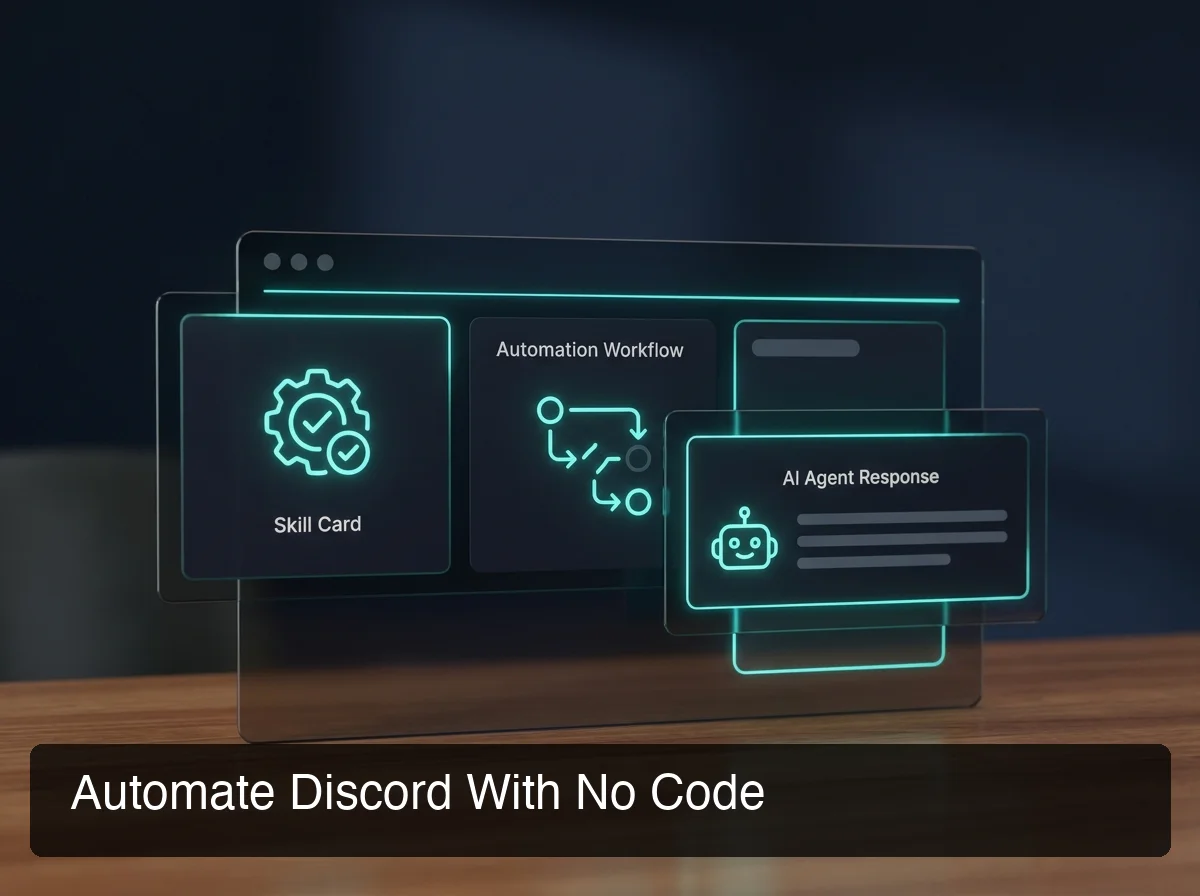 OpenClawHQ's skill library gives your Discord agent 100+ pre-built capabilities — activate any skill in seconds from the dashboard.
Why Choose OpenClawHQ's Discord Integration?
OpenClawHQ is the only way to get OpenClaw running on Discord without server management, token configuration, or developer knowledge. For $49/month flat — unlimited usage — you get a private, always-online OpenClaw instance fully configured for Discord. No Node.js setup, no bot token rotation, no surprise token fees.
The Managed Difference
OpenClawHQ's Discord integration stands out in three ways: one-click OAuth connection (no Developer Portal token work), flat unlimited pricing (no per-message surprise costs), and fully managed reliability (we keep the bot token valid, daemon running, and software updated automatically).
Pricing Comparison
| Service | Monthly Base | Token Fees | Discord Setup |
|---|---|---|---|
| KiloClaw | $9/mo | Per-inference via Kilo Gateway | Manual bot token required |
| xCloud / MyClaw | $16/mo | BYOK (your API costs) | Technical configuration |
| Blink Claw | $45/mo | Included but capped | Moderate setup required |
| Self-hosted VPS | $4–$10/mo | BYOK + your API bills | Full technical setup |
| OpenClawHQ | $49/mo flat | Included, unlimited | One-click OAuth |
How Does OpenClaw Discord Compare to Manual Moderation and Bots?
OpenClaw Discord reduces manual moderation load by 40–60% compared to human-only moderation and outperforms basic bots like MEE6 or Dyno by understanding context rather than matching keywords. Where a keyword bot flags every mention of "ban," OpenClaw reads the actual message, understands intent, and responds appropriately — eliminating false positives and missed violations.
OpenClaw vs. Traditional Bots
| Feature | MEE6 / Dyno | Custom Discord Bot | OpenClaw Discord |
|---|---|---|---|
| Setup | Dashboard config | Developer required | One-click (OpenClawHQ) |
| Response intelligence | Keyword-triggered | Rules-based logic | LLM reasoning |
| FAQ handling | Pre-set auto-responses | Hardcoded replies | Dynamic AI answers |
| Context understanding | None | Limited | Full conversation context |
| Skill library | Built-in commands only | Custom only | 100+ pre-built skills |
| Cost predictability | Fixed subscription | Dev time + VPS | $49/month flat |
MEE6 and Dyno excel at scheduled announcements, role management, and leveling — but they can't answer nuanced support questions or understand that "how do I get banned from this server" is a joke, not a rule violation. OpenClaw handles the AI-reasoning layer; traditional bots handle structured automation. Many high-traffic servers run both.
Bottom line: If your server has 500+ active members or your moderation team is burning out on repetitive tasks, OpenClaw Discord pays for itself in time saved within the first week.
Can You Customize OpenClaw Skills for Your Specific Discord Community?
Yes. OpenClaw's skill system is designed to adapt to your specific community — you provide context about your server's rules, culture, and FAQ topics through the OpenClawHQ dashboard, and the agent applies that context to every response. Power users can also write custom skills in JavaScript to extend OpenClaw's behavior beyond the pre-built library.
Community Context Configuration
Through the OpenClawHQ dashboard, configure your OpenClaw instance with your server rules (OpenClaw references these in moderation decisions), FAQ document (your knowledge base for member support), channel-specific behavior (formal in #support, relaxed in #general), and tone settings (professional, casual, or community-specific). All from a web UI — no config files.
Custom Skills for Power Communities
Technical users can write custom skills in JavaScript and deploy them to their OpenClaw instance for unique workflows — game API integrations, custom ticketing, specialized slash commands. Non-technical managers never need to touch this; the 100+ pre-built skills cover the vast majority of server automation needs.
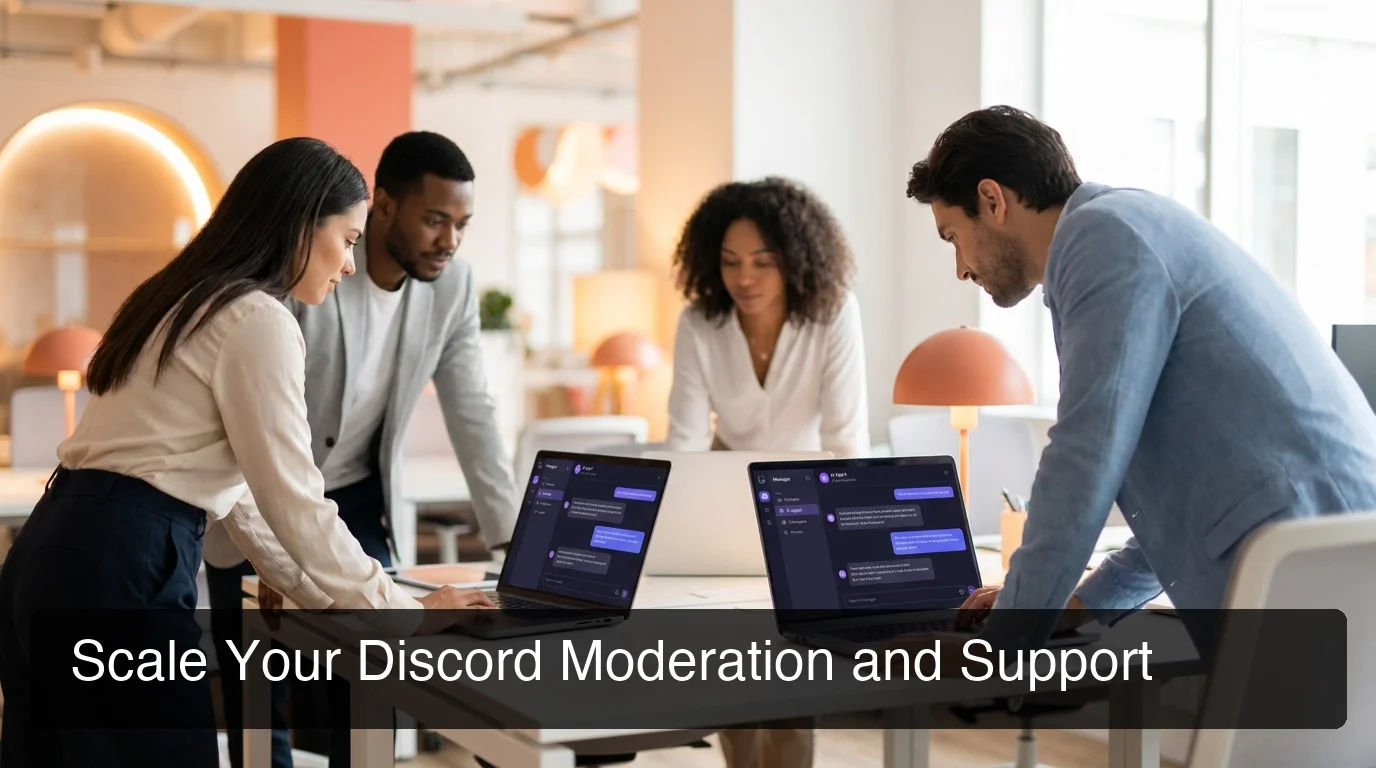 OpenClaw adapts to your community's rules and culture — from gaming servers to professional team workspaces.
If you also use Telegram, OpenClaw Telegram covers the same no-code setup. For customer-facing teams, extend your OpenClaw agents to WhatsApp for external customer communication.
Key insight: OpenClawHQ's managed setup means you get a fully customized, community-aware AI agent without writing a single line of code — just configure through the dashboard.
Get Started with OpenClaw on Discord
Your Discord community doesn't sleep, but your moderation team does. OpenClaw Discord gives you a 24/7 AI agent that answers member questions, enforces your rules, and handles repetitive support tasks — while you focus on growing the community instead of managing it.
Not ready to try it yet? Start for $49/month — no setup required, and your Discord agent is live in minutes.
Frequently Asked Questions
What is OpenClaw Discord?
OpenClaw Discord is an AI agent that runs inside your Discord server, handling moderation, FAQ replies, member support, and automated workflows. Unlike keyword-based bots, OpenClaw uses a large language model to understand context. OpenClawHQ makes it available to non-technical community managers with a one-click setup and $49/month flat pricing.
How do I set up OpenClaw on Discord without coding?
With OpenClawHQ, setup requires no coding. Sign up, select Discord as your channel, click Authorize to connect your server via Discord's OAuth system, configure which channels your agent monitors, and activate your first skill from the dashboard. Your agent is live in 3–7 minutes.
Does OpenClaw Discord require a Discord bot token?
When you use OpenClawHQ, no. OpenClawHQ manages the Discord bot token automatically. You authorize access through Discord's standard OAuth screen, and the platform handles token generation, storage, and rotation behind the scenes. Self-hosting OpenClaw requires manual bot token setup.
What is OpenClawHQ?
OpenClawHQ is a fully managed hosting service for OpenClaw — the viral open-source AI agent. It gives non-technical users and business owners their own private OpenClaw instance, fully configured and running in minutes, with unlimited usage for $49/month flat. No server setup, no coding, and no separate token fees required.
How does OpenClaw compare to MEE6 or Dyno for Discord moderation?
MEE6 and Dyno are keyword-triggered bots excellent at role management and scheduled posts. OpenClaw uses LLM reasoning — it understands context, answers nuanced support questions, and makes moderation decisions based on intent rather than keywords. Many high-traffic servers run OpenClaw alongside traditional bots for both AI reasoning and structured automation.
Can OpenClaw answer FAQs automatically on Discord?
Yes. Provide your FAQ list through the OpenClawHQ dashboard, and OpenClaw uses it as a knowledge base. When members ask matching questions, OpenClaw answers immediately without human involvement — deflecting 40–60% of repetitive support questions instantly.
What can I do with OpenClaw for my business?
OpenClaw acts as an AI employee inside your messaging apps (WhatsApp, Telegram, Discord, Slack, and 20+ others). It can answer customer questions automatically, follow up on leads, summarize documents, browse the web, send emails, and execute 100+ pre-built automations called "skills." OpenClawHQ delivers this fully configured for $49/month — no technical setup required.