
OpenClaw Telegram: AI Agent in Your Chats | OpenClawHQ
OpenClaw Telegram: Add an AI Agent to Your Chats in Minutes
The openclaw telegram integration puts a personal AI agent inside your existing Telegram chats — one that browses the web, automates tasks, and executes multi-step workflows without switching apps.
Key Takeaways
- OpenClaw is an AI agent that integrates directly into Telegram, letting you automate tasks and research without leaving the chat.
- Setup takes less than 3 minutes: create a Telegram bot via BotFather, connect to OpenClawHQ, and start using skills immediately.
- OpenClaw skills work seamlessly in Telegram — automate workflows, summarize content, research topics, and more within your messaging app.
- Unlike generic Telegram bots, OpenClaw is built for power users who want AI-assisted productivity in their most-used communication tool.
- OpenClaw on Telegram requires no coding or technical setup when you use OpenClawHQ — $49/month flat, unlimited usage.
 OpenClaw connects to your existing Telegram account — no new app, no new interface to learn.
Contents
- What Is OpenClaw Telegram?
- How Do You Set Up OpenClaw Telegram?
- What Can OpenClaw Do in Telegram Chats?
- How Does OpenClaw on Telegram Compare to Other Telegram Bots?
- How Do You Use OpenClaw Skills in Telegram Groups?
- Is OpenClaw Available for Telegram on Mobile?
- What Are the Key Benefits of OpenClaw on Telegram?
- Frequently Asked Questions
What Is OpenClaw Telegram?
OpenClaw for Telegram is an AI agent integration that turns your existing Telegram account into a command center for automation. Unlike a basic chatbot that responds to preset keywords, OpenClaw can browse the web, send emails, manage files, and execute 100+ pre-built skills — all triggered by a plain-language Telegram message.
OpenClaw (formerly known as Clawdbot and briefly Moltbot in January 2026) is an open-source AI agent with 247,000+ GitHub stars. It's not a chatbot — it's an autonomous AI agent that takes real action. For a full breakdown of what OpenClaw can do, read What Is OpenClaw? The AI Agent That Lives in Your Messaging Apps.
When connected to Telegram, OpenClaw lives inside your existing conversations. You message it like you'd message a human assistant, and it responds, executes tasks, and stays available 24/7 — no separate app, no dashboard to check.
Key insight: OpenClaw isn't a Telegram bot in the traditional sense. It's a full AI agent that happens to live inside Telegram — capable of multi-step task execution, web research, and real-world automation.
How Do You Set Up OpenClaw Telegram?
Setting up openclaw telegram takes under 3 minutes with OpenClawHQ. Create a bot via Telegram's BotFather, enter your bot token in the OpenClawHQ dashboard, and your private OpenClaw instance is connected and running — no CLI commands, no VPS, no Node.js installation required.
Every self-hosting guide you'll find online walks you through Node.js 24 installation, CLI wizard configuration, and daemon management. That process takes hours and fails most non-technical users at step one. OpenClawHQ removes every barrier.
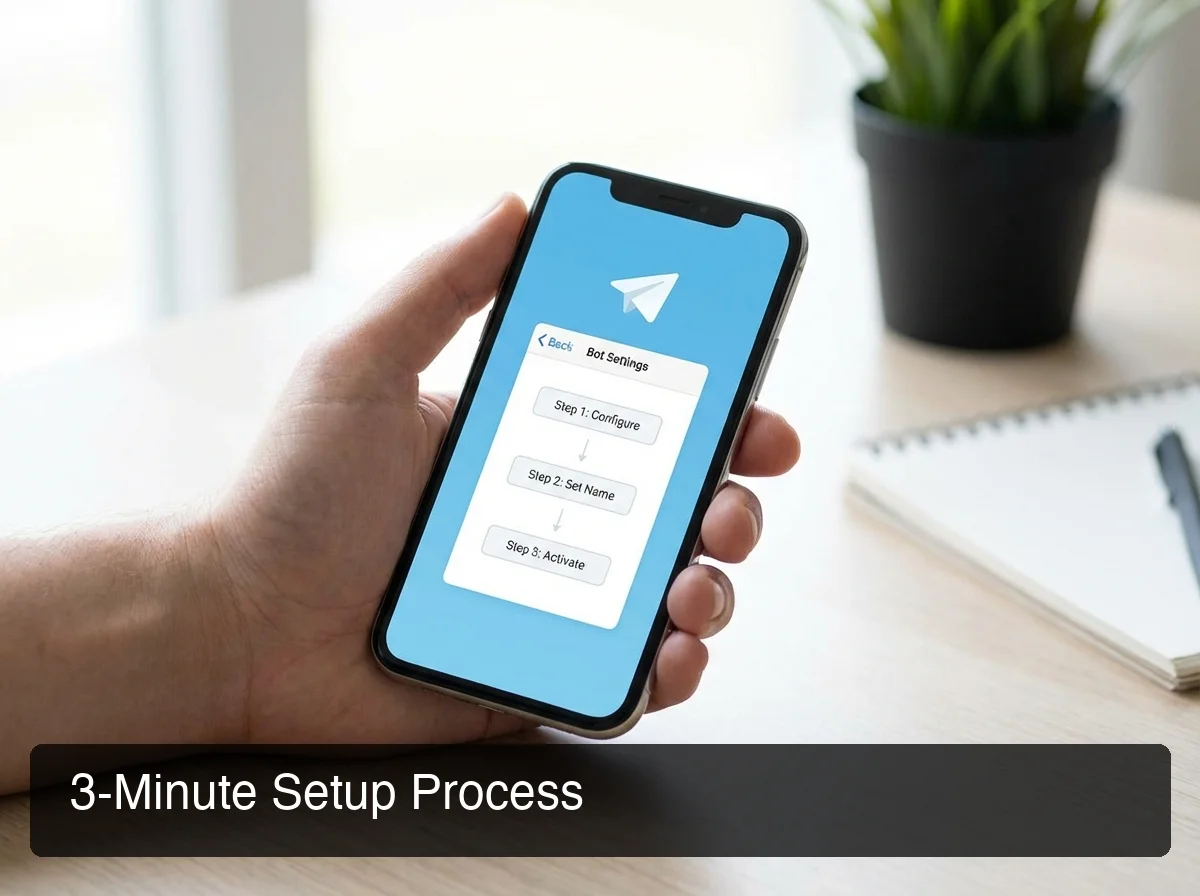 OpenClawHQ's guided dashboard connects your Telegram bot in minutes — no command line ever.
Step 1: Create a Telegram Bot via BotFather
Open Telegram and search for @BotFather. Send /newbot, give your bot a name, and copy the bot token you receive — this token is the unique key that links Telegram to your OpenClaw instance. The whole BotFather process takes about 60 seconds.
Step 2: Connect Your Bot to OpenClawHQ
Log into your OpenClawHQ dashboard, select Telegram as your channel, and paste the bot token. OpenClawHQ provisions your private OpenClaw instance and configures the Telegram channel automatically. No server, no npm install, no config files to edit.
Step 3: Send Your First Message
Send /start to your bot in Telegram. OpenClaw confirms the connection and prompts you to authorize your account. Within seconds, your AI agent is live.
Bottom line: BotFather to first AI response in under 3 minutes — compared to hours of technical setup for self-hosted OpenClaw. OpenClawHQ handles everything that happens on the server side.
What Can OpenClaw Do in Telegram Chats?
OpenClaw in Telegram can browse the web, summarize documents, draft emails, set reminders, execute API calls, and chain multiple automations together — all triggered by a plain-language message. It understands what you mean, not just what you type.
Once connected, there's no special syntax to learn. You message OpenClaw naturally, and it figures out what to do.
 OpenClaw's 100+ pre-built skills cover research, communication, scheduling, and custom workflow automation.
Here's what you can trigger directly from Telegram:
- Web research: "Find the top 5 competitors to [product] and summarize their pricing pages"
- Document summaries: Paste a URL or share a file — OpenClaw returns a concise summary
- Email drafting: "Draft a follow-up email to the client from Tuesday's call"
- Reminders and scheduling: "Remind me to review the campaign report at 3pm"
- Lead follow-up: Send a message sequence to a contact list automatically
- API calls: Trigger external services and webhooks by name in conversation
- Workflow chaining: Run multiple skills back-to-back in a single prompt
By the numbers: OpenClaw supports 100+ pre-built skills out of the box. Power users report saving 1–2 hours per day by routing research, responses, and follow-up tasks through their Telegram chat.
How Does OpenClaw on Telegram Compare to Other Telegram Bots?
OpenClaw is fundamentally different from standard Telegram bots. Traditional bots execute a fixed command set. OpenClaw is an autonomous AI agent that reasons, plans multi-step actions, calls external APIs, and adapts to natural language — without any pre-configured command structure.
Weather bots, reminder bots, and FAQ bots fail outside their narrow scope. OpenClaw has no scope limit.
| Feature | Generic Telegram Bot | OpenClaw on Telegram |
|---|---|---|
| Natural language understanding | ❌ Keyword triggers only | ✅ Full NLP |
| Multi-step task execution | ❌ | ✅ |
| Web browsing & research | ❌ | ✅ |
| Email and API automation | ❌ | ✅ |
| 100+ skill library | ❌ | ✅ |
| Workflow chaining | ❌ | ✅ |
| Always-online (24/7) | Varies | ✅ via OpenClawHQ |
| Setup time | Minutes | Under 3 minutes |
| Technical knowledge needed | None | None with OpenClawHQ |
Key insight: OpenClaw also works on Slack, Discord, WhatsApp, iMessage, and 20+ other platforms — so your AI agent isn't locked to Telegram. One OpenClawHQ instance, multiple channels.
How Do You Use OpenClaw Skills in Telegram Groups?
OpenClaw skills work in both direct messages and Telegram group chats. In a group, you configure access policies — admin-only, allowlist, or open — and OpenClaw becomes a shared AI assistant for your whole team or community.
This is the capability that sets OpenClaw apart from single-user AI tools. Add OpenClaw to your team's Telegram group and every authorized member can send tasks to it: research requests, content summaries, automated draft replies — without each person needing their own setup.
Configuring Group Access
OpenClawHQ lets you set who in a group can interact with OpenClaw:
- Admin-only: Only group admins issue commands
- Allowlist: Specific Telegram user IDs are permitted
- Open access: All members can use OpenClaw
A sales team group can use OpenClaw for live prospect research during calls. A customer support group can have OpenClaw draft responses before a human sends them. A community group can run it as a shared knowledge assistant.
If your team also uses Slack, your same OpenClawHQ instance connects to both platforms simultaneously — read OpenClaw on Slack for the Slack-specific setup. OpenClaw also works on Discord, WhatsApp, and iMessage — a multi-platform AI agent you control from one dashboard.
Is OpenClaw Available for Telegram on Mobile?
Yes — because OpenClaw connects to your existing Telegram account, it works everywhere Telegram works: iOS, Android, desktop, and web. There's no separate mobile app to install. Your AI agent is available through the Telegram interface you already use every day.
This is a significant practical advantage over standalone AI apps. Instead of switching to a different app for AI assistance, OpenClaw lives inside Telegram — the app most users already check dozens of times a day.
OpenClaw is also available on iMessage (Apple Messages), WhatsApp, Discord, and Signal. If your team is split across platforms, a single OpenClawHQ instance can be connected to multiple channels simultaneously.
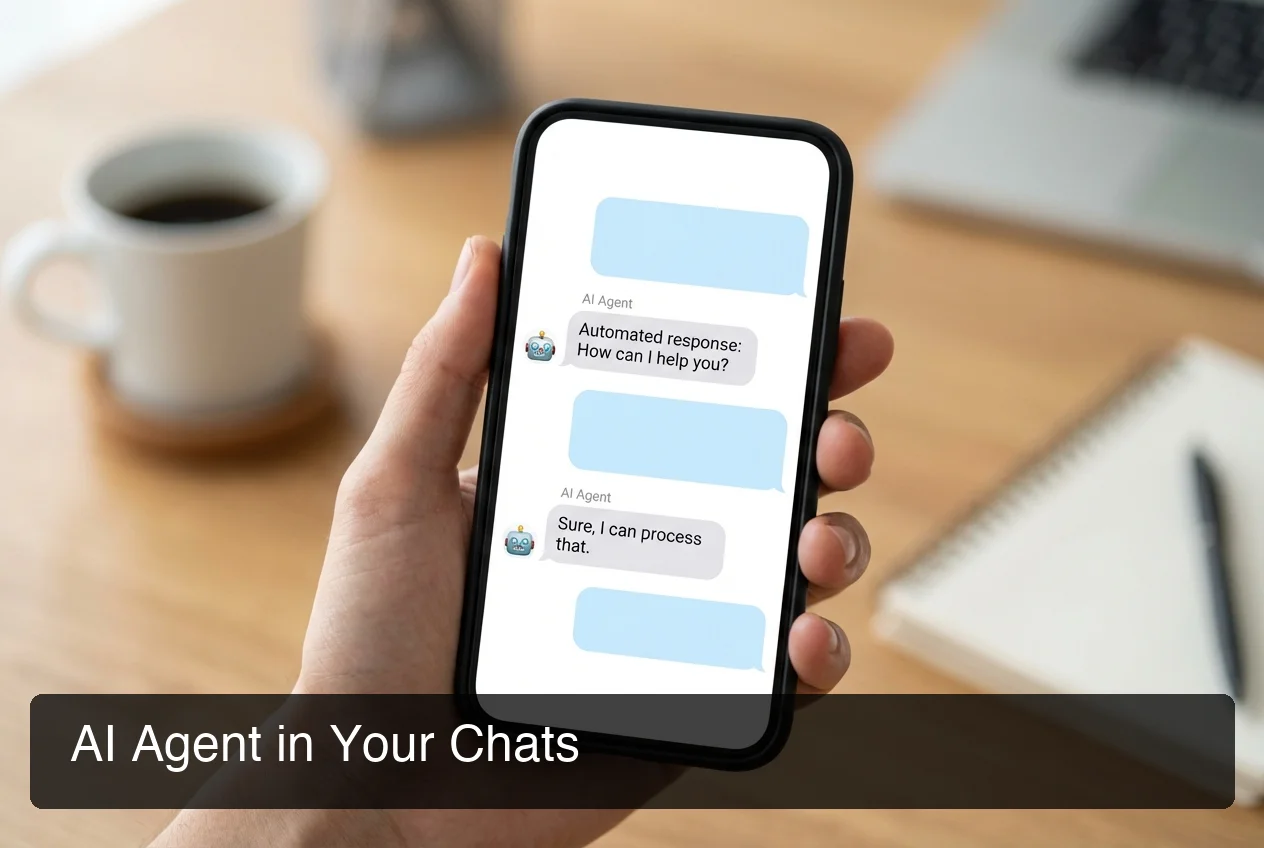 OpenClaw is available on every device and platform where Telegram runs — no additional apps required.
What Are the Key Benefits of OpenClaw on Telegram?
OpenClaw on Telegram delivers a personal AI agent inside your most-used messaging app — available 24/7, running 100+ automations, and fully managed by OpenClawHQ for $49/month flat with no token fees or usage limits. The core benefit is AI productivity with zero context-switching.
Here's why Telegram is one of the most effective platforms for running OpenClaw:
- No context switching: Your AI agent is inside Telegram — no separate tab or app
- Mobile-first: Works natively on iOS, Android, desktop, and web
- Group support: Share your AI agent with teams and communities via access policies
- Always-online: OpenClawHQ keeps your instance running 24/7 — no laptop required
- 100+ skills pre-loaded: Web search, email drafting, summaries, and reminders ready immediately
- Flat $49/month: No token fees, no usage limits, no surprise bills at month-end
- Cross-platform: The same instance connects to Discord, WhatsApp, iMessage, and more
Bottom line: OpenClaw on Telegram turns your existing messaging app into a 24/7 AI productivity layer — without adding friction, installing new apps, or needing any technical knowledge.
Get Started with OpenClaw on Telegram
OpenClaw is one of the fastest-growing open-source AI projects ever, but self-hosting it still requires a server, Node.js setup, and ongoing maintenance most users can't manage. OpenClawHQ removes every barrier: sign up, enter your Telegram bot token, and your private OpenClaw instance is live in minutes.
Frequently Asked Questions
How do I connect OpenClaw to Telegram?
With OpenClawHQ, connecting OpenClaw to Telegram takes under 3 minutes. Create a Telegram bot via BotFather (about 60 seconds), enter your bot token in the OpenClawHQ dashboard, and your private OpenClaw instance connects automatically. No server setup, no CLI commands, and no technical knowledge required.
How do I set up OpenClaw on Telegram without a server?
Use OpenClawHQ — a fully managed hosting service for OpenClaw. Sign up at openclawhq.io, choose Telegram as your channel, paste your BotFather bot token, and OpenClawHQ handles all infrastructure, daemon management, and uptime. You interact only with the web dashboard and your Telegram chat.
Is OpenClaw free on Telegram?
OpenClaw the software is free and open source. However, running it requires a dedicated server, Node.js setup, ongoing maintenance, and separate AI model API costs — all of which OpenClawHQ handles for you at $49/month flat with unlimited usage. So while the software is free, running it properly costs either significant technical time or a managed service fee.
What skills can I use with OpenClaw in Telegram?
OpenClaw supports 100+ pre-built skills on Telegram including web browsing, document summarization, email drafting, reminder setting, API calls, and workflow chaining. Activate skills by name in your OpenClawHQ dashboard, then use them directly from Telegram by messaging your bot in natural language — no commands to memorize.
Can I use OpenClaw in a Telegram group?
Yes — OpenClaw works in both direct messages and Telegram group chats. You configure access policies (admin-only, allowlist, or open) so the right team members can send commands, making OpenClaw a shared AI assistant for business teams and communities without individual setup required for each person.
Does OpenClaw work on Telegram mobile?
Yes. OpenClaw connects to your existing Telegram account, so it works everywhere Telegram works — iOS, Android, desktop, and web — with no additional app to install. Your AI agent is available through whatever device you already use for Telegram.
What is OpenClawHQ?
OpenClawHQ is a fully managed hosting service for OpenClaw — the viral open-source AI agent. It gives non-technical users and business owners their own private OpenClaw instance, fully configured and running in minutes, with unlimited usage for $49/month flat. No server setup, no coding, and no separate token fees required.