
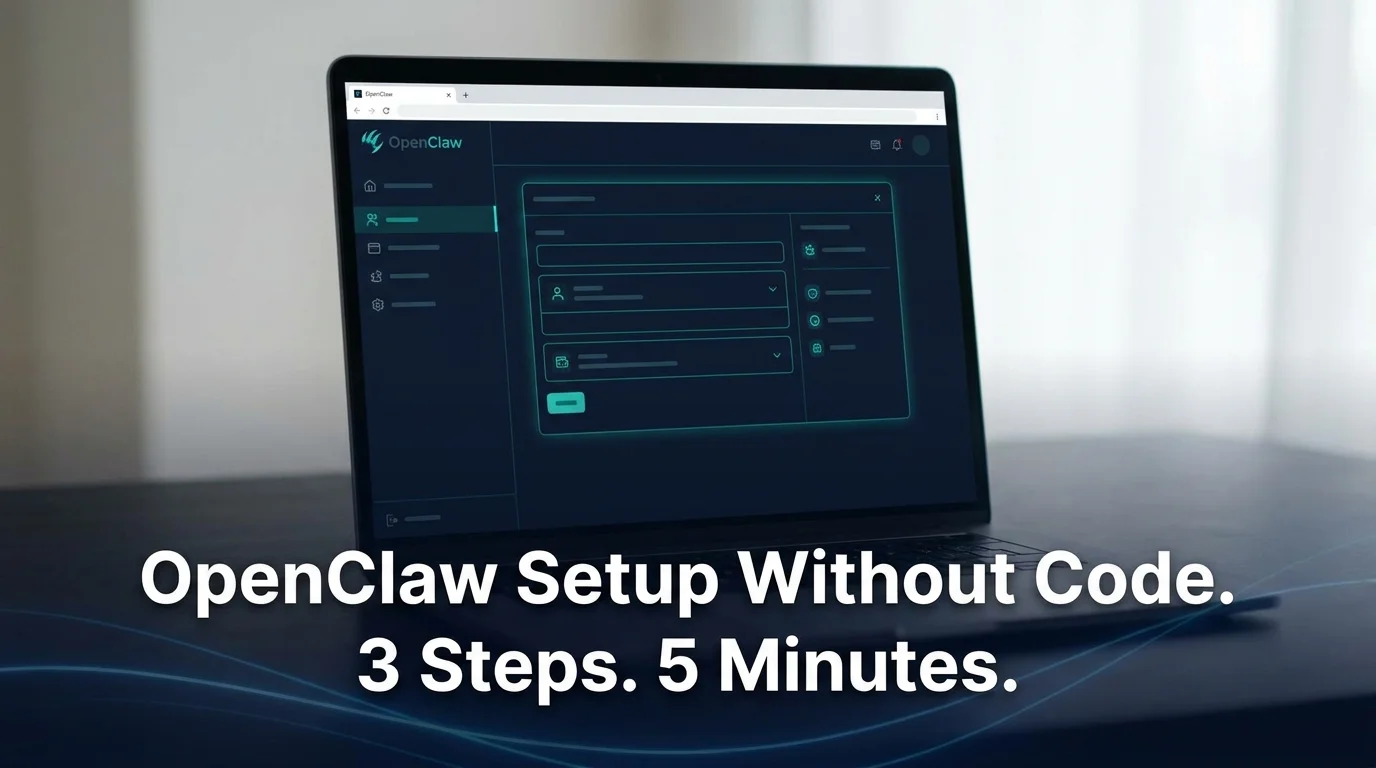
OpenClaw for Non-Technical Users: No-Code Setup
OpenClaw for Non Technical Users: The No-Code Setup Guide
OpenClaw for non technical users doesn't have to mean giving up and hiring a developer. If you looked at the GitHub page and felt lost, that reaction is normal — most people hit a wall within the first fifteen minutes of trying to self-host it. OpenClawHQ removes that wall entirely: no command line, no server, no code, just a web dashboard that gets your AI agent live in a messaging app you already use.
Setup through that dashboard takes 3 to 7 minutes, start to finish, no matter which app you connect first.
What Does OpenClaw for Non Technical Setup Actually Look Like?
Self-hosting OpenClaw means installing a specific version of Node.js, running a CLI onboarding wizard, and keeping a background program alive around the clock so the agent never goes offline. You'd also authenticate each messaging channel by hand — a WhatsApp QR scan here, a Telegram bot token there — and reinstall updates yourself whenever the project ships a new release.
"Non-technical setup" means skipping every one of those steps. OpenClawHQ runs the background program for you, applies updates automatically, and reconnects your messaging channel if it ever drops. You interact with a web form, not a terminal.
That distinction matters because most guides ranking for OpenClaw setup assume you're comfortable with a command line. This one doesn't.
Key Takeaways
- OpenClawHQ is built for non-technical users with a web-based setup wizard — no command line, no servers, no coding required.
- Setup takes 3-7 minutes: sign up, pick your messaging app, scan a QR code, and you're live.
- OpenClawHQ manages all the infrastructure, updates, and maintenance behind the scenes — you just use OpenClaw inside your messaging app.
- Pricing is $49/month flat with unlimited usage — no per-token billing or surprise charges.
- Your instance ships with 100+ pre-built skills already installed and ready to activate.
Can I Really Set Up OpenClaw Without Any Coding?
Yes. OpenClawHQ replaces every technical step of OpenClaw setup with a guided web wizard — you sign up, choose your messaging app, and authorize the connection with a QR scan or a click. No Node.js install, no CLI commands, and no server to manage at any point.
The whole process follows the same three-step spine regardless of which app you pick: sign up, choose your app, start using it. Each step happens in a browser tab.
Picture a customer messaging your business on WhatsApp at 2am asking about your hours. With OpenClawHQ already connected, OpenClaw reads the message and replies instantly — you never touch a server to make that happen, and you're asleep while it works.
That's the practical difference between reading about OpenClaw on GitHub and actually running it: one path requires developer skills, the other requires an email address and about five minutes.
Reality check: Every technical step people associate with OpenClaw — Node.js, daemons, channel tokens — happens on OpenClawHQ's side, not yours.
How Long Does OpenClaw for Non Technical Users Take to Set Up?
Setup for beginners takes 3 to 7 minutes end to end through OpenClawHQ's dashboard, with the exact time depending on which messaging channel you connect. WhatsApp and Discord tend to be fastest; Telegram takes slightly longer because it involves creating a bot token first.
The breakdown looks like this once you're signed in:
- Sign up — email and password, about 30 seconds
- Choose your channel — WhatsApp, Telegram, Discord, Slack, or another supported app
- Authorize the connection — scan a QR code (WhatsApp), enter a bot token we help you generate (Telegram), or click Authorize (Discord/Slack)
- Send a test message — your instance replies immediately once connected
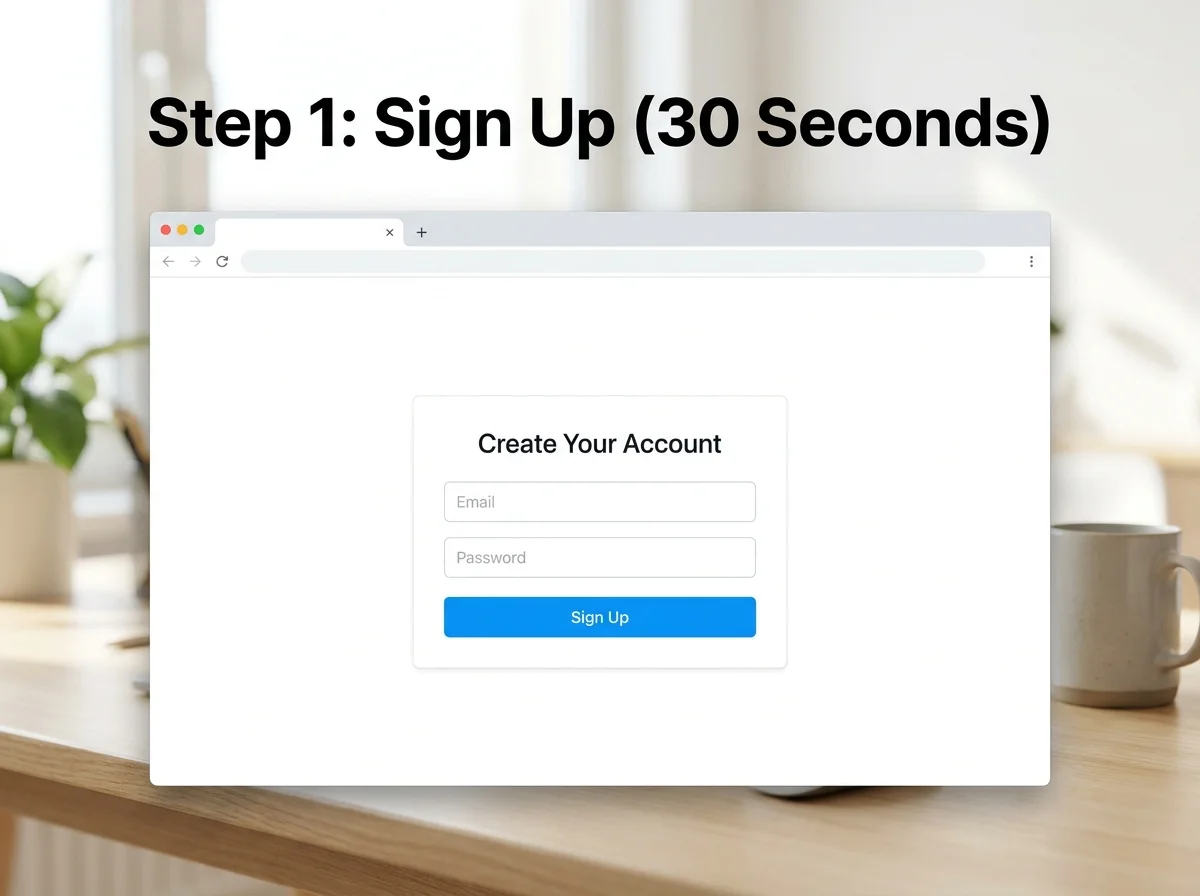 The entire account creation step is a standard email-and-password form — no different from signing up for any SaaS tool.
Quick win: The sign-up step alone takes less time than most people spend picking a password that meets a site's requirements.
Do I Need Any API Keys or Server Knowledge for OpenClawHQ?
No. OpenClawHQ includes LLM access through a partner provider, so you never create or manage your own API key. There's also no server to provision — your private instance runs on infrastructure OpenClawHQ owns and monitors, not yours.
This is where OpenClawHQ diverges most from other "managed" options. Several competing services still require you to bring your own API key and pay your model provider directly — which means tracking a second bill and understanding token pricing.
| Option | Coding Required | API Keys Required | Monthly Cost |
|---|---|---|---|
| Self-hosted VPS (Hostinger/DigitalOcean) | Yes | Yes (your own) | $4-10 hosting + your API bill |
| KiloClaw | Minimal | No, but per-token gateway fees | $9 + variable, often $30+ |
| xCloud / MyClaw | Minimal | Yes (BYOK) | $16 + your API bill |
| OpenClawHQ | No | No — included | $49 flat, unlimited |
If you've already read about OpenClaw without coding or compared setups on the OpenClaw for beginners guide, this is the same simplicity principle applied to the billing side: one number, nothing to configure, nothing to monitor.
OpenClawHQ's managed hosting removes all technical complexity from both the setup and the ongoing cost — which is the whole reason a flat-rate model exists in the first place.
Getting Started Today
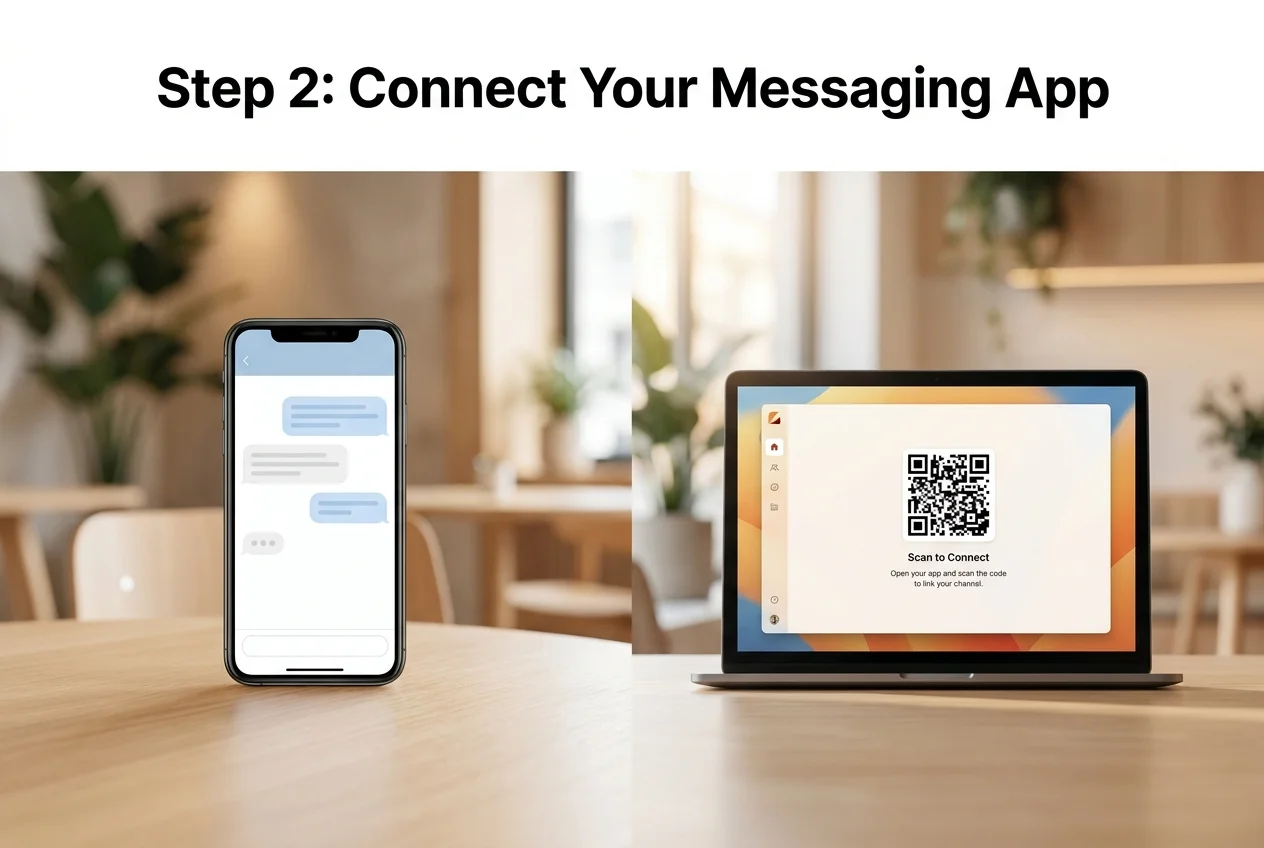 Connecting your messaging app is a QR scan or a token entry — not a configuration file.
Making setup easy is our entire mission, and the fastest way to see that is to try it rather than read about it. Ready to skip the technical complexity? Get your OpenClaw instance running in a few minutes — no coding, no servers, just $49/month flat.
If you'd rather see the no-code angle proven out first, the OpenClaw no code guide walks through building automations without writing anything — the same principle this setup process is built on. Our cloud infrastructure handles everything once you're connected, so what you do next is entirely up to your business.
FAQ
Is OpenClaw actually free to use? The OpenClaw software itself costs nothing — it's open source. Running it properly is what costs money or time: a server, Node.js setup, and ongoing maintenance, plus your own AI API usage. OpenClawHQ folds all of that into one $49/month flat fee with unlimited usage included.
What's the difference between OpenClaw and OpenClawHQ? OpenClaw is the open-source AI agent software itself. OpenClawHQ is a managed hosting service that runs a private OpenClaw instance for you — fully configured, always online — so non-technical users never touch a server or the underlying code.
Do I need any technical background to use OpenClawHQ? No. Setup happens entirely through a web dashboard: sign up, pick your messaging app, and authorize the connection. OpenClawHQ handles the server, the software updates, and the AI model access, so no coding or IT experience is required at any step.
Is OpenClawHQ designed specifically for non-technical users? Yes. The onboarding wizard, QR-code channel connections, and flat $49/month pricing exist specifically because most people who want OpenClaw aren't developers. Technical users can self-host instead, but OpenClawHQ's entire design targets people who just want the agent running.