

What Can OpenClaw Do? Skills & Capabilities
What Can OpenClaw Do? Skills, Capabilities, and Real Use Cases
What can OpenClaw do? The short version: it can browse the web, send emails, manage files, fill forms, call APIs, and schedule tasks — all from inside your messaging apps. The real question is what that actually means for someone running a business.
The OpenClaw GitHub README lists 247,000+ stars and a concrete capability set. Community discussions describe it as "like a 3D printer" — useful for many different outputs, depending on who's using it. For a business owner evaluating whether this tool solves something specific, that framing generates more questions than answers.
Key Takeaways
- OpenClaw executes 100+ pre-built automations called "skills" inside WhatsApp, Telegram, Discord, Slack, and 20+ other messaging apps — no separate login or interface required
- It can independently browse the web, manage files, send emails, call APIs, schedule tasks, and complete multi-step workflows without human intervention at each step
- Skills are pre-built modules that connect OpenClaw to specific capabilities — activating them requires only a conversation, not code
- Self-hosting requires Node.js 24, CLI setup, and ongoing server maintenance; OpenClawHQ delivers a fully managed instance with all skills pre-installed for $49/month flat
Contents
- What Makes OpenClaw Different from a Chatbot?
- What Can OpenClaw Do?
- What Can OpenClaw Do With Its 100+ Pre-Built Skills?
- Can I Run OpenClaw on WhatsApp, Telegram, or Discord?
- How Does OpenClaw Execute Complex Multi-Step Tasks?
- How OpenClawHQ Makes This Effortless
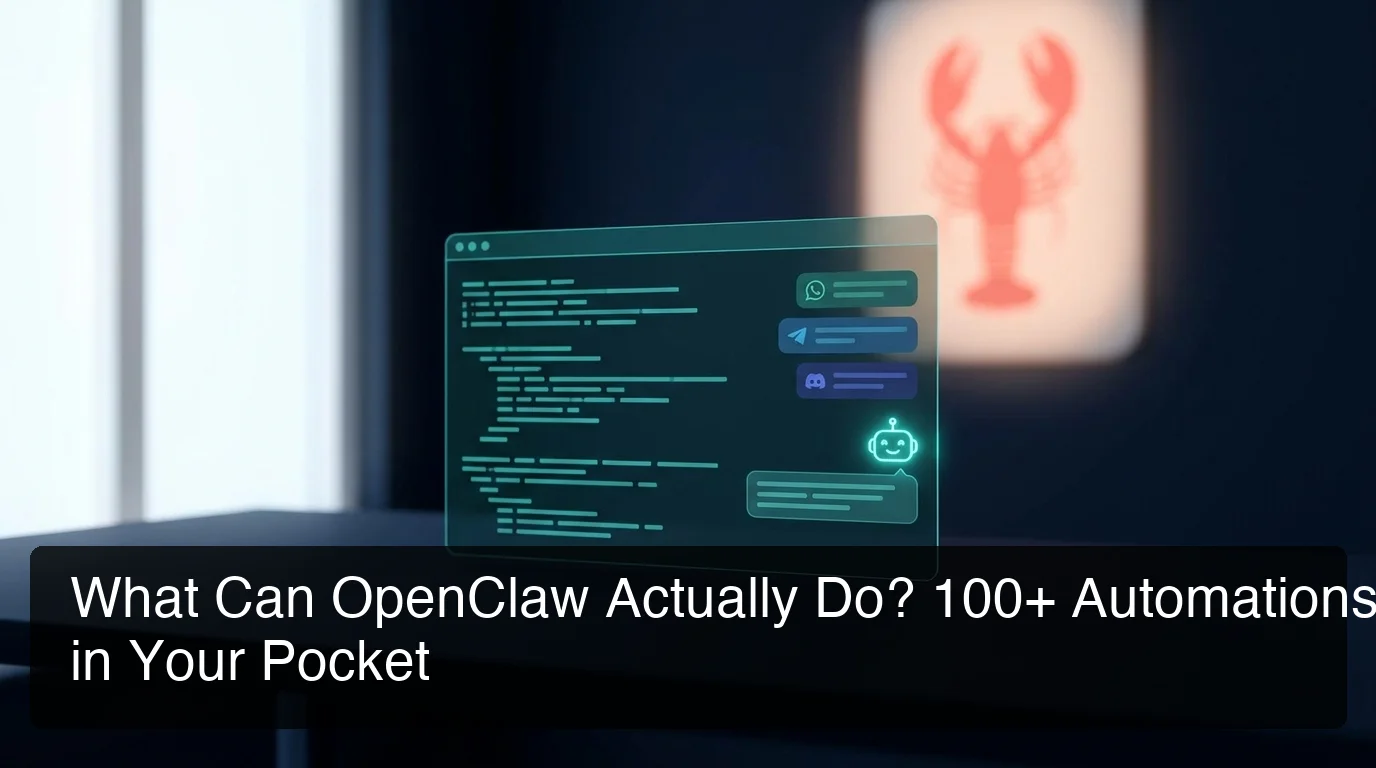 OpenClaw runs automations from inside messaging apps you already use — no new app to install, no separate interface to check.
What Makes OpenClaw Different from a Chatbot?
OpenClaw is an autonomous AI agent, not a chatbot. A chatbot responds to input. OpenClaw reasons about what you've asked and then executes real actions — browsing websites, sending emails, filling forms, making API calls — without requiring you to do any of the steps manually.
Most people first encounter OpenClaw through a Reddit thread or YouTube demo where someone describes it as a "chatbot for WhatsApp." That framing misses the key distinction. When you type a request into OpenClaw, the large language model at its core doesn't just generate text for you to act on. It determines what needs to happen, chooses the right skills to execute, and completes the task.
For a fuller look at how the project got here — including the naming history from Clawdbot to Moltbot to OpenClaw — the full OpenClaw overview covers the context.
What Can OpenClaw Do?
OpenClaw can browse the web, manage files, send emails, call external APIs, fill web forms, schedule tasks, and summarize documents — all triggered through a conversation in your messaging app. It executes these actions through 100+ pre-built automations called skills, each connecting the agent to a specific capability or external service.
Skills are the core of what OpenClaw does. Each skill is a pre-built module — a specific action or service connection the agent can call once you've activated it.
Non-technical users enable them through a dashboard checklist. No code, no configuration files.
The breadth of the skill library is what separates OpenClaw from simpler automation tools. A single skill handles one capability: web search, email sending, form filling. Chain them via a natural language instruction and you get compound workflows executed autonomously.
What Can OpenClaw Do With Its 100+ Pre-Built Skills?
OpenClaw ships with more than 100 pre-built skills organized into functional categories — web, communication, files, calendar, API, and form automation. Each skill is activatable by name, and multiple skills can be chained in a single instruction to run multi-step workflows without any manual intervention between steps.
Here's how the skill library breaks down by category:
| Skill Category | Example Capabilities |
|---|---|
| Web | Search the internet, read web pages, monitor URLs, scrape content |
| Communication | Send emails, draft replies, manage contact lookups, forward messages |
| Files & Documents | Read PDFs, create documents, summarize files, manage cloud storage |
| Calendar & Tasks | Set reminders, schedule events, check availability, manage to-do lists |
| API & Integration | Call external APIs, parse JSON, connect to third-party services |
| Forms & Data Entry | Fill web forms, submit structured data, extract information from pages |
The coverage matters for a practical reason: a business owner wanting automated customer replies, document summaries, calendar management, and CRM integrations doesn't need to write code. The skills covering those workflows are already pre-installed.
Worth knowing: Custom skills exist for developers who need capabilities beyond the pre-built library. For most business owners — customer messaging, lead follow-up, document handling, scheduling — the 100+ pre-built options cover the full workflow without any development work.
Related: How Does OpenClaw Work? Chat App, Skills, Action
Can I Run OpenClaw on WhatsApp, Telegram, or Discord?
OpenClaw integrates with WhatsApp, Telegram, Discord, Slack, iMessage, Signal, and more than 20 other messaging platforms. You interact with it like any contact in your existing app — there's no separate dashboard to check between messages. It responds, executes tasks, and reports back within the same conversation thread.
Supported platforms include WhatsApp and WhatsApp Business, Telegram, Discord, Slack, iMessage via BlueBubbles, Signal, Microsoft Teams, and others including Matrix, LINE, WeChat, Zalo, Feishu, IRC, and Mattermost.
Connection is platform-specific. WhatsApp uses a QR code scan, Telegram requires a BotFather bot token, Discord and Slack use OAuth authorization. Each takes a few minutes with the right guidance.
The full feature and platform review covers what each connection experience actually looks like.
One thing the platform list makes clear: the messaging app is just the interface. OpenClaw runs on a server in the background, handles the reasoning, executes the skill, and sends results back to your chat. Which app you use doesn't change what OpenClaw can do.
 Business owners handle customer messages automatically through WhatsApp — OpenClaw replies, schedules follow-ups, and logs notes without any manual step in between.
How Does OpenClaw Execute Complex Multi-Step Tasks?
OpenClaw handles multi-step workflows by decomposing a natural language instruction into sequential skill executions, completing each step in order, and adapting when a step returns unexpected output. There's no pre-built trigger-action map required — the model determines the execution path from the instruction itself.
Here's a real workflow. A small business owner sends one message: "A customer asked about weekend pricing, reply with our standard rate and schedule a Monday morning callback."
OpenClaw parses that single instruction and executes in sequence:
- Reads the incoming customer email (Communication skill)
- Retrieves pricing information from its context (Files skill)
- Drafts and sends a reply with the rates (Email skill)
- Books a Monday callback in the calendar (Scheduling skill)
- Confirms all steps completed via WhatsApp
That full sequence runs from one conversational message. No intermediate manual action required. The OpenClaw use cases breakdown shows how businesses across industries run this type of chained automation for customer service, lead management, and internal workflows.
The distinction from rules-based tools like Zapier or Make.com: OpenClaw doesn't need a pre-configured trigger-action map designed in advance. You describe what you need, it figures out how to execute.
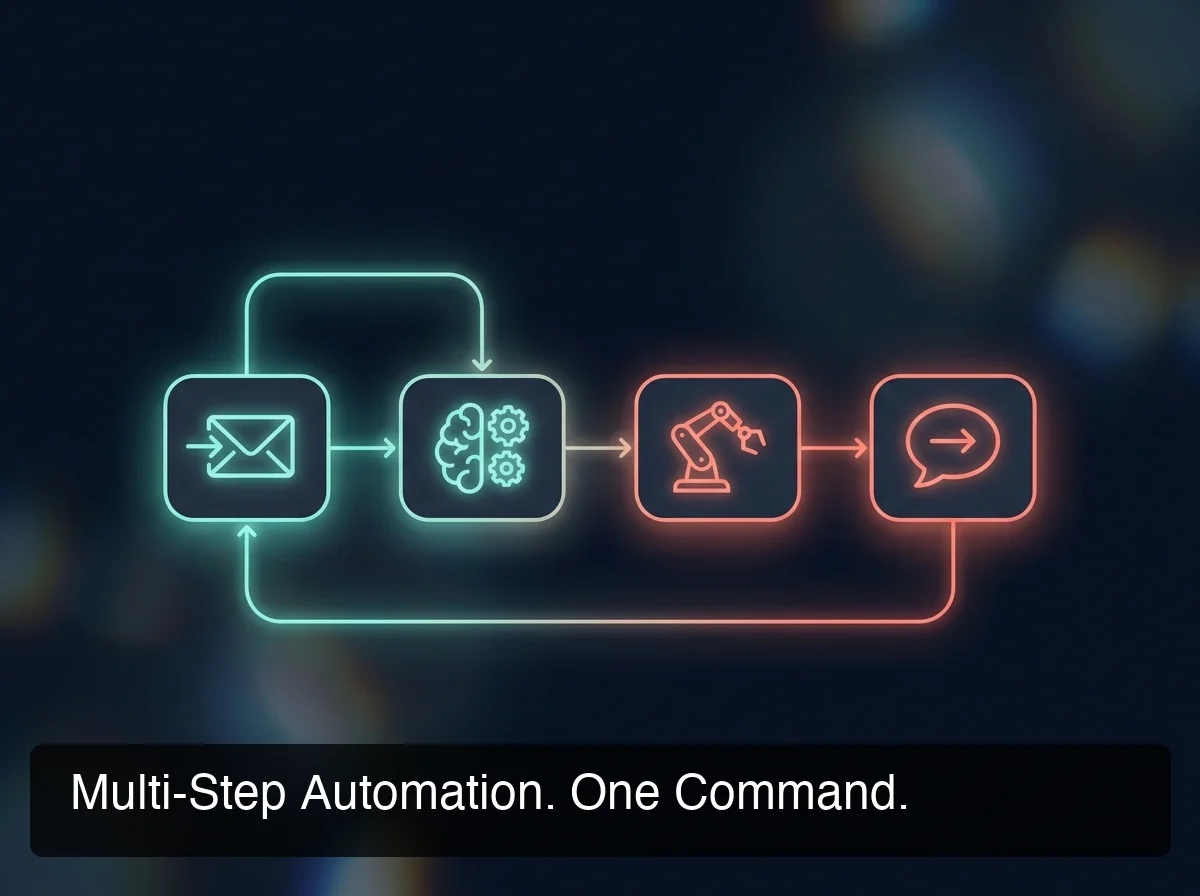 A single conversational instruction can chain multiple skills — email, calendar, web search — into one complete automated workflow.
How OpenClawHQ Makes This Effortless
All of the above requires OpenClaw running on a server, continuously, around the clock.
Getting it there on your own means Node.js 24 (a specific version), the npm global installation, a server or VPS running 24/7, the CLI onboarding wizard (openclaw onboard --install-daemon), and separate authentication for every messaging platform you want to connect. Updates, crashes, and channel reconnections are your responsibility from that point forward.
OpenClawHQ handles every piece of this. Sign up at openclawhq.io, choose your messaging platform, complete a guided web setup — scan a QR code for WhatsApp, enter a bot token for Telegram, click authorize for Discord or Slack — and your private OpenClaw instance is live, usually in under five minutes.
The 100+ skills come pre-installed. Infrastructure management, uptime monitoring, and software updates run in the background.
The rate is $49/month flat with unlimited usage and no token fees. For business owners who want OpenClaw's full capability set without a crash course in server administration, this is the practical path.
Quick Recap
- OpenClaw is an autonomous AI agent — it reasons and executes tasks rather than just responding with text
- It ships with 100+ pre-built skills spanning web search, email, files, scheduling, API integration, and form filling
- Runs inside WhatsApp, Telegram, Discord, Slack, iMessage, Signal, and 20+ messaging platforms — no separate interface
- Multi-step tasks are handled natively: one instruction can chain multiple skills in sequence
- Self-hosting requires Node.js 24, CLI setup, and continuous server maintenance; OpenClawHQ delivers a managed instance for $49/month flat
Get Started with OpenClawHQ
OpenClaw's full capability set is available the moment your instance is live. OpenClawHQ removes every technical barrier — no server to configure, no Node.js to install, no API keys to manage — and pre-installs all 100+ skills, ready to activate through a web dashboard.
Not ready yet? Start for $49/month — No Setup Required
Frequently Asked Questions
What can I do with OpenClaw for my business?
OpenClaw works inside your existing messaging apps — WhatsApp, Telegram, Slack, Discord, and 20+ others — as an AI agent handling tasks autonomously. For businesses, that covers automated customer replies, lead follow-up, document summarization, web research, email drafting, and 100+ pre-built skill automations. OpenClawHQ delivers a fully configured instance for $49/month flat, with no technical setup on your end.
Does OpenClaw need a GPU to run?
No. OpenClaw connects to an external large language model provider via API and does not run a model locally. GPU hardware is not required.
AI inference happens on the LLM provider's servers. With OpenClawHQ, the LLM provider is included in the $49/month flat rate. With self-hosting, you supply your own API keys to a provider of your choice.
What makes OpenClaw different from Zapier or Make.com?
Zapier and Make.com execute pre-defined trigger-action sequences you configure in advance. OpenClaw reasons through natural language instructions in real time, determines the execution path itself, and adapts when a step produces unexpected output. It handles ambiguity and multi-step judgment calls that rules-based automation tools require manual workflow design to address.
Is it safe to use OpenClaw?
OpenClaw processes messages through a configured LLM provider using standard API security. The project is open-source and publicly reviewable.
With OpenClawHQ, each customer gets an isolated private instance — conversations and configurations are not shared between accounts. Security patches apply automatically, and customer conversation data is not sold or shared with third parties.
What is OpenClawHQ, and how does it differ from OpenClaw?
OpenClaw is the free, open-source AI agent software — but running it requires a dedicated server, Node.js 24 setup, daemon configuration, ongoing maintenance, and separate AI API costs. OpenClawHQ is a fully managed hosting service that handles every technical layer. You get a private, configured OpenClaw instance with 100+ skills pre-installed for $49/month flat — unlimited usage, no API keys, no server management required.