
OpenClaw for Coaches: Automate Client Work | OpenClawHQ
OpenClaw for Coaches: Automate Client Scheduling, Follow-Ups, and More
Coaching practices run on client relationships — not calendar management, reminder emails, or repetitive FAQ responses. OpenClaw for coaches automates all of that, running directly inside WhatsApp, Telegram, or whatever messaging app your clients already use, with no technical setup required.
Contents
- What Is OpenClaw for Coaches?
- How Can OpenClaw Help Coaches Manage Client Communication?
- Which OpenClaw Skills Are Most Useful for Coaching Businesses?
- How Much Time Can Coaches Save With Automation?
- What Types of Coaches Benefit Most From OpenClaw?
- How Do You Set Up OpenClaw for Coaches in Under 10 Minutes?
- Get Your OpenClaw Instance
- Frequently Asked Questions
What Is OpenClaw for Coaches?
OpenClaw is an autonomous AI agent that lives inside your messaging apps — WhatsApp, Telegram, Slack, and 20+ others — handling client communication on your behalf. For coaching businesses, it means appointment reminders, intake questionnaires, follow-up sequences, and FAQ responses run automatically, without manual intervention or separate software to learn.
OpenClaw (which launched as Clawdbot in November 2025, briefly renamed Moltbot in January 2026, now with 247,000+ GitHub stars) isn't a chatbot. It understands context, takes multi-step action, and operates 24/7. When a coaching client messages asking to reschedule, OpenClaw doesn't just log a request — it responds intelligently, checks your set constraints, and confirms the change.
That's the key distinction from scheduling tools like Calendly: OpenClaw handles the full conversation, not just the booking link.
Key Takeaways
- OpenClaw automates appointment reminders, initial consultations, FAQ answers, and client follow-ups — freeing coaches to focus on coaching itself
- Save 5-10 hours per week on repetitive client communication, scheduling, and administrative tasks
- Pre-built "skills" for email, calendar, web search, and summarization work immediately — no custom configuration required
- Use OpenClaw on WhatsApp, Telegram, Discord, Slack, or iMessage — whatever platform your coaching clients already use
- $49/month flat with unlimited usage — no token fees, no surprise charges, no per-message costs
 OpenClaw runs 24/7 — even when you're deep in a session with another client.
Related: OpenClaw for Lawyers: What It Automates & What It Costs
How Can OpenClaw Help Coaches Manage Client Communication?
OpenClaw handles the full client communication cycle coaches spend hours on each week: initial inquiry responses, qualification questions, appointment confirmations, pre-session reminders, and post-session follow-ups. These run automatically inside the messaging apps clients already use, with nothing new for either party to download.
The practical difference shows up in three areas:
Appointment automation — set a reminder 24 hours before every session and OpenClaw sends it. If a client confirms, it logs the response. If they need to reschedule, OpenClaw handles the reply.
Follow-up sequences — after a session, OpenClaw can send a check-in message, a summary of flagged points, or a prompt to complete assigned homework. You configure the rules once; it executes them every session.
FAQ handling — most coaches answer the same 8-10 questions constantly: pricing, availability, what the first session covers, what platform you use. OpenClaw handles these accurately, any time of day.
Worth knowing: OpenClaw operates inside the messaging apps your clients already use — no client needs to download anything or create a new account.
Which OpenClaw Skills Are Most Useful for Coaching Businesses?
The most valuable OpenClaw skills for coaches are email, calendar, web search, and summarize — the four automations that directly replace admin work. Each is pre-built, activatable by name, and requires no configuration beyond the initial dashboard setup.
Here's how each skill maps directly to coaching workflows:
| Skill | What It Does for Coaches |
|---|---|
| Sends appointment confirmations, follow-ups, and intake forms automatically | |
| Calendar | Books, moves, and confirms sessions; sends reminders |
| Web Search | Researches topics for clients, pulls resources on request |
| Summarize | Condenses session notes, articles, or documents into key points |
| Remind | Time-delayed nudges — e.g., 48 hours before session, 1 hour before a call |
For a full breakdown of how skills work and how to activate them, read OpenClaw Skills Explained: What They Are and How to Use Them.
How Much Time Can Coaches Save With Automation?
Coaches typically spend 5-10 hours per week on tasks OpenClaw handles automatically: responding to inquiries, scheduling reminders, sending follow-ups, and answering repeat questions. Reclaiming that time means more coaching hours, more client capacity, or simply less exhaustion at end of day.
The math is direct. A coach with 15 active clients who sends manual reminders (5 minutes each), follow-up messages (5 minutes each), and handles 3-4 scheduling requests per week (10 minutes each) burns roughly 3 hours on logistics alone. Add FAQ messages from new inquiries and it approaches 8 hours.
OpenClaw automates all of it. That's 8 hours returned each week — at a flat $49/month.
What Types of Coaches Benefit Most From OpenClaw?
Any coaching practice with recurring sessions, follow-up materials, or high-volume client inquiries benefits directly from OpenClaw. The time savings scale with client volume — the more clients, the more hours returned each week.
Specifically:
- Life coaches — client check-ins, journal prompts, session preparation reminders
- Business and executive coaches — follow-up action items, accountability nudges, document summaries
- Health and wellness coaches — weekly check-in messages, habit reminders, resource links
- Career coaches — interview prep reminders, deadline nudges, progress follow-ups
- Sales and marketing coaches — client homework follow-ups, session recordings summarized on request
- Fitness coaches — workout reminders, progress check-ins via preferred messaging app
The pattern is consistent: high-volume, repetitive client communication that doesn't require coaching expertise to execute. Similar to how entrepreneurs use OpenClaw to delegate admin work, coaches can redirect that same recovered time toward actual sessions. Businesses scaling past individual practices find an identical value — the overlap with how startups use OpenClaw to grow without extra hires is direct.
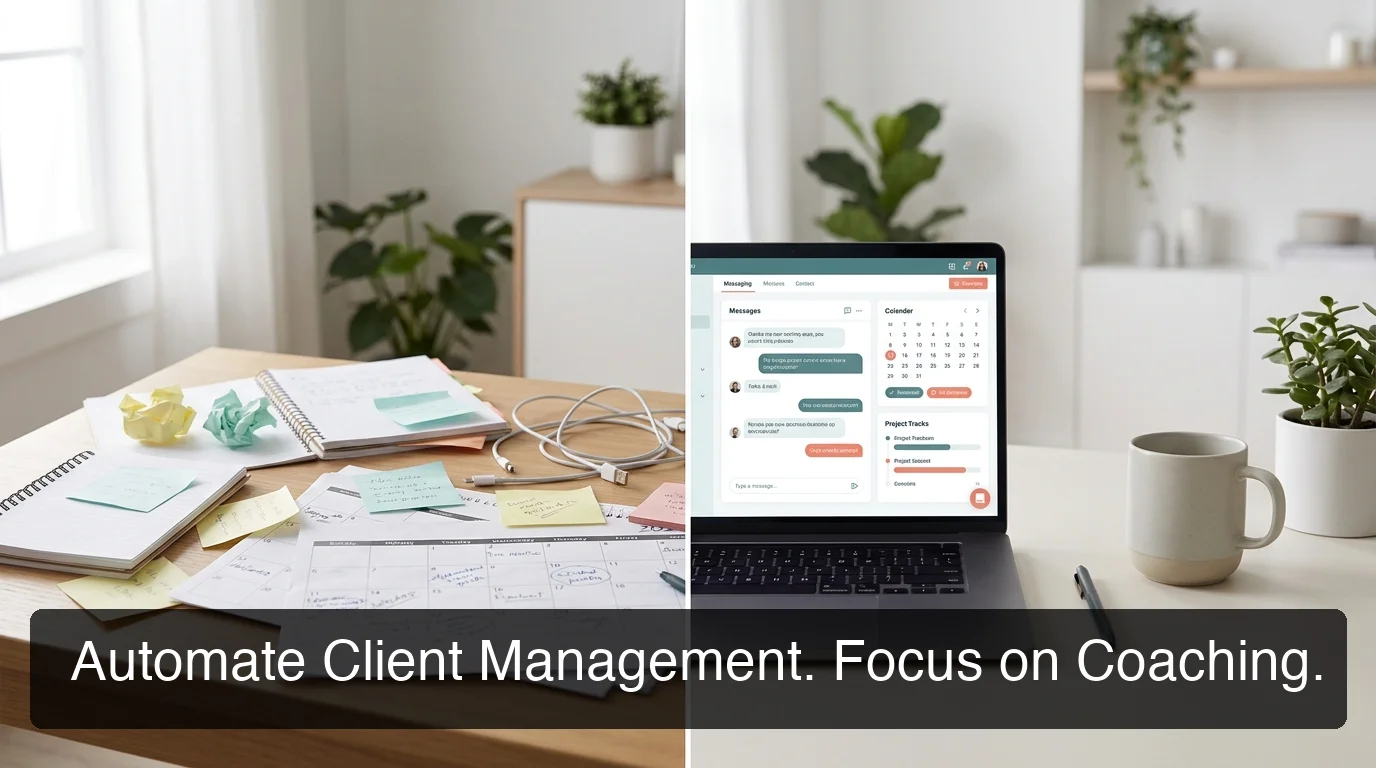 The shift from manual client management to automated scheduling and follow-ups — what coaches gain back.
How Do You Set Up OpenClaw for Coaches in Under 10 Minutes?
Setting up OpenClaw for a coaching practice takes under 10 minutes and requires zero technical background. OpenClawHQ manages everything server-side; you connect your messaging channel through a guided web dashboard — no command line, no Node.js, no server to maintain.
The exact process:
- Sign up at openclawhq.io — email and password, 30 seconds
- Choose your channel — WhatsApp, Telegram, or Slack (whatever your clients prefer)
- Connect the channel — scan a QR code for WhatsApp, enter a bot token for Telegram
- Activate your skills — select email, calendar, and remind from the dashboard
- Start using it — message OpenClaw in your app and it responds immediately
For coaches nervous about the technical side, OpenClaw No Code: Build Powerful AI Automation Without Writing a Line and Can You Use OpenClaw Without Coding? Yes — Here's How both walk through the setup in plain English.
Real estate agents, consultants, and service businesses follow the same onboarding. The infrastructure is identical — only the skills you activate differ.
 Coaches who automate admin with OpenClaw report time back for actual client sessions — and fewer dropped follow-ups.
Get Your OpenClaw Instance
Your coaching practice deserves tools that handle the admin — not software that creates more of it. OpenClaw manages client reminders, follow-ups, scheduling, and FAQ replies automatically, so you stay focused on the sessions that matter.
Frequently Asked Questions
Can OpenClaw handle client scheduling automatically for coaches?
OpenClaw's calendar skill manages appointment booking, confirmations, and reminders via the messaging apps your clients already use — WhatsApp, Telegram, Slack, or others. You configure session rules once through the OpenClawHQ dashboard; OpenClaw sends reminders, confirms appointments, and handles rescheduling conversations for every session. No manual follow-up required.
What can coaches actually do with OpenClaw for their business?
OpenClaw acts as an AI assistant inside your messaging apps, handling appointment confirmations, post-session follow-ups, FAQ replies, and document summaries on your behalf. Coaches use it to automate the 5-10 hours of weekly admin work that doesn't require coaching expertise — freeing time for more clients or simply less exhaustion. OpenClawHQ delivers this fully configured for $49/month with unlimited usage.
Does setting up OpenClaw require any technical knowledge?
No. OpenClawHQ manages the entire backend — server, Node.js runtime, updates, and uptime. You connect your messaging channel through a web dashboard (WhatsApp QR scan, Telegram bot token, or Slack app install) in under 10 minutes. No command line, no coding, and no server management. Non-technical coaches set it up independently without assistance.
How much does OpenClaw cost for a coaching business?
OpenClawHQ charges $49/month flat with unlimited usage — no token fees, no per-message billing, no usage caps. You pay one rate and use OpenClaw as heavily as your practice requires. Other managed OpenClaw services charge $9–$45/month for hosting plus variable token fees, making costs unpredictable for active coaching businesses.