

OpenClaw for Lawyers: What It Automates & What It Costs
OpenClaw for Lawyers: What It Automates, What It Costs, and Where It Stops
One private instance. $49 a month, flat. More than 20 messaging apps and 100+ pre-built skills behind it. Those are the numbers that matter when you ask whether OpenClaw for lawyers is worth a look, and the rest of this piece is the detail behind them.
OpenClaw handles the repetitive layer of a practice: client messages, document summaries, reminders, follow-up emails. It does not practice law, and we'll be specific about where the line sits.
Key Takeaways
- OpenClaw is an AI agent that works inside WhatsApp, Telegram, Slack and 20+ other messaging apps, so clients message your firm where they already are.
- For a law firm it covers intake replies, follow-ups, document summaries, reminders and email drafts. Legal judgment, research verification and filings stay with the attorney.
- OpenClawHQ runs a private, managed instance for $49/month flat with unlimited usage. There is no token billing and no server to maintain.
- Setup takes roughly three to seven minutes through a web dashboard, with no command line.
- It is not a fit for firms that need formal compliance certifications. Confidentiality duties remain yours to assess.
At a Glance: Which Law Firm Tasks Fit OpenClaw?
| Task | What OpenClaw does | What stays with the lawyer |
|---|---|---|
| Client message replies | Answers common questions and acknowledges new inquiries at any hour | Advice, strategy, anything case-specific |
| Follow-ups | Sends reminders for missing documents, upcoming dates, unsigned forms | Deciding what the client is told |
| Document summaries | Condenses long documents into a readable brief | Verifying the summary against the source |
| Email drafting | Produces a first draft from your notes | Review, edits, sending under your name |
| Scheduling | Handles calendar requests and reminders | Final say on your time |
Treat the right-hand column as the rule of the whole article. Everything below explains the left.
What Is OpenClaw for Lawyers and How Does It Help?
OpenClaw is an open-source AI agent that lives inside the messaging apps your clients already use. For lawyers, it drafts replies, summarizes documents, sets reminders and sends emails on request, working as an assistant that handles routine communication so attorneys can spend billable hours on legal judgment.
Unlike a basic chatbot, OpenClaw carries out tasks. It can browse the web, manage files, fill forms and call other services through its library of skills. If you want the full catalogue of what you can ask it, our OpenClaw commands guide lists the requests in plain English.
The software is free, but running it yourself means a server, Node.js 24 and ongoing maintenance. OpenClawHQ is the managed route: we host the instance, so nobody at your firm touches infrastructure.
How Does OpenClaw Automate Client Communication for Law Firms?
OpenClaw monitors the channel you connect, such as WhatsApp or Telegram, and replies to incoming client messages automatically. It can acknowledge new inquiries, answer routine questions, request missing documents and send follow-ups, so clients get an immediate response outside office hours without a staff member watching the inbox.
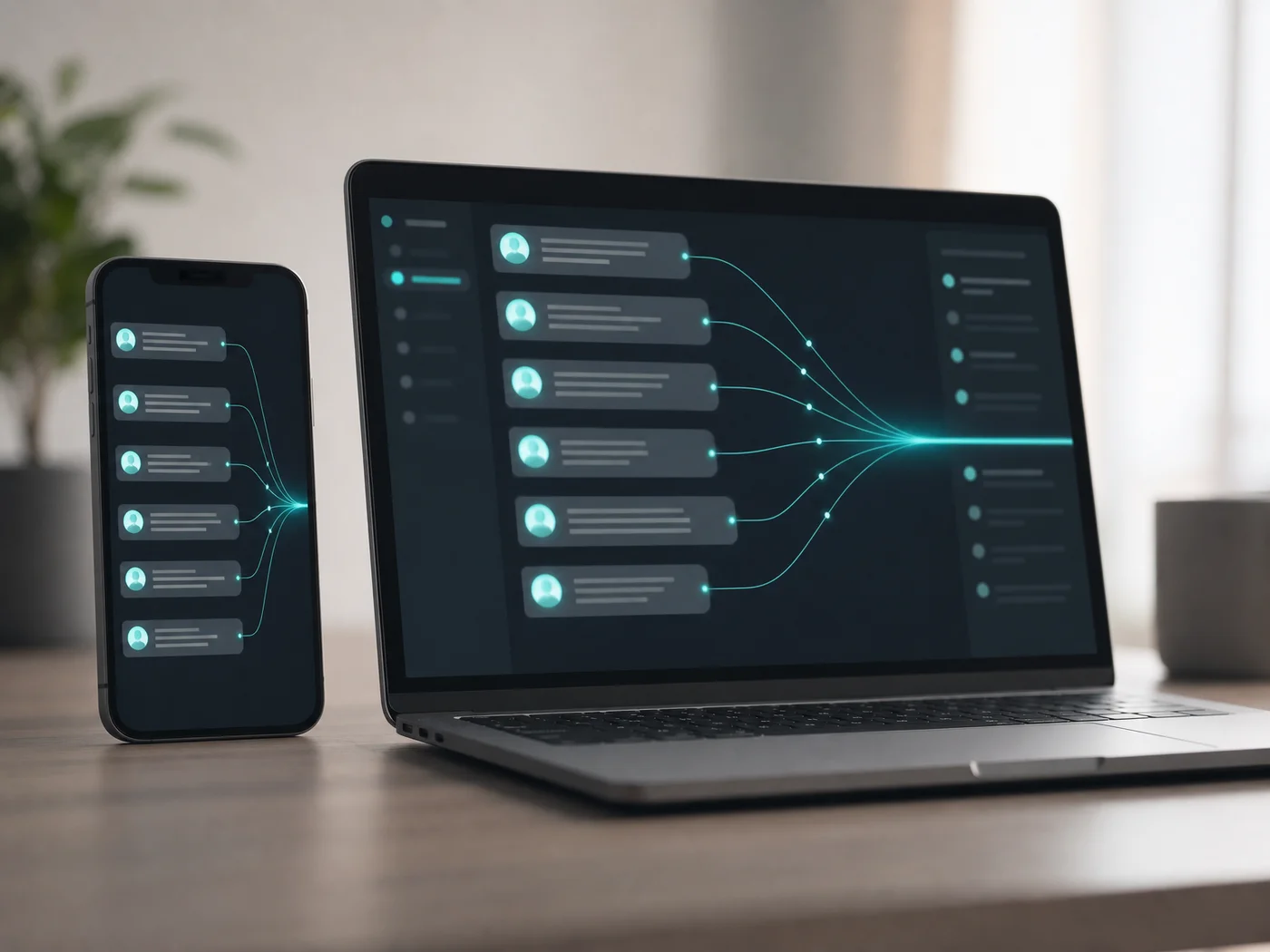 Many client messages, one assistant on the other end.
Here are the communication jobs that fit well:
- Acknowledging a new inquiry and collecting name, matter type and contact details
- Chasing a client for a missing signature or document
- Reminding clients of an upcoming appointment or deadline
- Answering "where do we stand?" with a status you've approved
- Passing anything that needs a lawyer to the lawyer
That last item is the important one. A well-configured assistant knows when to stop and hand over.
Reality check: We can't give you an honest figure for hours saved. It depends on your message volume and how much of it is routine, so we won't invent one.
Can OpenClaw Summarize Legal Documents and Case Files?
Yes. OpenClaw can read a document you send it and return a condensed summary, pull out dates and parties, or draft a short cover note. Treat the output as a first pass: it is a time-saver for orientation, not a substitute for reading the source before you rely on it.
 A summary tells you where to look. The document still decides what's true.
In practice you send a file through your connected chat, ask for the key dates and obligations, and get a short list back. Then you check it against the original.
Two habits keep this safe:
- Never file, send or advise from a summary you haven't verified against the source.
- Don't ask the assistant to produce case citations and trust them. Confirm every authority in a proper legal database.
Which Messaging Platforms Does OpenClaw Support for Client Communication?
OpenClaw supports WhatsApp, Telegram, Slack, Discord, iMessage, Signal, Microsoft Teams and more than 20 other messaging apps. Through OpenClawHQ you choose one channel to start, connect it from a web dashboard, and add others later as your clients' habits require.
Which one to pick depends on your clients, not on the tool. If your firm already takes enquiries on WhatsApp, start there; we cover the specifics in our OpenClaw WhatsApp setup guide. Teams that live in Slack or Teams can connect those for internal requests.
Is OpenClaw for Lawyers Secure Enough for Confidential Client Information?
Each OpenClawHQ customer gets an isolated private instance, and conversations are stored separately from other customers' data. We apply security updates automatically and do not sell or share conversation data. That is a reasonable baseline, but it is not a compliance certification.
Be straightforward with yourself here. Lawyers owe duties of confidentiality, and your bar association may have guidance on using AI tools with client information. OpenClawHQ is not built for enterprises with custom compliance requirements such as SOC 2 or HIPAA, and we make no such claims.
A sensible approach for a small firm:
- Use it first for low-sensitivity work: scheduling, reminders, general intake questions
- Keep privileged detail out of the chat until you've decided the tool meets your obligations
- Tell clients, where your rules require it, that an AI assistant handles initial messages
Common mistake: Treating "private instance" as "cleared for privileged material." Isolation protects against cross-customer leakage. It does not answer your professional-conduct questions.
Which Lawyers Benefit Most from OpenClaw Automation?
Solo practitioners and small firms benefit most: they have the same client-response expectations as larger firms but no intake staff. Practices with high message volume, repeat document requests or after-hours inquiries see the clearest return, because the assistant covers the repetitive layer cheaply.
It is a weaker fit for large firms with dedicated IT, compliance review and existing practice-management software. They typically need controls we don't offer.
For solo and small-firm owners, the economics are also part of a wider pattern, which we describe in the OpenClaw business opportunity article. The same logic applies to other client-facing businesses that rely on professional services automation rather than extra headcount.
 Usage can climb. The monthly price doesn't.
How Much Does OpenClaw Cost for Your Law Firm?
OpenClawHQ costs $49 per month, flat. That covers a private OpenClaw instance, infrastructure, an included AI model provider and unlimited usage, with no token fees, per-message charges or usage caps. A busy week of client follow-ups costs the same as a quiet one.
Other managed options bill in two parts, which is why a firm's bill is hard to predict:
| Service | Hosting fee | Token / API cost | Monthly total |
|---|---|---|---|
| KiloClaw | $9/mo | Per-inference via their gateway | Varies, can exceed $30+ |
| xCloud / MyClaw | $16/mo | Bring your own API key | $16 + your API bills |
| Blink Claw | $45/mo | Included but capped | $45 for limited usage |
| Hostinger VPS | $3.99–$9.99/mo | Bring your own API key | VPS + API bills + your setup time |
| OpenClawHQ | $49/mo flat | Included, unlimited | $49 always |
For a firm that sends reminders and follow-ups every day, predictability matters more than the lowest sticker price. If you want the fuller breakdown of how the software cost compares to self-hosting, see our OpenClaw pricing comparison. For independent perspective on the underlying tool, read our OpenClaw review.
Get Started with OpenClawHQ
Setup is a guided web wizard: sign up, pick your channel, scan a QR code for WhatsApp or enter a Telegram bot token, and your assistant is live. Most channels take three to seven minutes.
FAQ
What is OpenClawHQ?
OpenClawHQ is a managed hosting service for OpenClaw, the open-source AI agent. It gives a business its own private, fully configured instance within minutes, with unlimited usage for $49 a month. There is no server to run, no coding and no separate AI token billing.
Can OpenClaw give legal advice to my clients?
It shouldn't. OpenClaw is best used for routine communication, reminders and document handling. Advice, strategy and anything that depends on a client's facts should come from a licensed attorney, who also reviews anything the assistant drafts before it matters.
Does OpenClaw replace a legal assistant or paralegal?
No. It takes over repetitive tasks such as acknowledgements, reminders and first-draft emails. Judgment, client relationships and verification still need a person. For a solo lawyer it acts as extra coverage; for a larger team it lightens the routine load.
Is OpenClawHQ HIPAA or SOC 2 compliant?
No, and we don't claim it. OpenClawHQ is aimed at small businesses and professional practices, not enterprises with formal compliance requirements. Each customer gets an isolated instance, but firms with specific certification needs should assess that against their own obligations.
Do I need technical skills to set it up?
No. Setup runs through a web dashboard with no command line. You choose a messaging channel, follow the prompts, and the instance is live in about three to seven minutes depending on the channel.