
OpenClaw WhatsApp: Add AI to Your Chats | OpenClawHQ
OpenClaw WhatsApp: Add an AI Agent to Your Chats in Minutes
WhatsApp has 2 billion active users — and most businesses still answer customer messages one at a time. OpenClaw WhatsApp integration puts an autonomous AI agent directly inside your existing chats, with no server required.
Key Takeaways
- OpenClaw WhatsApp integration brings AI-powered automation to the world's most popular messaging platform (2B+ active users)
- Setup requires zero coding — connect your OpenClaw instance to WhatsApp in minutes with just a QR code scan
- Automate customer support, FAQs, appointment scheduling, order tracking, and broadcast campaigns directly from WhatsApp
- OpenClaw WhatsApp scales from personal use to full business customer service automation for $49/month flat — no token fees, no surprises
Contents
- What Is OpenClaw WhatsApp Integration?
- How Do I Add OpenClaw to WhatsApp?
- What Can I Automate with OpenClaw on WhatsApp?
- Can I Use OpenClaw WhatsApp for Customer Service?
- Which WhatsApp Features Does OpenClaw Support?
- How Does OpenClaw Compare to Other WhatsApp Bots?
- How Much Does OpenClaw Cost on WhatsApp?
- Is OpenClaw WhatsApp Available in My Country?
- Frequently Asked Questions
What Is OpenClaw WhatsApp Integration?
OpenClaw WhatsApp integration connects the viral open-source AI agent (247,000+ GitHub stars) directly to your WhatsApp number. Unlike a basic FAQ chatbot, OpenClaw answers questions, browses the web, executes tasks, and runs 100+ pre-built automations — all from inside ordinary WhatsApp conversations.
OpenClaw (originally Clawdbot, briefly Moltbot, renamed in January 2026) is the underlying open-source AI agent. You interact with it through any messaging app like a human assistant — and it responds, executes, and automates on your behalf.
The challenge: running OpenClaw yourself requires a dedicated server, Node.js 24, and ongoing technical maintenance. Most non-technical users hit a wall within 15 minutes.
 OpenClaw connects to WhatsApp as a fully autonomous AI agent — answering, automating, and executing tasks directly inside your chats.
OpenClawHQ removes that wall entirely. You get a private OpenClaw instance, fully configured for WhatsApp, live within minutes — no server, no command line, no technical background needed. For a full overview of what OpenClaw can do, see What Is OpenClawHQ? before diving into platform-specific setup.
Key insight: OpenClaw is not a rule-based chatbot. It reasons, browses the web, and executes multi-step tasks — making it categorically more powerful than any pre-built WhatsApp bot solution on the market.
How Do I Add OpenClaw to WhatsApp?
With OpenClawHQ, adding OpenClaw to WhatsApp takes about 5 minutes. Sign up, choose WhatsApp as your channel, scan a QR code in the web dashboard, and your AI agent is live. No server, no command line, no technical knowledge required — just a phone with WhatsApp installed.
Step-by-Step: Connect OpenClaw to WhatsApp
Here is the exact process:
- Sign up at openclawhq.io — email and password, 30 seconds
- Choose your plan — $49/month flat with unlimited usage
- Select WhatsApp as your channel during guided onboarding
- Scan the QR code shown in the dashboard using WhatsApp → Settings → Linked Devices → Link a Device
- Send a test message — your OpenClaw instance responds immediately
The entire flow runs in the browser. You never touch a terminal or configure a single file.
Use a Dedicated WhatsApp Number
OpenClaw officially recommends using a separate number rather than your personal WhatsApp account. This keeps personal conversations isolated and your business agent running uninterrupted.
Good options:
- A second SIM card or eSIM
- A VoIP number (Google Voice, Hushed, or a local provider)
- A WhatsApp Business account on your business line
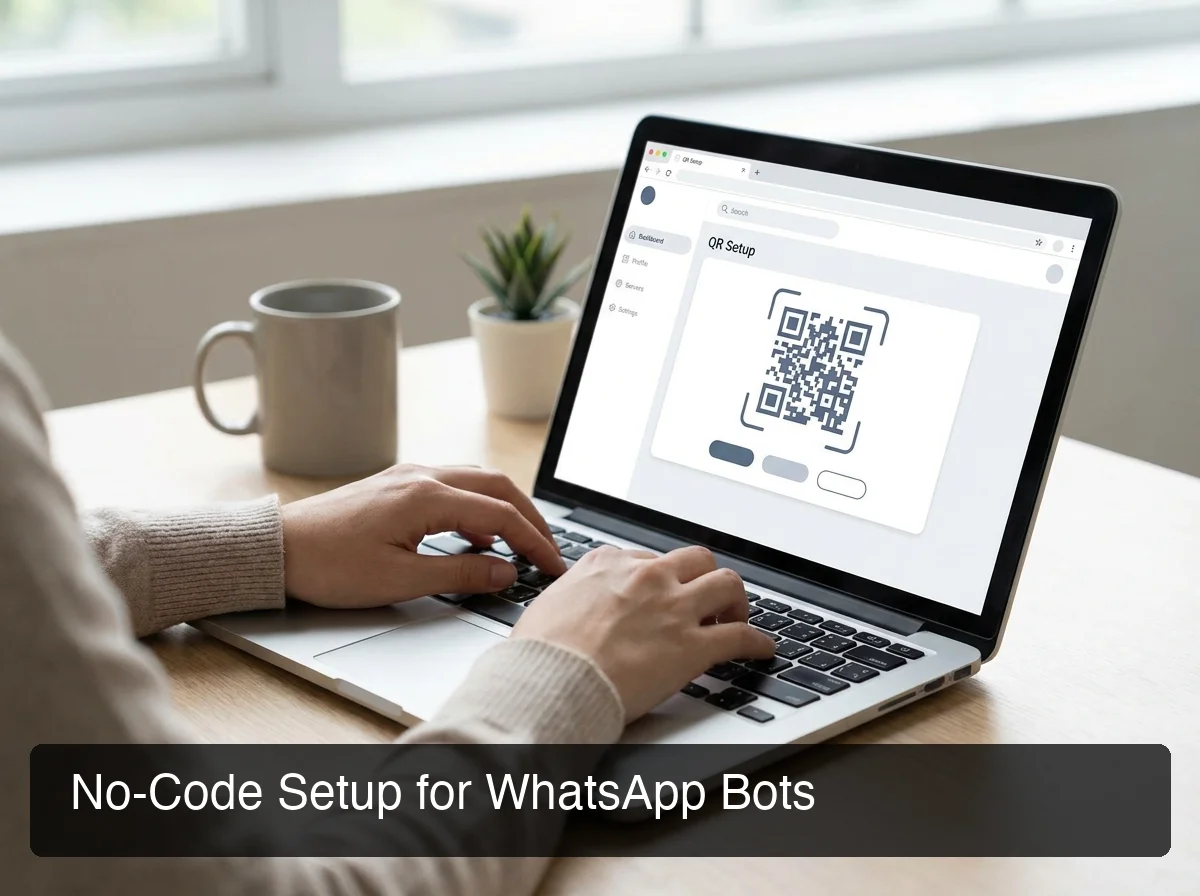 The OpenClawHQ dashboard walks through the full WhatsApp connection — scan the QR code and you're live.
OpenClawHQ maintains the channel connection automatically. If WhatsApp drops the link, it reconnects without any action from you. See the same pattern on a different platform: OpenClaw Discord integration.
Bottom line: The QR scan is identical whether you self-host or use OpenClawHQ — the difference is that with OpenClawHQ, it is the only step that requires any action from you.
What Can I Automate with OpenClaw on WhatsApp?
OpenClaw WhatsApp automation goes far beyond canned replies. It browses the web for real-time information, sends emails, looks up orders, schedules appointments, answers FAQs from your knowledge base, and runs broadcasts to segmented contact lists — all triggered from natural WhatsApp conversations with no scripted flows.
Core Automation Use Cases
The most impactful OpenClaw WhatsApp automations for businesses:
- Customer FAQ answering — Train OpenClaw with your product details; it handles repeat questions 24/7 at any volume
- Lead qualification — Incoming leads get a series of qualifying questions; answers are logged automatically
- Appointment booking — OpenClaw checks your calendar and books slots without any manual coordination
- Order tracking — Connect an e-commerce skill so customers can text "where's my order?" and get a real answer
- Follow-up sequences — Automatically follow up on unanswered quotes, proposals, or overdue invoices
- Broadcast campaigns — Send segmented promotions, product updates, or service reminders to your full contact list
Skills: The Automation Building Blocks
Skills are pre-built automations that extend what OpenClaw can do. Each skill connects OpenClaw to a specific capability — web search, calendar, email, CRM, and more.
With OpenClawHQ, 100+ skills come pre-installed and activate by name in conversation. For a full breakdown, see OpenClaw Skills Explained.
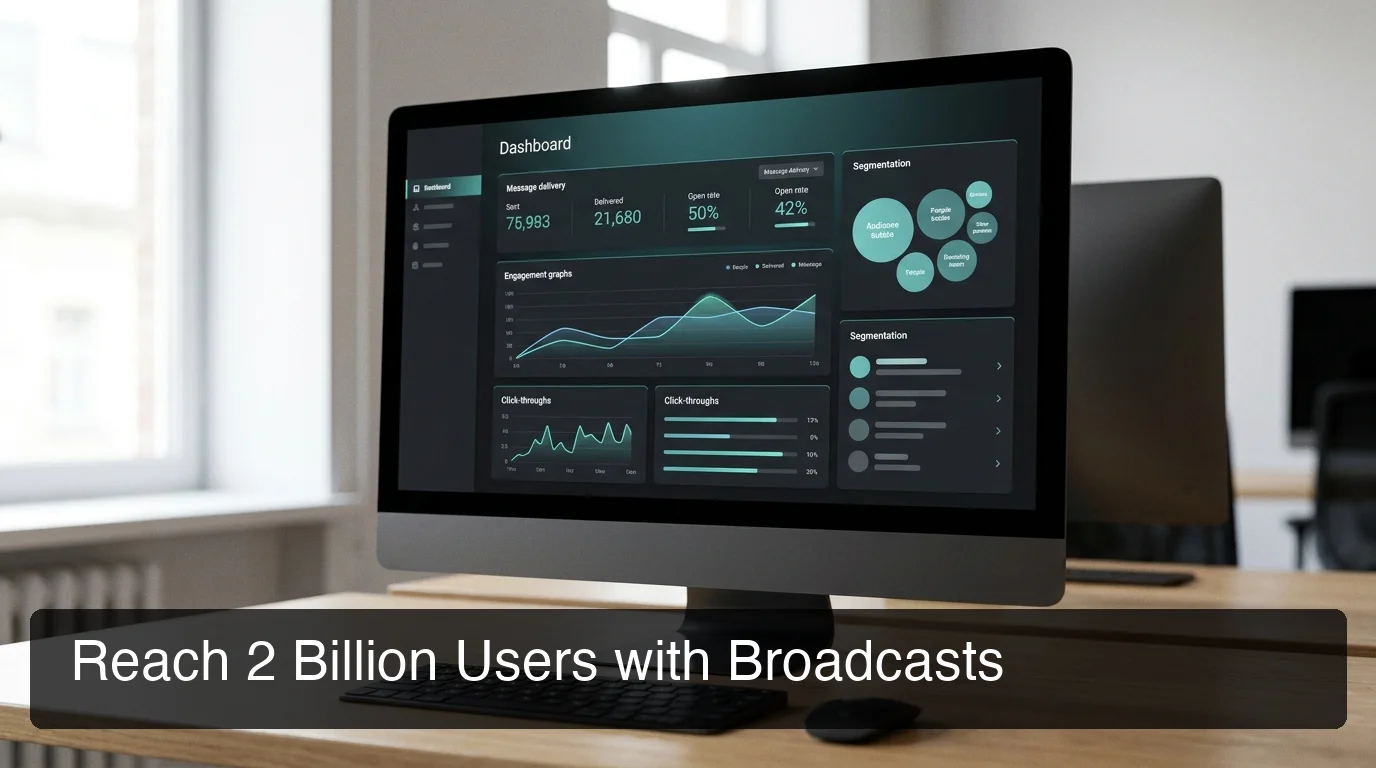 OpenClaw supports broadcast campaigns with contact segmentation and delivery tracking — reach your full WhatsApp contact list automatically.
By the numbers: WhatsApp messages average a 98% open rate vs. 20% for email. Automating your WhatsApp responses means customers get instant answers on the highest-engagement channel available — without hiring additional staff.
Can I Use OpenClaw WhatsApp for Customer Service?
Yes. OpenClaw WhatsApp handles unlimited concurrent conversations, responds instantly at any hour, escalates complex cases to a human, and maintains full conversation context throughout — without any additional staffing cost. It is especially effective for small businesses managing high volumes of repeat inquiries.
What AI Customer Service Actually Means Here
OpenClaw is not a scripted FAQ bot. When a customer messages, it reads the full conversation history for context, searches the web for real-time information, executes skills (order lookups, calendar booking, inventory checks), and routes to a human when a request is out of scope.
For a plumber or contractor: a customer texts at 10pm, OpenClaw asks qualifying questions, logs the lead, and schedules a callback for morning — automatically, zero manual work.
When to Keep a Human in the Loop
Reserve human agents for emotionally sensitive escalations, complex bespoke negotiations, and compliance-sensitive interactions (financial, legal, medical). OpenClaw excels at everything else — the high-volume, repetitive, and information-retrieval tasks that make up 80%+ of typical customer service queues.
Key insight: One OpenClaw instance handles unlimited concurrent WhatsApp conversations for $49/month. A single human customer service hire costs $400–$800/month minimum — and handles one conversation at a time.
Which WhatsApp Features Does OpenClaw Support?
OpenClaw supports both personal WhatsApp accounts and WhatsApp Business accounts. It sends and receives text messages, participates in group chats, handles media attachments, and runs broadcast campaigns. It connects via WhatsApp's multi-device protocol — the same technology WhatsApp Web uses.
Feature Support Overview
| Feature | Support |
|---|---|
| Text message send/receive | Yes |
| WhatsApp Business account | Yes |
| Group chat participation | Yes |
| Broadcast messages | Yes |
| Image and document attachments | Yes |
| Voice notes | Limited (transcription via skill) |
| Official WhatsApp Business API | Not required |
Account Safety
OpenClaw connects via the same multi-device protocol as WhatsApp Web — not a third-party exploit. Using a dedicated number (not your personal WhatsApp) is the single most effective precaution. Accounts running normal conversation volumes with human-like message pacing operate without issues.
How Does OpenClaw Compare to Other WhatsApp Bots?
OpenClaw is fundamentally different from flow-builder tools like ManyChat or Tidio. Those platforms use predefined "if-then" workflows — you build a flowchart of rules that break the moment a customer says something unexpected. OpenClaw is an AI agent that reasons from context and adapts to any conversation without pre-scripted logic.
Comparison: OpenClaw vs. WhatsApp Bot Solutions
| Solution | Type | Setup | Monthly Cost | AI Reasoning |
|---|---|---|---|---|
| OpenClawHQ | AI agent (managed) | No-code, ~5 min | $49 flat, unlimited | Yes — full LLM |
| ManyChat | Flow builder | Low-code | $15–$199 | No |
| Tidio | Chatbot + AI add-on | Low-code | $29–$399 | Limited |
| Zapier WhatsApp | Automation triggers | Low-code | $20–$99 | No |
| Twilio WhatsApp API | Developer API | Code-required | Per message | No |
| Self-hosted OpenClaw | AI agent (DIY) | Technical, 1–3 hrs | Free + full API costs | Yes |
OpenClaw also supports OpenClaw iMessage, Discord, Telegram, Slack, and 20+ other platforms from a single instance — one setup, every channel.
Bottom line: Flow builders are rigid by design — any off-script message breaks the flow. OpenClaw handles unscripted, natural conversations in real time, which is precisely why it works for customer service where rule-based chatbots routinely fail.
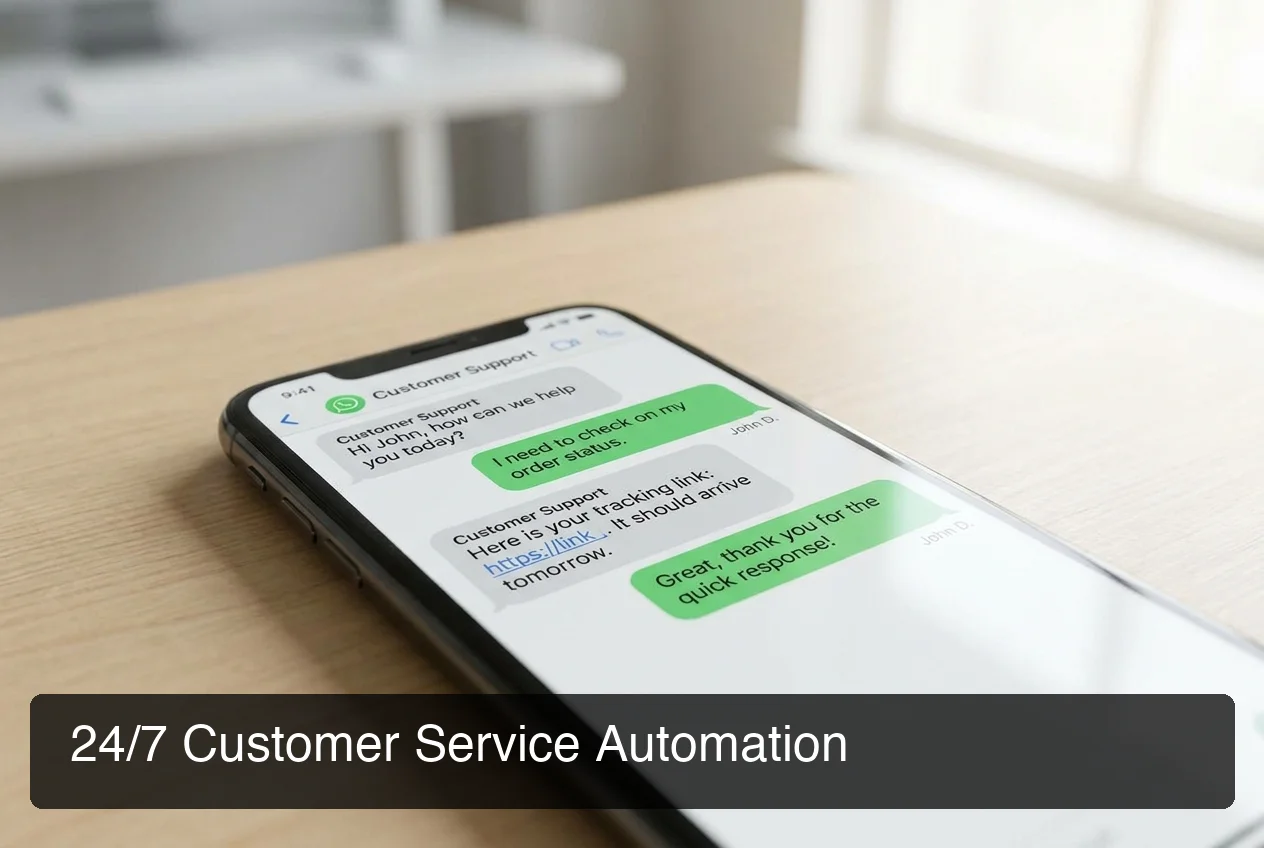 OpenClaw manages unlimited concurrent customer service conversations on WhatsApp — no rigid scripts, no missed messages, no hiring required.
How Much Does OpenClaw Cost on WhatsApp?
OpenClawHQ charges $49/month flat for a fully managed OpenClaw instance with WhatsApp connected and unlimited usage included. No token fees, no per-message charges, no separate LLM API costs. Competing managed services advertise lower base prices but add variable token fees that routinely double the actual monthly bill.
The Real Cost of "Cheaper" Alternatives
| Service | Hosting Fee | Token Fee | Realistic Monthly Total |
|---|---|---|---|
| KiloClaw | $9/mo | Per-inference via token gateway | Varies — can exceed $30+ |
| xCloud / MyClaw | $16/mo | BYOK (your OpenAI/Anthropic costs) | $16 + full API bills |
| Blink Claw | $45/mo | Included but usage-capped | $45 for limited use |
| Hostinger VPS | $4–$10/mo | BYOK + full setup time | VPS + API costs + hours lost |
| OpenClawHQ | $49/mo flat | Included, unlimited | $49 always |
What the $49 Flat Rate Includes
OpenClawHQ absorbs token costs through a direct partnership with an LLM provider — customers pay one price and use as much as they need. The $49/month covers:
- A private, dedicated OpenClaw instance (not shared)
- WhatsApp connection plus any other supported platform
- 100+ pre-installed skills ready to activate
- Full LLM inference — unlimited, no API keys needed
- Always-on infrastructure with automatic reconnection
- Security updates managed automatically
Get Started with OpenClaw on WhatsApp
OpenClaw WhatsApp delivers 24/7 AI-powered customer service to the world's highest-engagement messaging app — at a fixed, predictable cost with no server, no coding, and no surprise bills.
Not ready yet? Start with what OpenClaw can do for your business — then come back when you're ready to connect.
Is OpenClaw WhatsApp Available in My Country?
OpenClaw WhatsApp works in any country where WhatsApp operates — covering 180+ countries. The largest OpenClaw WhatsApp user bases are in India, Brazil, Mexico, the UK, Germany, and across Southeast Asia and Africa, mirroring WhatsApp's global distribution.
OpenClawHQ infrastructure is globally distributed, keeping latency low regardless of where your customers are located.
What If WhatsApp Is Blocked in Your Country?
WhatsApp is restricted in a small number of countries — China, North Korea, and a handful of others. In those regions, OpenClaw runs on alternative platforms: WeChat, LINE, Telegram, Signal, or any of the 20+ supported channels — no additional setup required.
Just like Signal integration follows the same connection pattern, you can run OpenClaw across multiple platforms from a single OpenClawHQ instance. Add channels in the dashboard as needed — one $49/month subscription covers all of them.
Key insight: OpenClaw runs on 20+ messaging apps from a single instance. You do not need a separate subscription or setup per platform.
Frequently Asked Questions
How do I set up OpenClaw on WhatsApp?
With OpenClawHQ, setting up OpenClaw on WhatsApp takes about 5 minutes. Sign up, choose WhatsApp as your channel, scan a QR code in the web dashboard, and your OpenClaw instance is connected. No server setup, no command line, no technical knowledge required. OpenClawHQ manages the entire backend.
What can OpenClaw do on WhatsApp?
OpenClaw acts as an AI employee inside WhatsApp — answering customer questions automatically, qualifying leads, booking appointments, tracking orders, running broadcast campaigns, and executing 100+ pre-built automations called skills. Unlike rule-based chatbots, it reasons from full conversation context and handles unscripted messages in real time.
Is OpenClaw WhatsApp safe to use?
Using a dedicated WhatsApp number (not your personal number) is strongly recommended and reduces account interruption risk significantly. OpenClaw connects via the same multi-device protocol as WhatsApp Web. OpenClawHQ's private instances keep your data isolated — your conversations are never shared with other customers or used for model training.
What is OpenClawHQ?
OpenClawHQ is a fully managed hosting service for OpenClaw — the viral open-source AI agent. It gives non-technical users and business owners their own private OpenClaw instance, fully configured and running in minutes, with unlimited usage for $49/month flat. No server setup, no coding, and no separate token fees required.
How much does OpenClaw cost to use?
The OpenClaw software itself costs nothing. But running it requires infrastructure and AI model API access. OpenClawHQ makes this simple: $49/month flat covers your private instance, all infrastructure, and unlimited AI usage — no hidden token fees. Other managed services charge $9–$45/month for hosting PLUS variable token fees on top.
Can I use OpenClaw WhatsApp without a WhatsApp Business account?
OpenClaw works with both regular WhatsApp accounts and WhatsApp Business accounts — a Business account adds catalog and profile features but is not required. Both types connect via the same QR code scan, and using a dedicated number (rather than your personal number) is the only meaningful recommendation.
What is the difference between OpenClaw, Clawdbot, and Moltbot?
They are all the same tool at different points in time. The project launched as "Clawdbot" in November 2025, was briefly renamed "Moltbot" in January 2026 after a trademark dispute, and then renamed "OpenClaw" three days later — the name it carries today. OpenClawHQ provides managed hosting for OpenClaw (all names refer to the same underlying software).