
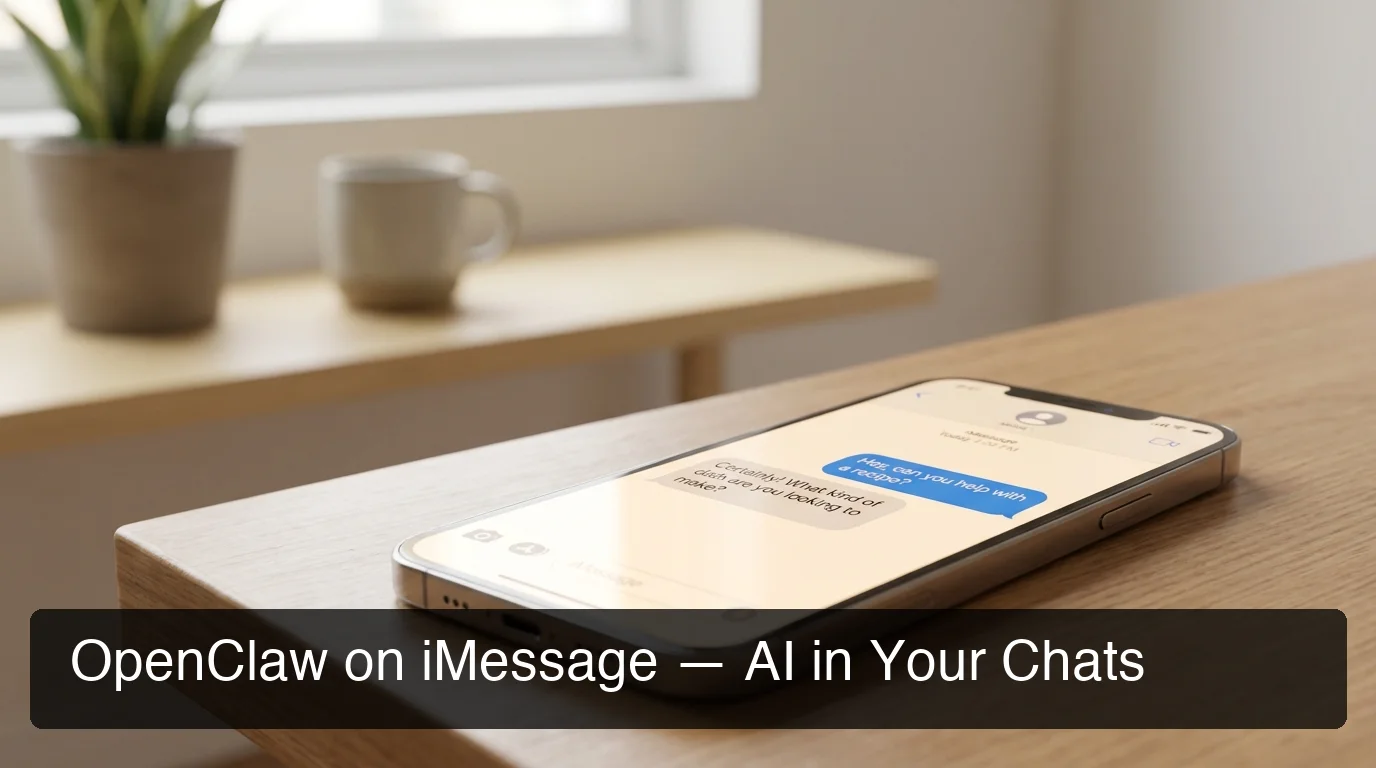
OpenClaw iMessage: AI Agent for Apple Chats
OpenClaw iMessage: Add an AI Agent to Your Apple Chats
The openclaw iMessage integration puts a personal AI agent inside your existing Apple conversations — no new app, no separate interface, just your existing iMessage threads on iPhone, iPad, and Mac.
Key Takeaways
- OpenClaw integrates seamlessly with iMessage to bring AI automation directly to your Apple devices.
- Set up OpenClaw on iMessage in under three minutes with no coding or technical expertise required.
- Use OpenClaw skills to automate tasks, answer questions, and manage workflows within your existing iMessage conversations.
- OpenClaw for iMessage works across all Apple devices — iPhone, iPad, and Mac.
- iMessage integration follows the same freemium pricing model, with premium skills available via OpenClaw's subscription tiers.
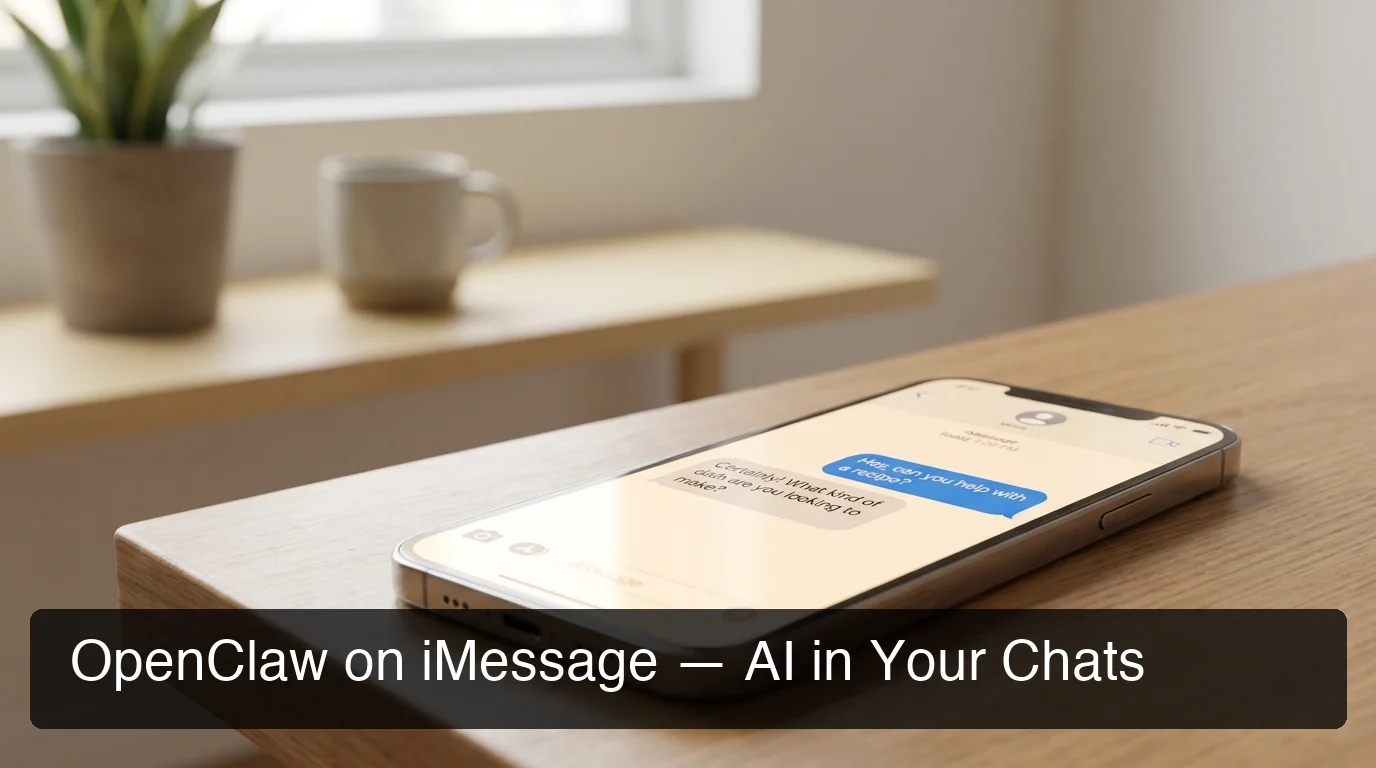 OpenClaw lives inside your existing iMessage threads — no new app required.
Contents
- What Is OpenClaw iMessage?
- Does OpenClaw Work Natively on iMessage?
- How Do I Add OpenClaw to iMessage?
- Which OpenClaw Skills Work on iMessage?
- What Can I Do with OpenClaw on iMessage?
- How Is OpenClaw for iMessage Different from Other Messaging Platforms?
- How Much Does OpenClaw iMessage Cost?
- Get Your OpenClaw Instance
- Frequently Asked Questions
What Is OpenClaw iMessage?
OpenClaw for iMessage is an AI agent integration that lets you send commands and receive automated responses directly inside Apple Messages. Unlike a scripted Siri shortcut or a rules-based chatbot, OpenClaw is an autonomous AI agent that browses the web, executes tasks, and runs 100+ pre-built automations — all triggered by a plain-language iMessage.
OpenClaw (originally called Clawdbot at launch in November 2025, briefly renamed Moltbot in January 2026, now known as OpenClaw) is an open-source AI agent with 247,000+ GitHub stars. For a complete overview of what OpenClaw is and how its agent model works, read What Is OpenClaw? The AI Agent That Lives in Your Messaging Apps.
The iMessage integration brings that same AI power to the messaging app Apple users already live in. You don't change your habits — OpenClaw meets you where you are.
Key insight: OpenClaw for iMessage isn't a scripted automation — it's a full AI agent that reasons, plans, and executes multi-step tasks from your existing Apple Messages threads.
Does OpenClaw Work Natively on iMessage?
OpenClaw connects to iMessage via Apple's native Messages framework on macOS using the imsg channel, which requires a dedicated Mac with Messages signed in and Full Disk Access granted. This is the officially documented iMessage channel — not a third-party workaround.
Here's what this means technically: the OpenClaw server must run on a Mac-based environment rather than a standard Linux VPS. That's why self-hosting iMessage is harder than setting up Telegram or WhatsApp. The Mac needs to stay on 24/7, with the Messages app authenticated to your Apple ID.
With OpenClawHQ, the infrastructure challenge disappears. We provision the Mac-based environment, configure the Messages bridge, and handle all permissions — you follow a guided web setup and your iMessage agent goes live within minutes.
Bottom line: OpenClaw's iMessage channel is native and official — it uses Apple's own Messages framework. The complexity is in the infrastructure. OpenClawHQ handles that infrastructure for you.
What About BlueBubbles?
BlueBubbles is an alternative iMessage-over-relay approach for Linux users who want to receive iMessages without owning a Mac. OpenClaw supports BlueBubbles as a separate channel. But for most users who own an iPhone or Mac, the native imsg channel is simpler, more reliable, and officially supported by OpenClaw's documentation.
How Do I Add OpenClaw to iMessage?
Adding OpenClaw to iMessage via OpenClawHQ takes about 3 minutes. Sign up at openclawhq.io, select iMessage as your channel, authorize the Messages connection through the guided dashboard, and your private OpenClaw instance is live — no command line, no Node.js installation, no server configuration required.
Every self-hosting guide you'll find online requires: installing Node.js 24 on a dedicated Mac, running the CLI onboarding wizard, granting Full Disk Access to the terminal process, keeping the Mac running 24/7, and managing daemon restarts when the process crashes. Most non-technical users stop at step one.
OpenClawHQ removes every barrier.
 OpenClawHQ's guided web dashboard walks you through iMessage setup — no terminal commands, no server configuration.
Step 1: Sign Up at OpenClawHQ
Visit openclawhq.io — email, password, 30 seconds. You'll land directly in the setup dashboard with your channel selection waiting.
Step 2: Select iMessage as Your Channel
Choose iMessage from the channel list. OpenClawHQ prompts you through the Mac Messages authorization process via a web-based wizard — no config file editing, no command line ever.
Step 3: Authorize and Go Live
Follow the guided steps to connect your Apple ID's Messages account. OpenClawHQ configures the imsg bridge, provisions your private OpenClaw instance, and confirms the connection. Send a test message — your AI agent responds within seconds.
By the numbers: Self-hosting OpenClaw on iMessage takes 2–4 hours for technical users and typically fails entirely for non-technical ones. OpenClawHQ's guided setup brings that to under 3 minutes.
Which OpenClaw Skills Work on iMessage?
All 100+ OpenClaw skills work on iMessage — there is no capability reduction compared to other messaging platforms. Web search, email drafting, document summarization, scheduling, API calls, and custom workflow automation are all available the moment your iMessage channel goes live.
Skills are the pre-built automations OpenClaw can run on command. You activate them by name in conversation — no coding, no configuration. Think of each skill as a specialized AI capability you can trigger from an iMessage.
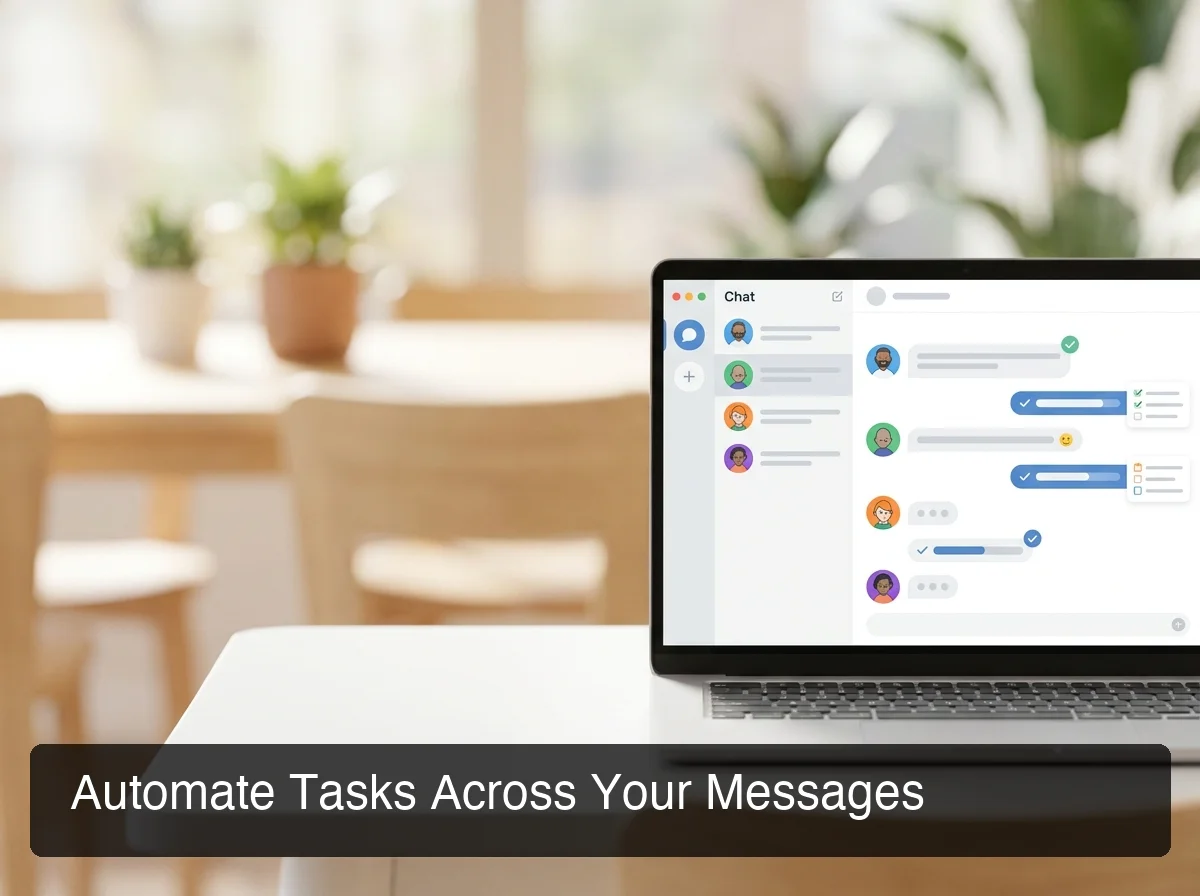 Every OpenClaw skill works on iMessage — the same automation power available across all 20+ supported platforms.
Here's a sample of what's available directly from iMessage:
| Skill Category | What It Does | Example Command |
|---|---|---|
| Web Research | Browse and summarize pages | "Summarize the top 3 reviews of [product]" |
| Draft, reply, send emails | "Draft a follow-up email from yesterday's call" | |
| Scheduling | Set reminders, calendar events | "Remind me to call Sarah at 3pm" |
| Document Handling | Summarize files, extract key points | "Summarize this PDF [attachment]" |
| Lead Follow-Up | Auto-reply message sequences | "Send a follow-up to today's form leads" |
| Weather & Travel | Real-time data lookups | "What's the weather in NYC this weekend?" |
| Custom Workflows | Chain multiple skills | "Research competitors, write a report, email it to me" |
For advanced skill orchestration — activating, deactivating, and managing your agent's capabilities — OpenClaw Mission Control provides a visual dashboard for power users who want to fine-tune their automation stack.
What Can I Do with OpenClaw on iMessage?
OpenClaw on iMessage acts as an always-on AI assistant that receives your messages, executes tasks, and responds in the same thread — automating research, communication, and workflows without ever leaving Apple Messages.
For business users, iMessage's native Apple integration means your OpenClaw agent is accessible from any Apple device without switching contexts. A command sent from your iPhone while commuting processes the same way as one sent from your MacBook at a desk.
Here are the highest-value use cases for iMessage specifically:
- Customer-facing automation: For US businesses where customers communicate via iMessage, OpenClaw handles instant replies, qualification questions, and follow-up sequences automatically.
- Personal productivity: Research requests, email drafts, reminders — all from your iMessage thread without opening a single other app.
- Team task delegation: Message OpenClaw in a group iMessage thread to kick off a multi-step workflow shared with your team.
- Document processing: Share a URL or PDF attachment in iMessage — OpenClaw returns a concise summary in the same thread.
Key insight: iMessage is the default messaging app on every iPhone in the US. Plugging OpenClaw into iMessage means AI automation works inside the app your team and customers already use — zero adoption friction.
OpenClaw's skill set is consistent across all 20+ messaging platforms. If you're also evaluating Telegram, OpenClaw Telegram: Add an AI Agent to Your Chats in Minutes walks through how the setup and skill activation compare. And if you want to extend OpenClaw beyond messaging into web-based contexts, OpenClaw Browser Relay shows how to connect your agent to browser workflows without any server setup.
How Is OpenClaw for iMessage Different from Other Messaging Platforms?
OpenClaw on iMessage delivers the same full skill set as Telegram, Discord, Slack, and WhatsApp — the difference is infrastructure. iMessage requires a macOS environment, while other platforms run on any Linux VPS. For OpenClawHQ customers, this difference is invisible; we provision the right environment automatically.
The table below shows how iMessage compares across the major OpenClaw channels:
| Platform | Connection Method | Infrastructure Needed | Skills Available |
|---|---|---|---|
| iMessage | imsg bridge (macOS) | Mac running 24/7 | All 100+ |
| Telegram | BotFather token | Any VPS or server | All 100+ |
| QR scan | Any VPS or server | All 100+ | |
| Discord | OAuth authorize | Any VPS or server | All 100+ |
| Slack | OAuth authorize | Any VPS or server | All 100+ |
For self-hosters, the Mac requirement rules out standard Linux VPS providers like DigitalOcean or Hostinger. For OpenClawHQ customers, it makes no difference — we choose the right infrastructure for whichever platform you pick.
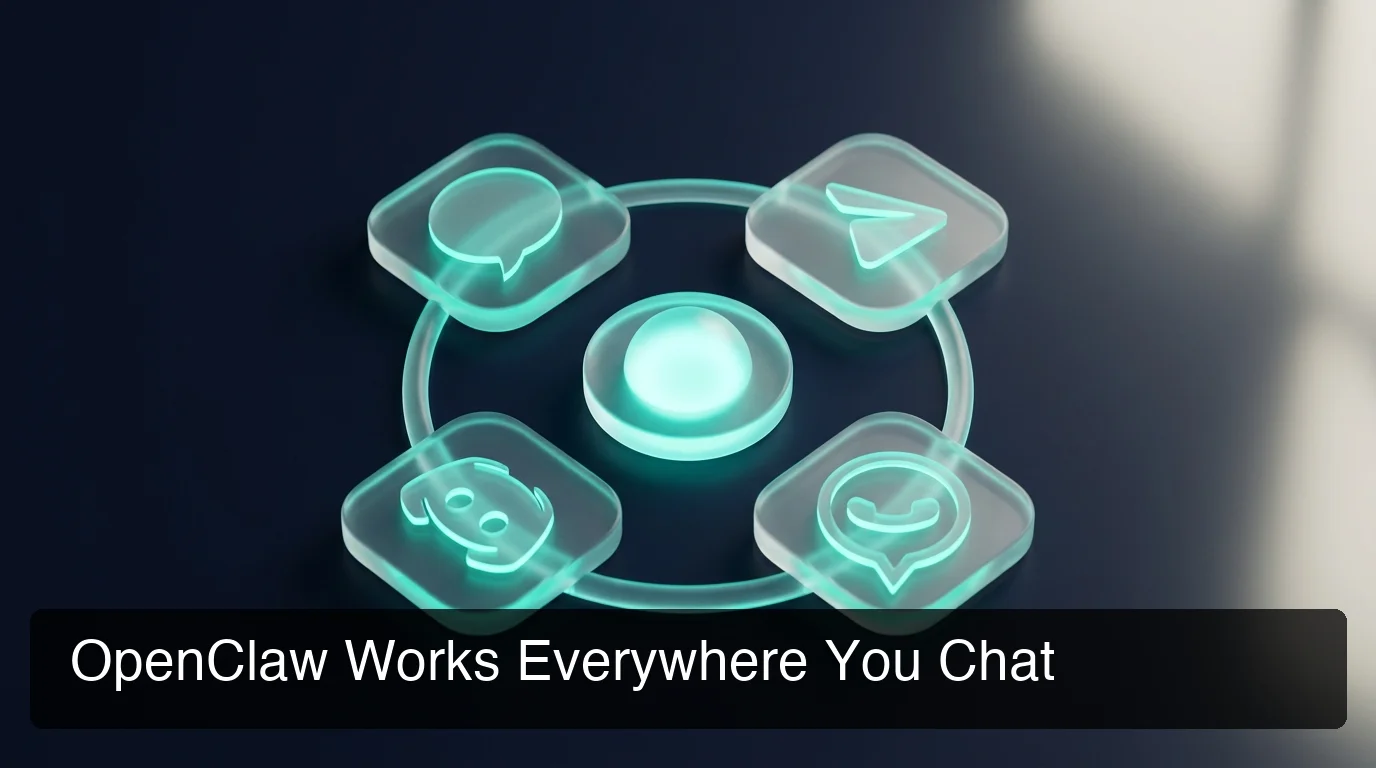 OpenClaw's same skill set works across every major messaging platform — one agent, any channel.
OpenClaw continues expanding platform support. As you build out your cross-platform setup, there are natural opportunities to extend your agent to other messaging apps like Discord and WhatsApp — delivering the same automation experience wherever your conversations happen.
How Much Does OpenClaw iMessage Cost?
OpenClaw iMessage integration is included in OpenClawHQ's $49/month flat plan — no separate fee for the iMessage channel. The plan covers your private instance, all Mac infrastructure, and unlimited AI usage with no token fees.
The OpenClaw software itself is free and open source. But running it — especially on iMessage, which requires a dedicated Mac environment — adds real infrastructure cost. Self-hosting means buying or repurposing a Mac, paying for electricity and connectivity, managing software updates, and paying separately for AI model API usage.
Here's how the total cost compares:
| Option | Monthly Cost | iMessage Setup | Token Fees |
|---|---|---|---|
| Self-hosting (own Mac) | $0 hosting | Buy + configure the Mac yourself | Your own API costs |
| VPS + BlueBubbles relay | ~$10/mo VPS | Complex relay setup required | Your own API costs |
| OpenClawHQ | $49/mo flat | Fully managed, zero setup | Included, unlimited |
For active business use, the math is clear: $49 flat vs. hours of setup plus variable API bills plus ongoing Mac maintenance.
Bottom line: The OpenClaw software is free. Running it for iMessage properly isn't — it requires real Mac infrastructure plus AI model access. OpenClawHQ bundles everything for $49/month flat with no token fees and no technical work on your end.
Get Your OpenClaw Instance
iMessage is where millions of Apple users have business conversations every day. OpenClaw turns those threads into a command interface for your AI agent — automating tasks, answering questions, and running workflows while you stay in the apps you already use.
Not ready yet? Start for $49/month — No Setup Required — unlimited usage, no token fees, private instance deployed within minutes.
Frequently Asked Questions
Does OpenClaw work on iMessage?
Yes. OpenClaw officially supports iMessage via the imsg channel on macOS, using Apple's native Messages framework. With OpenClawHQ, the Mac infrastructure is fully managed — no dedicated Mac or technical configuration required on your end. Your iMessage agent goes live in minutes after guided setup.
How do I set up OpenClaw on iMessage?
With OpenClawHQ, iMessage setup takes under 3 minutes. Sign up at openclawhq.io, select iMessage as your channel, and follow the guided web dashboard to authorize your Apple Messages connection. No command line, no Node.js installation, and no server management required on your end.
What can OpenClaw do in iMessage?
OpenClaw in iMessage can browse the web, draft and send emails, set reminders, summarize documents, execute API calls, and run 100+ pre-built automation skills — all triggered by a plain-language message. It responds directly in your iMessage thread, working as an always-on AI assistant inside Apple Messages.
Does OpenClaw for iMessage work on iPhone?
Yes. Once OpenClaw is connected to your iMessage account via OpenClawHQ, your AI agent is accessible from any Apple device — iPhone, iPad, and Mac — because iMessage syncs across all devices signed into the same Apple ID. Send commands from whichever device is nearest.
What is OpenClawHQ?
OpenClawHQ is a fully managed hosting service for OpenClaw — the viral open-source AI agent. It gives non-technical users and business owners their own private OpenClaw instance, fully configured and running in minutes, with unlimited usage for $49/month flat. No server setup, no coding, and no separate token fees required.
How much does OpenClaw for iMessage cost?
The OpenClaw software itself costs nothing. But running it requires infrastructure and AI model API access. OpenClawHQ makes this simple: $49/month flat covers your private instance, all infrastructure, and unlimited AI usage — no hidden token fees. Other managed services charge $9–$45/month for hosting PLUS variable token fees on top.