
OpenClaw Commands: What You Can Ask It to Do | OpenClawHQ
OpenClaw Commands: What You Can Ask It to Do (No Coding Needed)
Someone tells you OpenClaw can run your inbox, check your calendar and research a competitor while you're at lunch. Then you search for the list of OpenClaw commands and land on a GitHub page full of terminal syntax.
This guide skips that. It explains what OpenClaw commands really are, which ones matter for a business, and how to use them by typing plain English into the app you already have open.
Key Takeaways
- OpenClaw's "commands" are mostly skills: 100+ pre-built automations for web search, email, calendar, files, reminders and more.
- You use them by messaging OpenClaw in plain English from WhatsApp, Telegram, Discord, Slack, iMessage, Signal or another connected app.
- There is no syntax to memorize. You describe the result you want and OpenClaw picks the right skill.
- Several skills can chain inside one request, such as "find competitor pricing, summarize it, and email me the report."
- On OpenClawHQ the 100+ skills come pre-installed, and you switch them on from a web dashboard instead of a command line.
Contents
- What Are OpenClaw Commands and How Do They Work?
- How Do I Use OpenClaw Commands in My Messaging App?
- What Can I Ask OpenClaw to Do?
- How Many Built-In Commands Does OpenClaw Support?
- What's the Difference Between OpenClaw Commands and Skills?
- Can I Create Custom OpenClaw Commands?
- How Do I Activate and Use OpenClaw Commands Without Coding?
- Why OpenClawHQ Makes OpenClaw Commands Effortless
- Get Started with OpenClawHQ
- FAQ
What Are OpenClaw Commands and How Do They Work?
OpenClaw commands are the tasks you ask your OpenClaw agent to carry out, such as searching the web, sending an email or setting a reminder. Each task runs through a "skill," a pre-built automation connected to one service or capability. You trigger it by sending a normal message, not by typing code.
OpenClaw is an open-source AI agent that lives inside your messaging apps. Unlike a chatbot that only answers questions, it acts: it browses, reads files, calls APIs and fills in web forms.
The word "command" is where people get lost. Search results mix two meanings, and only one of them is for you.
The two kinds of "OpenClaw command"
- Setup commands run in a terminal, such as
openclaw onboard --install-daemon. They install and maintain the software. Self-hosters need them. Managed customers never touch them. - Everyday commands are requests you send in chat: "summarize this PDF," "what's on my calendar Thursday?" Skills handle these, and they are what this guide covers.
Worth knowing: If you've seen
npm install -g openclawin a tutorial, that's a setup command. You can use everything below without ever opening a terminal.
For the full picture of what the agent is, start with what OpenClaw is and what it can do.
How Do I Use OpenClaw Commands in My Messaging App?
Open the chat with your OpenClaw agent in WhatsApp, Telegram, Discord, Slack or any connected app, and type what you want done in plain language. OpenClaw reads the request, chooses the matching skill, runs it, and replies in the same thread. No slash prefix or special syntax is required.
The conversation looks like texting a capable assistant. You send "find three reviews of the new Shopify theme and summarize them," and a few moments later the summary appears in the chat. If it needs a detail, it asks.
Here are three request styles that work well:
- A direct task: "Email Priya the meeting notes from yesterday."
- A question that needs lookup: "What's the weather in Pune on Saturday?"
- A multi-step request: "Find competitor pricing, summarize it, and email me the report."
The third one matters most. OpenClaw plans multi-step work itself, so a chain of skills can run from a single message. You describe the outcome, and it works out the order.
Since you talk through apps you already use, there's nothing new to learn. Our getting started guide walks through connecting your first channel, and the WhatsApp setup page covers that one specifically.
A worked example: routine replies
Commands earn their keep on repetitive work.
Picture a real estate agent who gets the same questions on WhatsApp all day: availability, pricing, viewing times. OpenClaw can answer the routine ones and flag the rest. See OpenClaw for real estate for that setup.
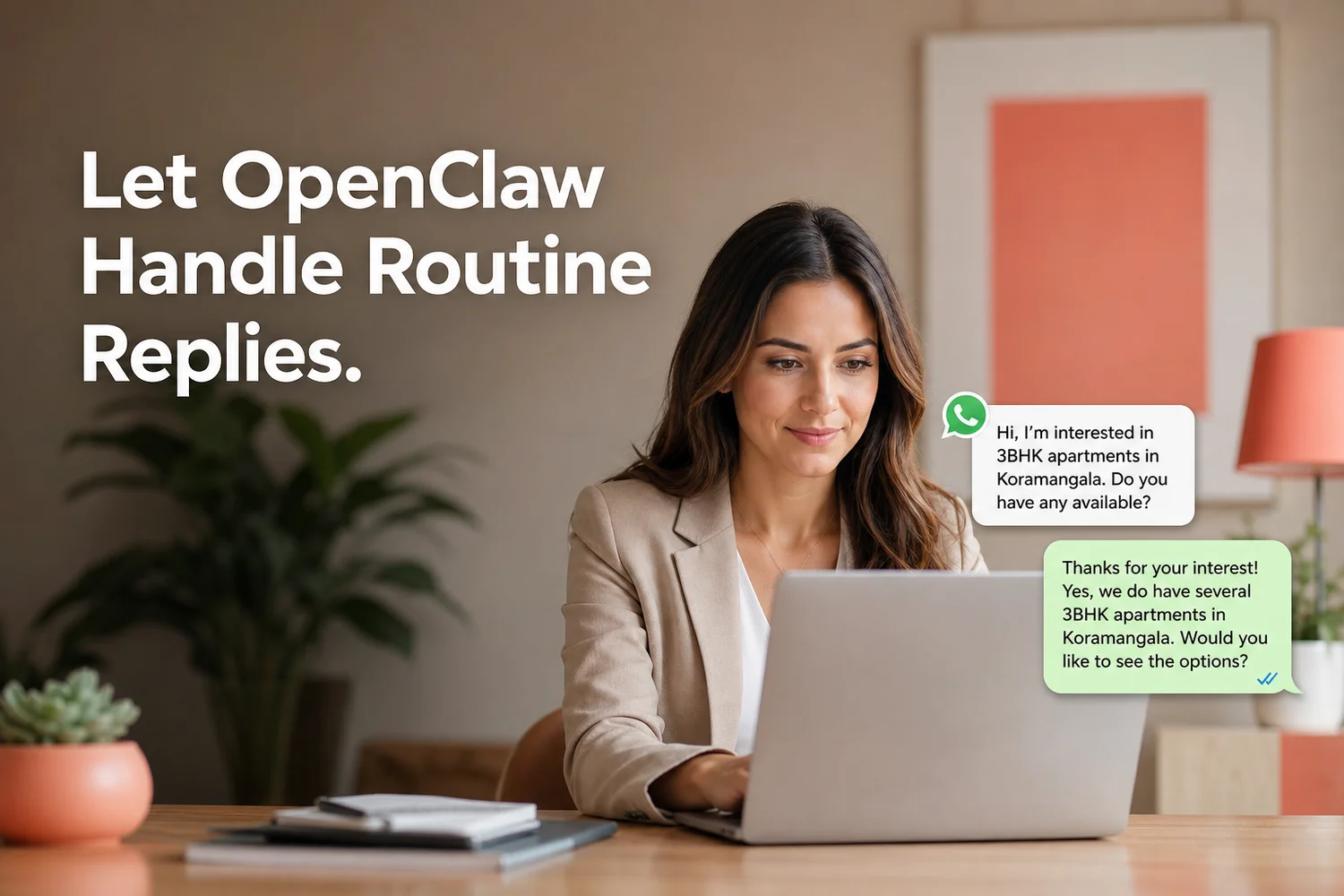 Routine inquiries get a prompt reply while the agent focuses on viewings and negotiation.
What Can I Ask OpenClaw to Do?
You can ask OpenClaw to browse the web, send and draft email, manage calendar events, summarize documents, handle files, fill web forms, call APIs, set reminders and run scheduled tasks. Each request maps to a skill. If a skill is switched on, OpenClaw can use it from any chat you've connected.
 Skills group into a handful of everyday categories, from web research to calendar and files.
The table below groups the main categories with the kind of sentence that triggers each one.
| Category | Example request | What OpenClaw does |
|---|---|---|
| Web research | "Search for the latest AI trends and give me five bullets" | Browses, reads pages, returns a summary |
| "Draft a reply to the supplier's last message" | Writes or sends email on your behalf | |
| Calendar | "Move Thursday's call to Friday at 3" | Reads and edits calendar events |
| Documents | "Summarize this contract in plain English" | Reads the file and condenses it |
| Files | "Save that summary to my notes folder" | Creates and organizes files |
| Reminders and scheduling | "Remind me every Monday to send invoices" | Schedules recurring tasks |
| Forms and APIs | "Fill the vendor form with these details" | Completes web forms, calls connected services |
Reality check: What a skill can do depends on the accounts you've connected. An email skill can't send mail until it's linked to an email account.
For a broader tour, see what OpenClaw can do.
How Many Built-In Commands Does OpenClaw Support?
OpenClaw ships with more than 100 pre-built skills, and the open-source community adds more. OpenClawHQ installs the 100+ skill set on every instance, so you pick which ones to switch on rather than building anything. The exact number grows as the project updates.
Treat 100+ as a floor. OpenClaw passed 247,000 GitHub stars and 47,700 forks by March 2026, and a project that active keeps adding capabilities.
You will not use all of them. Most businesses settle on a working set of five to ten:
- A web search skill for research
- An email skill for drafts and replies
- A calendar skill for scheduling
- A document summarizer for long files
- A reminder skill for recurring chores
Start small and switch on more when a real task calls for it. The OpenClaw skills explainer goes deeper on how skills are structured.
What's the Difference Between OpenClaw Commands and Skills?
A skill is the pre-built automation; a command is your request that triggers it. "Skill" is OpenClaw's own term for a capability connected to a service. "Command" is how most people search for it. In everyday use they mean the same thing, and you never have to type a skill's name exactly.
| Term | What it means | Who uses it |
|---|---|---|
| Skill | A pre-built automation for one capability, like email or calendar | Everyone, via chat |
| Everyday command | Your plain-English request that triggers a skill | Everyone, via chat |
| Setup command | A terminal instruction that installs or maintains OpenClaw | Self-hosters only |
You can mention a skill by name if it helps, as in "use the calendar skill to find a free hour." Natural phrasing works just as well. OpenClaw matches intent, not keywords.
Can I Create Custom OpenClaw Commands?
Yes, technical users can write custom skills for OpenClaw, adding capabilities beyond the built-in set. That requires coding. Most businesses never need it, because the 100+ pre-built skills cover everyday work like email, scheduling, research and documents.
Custom skills suit developers who want to wire OpenClaw into an internal tool. If that's you, the open-source project's GitHub page is the place to go.
OpenClawHQ takes the other route. It focuses on the pre-built set, fully managed, for people who run a business rather than a server. If your needs are the ordinary ones in the table above, you're covered.
Quick win: Before asking for anything custom, try rephrasing the task as a chain of existing skills. "Summarize, then email" often does the job.
How Do I Activate and Use OpenClaw Commands Without Coding?
Sign in to your dashboard, switch on the skills you want, then message your agent in plain English. No code, terminal or API key is involved on OpenClawHQ. Activation takes a few clicks; using a skill is just sending a chat message.
The flow has four steps:
- Connect a channel. Pick WhatsApp, Telegram, Discord, Slack or another supported app during guided setup.
- Open the skills list. The dashboard shows the pre-installed skills ready to activate.
- Switch on what you need. Start with web search, email and calendar.
- Send your first request. Message the agent the way you'd message a colleague.
If a request fails, the cause is usually a missing connection, such as an unlinked calendar. Connect the account, then ask again. The OpenClaw hub guide covers where to find things, and OpenClaw without coding explains how the whole experience stays code-free.
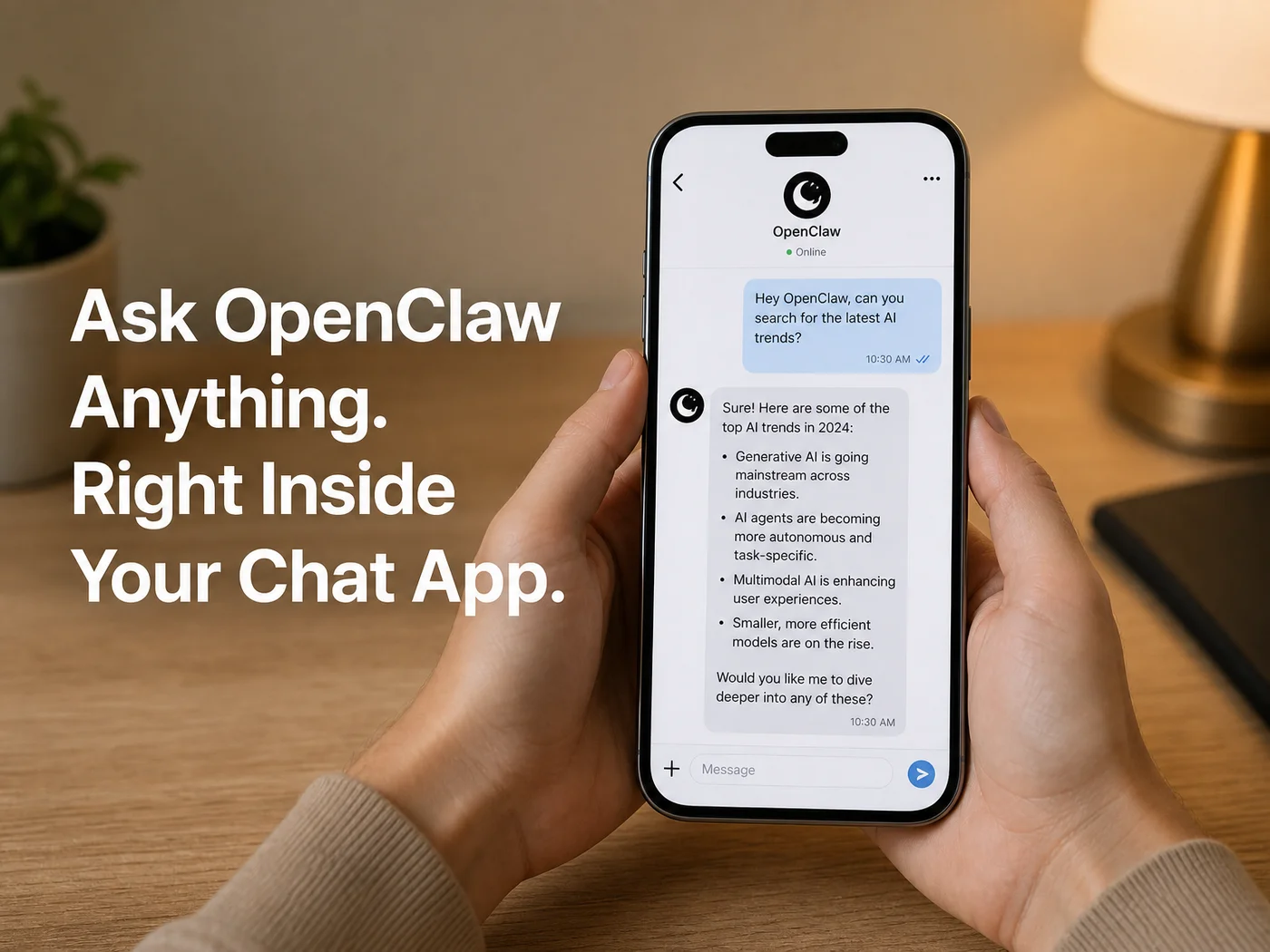 A command is just a message: ask in chat, get the result in the same thread.
Why OpenClawHQ Makes OpenClaw Commands Effortless
The commands above are free to use in principle, because OpenClaw is open-source. The hard part is everything underneath. Self-hosting means a server that runs around the clock, Node.js 24, a command-line onboarding wizard, channel authentication and ongoing updates.
OpenClawHQ removes that layer. You get a private OpenClaw instance, running within minutes, with the 100+ skills pre-installed. The plan is $49/month flat, with unlimited usage and an LLM provider included, so there are no token fees and no API keys to manage.
Other managed options split the bill into a hosting fee plus per-token inference. For someone running real commands all day, that second line is the one that surprises you. A flat price means you can ask for as much as you like without watching a meter.
Get Started with OpenClawHQ
You now know what you can ask OpenClaw to do. The next step is having an agent that's already running so you can try it. OpenClawHQ sets up a private instance for you, no server or coding involved.
Not sure which skills to start with? Start with web search, email and calendar.
FAQ
What is the OpenClaw command?
The most common one is openclaw onboard --install-daemon, a terminal command that installs and starts OpenClaw for self-hosters. For everyday use, "commands" are plain-English requests in chat that trigger skills. On a managed service like OpenClawHQ you never run the terminal version.
Do I need to memorize OpenClaw command syntax?
No. OpenClaw understands natural language, so you describe the result you want and it selects the right skill. "Email Priya the notes" works without any special format.
Only the setup commands for self-hosting have strict syntax, and a managed instance handles those for you.
Can OpenClaw run several commands in one message?
Yes. OpenClaw plans multi-step work, so one request like "find competitor pricing, summarize it, and email me the report" can chain web search, summarization and email. State the outcome clearly and include any details it can't guess, such as the recipient.
Which messaging apps work with OpenClaw commands?
OpenClaw connects to WhatsApp, Telegram, Slack, Discord, iMessage, Signal, Microsoft Teams, Matrix, LINE, WeChat and more than 20 platforms in total. Your skills live in the agent, so the same requests work from whichever connected channel you prefer.
What is OpenClawHQ?
OpenClawHQ is a managed hosting service for OpenClaw. It gives you a private instance that's fully configured and live within minutes, with unlimited usage for a flat $49 a month. You don't need a server, coding skills or separate AI token billing.
What can I do with OpenClaw for my business?
OpenClaw works as an AI employee inside your chat apps. It can answer customer questions, follow up on leads, summarize documents, browse the web and send email, using 100+ pre-built skills. OpenClawHQ delivers it pre-configured for $49 a month, no technical setup required.