
OpenClaw Getting Started: No-Code Setup Guide
OpenClaw Getting Started: Your No-Code Setup Guide
This OpenClaw getting started guide is different from the rest. Most guides assume you're a developer and walk you through installing Node.js 24, running CLI commands, and configuring a server daemon. This one doesn't.
Key Takeaways
- Getting started with OpenClaw via OpenClawHQ requires no coding, no server, and no API keys — just a messaging app and 10 minutes.
- Account setup takes 5-10 minutes, and your first OpenClaw workflow can be running within 30 minutes of signing up.
- OpenClawHQ's web dashboard eliminates the Node.js installation and CLI configuration that blocks most non-technical users from self-hosting.
- 100+ pre-built skills are ready to activate the moment your instance is live — no configuration file required.
- Most users deploy their first revenue-generating automation within 24-48 hours of creating their account.
Contents
- What Do You Need Before Your OpenClaw Getting Started?
- How Do You Set Up Your OpenClaw Account?
- What Are the Basic Steps to Build Your First OpenClaw Workflow?
- How Long Does the OpenClaw Getting Started Process Take?
- Why Do Beginners Choose OpenClaw for Getting Started?
- What Should You Build First With OpenClaw?
- What Comes After Getting Started With OpenClaw?
- Get Your OpenClaw Instance
- Frequently Asked Questions
 Get your private OpenClaw AI agent running — without touching a command line.
What Do You Need Before Your OpenClaw Getting Started?
Getting started with OpenClaw through OpenClawHQ requires three things: a messaging app account (WhatsApp, Telegram, Discord, or Slack), an email address to create your OpenClawHQ account, and a credit card for the $49/month subscription. That's it — no server, no Node.js, no LLM API key.
That's the complete requirement list for the managed route. Compare that to self-hosting, which requires Node.js 24 (specific version), npm installed globally, a 24/7 dedicated VPS, CLI onboarding commands, channel authentication tokens, and your own OpenAI or Anthropic API key.
What the Self-Hosting Route Actually Looks Like
The official OpenClaw docs are thorough — but they're written for developers. Getting started involves running openclaw onboard --install-daemon in a terminal, scanning QR codes through a CLI interface, and managing a background process. Most non-technical users abandon setup within the first 15 minutes.
OpenClawHQ replaces every one of those steps with a guided web form.
Key insight: The barrier to getting started with OpenClaw isn't the AI agent itself — it's the infrastructure required to run it. OpenClawHQ removes that barrier entirely so non-technical business owners can skip straight to using it.
How Do You Set Up Your OpenClaw Account?
Setting up your OpenClawHQ account takes under 10 minutes. Visit openclawhq.io, enter your email, choose your messaging platform, and follow the guided wizard — no command line required at any step. Your private OpenClaw instance is provisioned automatically while you complete setup.
Here's the exact five-step flow:
- Sign up at openclawhq.io — email and password only, takes 30 seconds
- Select your messaging channel — WhatsApp, Telegram, Discord, Slack, or others
- Complete channel authentication — varies by platform (details below)
- Your instance goes live — send a message to your connected channel and OpenClaw responds immediately
- Activate skills — choose which of the 100+ built-in automations to enable from your dashboard
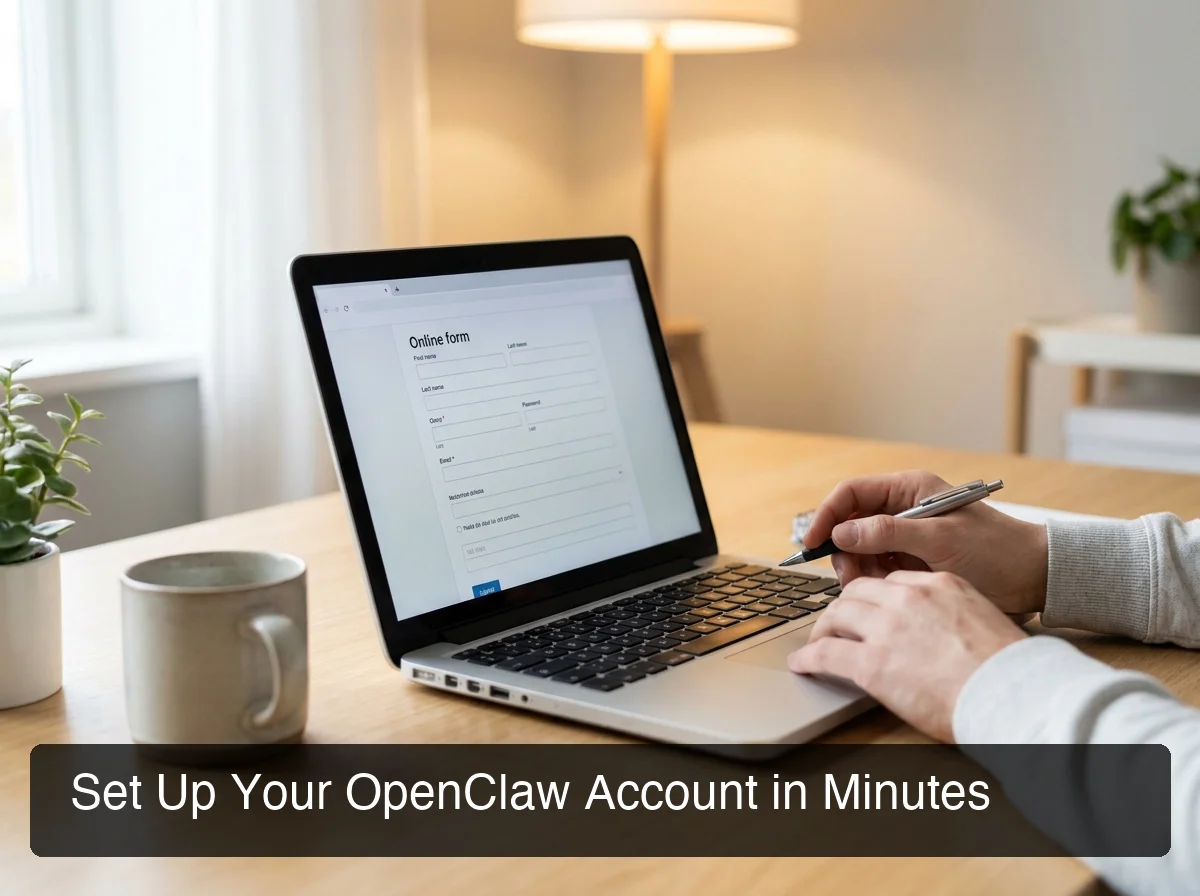 OpenClawHQ walks you through channel connection step by step — no terminal, no configuration files.
How Channel Authentication Works per Platform
Each messaging app uses its own authentication method — all handled through the dashboard:
- WhatsApp: Scan a QR code that appears inside your OpenClawHQ dashboard
- Telegram: Enter a bot token (the dashboard guides you through creating one via Telegram's BotFather in 2 minutes)
- Discord / Slack: Click an Authorize button — no token or code entry required
Channel connection takes 3-7 minutes depending on the platform. Once connected, the link stays active and reconnects automatically if it ever drops.
Bottom line: OpenClawHQ's setup wizard handles every step a developer would otherwise configure manually. You get the same running OpenClaw instance — without ever opening a terminal.
What Are the Basic Steps to Build Your First OpenClaw Workflow?
Building your first OpenClaw workflow doesn't require writing code or understanding automation logic. OpenClawHQ includes 100+ pre-built skills — activating one is as simple as typing its name in conversation or toggling it on in the dashboard. Your first automation can be running within minutes of account creation.
OpenClaw's "skills" are the engine of its automation capabilities. Each skill connects OpenClaw to a specific capability — web browsing, email sending, calendar management, document summarization, or custom API calls. Non-technical users activate them by name in conversation: "Summarize this PDF" or "Set a reminder for my 3pm call."
The Four-Step Path to Your First Automation
If you're building your first workflow from scratch, this is the fastest route:
- Choose a use case — start with something you already do manually (e.g., replying to WhatsApp inquiries)
- Tell OpenClaw what you want — describe the task in plain English inside your messaging app
- Activate the relevant skills — enable web search, email, or calendar from your dashboard
- Test it — send a message to your connected channel and verify the response
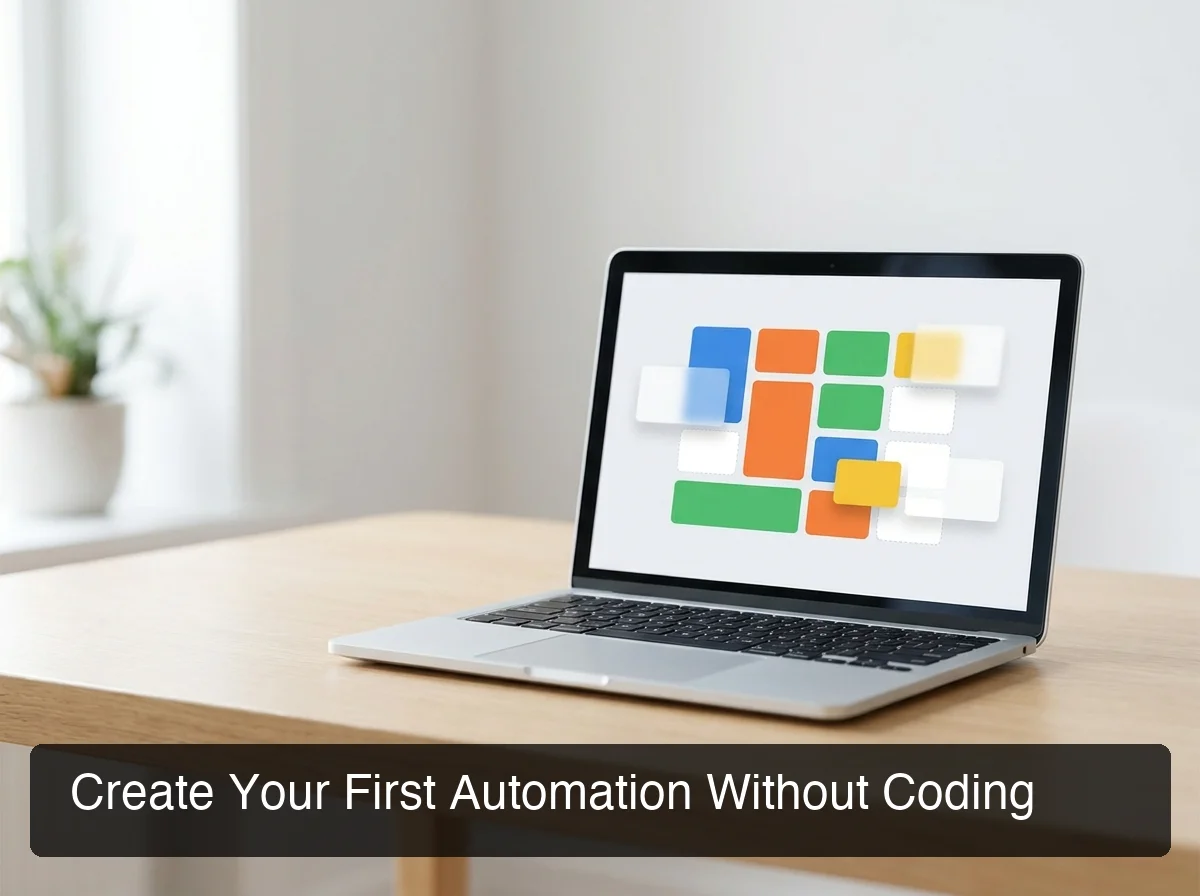 OpenClawHQ's skill dashboard — toggle any of 100+ pre-built automations on or off in seconds.
For deeper automation without code, see our guides on building OpenClaw automations without writing any code and using OpenClaw without a coding background.
By the numbers: OpenClaw ships with 100+ pre-built skills. You can activate your first skill within 2 minutes of completing account setup — no developer, no configuration file required.
How Long Does the OpenClaw Getting Started Process Take?
For most users, the full getting started process with OpenClawHQ takes 10-30 minutes. Account creation and channel connection take roughly 5-10 minutes. Activating your first skill takes under 5 minutes. A real automation doing meaningful work typically runs within 30 minutes of signup.
Here's how that compares to the self-hosting alternative:
| Step | OpenClawHQ | Self-Hosting (Typical) |
|---|---|---|
| Account / server setup | 2 minutes | 30-60 min (Node.js + VPS config) |
| Channel authentication | 3-7 minutes | 15-30 min (CLI onboarding) |
| First skill activation | 2-5 minutes | Requires API key + manual config |
| First live response from OpenClaw | Under 15 min total | 60-90+ min, if it succeeds |
| Non-technical users succeed? | Yes — by design | Rarely on first attempt |
The self-hosting path is well-documented, but most non-technical users spend hours debugging and still fail to get a stable instance running. OpenClawHQ flips that outcome: setup is designed to complete in one session, start to finish.
Why Do Beginners Choose OpenClaw for Getting Started?
Beginners choose OpenClaw for getting started with AI automation because it combines one of the most powerful open-source AI agents (247,000+ GitHub stars) with a zero-barrier entry point. No other tool gives non-technical business owners autonomous AI capabilities — web browsing, email, task scheduling — through an app they already use, for a flat monthly fee.
OpenClaw is not a simple chatbot. It's an autonomous AI agent: it reasons, browses the web, calls APIs, executes multi-step tasks, and maintains context across a conversation. Most tools at this capability level require developer setup or enterprise pricing.
Why OpenClawHQ vs. Other Managed Services
Other managed OpenClaw services exist, but each adds friction in a different way:
- KiloClaw charges $9/month for hosting plus variable inference fees — the more you use the OpenClaw AI, the more you pay, unpredictably
- xCloud/MyClaw at $16/month requires you to bring your own OpenAI or Anthropic API key — adding another technical step and another variable bill
- Self-hosting on Hostinger gives you a VPS with OpenClaw pre-installed, but you still configure channels, manage the daemon, handle updates, and pay your own API costs
OpenClawHQ's $49/month flat includes everything: dedicated hosting, LLM inference, skill access, and ongoing maintenance. No token counting, no surprise charges.
Bottom line: OpenClaw (originally launched as Clawdbot in November 2025) grew to 247,000 GitHub stars in under six months — one of the fastest-growing open-source AI projects ever. Getting started now, with zero technical friction, gives you a meaningful automation edge over competitors still doing things manually.
Note: OpenClaw is an independent open-source project created by Austrian developer Peter Steinberger — it has no affiliation with OpenAI, Anthropic, or any major AI lab. OpenClawHQ is an independent managed hosting service.
What Should You Build First With OpenClaw?
Start with the automation that solves your most expensive time problem. For most business owners, that's customer message handling — someone sends a WhatsApp or Telegram message and it currently requires you to stop and reply manually. OpenClaw handles that automatically, 24/7, from the moment you activate the messaging skill.
Here are the highest-value first automations by business type:
| Business Type | First Automation to Build | Skills to Activate |
|---|---|---|
| Local service (plumber, contractor) | Auto-reply to WhatsApp inquiries with availability + quote CTA | Web + Email |
| Real estate agent | Qualify new leads via Telegram before calling back | Web + Calendar |
| Restaurant | Answer "Are you open?" / "Do you take reservations?" | Web search |
| Coach / Consultant | Follow up on proposals and send contract links | |
| Agency | Automate weekly client status updates | Email + Docs |
| eCommerce | Answer order status questions via messaging | API |
The pattern is the same regardless of industry: pick the task you do most often, describe it to OpenClaw in plain English, and let it run.
What Not to Build on Day One
Avoid complex multi-step conditional workflows your first day. These work well in OpenClaw — but they're easier to build once you've seen how OpenClaw handles context across a conversation. Start with a single-step auto-reply, confirm it's behaving correctly, then expand.
To understand the full range of what the OpenClaw app can do, the OpenClaw Hub guide covers skill categories, management controls, and the complete dashboard layout.
 Once your first workflow is live, OpenClaw's advanced skill library lets you scale automations across channels and use cases.
What Comes After Getting Started With OpenClaw?
After getting started, most OpenClaw users expand to multi-step skill chains, additional messaging channels, and custom API integrations within their first week. The OpenClawHQ dashboard gives you full visibility into every conversation your instance handles — message logs, skill activity, and escalation controls.
From your dashboard, you can review how OpenClaw responded to each message, adjust skill priorities, and set rules for when OpenClaw should hand off to a human. This level of control comes standard with every OpenClawHQ account.
Directions to Expand After Your First Workflow
Common paths users take after their initial setup:
- Multi-channel deployment — connect OpenClaw to WhatsApp AND Telegram simultaneously, managing both from one dashboard
- Advanced skill combinations — chain email + calendar + web search for complex workflows (receive a lead, research their business, send a personalized follow-up email automatically)
- OpenClaw AI for team use — give your team members access so multiple people can interact with the same OpenClaw instance
- Explore openclaw features — from document analysis to scheduled tasks, the full skill library expands what's possible well beyond basic auto-reply
For a full assessment of what to expect long-term, read our OpenClaw review for 2026 covering features, pricing comparisons, and real-world performance across different business types.
Get Your OpenClaw Instance
Getting started with OpenClaw shouldn't require a developer or a weekend of server configuration. OpenClawHQ gives you a fully configured, always-online OpenClaw instance — connected to your messaging apps, with 100+ skills pre-loaded — for $49/month flat with unlimited usage.
Evaluating pricing options first? Browse our guide on pricing options for scaling your workflows — no obligation.
Frequently Asked Questions
What is OpenClawHQ?
OpenClawHQ is a fully managed hosting service for OpenClaw — the viral open-source AI agent. It gives non-technical users and business owners their own private OpenClaw instance, fully configured and running in minutes, with unlimited usage for $49/month flat. No server setup, no coding, and no separate token fees required.
How long does it take to get started with OpenClaw?
Through OpenClawHQ, getting started takes 10-30 minutes total. Account creation and channel connection take 5-10 minutes; first skill activation takes under 5 minutes. Most users have a live OpenClaw automation running within 30 minutes of signing up — no code required.
Do I need technical experience to get started with OpenClaw?
No. OpenClawHQ is designed for non-technical users — no command line, no server to configure, no LLM API keys to manage. Sign up, follow a web-based wizard to connect your messaging app, and your OpenClaw instance is live within 10 minutes through a browser.
Did OpenAI acquire OpenClaw?
No. OpenClaw is an independent open-source project created by Austrian developer Peter Steinberger — not affiliated with OpenAI or any major AI company. OpenClawHQ is also independently operated by Hyathi Technologies, separate from OpenClaw's core development team.
What messaging apps does OpenClaw support?
OpenClaw supports WhatsApp, Telegram, Discord, Slack, iMessage, Signal, Microsoft Teams, LINE, Mattermost, WeChat, and 20+ additional platforms. OpenClawHQ provides guided setup for WhatsApp, Telegram, Discord, and Slack — with channel authentication handled entirely through the web dashboard, no CLI required.
How do I set up OpenClaw on WhatsApp?
With OpenClawHQ, setting up OpenClaw on WhatsApp takes about 5 minutes. Sign up, choose WhatsApp as your channel, scan a QR code in the web dashboard, and your instance is connected immediately. OpenClawHQ manages the entire backend — no server setup, no command line, no technical knowledge required.
What is the difference between OpenClaw, Clawdbot, and Moltbot?
They are all the same tool at different points in time. The project launched as "Clawdbot" in November 2025, was briefly renamed "Moltbot" in January 2026 after a trademark dispute, and then renamed "OpenClaw" three days later — the name it carries today. OpenClawHQ provides managed hosting for OpenClaw (all names refer to the same underlying software).