
OpenClaw Signal: AI Automation for Encrypted Chats
OpenClaw Signal Integration: Add AI to Your Encrypted Chats
If you want an AI agent inside Signal — the most private messaging app available — OpenClaw is your answer. This guide covers exactly how the openclaw signal integration works, how to get it running without touching a command line, and what it can do for your business.
Key Takeaways
- OpenClaw integrates directly with Signal, bringing AI automation to your private encrypted conversations without leaving the app
- Setting up OpenClaw on Signal takes under 5 minutes with OpenClawHQ — no signal-cli install, no coding, just a QR scan
- OpenClaw can automate customer inquiries, answer common questions, and manage workflows across your Signal chats, saving hours of manual work
- Signal's end-to-end encryption is fully compatible with OpenClaw's security standards — your AI agent doesn't compromise your encrypted communications
- OpenClaw supports 20+ messaging platforms including Telegram, Slack, and Discord — build your AI workflow once and deploy it everywhere
Contents
- What Is OpenClaw Signal Integration?
- How Do You Set Up OpenClaw Signal?
- What Can OpenClaw Automate on Signal?
- Why OpenClaw's Signal Integration Stands Out
- Is Signal Safe for AI Agents Like OpenClaw?
- Which Other Messaging Apps Can You Use OpenClaw With?
- How Much Does OpenClaw for Signal Cost?
- Get Your OpenClaw Instance
- Frequently Asked Questions
What Is OpenClaw Signal Integration?
OpenClaw signal integration is an AI agent setup that connects to your Signal account and acts as an autonomous assistant inside your encrypted chats. It reads incoming messages, executes tasks, answers questions, and manages workflows — all through the Signal interface you already use, without any dashboard switching or third-party apps.
OpenClaw (formerly known as Clawdbot and Moltbot) is an open-source AI agent with 247,000+ GitHub stars. Unlike a basic chatbot that responds with preset answers, OpenClaw reasons through requests, browses the web, sends emails, manages files, and executes over 100 pre-built automations called skills.
The Signal integration works through signal-cli, a command-line bridge that connects OpenClaw to Signal's encrypted messaging layer. OpenClaw communicates with your Signal account in real time — processing messages and responding with the full power of an AI model, including multi-step task execution.
 OpenClaw bridges AI automation and Signal's end-to-end encryption in a single setup.
If you're new to OpenClaw entirely, what is OpenClaw covers the full agent architecture before you dive into a specific platform setup.
Key insight: OpenClaw is not a rules-based bot — it's a reasoning AI agent that interprets context, remembers conversation history, and takes multi-step actions. Signal is just its messenger.
How Do You Set Up OpenClaw Signal?
Setting up OpenClaw signal via OpenClawHQ takes under 5 minutes: sign up, select Signal as your channel, follow the guided QR scan in the dashboard, and your private AI agent is live. No server setup, no signal-cli installation, and no command line required on your end.
Self-hosting OpenClaw on Signal is genuinely complex. It requires installing signal-cli (a Java-based CLI tool), registering a phone number in E.164 format, editing the openclaw configuration file, starting a daemon process, and maintaining it ongoing — most non-technical users fail within the first 15 minutes.
OpenClawHQ removes every barrier. Here's the managed setup process:
The 5-Step OpenClawHQ Signal Setup
- Sign up at openclawhq.io — email + password, 30 seconds
- Choose Signal as your messaging channel in the setup wizard
- Scan the QR code shown in your dashboard using the Signal app on your phone
- Confirm the pairing — your OpenClaw instance connects to Signal and sends you a test message
- Activate skills — choose which automations to enable (web search, email, calendar, reminders) from the dashboard
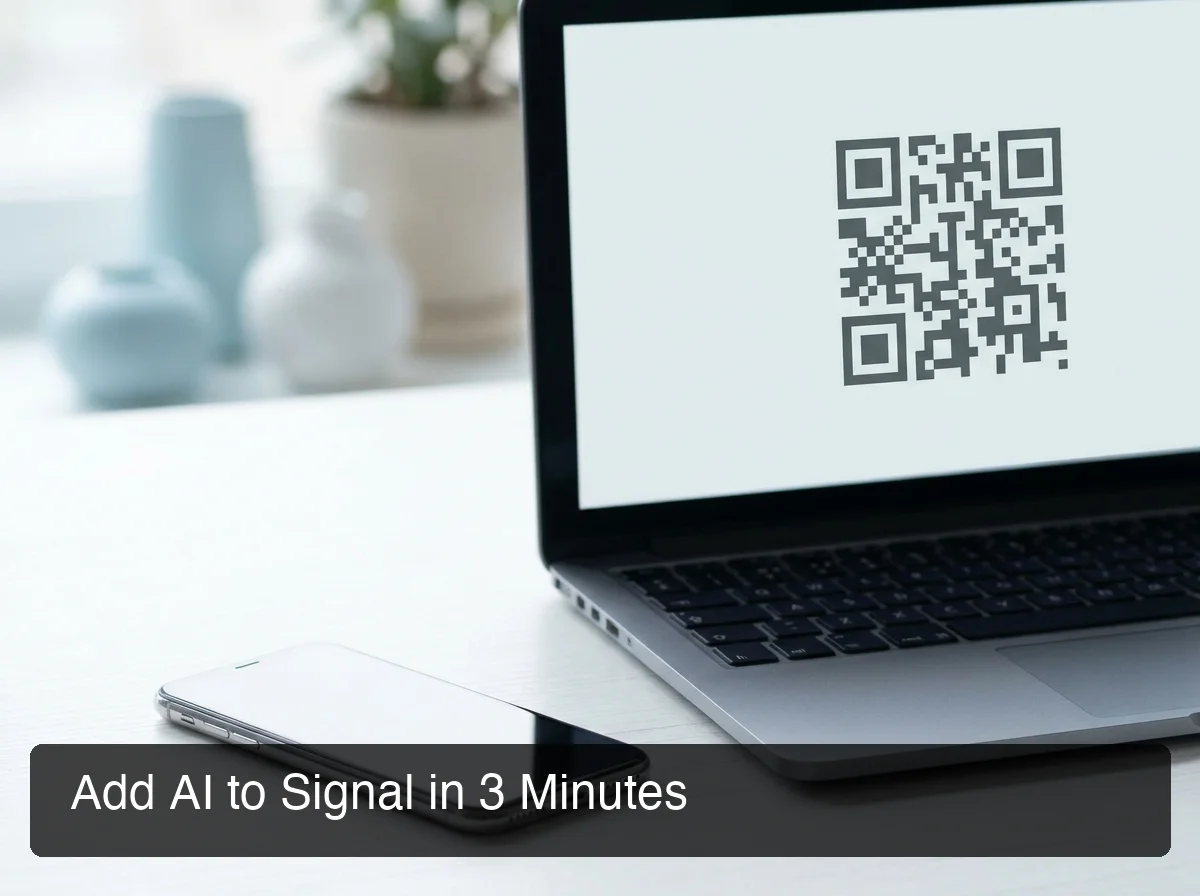 OpenClawHQ handles the signal-cli backend entirely — you just scan a QR code.
Bottom line: OpenClawHQ installs, configures, and maintains the signal-cli stack behind the scenes. You scan once and your AI agent is live. If you've tried the self-hosted route and got stuck, that's exactly the problem we solve.
OpenClaw also supports Signal group chats — your AI agent can be added to a group and configured to respond to mentions or messages from specific allowed senders. If you prefer to use OpenClaw without coding, the managed platform approach is the same across all channel types.
What Can OpenClaw Automate on Signal?
OpenClaw can automate any repeatable Signal conversation: answering FAQs, qualifying incoming leads, sending follow-up messages, summarizing documents, browsing the web on demand, and triggering multi-step workflows — all from a simple Signal message, with zero manual involvement once configured.
Here are the most common automations Signal users run with OpenClawHQ:
Customer Communication
- Auto-respond to common questions ("What are your hours?", "Do you ship internationally?")
- Capture lead information from incoming Signal messages and log it to a CRM
- Follow up on unanswered inquiries after a set delay
- Send appointment confirmations and reminders
Research & Productivity
- "Summarize this document" — paste a link or forward a file and get a concise summary
- "Search the web for [topic]" — OpenClaw browses and returns a distilled answer
- Set reminders and schedule callbacks directly via Signal messages
- Draft and send email replies without leaving the Signal app
Team & Agency Workflows
- Route incoming Signal messages to the right team member based on content
- Agencies automating client communication can use Signal as a lightweight, privacy-first client portal
- Get brief summaries of overnight messages when your workday starts
- Trigger actions across connected apps — Google Calendar, email, Notion — via Signal commands
By the numbers: OpenClaw has 100+ pre-built skills ready to activate. Each skill is triggered by a natural-language message in Signal — no coding, no configuration beyond the one-time activation.
Why OpenClaw's Signal Integration Stands Out
OpenClaw's Signal integration uniquely combines world-class privacy — Signal's end-to-end encryption — with full AI agent capability. And with OpenClawHQ's flat $49/month pricing, there are no token fees, no signal-cli maintenance, and no variable cost surprises regardless of usage volume.
 OpenClaw replaces hours of manual Signal message management with automated, intelligent workflows.
Most tools that claim to work with Signal are either basic chatbots with keyword triggers, webhook-based hacks that break with Signal app updates, or self-hosted setups requiring constant technical maintenance. OpenClaw is different.
What Makes OpenClaw Different on Signal
- Full AI reasoning — not keyword matching; OpenClaw understands context and intent
- 100+ skills — pre-built automations covering web, email, calendar, files, and more
- Group chat support — allowlist-controlled responses in Signal groups
- Always online — OpenClawHQ manages uptime, restarts, and updates automatically
The OpenClaw Hub dashboard lets you manage multiple channel integrations from one place — useful if you're running Signal for client communication and Slack for internal team automation simultaneously.
Key insight: OpenClawHQ customers get fully isolated private instances. Your Signal conversations are not shared with other users or fed into shared AI training data.
Is Signal Safe for AI Agents Like OpenClaw?
Yes — Signal's end-to-end encryption protects messages in transit between users. OpenClaw only processes messages after they are decrypted on your dedicated server, using your own account credentials via signal-cli. No third party intercepts Signal's encryption layer — OpenClaw operates as you, on your own private instance.
This deserves a direct answer because it's a legitimate concern. Some privacy advocates have raised questions about AI agents processing Signal messages. The honest answer: OpenClaw accesses Signal the same way you do — through your own account, on your own device or server.
What OpenClawHQ Does With Your Data
- Each customer gets an isolated private instance — your conversations are never shared
- Security updates are managed automatically — no manual patching required
- OpenClaw processes messages through your chosen AI model with standard API-level security
- We do not sell or share customer conversation data
The key distinction: Signal's encryption protects messages between people. Once a message reaches your device (or your private server), your software can read it — the same way the Signal app itself does. OpenClawHQ adds no new exposure beyond what already occurs when you read messages on a desktop Signal client.
If you need to restrict which Signal contacts OpenClaw responds to, the dashboard includes allowlist controls — you define exactly who your AI agent responds to, in DMs and groups alike.
Which Other Messaging Apps Can You Use OpenClaw With?
OpenClaw works with 20+ messaging platforms — WhatsApp, Telegram, Slack, Discord, iMessage, Signal, and more. You configure one OpenClaw instance and connect multiple channels. Your AI agent is consistent across every app, with no rebuilding or reconfiguring per platform.
Signal is one of the stronger privacy-focused options, but OpenClaw's multi-platform support is one of its biggest structural advantages. Here's how Signal compares to the other popular integrations:
| Platform | Privacy Level | Group Chat | Setup Method | Best For |
|---|---|---|---|---|
| Signal | End-to-end encrypted | ✓ | QR scan via signal-cli | Privacy-first users & businesses |
| Telegram | Partial encryption | ✓ | BotFather token | Power users, large communities |
| Slack | Business encryption | ✓ | OAuth | Teams & internal workspaces |
| Discord | Standard | ✓ | Bot token | Communities & hobby groups |
| End-to-end encrypted | ✓ | QR scan | Personal use & SMBs |
If your team already uses Slack alongside Signal, OpenClaw for Slack walks through the workspace-specific setup and team automation use cases. Many OpenClawHQ customers run Signal for client-facing communication and Slack for internal team workflows from a single instance.
 One OpenClaw instance connects all your messaging platforms — Signal is one of 20+ supported channels.
Bottom line: You don't need to choose between privacy (Signal) and productivity (Slack). OpenClawHQ lets you run both from one AI instance, managed entirely by us.
How Much Does OpenClaw for Signal Cost?
OpenClawHQ costs $49/month flat — one price covers your private OpenClaw instance, all infrastructure, and unlimited AI usage including openclaw signal automation. There are no token fees, no per-message billing, and no signal-cli hosting charges layered on top. $49 is the total monthly cost.
The Signal channel is included in the standard plan with no add-on pricing. Here's how OpenClawHQ compares to the alternatives:
| Service | Hosting Fee | Token / Usage Fee | Monthly Total |
|---|---|---|---|
| KiloClaw | $9/mo | Per-inference via their gateway | Varies — can exceed $30+ |
| xCloud / MyClaw | $16/mo | BYOK (your own API costs) | $16 + your API bills |
| Blink Claw | $45/mo | Included but capped | $45 for limited usage |
| Self-hosting (VPS) | $4–$10/mo | Your full API costs | VPS + API bills + your time |
| OpenClawHQ | $49/mo flat | Included, unlimited | $49 always |
For active Signal users — businesses responding to customer messages all day — the unpredictable token billing from KiloClaw or BYOK services makes real cost estimation impossible. Heavy usage can double or triple the nominal hosting fee. OpenClawHQ's flat rate eliminates that entirely.
Get Your OpenClaw Instance
Signal is the right choice for founders and business owners who won't compromise on privacy. OpenClawHQ gives you AI automation inside those encrypted conversations — without touching a command line, installing signal-cli, or managing a server.
Start for $49/month — your private OpenClaw on Signal, live in minutes.
Frequently Asked Questions
What is OpenClaw for Signal?
OpenClaw for Signal is an AI agent integration that connects your Signal account to OpenClaw, an open-source autonomous AI assistant. It reads your Signal messages and responds using AI — answering questions, executing tasks like web search or email drafting, and managing workflows. OpenClawHQ delivers this managed and ready in minutes for $49/month flat.
How long does it take to set up OpenClaw on Signal?
With OpenClawHQ, setting up OpenClaw on Signal takes under 5 minutes. Sign up, select Signal as your channel, scan a QR code in the web dashboard, and your instance is live. OpenClawHQ handles the signal-cli installation and configuration entirely — no command line or technical knowledge required on your end.
Does OpenClaw work with Signal group chats?
Yes. OpenClaw supports Signal group chats and can be configured with an allowlist to respond only to specific senders or mentions. Group support is available on all OpenClawHQ plans — you control exactly which chats your AI agent is active in, preventing unwanted responses in groups you don't intend to automate.
What can I do with OpenClaw for my business?
OpenClaw acts as an AI employee inside your messaging apps (WhatsApp, Telegram, Discord, Slack, and 20+ others). It can answer customer questions automatically, follow up on leads, summarize documents, browse the web, send emails, and execute 100+ pre-built automations called "skills." OpenClawHQ delivers this fully configured for $49/month — no technical setup required.
What is the difference between OpenClaw, Clawdbot, and Moltbot?
They are all the same tool at different points in time. The project launched as "Clawdbot" in November 2025, was briefly renamed "Moltbot" in January 2026 after a trademark dispute, and then renamed "OpenClaw" three days later — the name it carries today. OpenClawHQ provides managed hosting for OpenClaw (all names refer to the same underlying software).
Is Signal safe for running an AI agent like OpenClaw?
Yes. Signal's end-to-end encryption protects messages between users. OpenClaw accesses Signal via signal-cli on your own dedicated server — the same way you read messages on a desktop client. With OpenClawHQ, each customer gets an isolated private instance. Your conversations are never shared with other users or used for AI model training.