
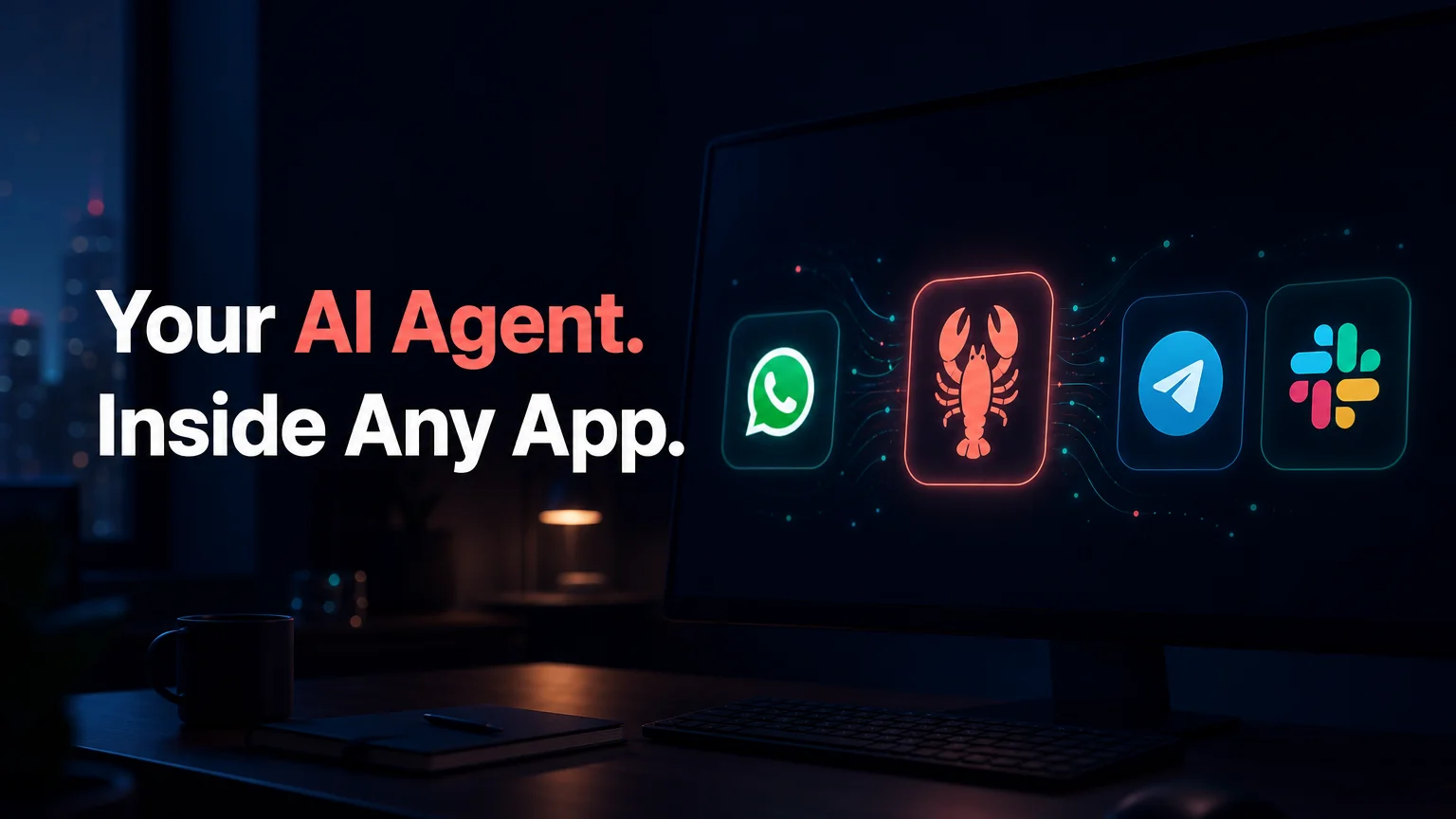
How Does OpenClaw Work? Chat App, Skills, Action
How Does OpenClaw Work? Chat App, Skills, Then Action
How does OpenClaw work? It lives inside a messaging app you already use, reads what you send, picks the right skill from a library of 100+, and carries out the task itself. A chatbot stops at the answer.
OpenClaw keeps going until the work is done.
That one difference explains most of the confusion around the tool, so here are the three layers that make it happen.
How Does OpenClaw Work, Step by Step?
OpenClaw is an open-source AI agent built in three layers. A messaging layer receives your message in WhatsApp, Telegram, Slack or another app. A skill layer decides which automation fits. An execution layer runs the steps, such as browsing, emailing or calling an API, and reports back in the same chat.
Picture a customer message arriving at 2am. The messaging layer catches it, the AI model reads it, and a skill drafts the reply or books the callback. You wake up to a finished job, not a to-do.
Under the hood, OpenClaw runs as a program that stays on all the time. It listens to your connected chat apps, passes each request to an AI model, and when the model decides a tool is needed, runs it and feeds the result back into the conversation. That loop repeats until the task is complete.
Key Takeaways
- OpenClaw is an autonomous AI agent that works inside your messaging apps and executes multi-step tasks: browsing, emails, API calls and file management.
- Skills are the engine. There are 100+ pre-built automations you activate by name, and technical users can write custom ones.
- ChatGPT answers questions. OpenClaw acts on them, including incoming messages, lead follow-ups and document summaries.
- It runs around the clock in WhatsApp, Telegram, Discord, Slack, iMessage, Signal and 20+ other apps.
- OpenClawHQ hosts it for you at $49/month flat with unlimited usage, so there is no server to run.
OpenClaw Skills: The 100+ Automations Behind It
Skills are pre-built automations that connect OpenClaw to a specific capability or service. Examples include browsing the web, summarizing a document, setting a reminder, checking the weather, managing calendar events and sending an email. There are more than 100, and you switch each one on by name.
Think of skills as apps for your assistant. The AI model supplies the judgment, and each skill supplies a hand that can actually do something.
Common skill categories:
- Web: search, browse pages, fill in forms
- Communication: send emails, reply in chat, follow up on leads
- Files and documents: read, summarize and organize
- Scheduling: reminders, calendar events, recurring tasks
- Integrations: call APIs to reach other services
For the full catalogue, see our guide to OpenClaw skills explained. To see the exact phrases people send, read what you can ask OpenClaw to do.
Worth knowing: Non-technical users activate skills by naming them in the chat. Writing a custom skill is the only part that needs code.
How Does OpenClaw Work With WhatsApp and Other Apps?
OpenClaw connects to a messaging app through a channel link, then treats that chat as its control panel. Supported apps include WhatsApp, Telegram, Slack, Discord, iMessage, Signal, Microsoft Teams, Matrix, LINE and more. Once linked, you message it like a person and it answers in the same thread.
Each app authenticates differently. WhatsApp uses a QR code scan, Telegram needs a bot token from BotFather, and Discord or Slack use an authorization step. On a self-hosted install, you do that from the command line on your own machine.
That setup is where most newcomers stall, and it is the part OpenClawHQ handles with a web wizard. If you want the full picture of what the software can do once connected, our breakdown of what OpenClaw can do has real use cases.
Can OpenClaw Really Automate My Workflows?
Yes, within the skills you have switched on. A single request can chain several steps: read a message, look something up, write a reply, and log it. You set the goal in plain language and OpenClaw sequences the actions.
 An automated reply lands while the owner is doing something else.
Typical jobs people hand over:
- Answering common customer questions the moment they arrive
- Following up on a quote or lead after a set delay
- Summarizing a long document into a few lines
- Sending a scheduled email or reminder
It is not magic. OpenClaw works from the skills and context you give it, so vague goals produce vague results.
What's the Difference Between OpenClaw and ChatGPT?
ChatGPT is a conversational assistant that responds when you ask it something. OpenClaw is an agent that lives in your messaging apps, uses skills to take actions on your behalf, and can handle incoming messages without you opening a separate app or pasting anything in.
The practical gap shows up in the workflow. With ChatGPT you copy a customer message in, copy the reply out, and send it yourself. With OpenClaw the message arrives where it already lives, and the reply goes back from there.
| ChatGPT | OpenClaw | |
|---|---|---|
| Where you use it | Its own app or site | Inside WhatsApp, Telegram, Slack and more |
| Default behavior | Answers when asked | Acts using skills |
| Handles incoming messages | Not by default | Yes |
| Tools | Depends on plan and features | 100+ pre-built skills |
Both are useful, and many people use both. They do different jobs.
Safety and Business Use
OpenClaw is open-source, so its code is public, and it can take real actions like sending emails or reading files. That power is the reason to be deliberate about which skills you switch on.
With OpenClawHQ, each customer gets a private, isolated instance. Conversations and configuration are stored separately from other customers, and we manage updates and security patches.
We do not sell or share customer conversation data. If you have strict compliance requirements such as SOC 2 or HIPAA, check them with us before you commit, because we do not claim those certifications.
Why OpenClaw on Your Messaging App?
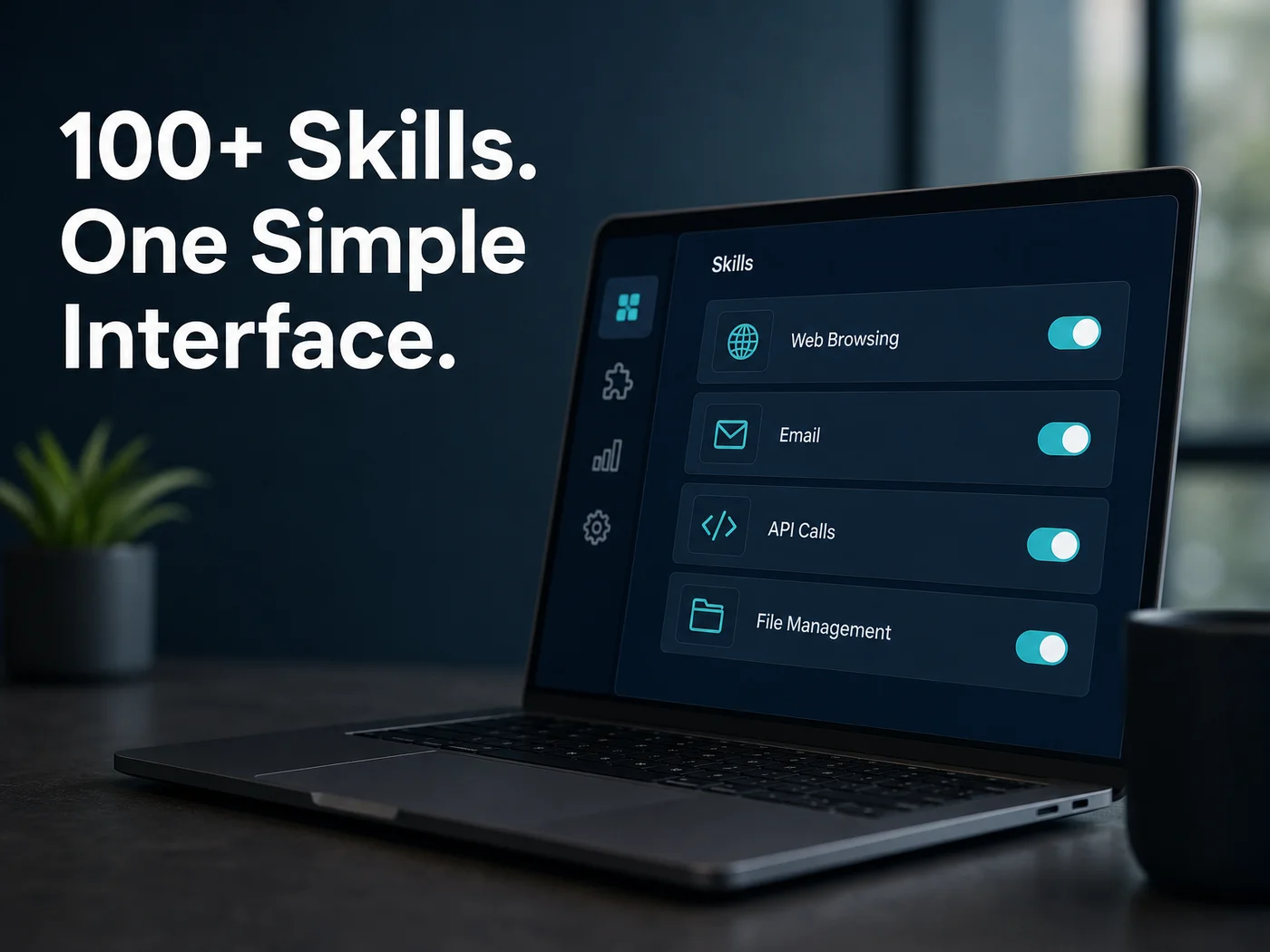 An illustration of the skills panel concept: pick what the agent may do, switch it on.
The mechanics are simple. The hard part is running them. OpenClaw itself is free, but the self-hosted route means a machine that stays on, Node.js 24, a command-line onboarding wizard, channel authentication and ongoing updates.
OpenClawHQ removes that.
You sign up, pick a channel, follow a guided setup of roughly 3 to 7 minutes, and your private instance is live with 100+ skills pre-installed. The LLM provider is included, so there are no API keys and no token fees. Because OpenClaw is open source, you can also read the project's story in OpenClaw open source: the numbers behind 247K stars.
Get Started with OpenClawHQ
You now know the three layers. The quickest way to see them work on your own messages is a managed instance: $49/month flat, unlimited usage, nothing to install.
FAQ
Do I need to know how to code to use OpenClaw?
Not on OpenClawHQ. Setup runs through a web dashboard, and you activate skills by name in your chat. Coding is only needed if you want to write custom skills from scratch, which is optional and outside what we offer.
Is OpenClaw free?
The software is free and open source. Running it is not free in practice: you need an always-on server, technical setup, updates and your own AI model API costs. OpenClawHQ bundles all of that into $49/month flat with unlimited usage.
Which messaging apps does OpenClaw work with?
WhatsApp, Telegram, Slack, Discord, iMessage and Signal are the most common, with 20+ supported in total. Others include Microsoft Teams, Matrix, LINE and Mattermost. You choose which app to connect first during setup.
What did OpenClaw used to be called?
Clawdbot at launch in November 2025, then briefly Moltbot in January 2026 after a trademark dispute, then OpenClaw three days later. All three names refer to the same software, so older tutorials still apply.