
OpenClaw WeChat: Connect It in 5 Minutes | OpenClawHQ
OpenClaw WeChat: How to Connect It in 5 Minutes
Yes — OpenClaw WeChat integration is real, and getting it live takes about five minutes if you skip the self-hosted plugin route entirely. WeChat is one of the 20-plus channels the open-source agent supports natively, alongside WhatsApp, Telegram, Discord, and Signal. Most of what currently ranks for this search teaches you to build that connection yourself.
The project has crossed 247,000 GitHub stars since its launch less than a year ago — WeChat support is just one small piece of that growth.
OpenClaw WeChat Support Is Built Into the Core Project
WeChat isn't a bolted-on afterthought in OpenClaw's channel list. If you're still catching up on what OpenClaw is, the short version is that it's an open-source AI agent that lives inside your messaging apps — and its own documentation lists "weixin" and "wechat" as aliases pointing to the same channel plugin, meaning the integration is built into the core project rather than maintained as a fringe community add-on.
That distinction matters because search results for "openclaw wechat" surface a mix of things that aren't quite the same product. Tencent Cloud's WeChat Mini Program tooling, for instance, is about building AI-powered mini-apps inside WeChat — a developer product, not a personal or business messaging agent. OpenClaw's WeChat channel is different: it lets your existing OpenClaw agent send and receive messages through a WeChat account, the same way it already does on WhatsApp or Telegram.
- Alias support means "openclaw wechat integration" and "openclaw weixin integration" point to the identical underlying plugin
- WeChat joins Telegram, Discord, Slack, iMessage, Signal, Matrix, Feishu, LINE, and a dozen others in the supported list
- The channel handles incoming and outgoing messages, not just mini-program development
Key Takeaways
- OpenClaw treats WeChat and Weixin as the same channel — both point to one built-in plugin, not a third-party workaround.
- Self-hosted OpenClaw WeChat setup currently relies on community plugins with real limitations, including a macOS-only bridge for certain configurations.
- OpenClawHQ gets OpenClaw messaging through WeChat working in about 5 minutes via a QR code scan — no Node.js, no plugin installs, no VPS.
- A flat $49/month covers your entire OpenClaw instance, including WeChat, with unlimited usage and no per-message token fees.
- Skills like web search, document summarization, and API calls activate inside WeChat conversations just by typing a command.
How Do I Connect OpenClaw to WeChat?
Connecting OpenClaw to WeChat happens one of two ways: self-hosting the official channel plugin on your own server, or using a managed service that handles the connection for you. The self-hosted path involves installing OpenClaw, configuring the WeChat channel plugin, and authenticating your account — a process community members are still actively troubleshooting. The managed path replaces all of that with a QR code scan inside a web dashboard.
Community threads give a clear picture of what self-hosting actually involves right now. One widely referenced approach uses a plugin that bridges to the desktop WeChat client via LLDB — meaning it only runs on macOS and requires debugger-level access to the WeChat app itself. Another plugin thread describes messages only arriving when sent directly to the bot, with group-chat behavior still being worked out.
Common mistake: assuming "OpenClaw supports WeChat" means the setup is as simple as WhatsApp's QR-based pairing. Self-hosted WeChat connections currently depend on community-built bridges with platform restrictions most guides don't mention upfront.
OpenClawHQ removes that layer entirely. You sign up, pick WeChat as your channel, and complete a guided connection step in the dashboard — no LLDB, no macOS requirement, no plugin repository to clone. Your instance authenticates and starts receiving messages within minutes.
What Can OpenClaw Do Inside WeChat?
Inside WeChat, OpenClaw functions the same way it does on any supported channel — it reads incoming messages and executes tasks, not just replies with canned text. It can browse the web, summarize a shared document, check information, draft a follow-up message, or run any of the 100+ pre-built skills available in the OpenClaw Hub. Users activate skills by naming them in conversation.
Picture a small import-export business that runs customer conversations through WeChat, common across Asia and diaspora trading communities. A customer sends a product question at midnight. OpenClaw answers using information pulled from a shared document, then flags the conversation for a human follow-up in the morning — all inside the same WeChat thread the customer already uses.
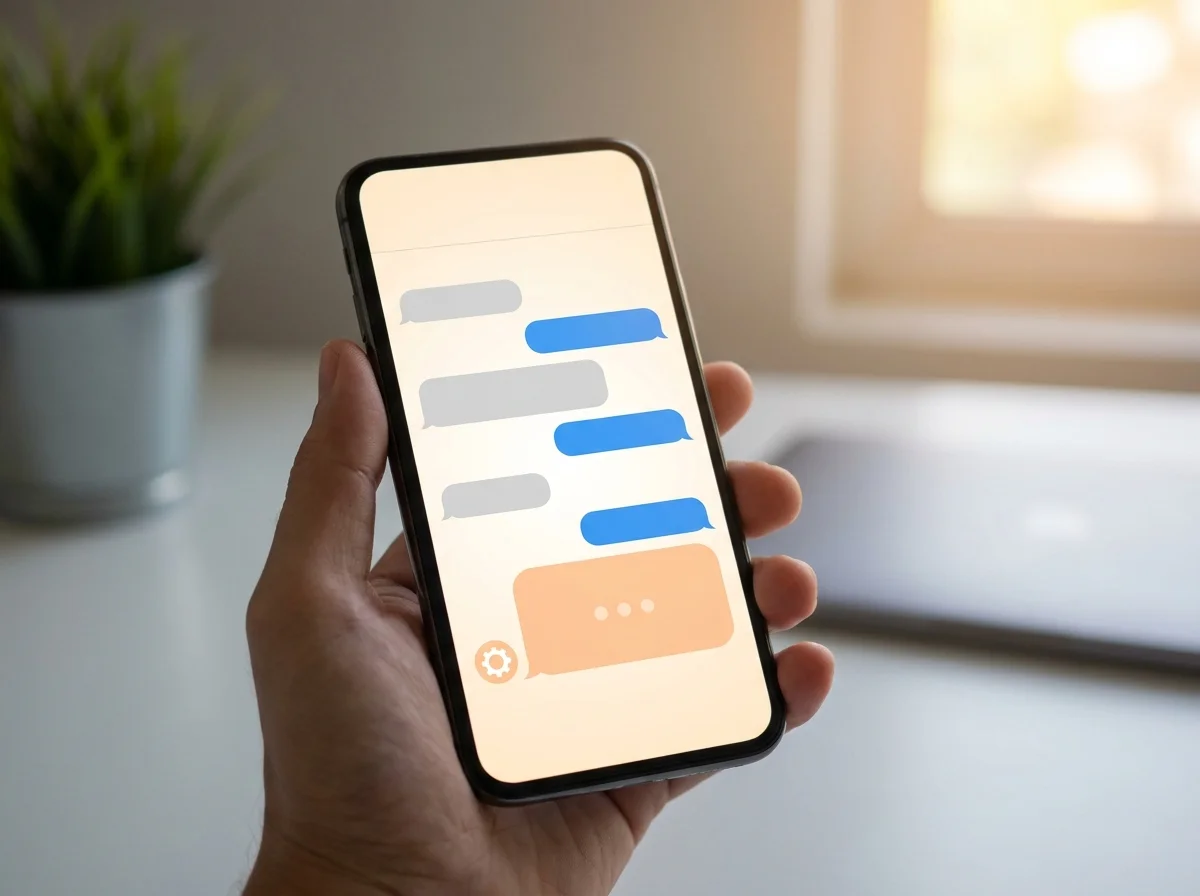 A WeChat conversation showing OpenClaw handling an incoming question without a human typing the reply.
That kind of coverage extends past customer service. Restaurants automating reservations and orders are a natural fit given how heavily WeChat is used in food service across Asia, and agencies managing client updates or sales teams following up on leads can run the same skills through the channel. Our broader look at what OpenClaw can actually do covers the full skill catalog if WeChat is your second or third channel rather than your first.
Why Use OpenClawHQ for WeChat?
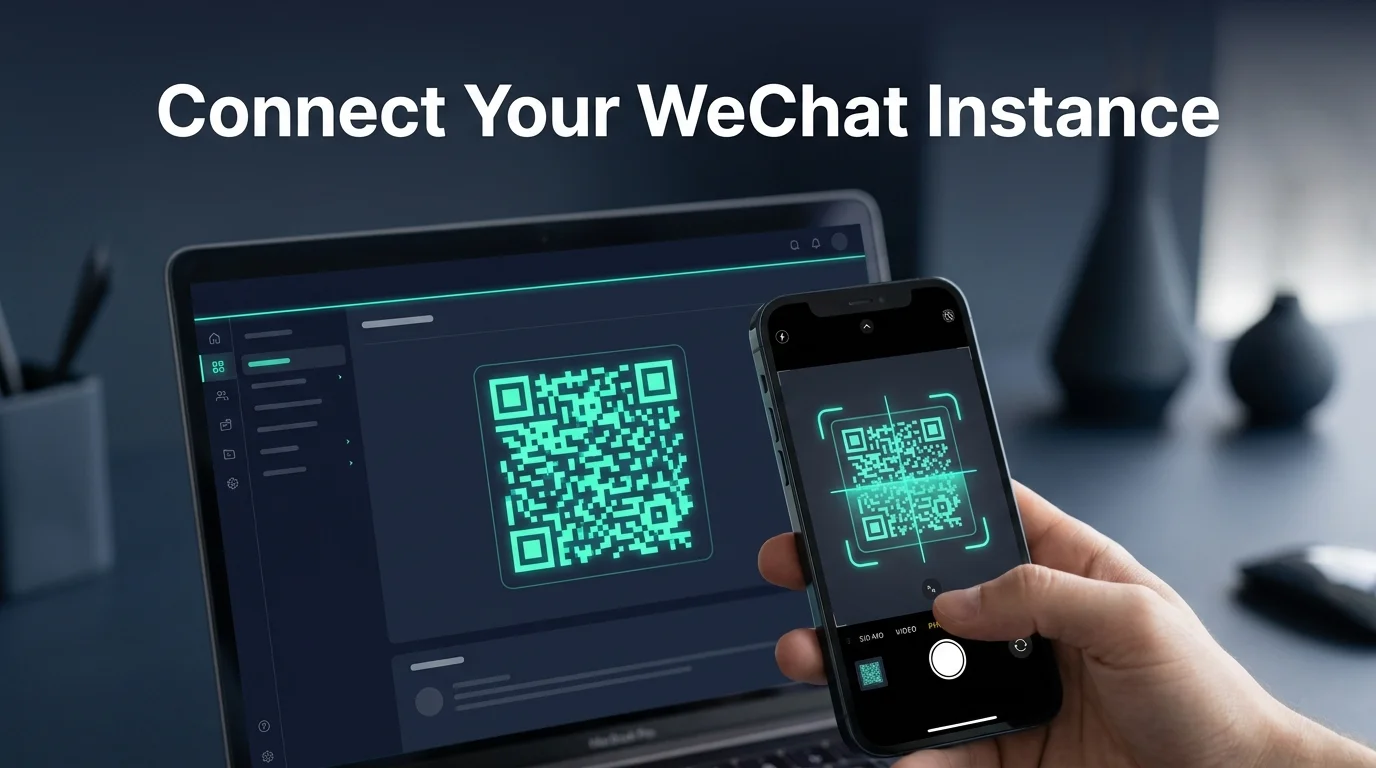 Scanning the dashboard's QR code replaces the plugin installation and channel authentication a self-hosted setup requires.
Self-hosting OpenClaw's WeChat channel means keeping a server online, matching the exact Node.js version OpenClaw requires, and maintaining a community plugin that may need an operating system you don't already use. OpenClawHQ replaces every one of those steps with a dashboard flow built for someone who has never touched a terminal.
Non-technical business owners don't need to evaluate which WeChat bridge plugin is currently maintained or whether it runs on their machine. If technical setup has been the blocker before, a managed instance is built specifically to remove it — you pick WeChat, complete the guided step, and your agent goes live.
- No server to provision or keep patched
- No plugin compatibility to track across OpenClaw updates
- No separate operating system requirement for the WeChat bridge
- One flat price instead of hosting plus token fees stacked on top
How Much Does OpenClaw WeChat Cost?
OpenClaw the software costs nothing — it's free and open source. Running it on WeChat costs either your own time maintaining a server and plugin, or $49/month flat through OpenClawHQ, which includes unlimited usage across every connected channel. Other managed services charge a hosting fee plus a separate, usage-based inference fee that scales with how much you message.
| Service | Hosting Fee | Token Fee | Typical Monthly Total |
|---|---|---|---|
| Self-hosted (VPS + plugin) | $4–$10/mo | Your own API bill | Varies, plus setup/maintenance time |
| KiloClaw | $9/mo | Per-inference gateway | Often $30+ for active use |
| Blink Claw | $45/mo | Capped usage | $45 with limits |
| OpenClawHQ | $49/mo flat | Included, unlimited | $49 always |
For a WeChat-heavy business fielding dozens of customer conversations a day, the token line item on usage-based plans adds up fast. Flat pricing means the WeChat channel doesn't cost more just because your customers message more.
Get Started with OpenClawHQ
If WeChat is where your customers already are, there's no reason your AI agent should live somewhere else. Skip the plugin repository and the server setup — connect WeChat directly through a guided dashboard and start messaging in minutes.
Frequently Asked Questions
Is OpenClaw free for WeChat users?
The OpenClaw software is free and open source on every channel, including WeChat. Running it requires a dedicated server and ongoing plugin maintenance if you self-host, plus your own AI model costs. OpenClawHQ covers all of that for $49/month flat, with unlimited usage and no separate token charges.
Do I need technical skills to set up OpenClaw on WeChat?
Not with a managed instance. Self-hosting the WeChat channel currently involves community plugins with real technical requirements, including operating system restrictions for some configurations. OpenClawHQ's dashboard replaces that with a guided connection step — no command line, no plugin installation.
How long does it take to set up OpenClaw on WeChat?
Through OpenClawHQ, connecting WeChat takes about five minutes from signup to your first message. Self-hosting the official plugin can take considerably longer once you factor in server setup, Node.js configuration, and troubleshooting the community WeChat bridge.
Is "OpenClaw WeChat" the same as "OpenClaw Weixin"?
Yes. OpenClaw's documentation treats WeChat and Weixin as aliases for the same underlying channel plugin, so searches and setup instructions for either name apply to the identical integration — there's no separate product to choose between.