
How to Install OpenClaw: 5-Minute Setup, No Coding
How to Install OpenClaw: The 5-Minute Managed Way
Searching "how to install OpenClaw" usually lands you on a terminal command and a list of version requirements. If you run a business rather than a server, that is where the trouble starts.
There are two honest answers. One takes hours and some command-line comfort, the other takes about five minutes and none. Here is exactly how each works, so you can pick before you waste an afternoon.
Key Takeaways
- OpenClaw is free and open source, but installing it yourself means Node.js 24, CLI configuration, a machine that runs 24/7, and ongoing maintenance.
- OpenClawHQ is the managed route: your private instance is set up through a web wizard, with no command line and no server.
- Connecting an app is a short step. WhatsApp uses a QR code, Telegram a bot token we help you create, Discord and Slack an Authorize button.
- OpenClawHQ costs $49/month flat with unlimited usage, and the AI model provider is included, so there are no token fees and no API keys.
- Setup takes about 3 to 7 minutes depending on the channel.
Contents
- How to Install OpenClaw: Self-Hosted or Managed?
- Can You Install OpenClaw Without Coding?
- Do You Need a Server to Install OpenClaw?
- How to Install OpenClaw With OpenClawHQ, Step by Step
- How Do You Connect OpenClaw to WhatsApp the Managed Way?
- Why OpenClawHQ Is Faster Than Self-Hosting
- How Long Does It Take to Set Up OpenClaw?
- What Happens After You Install OpenClaw?
- Get Started with OpenClawHQ
- FAQ
How to Install OpenClaw: Self-Hosted or Managed?
You can install OpenClaw two ways. Self-hosting means installing the free software yourself on a machine that stays on around the clock, using Node.js 24 and the command line. The managed route, OpenClawHQ, hands you a private, ready-to-use instance through a web dashboard instead.
The self-hosted path is what most tutorials teach. You install Node.js 24, add OpenClaw with an npm global install, and run the onboarding wizard with openclaw onboard --install-daemon. Then you authenticate each messaging channel yourself.
The managed path skips all of that. You sign up, pick your app, follow a guided wizard, and OpenClaw answers your first message. Nothing is installed on your computer.
The short version: self-hosting trades your time for a $0 software price. Managed trades $49 a month for your time back.
Can You Install OpenClaw Without Coding?
Yes, but only through a managed service. Self-hosted OpenClaw needs a terminal, a specific Node.js version, and a background process that keeps running. OpenClawHQ removes the terminal entirely: the whole setup happens in a web dashboard, and you never type a command.
If you have tried the GitHub route and hit a wall, you are in good company. Most non-technical users give up within the first 15 minutes, usually on the Node.js version or the background process. That is the gap OpenClawHQ was built to close.
We cover the no-code angle in more depth in using OpenClaw without coding. If you are still deciding whether this is too technical for you, OpenClaw for beginners answers that directly.
Do You Need a Server to Install OpenClaw?
Self-hosting does: OpenClaw has to run on a dedicated machine or VPS that stays online 24/7, or it stops answering when your laptop sleeps. With OpenClawHQ you need no server, no VPS, and no cloud account, because your instance runs on dedicated infrastructure we manage.
Here is everything the two routes ask of you:
| Self-hosted OpenClaw | OpenClawHQ | |
|---|---|---|
| Server or VPS | Required, always on | Not needed |
| Node.js | Version 24 | Not needed |
| Command line | Yes, for install and onboarding | Never |
| Daemon and updates | You manage them | We manage them |
| AI model access | Your own API account and bills | Included |
| Channel connection | You authenticate each one | Guided in the dashboard |
| Cost | $0 software + server + API usage | $49/month flat, unlimited |
That last row matters more than it looks. A VPS can cost as little as $3.99 to $9.99 a month, but you still pay your own AI model bills and carry the maintenance.
How to Install OpenClaw With OpenClawHQ, Step by Step
Setup is a web wizard with four moves: create an account at openclawhq.io, choose the single $49/month plan, pick the messaging app you want to connect first, and follow the guided connection. Then send a message to confirm your instance is live.
 Step one is an email and password. No downloads, no terminal.
Here is the full sequence:
- Sign up at openclawhq.io with an email and password. It takes about 30 seconds.
- Choose your plan. There is one: $49/month flat, unlimited usage.
- Choose your channel. WhatsApp, Telegram, Discord, Slack, or another supported app.
- Follow the guided setup. The wizard walks you through connecting that channel.
- Send a test message. Your instance replies, and you are live.
Notice what is missing: no API key to paste in, no model to choose, no server region. The AI model provider is part of the plan.
How Do You Connect OpenClaw to WhatsApp the Managed Way?
In OpenClawHQ, pick WhatsApp as your channel, then scan the QR code shown in the dashboard with your phone. Once the code is scanned, your OpenClaw instance is connected and replies in that chat. There is no server setup and no command line involved.
The connection step differs a little by app, but each one stays inside the dashboard:
- WhatsApp: scan a QR code.
- Telegram: enter a bot token. We help you create it, so you do not need to know BotFather.
- Discord and Slack: click an Authorize button.
Compare that with self-hosting, where you handle each channel's authentication yourself on the command line. Our full walkthrough lives in OpenClawHQ for WhatsApp.
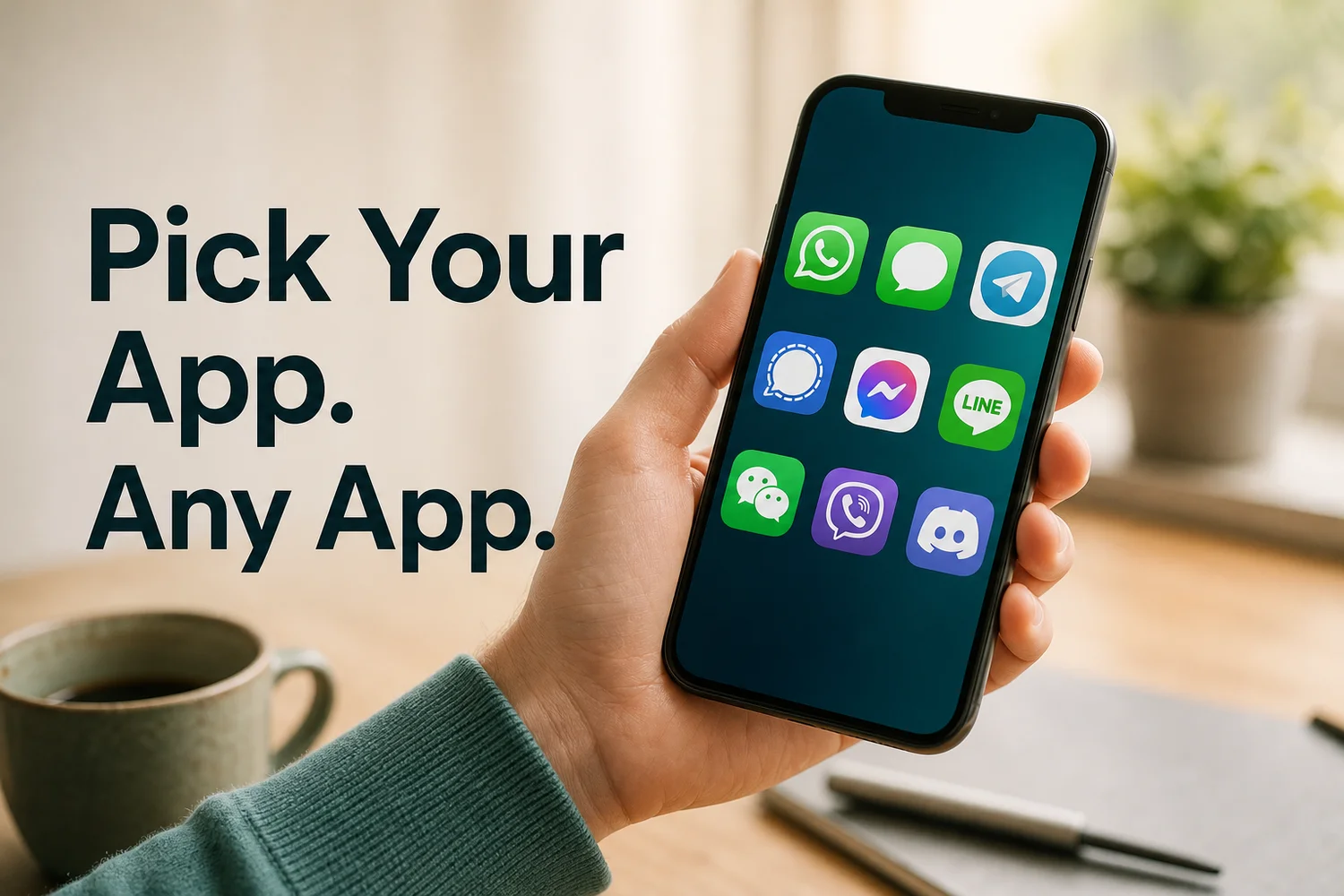 OpenClaw works with 20+ messaging apps. You choose the one you already use.
Why OpenClawHQ Is Faster Than Self-Hosting
OpenClawHQ is faster because every slow part of installation is done before you arrive. The server, Node.js, the background process, updates, and the AI model connection are already handled, so the only thing left for you to do is connect your messaging app.
Walk through the self-hosted checklist and count the places a beginner can stall:
- Installing the right Node.js version, and finding out you have the wrong one.
- Running a global npm install that fails on permissions.
- Keeping a machine awake so OpenClaw does not go offline.
- Setting up your own AI provider account and watching the bill.
- Reconnecting a channel when the session drops.
OpenClawHQ reconnects dropped channels automatically, restarts the process if it crashes, and applies updates for you. If you want a gut check on difficulty before you commit, the OpenClaw getting started guide covers the broader picture.
Reality check: Other managed services charge $9 to $45 a month for hosting, then add token fees or ask you to bring your own API key. OpenClawHQ is $49 flat, with the model included.
How Long Does It Take to Set Up OpenClaw?
With OpenClawHQ, setup takes about 3 to 7 minutes depending on the channel, and your instance is live within minutes of signing up. Self-hosting takes much longer for a beginner, since it involves several installs, a server, and channel authentication done by hand.
Rough timing for the managed route:
- Account and plan: about 30 seconds for the signup.
- Connecting WhatsApp, Telegram, Discord, or Slack: the rest of the 3 to 7 minutes.
- First reply: right after the connection completes.
We do not put an exact hour count on self-hosting, because it varies with how comfortable you are in a terminal. What we can say is that it is measured in hours for most people, and in "gave up" for many.
What Happens After You Install OpenClaw?
Once your instance is live, you talk to OpenClaw in your messaging app like you would a human assistant. You can switch on the 100+ pre-installed skills from the dashboard, such as web search, email, and calendar, and start handing it real tasks.
 Your first reply means the install worked. From here it is just a chat.
The natural next question is what to ask it. Our list of OpenClaw commands shows what it can do from the first day.
Get Started with OpenClawHQ
If you want OpenClaw running today instead of this weekend, the managed route is the shorter path. One plan, $49/month flat, and a wizard that does the heavy lifting.
FAQ
Is OpenClaw free to install?
The OpenClaw software is free and open source. Running it is the cost: a server that stays on, Node.js setup, ongoing maintenance, and separate AI model usage. OpenClawHQ bundles all of that into $49/month flat with unlimited use.
What do I need to install OpenClaw myself?
Self-hosting needs Node.js 24, an npm global install, a machine that runs 24/7, and the onboarding wizard. You also authenticate each messaging channel yourself and keep up with updates. Managed hosting needs none of it.
How do I get OpenClaw on WhatsApp quickly?
Sign up for OpenClawHQ, choose WhatsApp as your channel, and scan the QR code in the dashboard. That connects your private instance. It takes about five minutes with no server and no command line.
Is OpenClawHQ different from installing OpenClaw?
Yes. Installing OpenClaw puts the software on a machine you maintain. OpenClawHQ gives you a private, fully managed instance of it, with hosting, updates, and the AI provider handled. You only connect your messaging app.
Is OpenClawHQ safe to use?
Each customer gets an isolated private instance, so conversations and data are not shared with other customers. Security updates are applied for you. We do not sell or share customer conversation data.
Are Clawdbot, Moltbot and OpenClaw the same thing?
Yes. The project launched as Clawdbot in November 2025, was briefly renamed Moltbot in January 2026, and became OpenClaw three days later. Installation guides under any of the three names describe the same software.